Rev. 1.05 - 8 -
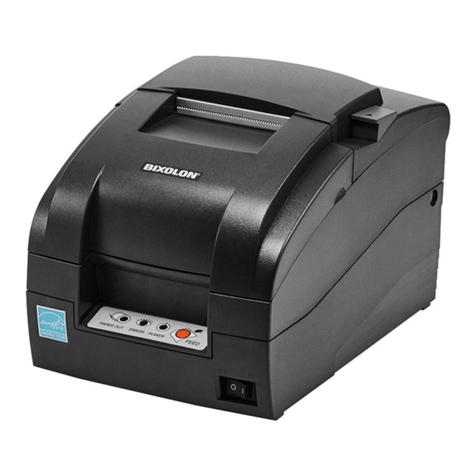
SRP-500
■Table of Contents
1. Setting Up the Printer ................................................................................................... 9
1-1 Unpacking.................................................................................................................. 9
1-2 Choosing a place for the printer............................................................................... 10
1-3 Using the control panel ............................................................................................ 11
2. Connecting the cables................................................................................................ 12
2-1 Connect the AC adapter according to the following procedure................................ 12
2-2 Connecting the interface cable ................................................................................ 13
3. Setting the Dip Switches ............................................................................................ 14
3-1 Serial Interface (RS232C)........................................................................................ 15
3-2 Parallel / USB Interface (Parallel-IEEE1284)........................................................... 16
4. Setting the memory switches .................................................................................... 17
4-1 Setting methods....................................................................................................... 17
4-2 Memory switch description ...................................................................................... 17
4-3 Star emulation ......................................................................................................... 18
5. Installing new Ink cartridge(s) ................................................................................... 21
6. Installing or replacing paper roll ............................................................................... 23
7. Self Test....................................................................................................................... 25
8. Hexadecimal Dumping ............................................................................................... 26
9. Specification ............................................................................................................... 27
10. Appendix - Troubleshooting .................................................................................... 28
10-1 The printer does not start printing.......................................................................... 28
10-2 The printer stops printing ....................................................................................... 28
10-3 You want to check the operation of the printer by itself ......................................... 29
10-4 Printing is poor....................................................................................................... 29