10
ENGLISH
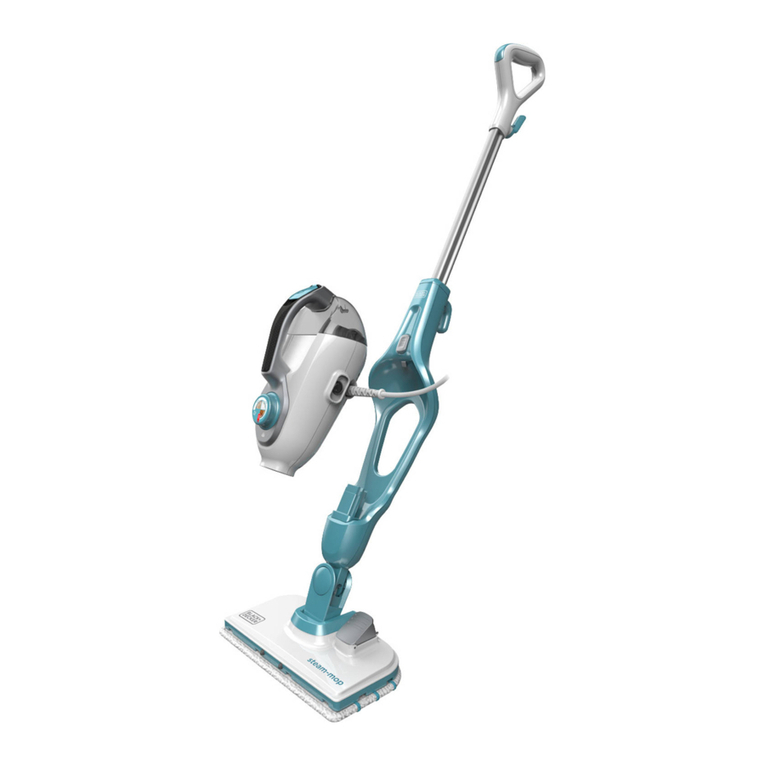
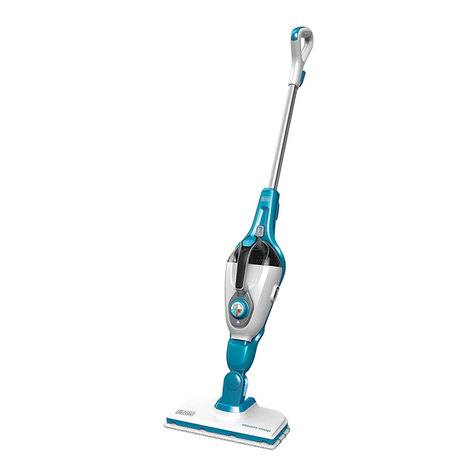
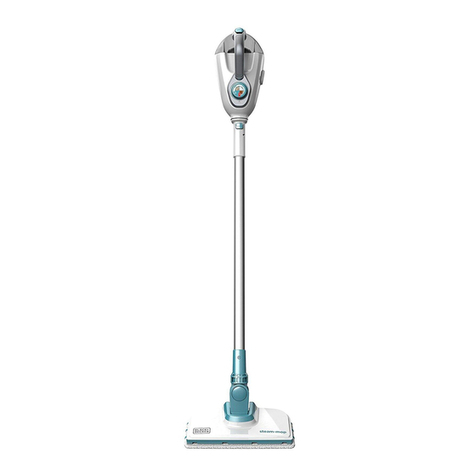
9. Bottom cable tidy hook
10. Hand held steam unit release button
11. Main body
12. Floor cleaning head
12a. Steam burst oor cleaning head
13. Floor cleaning pad
14. Floor cleaning pad release tab
15. Hanging Bracket
16. Steam hose
16a. Hose release button
17. Steam nozzle
18. Squeegee accessory
(for use on shower screens / glass / mirrors / clothing /
upholstery)
19. Steam burst brush unit
19a. Steam burst wire brush
( for use on BBQ / ovens)
19b. Steam burst brush
( for use on BBQ / ovens / oven hobs / taps / grout)
19c. Steam burst wide brush
(for use on larger work surfaces)
20. Delta head
20a. Flat surface cleaning pad
21. Adjustable nozzle
22. SteaMittTM
23. SteaMittTM hose
24. SteaMittTM cleaning pad
Assembly
@Warning! Before attempting any of the following
instructions, make sure that the appliance is
switched off and unplugged and the appliance is
cold and does not contain any water.
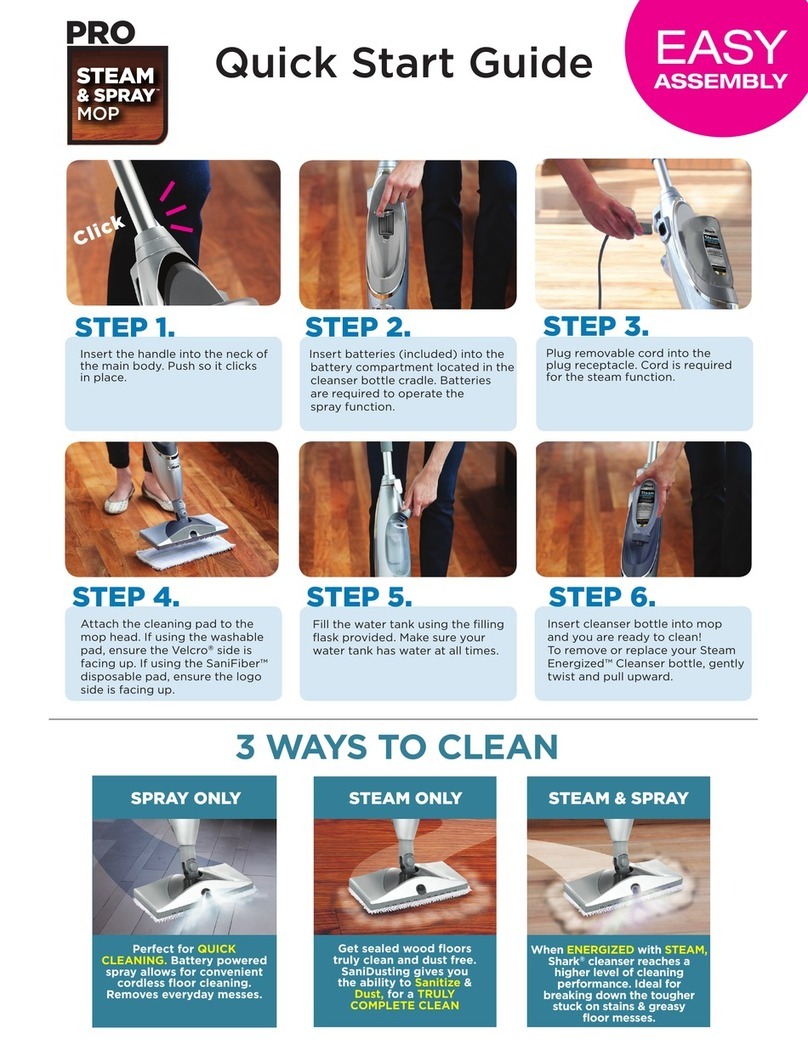
Attaching the handle (Fig. A)
uSlide the bottom end of the handle (8) into the top end of
the steam mop body (11) until it clicks into place.
Attaching the hand held steam cleaner (Fig. B)
uHolding the back of the steam mop body (11) push the
hand held steam cleaner (5) rmly into the steam mop
body (11) making sure it sits correctly over the interface
(11a) and clicks securely into place.
Removing the hand held steam cleaner (Fig. B)
uPush the release button (10) on the main body (11) and lift
the hand held steam cleaner (5) off the interface (11a) and
away from the main body (11).
Attaching a cleaning pad (Fig. C)
Replacement cleaning pads are available from your
BLACK+DECKER dealer.
u Place a cleaning pad (13) on the oor with the velcro 'loop'
side facing up.
uLightly press the steam mop down onto the cleaning pad
(13).
Note: This unit may be supplied with a standard oor cleaning
head (12) or a steam burst cleaning head (12a). In either case
use these instructions to t a cleaning pad.
Caution! Never leave the steam mop in one spot on any
surface for any period of time. Always place the steam mop
with the handle (8) supported in the upright position when
stationary and make sure the steam mop is turned off when
not in use.
Removing a cleaning pad
Caution! Always wear suitable shoes when changing the
cleaning pad on your steam mop.
Do not wear slippers or open toed footwear.
uReturn the handle (8) to the upright position and turn the
steam mop 'OFF'.
uWait until the steam mop cools down (approximately 5
minutes).
uLift the steam mop away from the cleaning pad freeing it
from the velcro fastening.
Caution! Never leave the steam mop in one spot on any
surface for any period of time.
Always place the steam mop with the handle (8) supported in
the upright position when stationary and make sure the steam
mop is turned off when not in use.
Filling the water tank (Fig. P)
Note! Fill the water tank with clean tap water (Do not use any
additives or chemicals).
Note! In areas of hard water, the use of de-ionised water is
recommended.
u Open the ller cap (4) by ipping it up.
uFill the water tank with water (Do not use any additives or
chemicals).
Warning! When lling, detach from main unit and maintain in
a horizontal position.
Warning! Your water tank has a 0.5 litre capacity. Do not over
ll the tank.
u Close the ller cap (4).
Note! Ensure the ller cap is rmly secured.
Attaching the hose and accessories to the
hand held steam cleaner (Fig. G - N)
Warning! Inspect the seal between the connection point on
the hand held steam cleaner (5) and the steam hose (16)
before each use. If the seal malfunctions or is damaged,
please contact your nearest authorised repair agent. Do not
use the appliance.
Warning! The unit should be switched off before the hose is