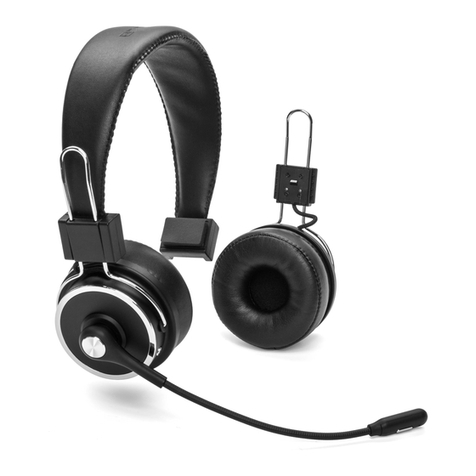
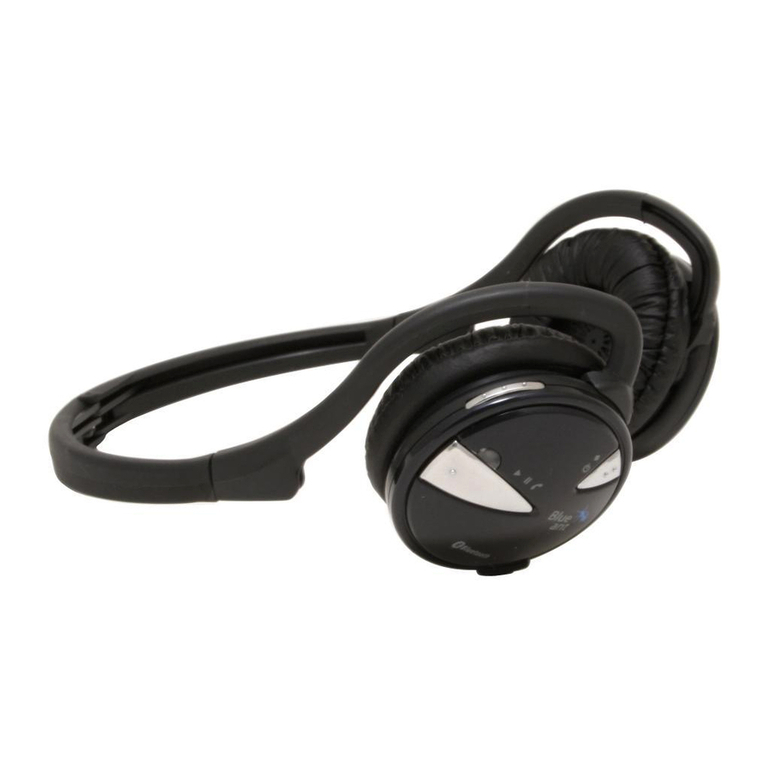
C. You can use the Multi-function button, Volume Plus button, Volume minus button, and
Mute button on the Bluetooth headset to control the answering, hanging up,
playing/pausing of music, up-and-down music, volume plus or minus, and microphone
mute functions.
4. One drag two use method
A. The mobile phones connected to Elite Ultra are divided into two types: A and B;
B. Connect to host A first, turn on the Bluetooth headset to enter the pairing state, turn on
the Bluetooth function of the mobile phone, search for "EliteUltra2.0" and tap Connect.
After the connection is successful, turn off the Bluetooth function of host A, and the
EliteUltra2.0 automatically enters the pairing mode.
C. Use host B to connect to Elite Ultra2.0. After the connection is successful, enable the
Bluetooth function on host A and click Elite Ultra2.0 for connection (some mobile phones
may have the auto-connect function).
D. Please note that only one machine can play music at the same time between machine A
and machine B that has been successfully connected. The first machine can play music. If
the other wanted to play, it could only pause or turn off the music from the previous one.
5. Use of wired earphone
A. Plug one end of the original four 3.5mm audio cables into the audio port of the
headset and the other end into the audio port of the computer.
B. The computer plays music or makes Internet calls. You can listen to the music through
the headset and make calls through the MIC of the headset