88
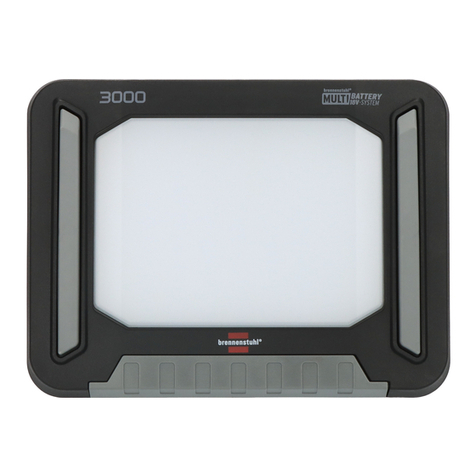
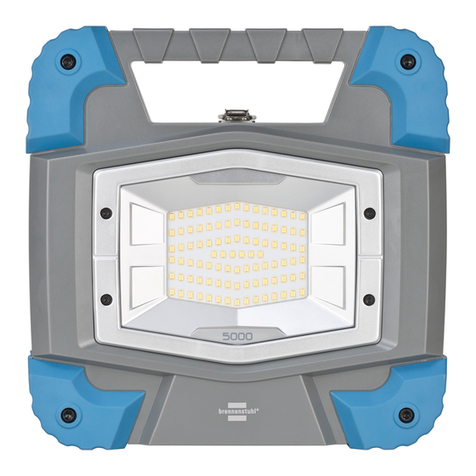
Operating instructions BLUMO 3000 A
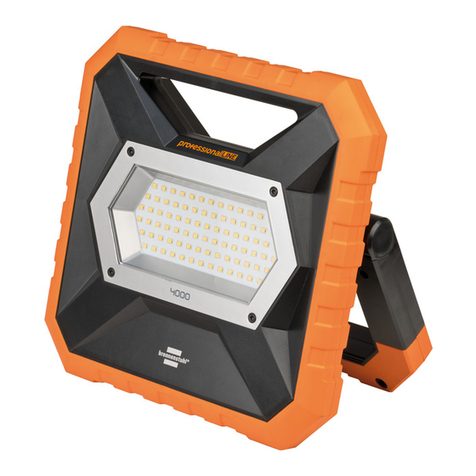
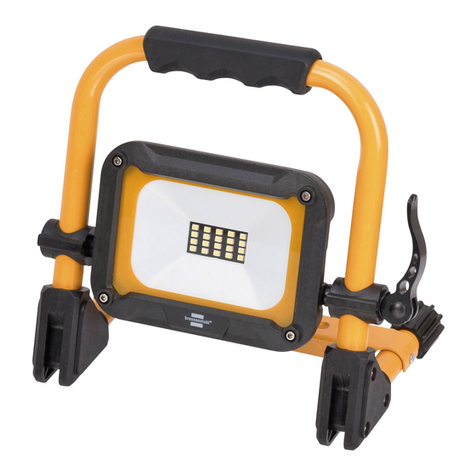
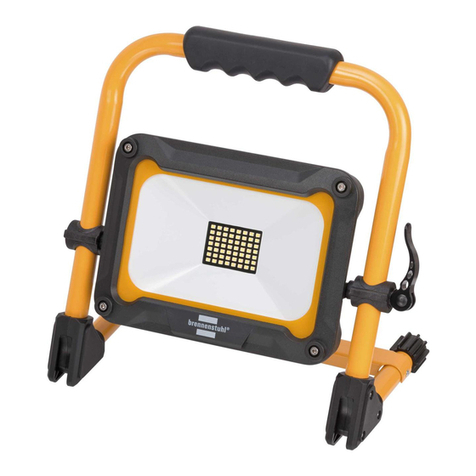
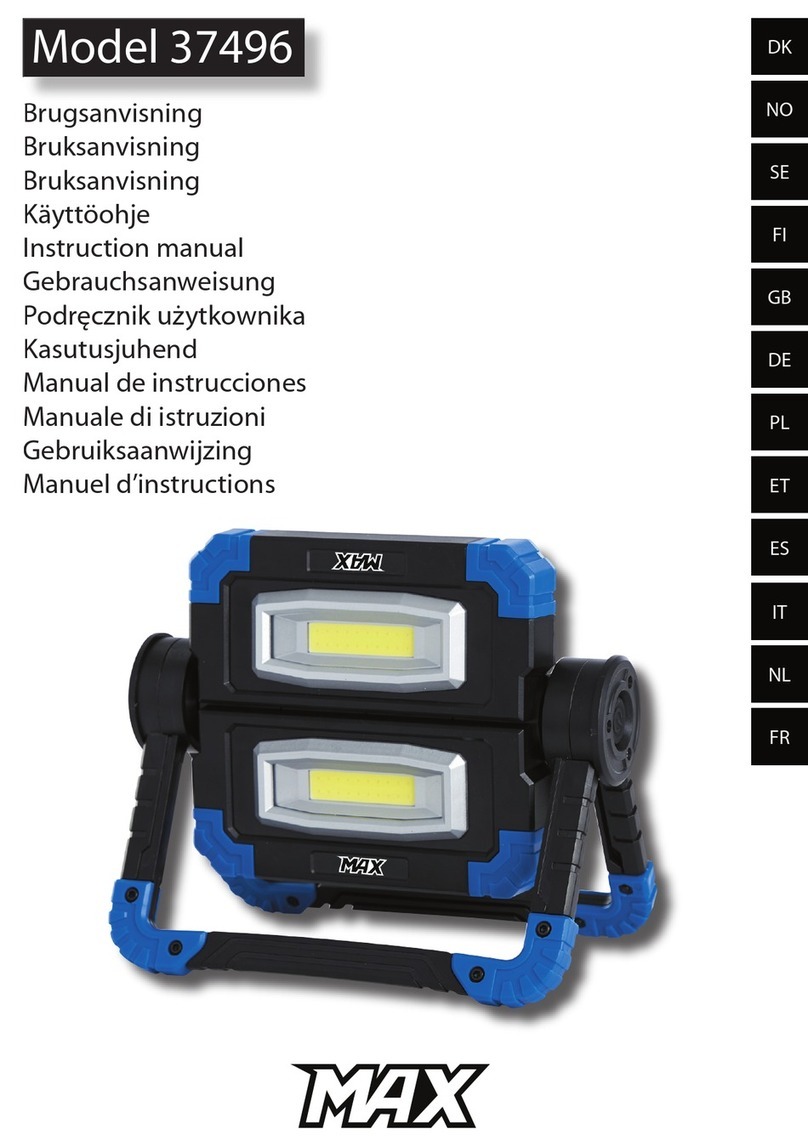
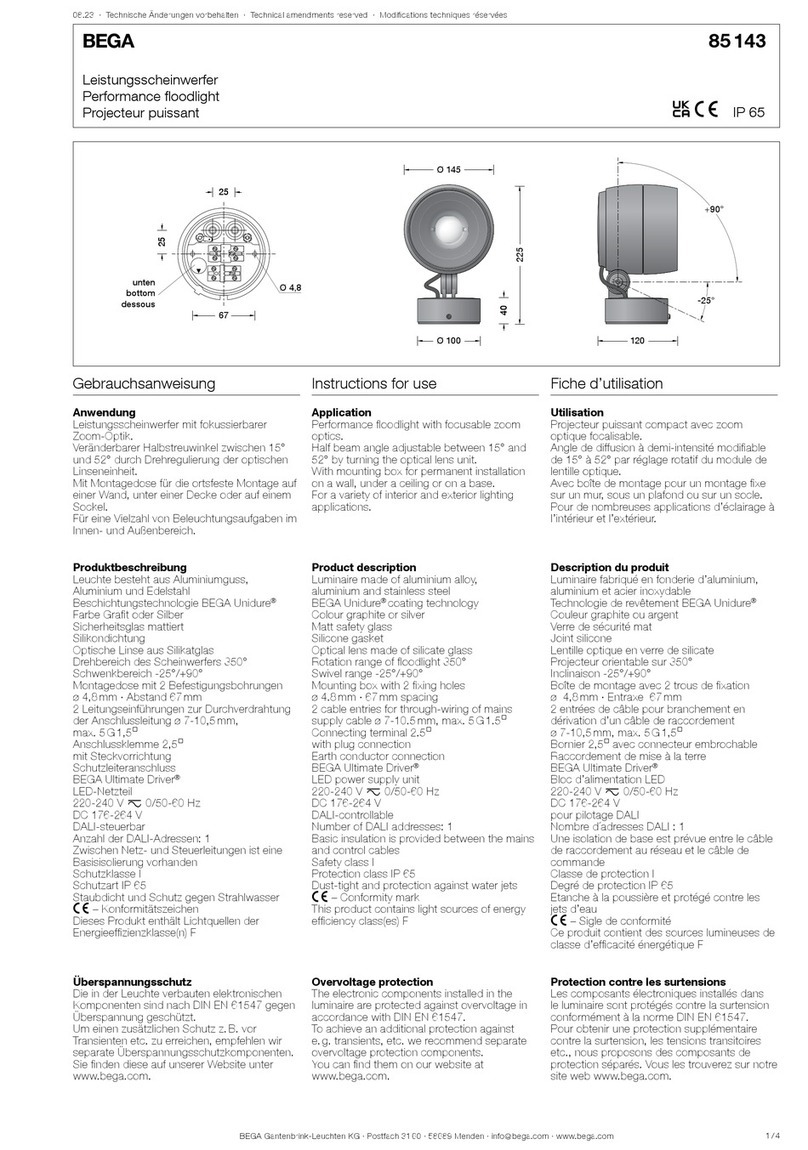
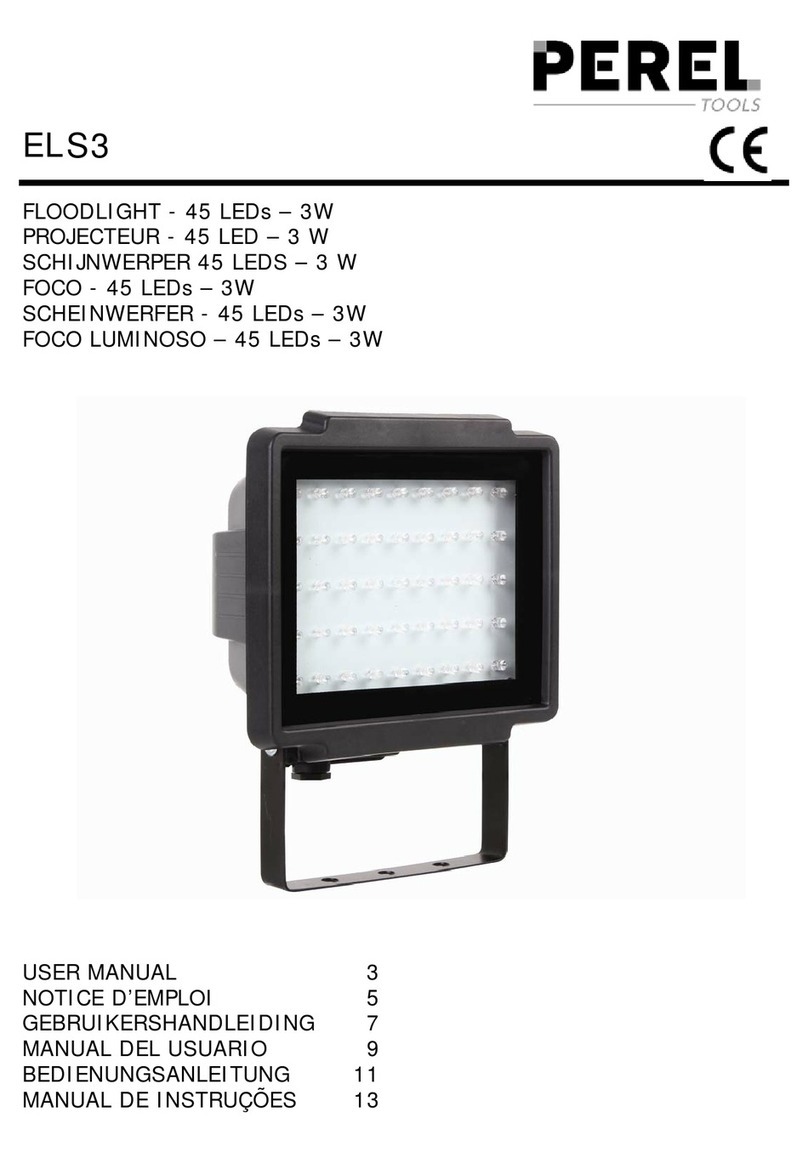
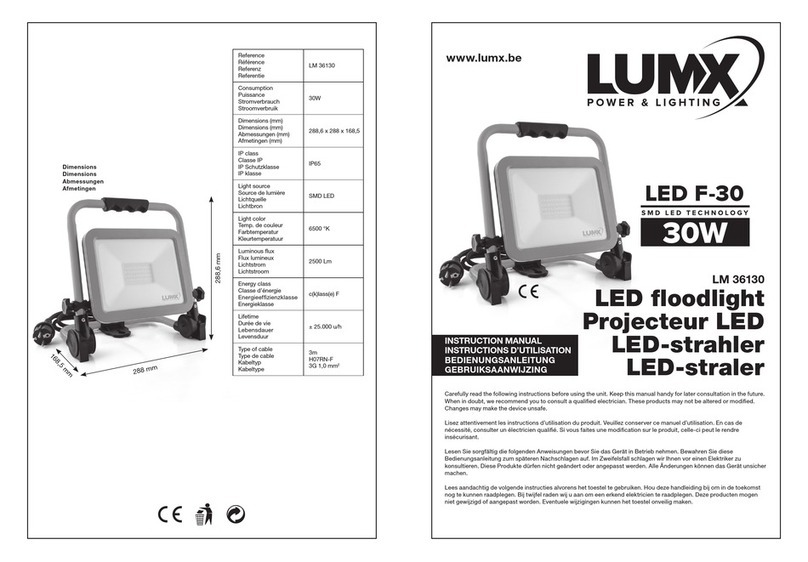
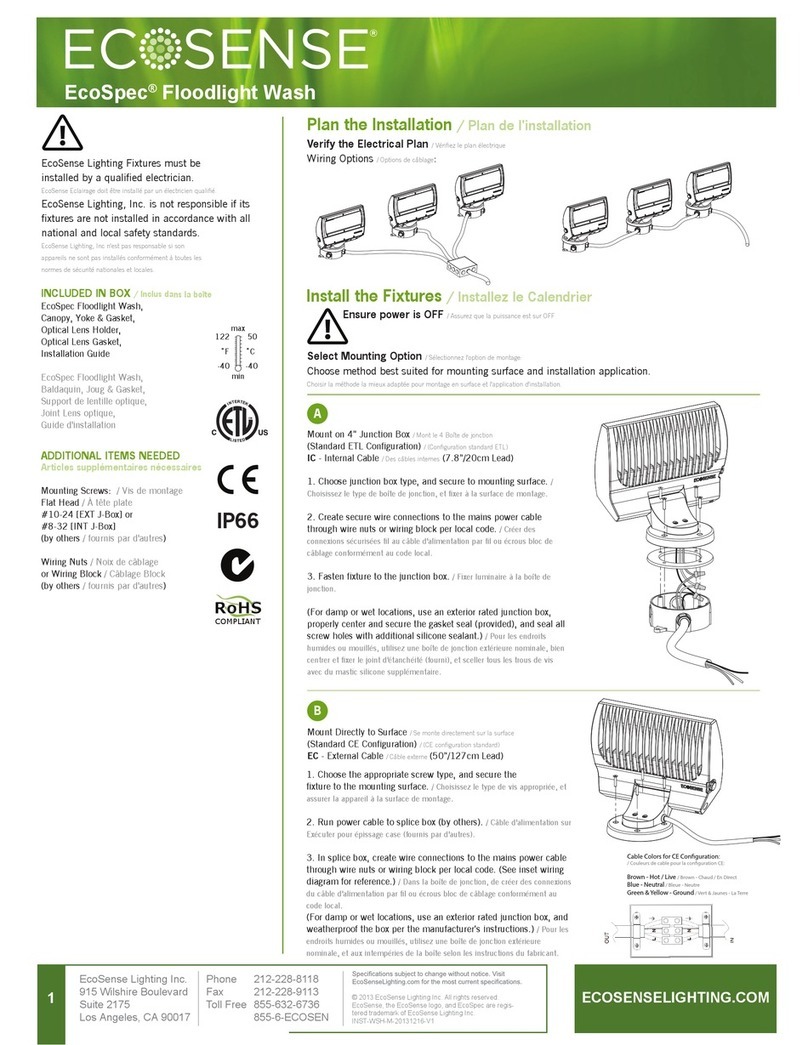
LED oodlight
Power bank 5V, 2A
Operating temperature -20°C – +40°C
Dimensions 260 x 260 x 85 mm
Weight 2,4 kg
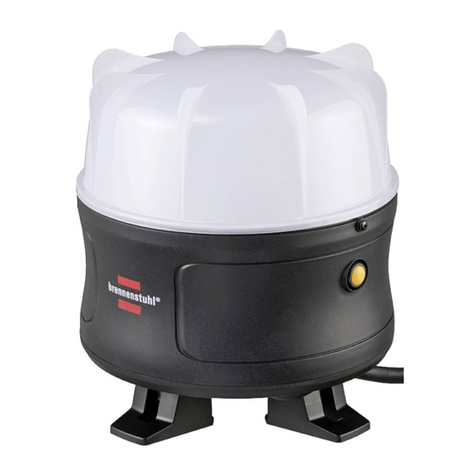
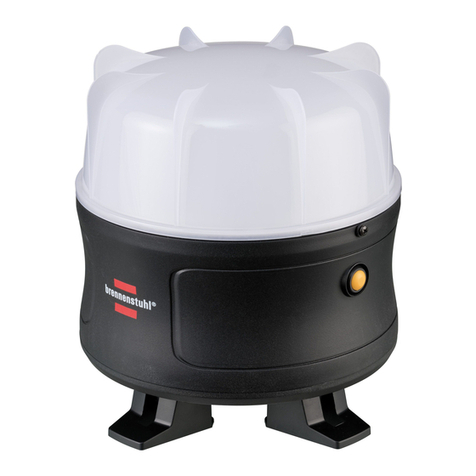
This LED oodlight is suitable for indoor and outdoor lighting purposes.
SETTING UP/ATTACHMENT OF THE LIGHT
The tilting angle of the light can be adjusted as necessary by means of the folding bracket.To do
so, loosen the winged screws and retighten them after adjustment.
The light can be mounted on a Brennenstuhl tripod (not included in the scope of delivery).
SWITCHING THE LIGHT ON/OFF
Use the ON/OFF switch (A) to switch the light on. The light is now lit with 100% brightness. Press
the switch twice to set the brightness to 50% and then 10%. This way, the lighting duration is
respectively extended. To switch o the device, press the ON/OFF switch (A) again.
BLUETOOTH SPEAKER
To use the speaker via Bluetooth, press the Bluetooth switch (B) with the Bluetooth symbol on
the back of the device: the blue LED over the Bluetooth switch (B) lights up.
Switch on the Bluetooth function on the smartphone: the light is displayed under“HB Blumo
2”in the selection list. Afterwards, activate HB Blumo 2 on the smartphone: There is an acoustic
indication by the light in the form of a signal tone.
Any music on the smartphone can now be played via the speaker of the light.The volume is
controlled via the smartphone.
To terminate the connection, deactivate“HB Blumo 2”on the smartphone: The light indicates it
acoustically, in the form of a signal tone. The connection can also be terminated by switching o
the Bluetooth function via the Bluetooth switch of the light (without acoustic signal).
BATTERY STATUS INDICATOR C
Indicates the current battery charge when the light is switched on. If all 4 LEDs are lit, the battery
is fully charged. If the battery is almost empty, the LED light ashes 5 times and the battery status
indicator ashes continuously. Afterwards, the light remains on for 5-10 minutes with reduced
brightness before it is switched o by the deep discharge protection function. This ensures
sucient time to change the battery or complete work.
Power bank function:
This function enables charging of devices via USB cable with a charging current of up to 2000 mA
(e.g. smartphones). To charge the target device, connect it with an USB charging cable to the
USB charging port (D) under the transparent cover cap on the back of the device. After charging,
reattach the cover cap.
CHARGING THE BATTERY
To ensure optimum function, we recommend fully discharging the integrated battery on the rst
use and fully charging it afterwards.
The charging port (E) is located under the transparent cover cap on the back of the device.
Connect the charging port to the provided power supply unit and plug the power supply unit
into a power socket.
20P135 Mobiler Akku LED Strahler Blumo 3000 A 210217.indd 820P135 Mobiler Akku LED Strahler Blumo 3000 A 210217.indd 8 17.02.2021 18:00:1217.02.2021 18:00:12