manuals.online logo
Brands
  1. Home
  2. •
  3. Brands
  4. •
  5. BURG-WACHTER
  6. •
  7. Safe
  8. •
  9. BURG-WACHTER TRSE10 USA User manual

BURG-WACHTER TRSE10 USA User manual

Other BURG-WACHTER Safe manuals

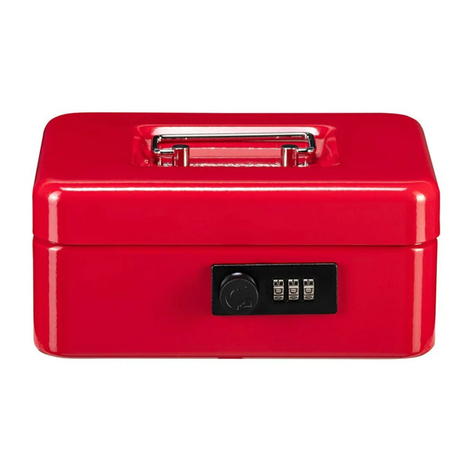
BURG-WACHTER Money Code Instruction Manual

BURG-WACHTER

BURG-WACHTER Money Code Instruction Manual

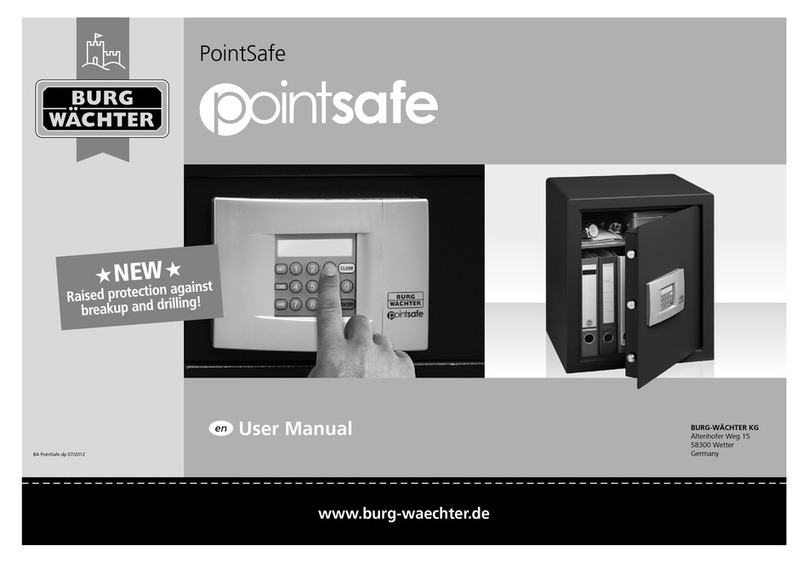
BURG-WACHTER PointSafe User manual

BURG-WACHTER

BURG-WACHTER PointSafe User manual

BURG-WACHTER SecuTronic TRSE 12H User manual

BURG-WACHTER

BURG-WACHTER SecuTronic TRSE 12H User manual

BURG-WACHTER Tresor TRSE 6000 Series User manual

BURG-WACHTER

BURG-WACHTER Tresor TRSE 6000 Series User manual

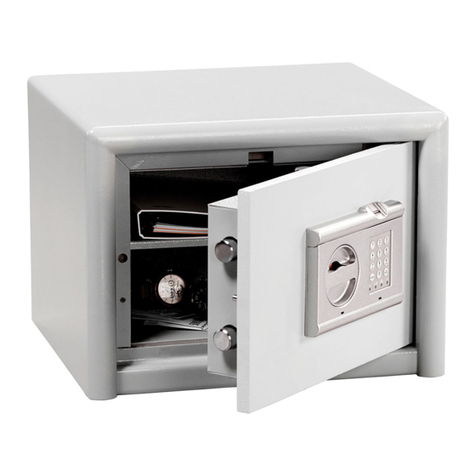
BURG-WACHTER CombiLine Installation guide

BURG-WACHTER

BURG-WACHTER CombiLine Installation guide

Popular Safe manuals by other brands

Euromate 406210 Original instructions

Euromate

Euromate 406210 Original instructions

SPORTS AFIELD PRESERVE SA72-60WD instruction manual

SPORTS AFIELD

SPORTS AFIELD PRESERVE SA72-60WD instruction manual

Squire Stronghold Keysafe Fitting instructions

Squire

Squire Stronghold Keysafe Fitting instructions

Phoenix FS0352C Instructions & Guarantee Registration

Phoenix

Phoenix FS0352C Instructions & Guarantee Registration

Hornady SnapSafe Trunk Safe II owner's manual

Hornady

Hornady SnapSafe Trunk Safe II owner's manual

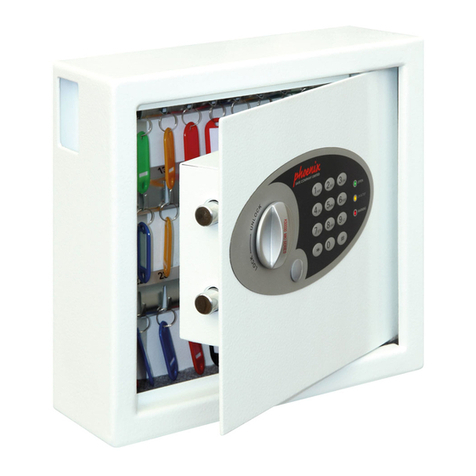
Phoenix KS0030E Series operating instructions

Phoenix

Phoenix KS0030E Series operating instructions

Vaultek 10 Series Quick setup

Vaultek

Vaultek 10 Series Quick setup

Arregui CLASS operating instructions

Arregui

Arregui CLASS operating instructions

Technomax Trony Series Instruction handbook

Technomax

Technomax Trony Series Instruction handbook

SPORTS AFIELD INSTINCT BIOMETRIC Series instruction manual

SPORTS AFIELD

SPORTS AFIELD INSTINCT BIOMETRIC Series instruction manual

SPORTS AFIELD SA-HD5-BIO instruction manual

SPORTS AFIELD

SPORTS AFIELD SA-HD5-BIO instruction manual

Olymp GOsafe 110 operating instructions

Olymp

Olymp GOsafe 110 operating instructions

Phoenix SS0100E Operating Instructions & Guarantee Registration

Phoenix

Phoenix SS0100E Operating Instructions & Guarantee Registration

Ankaro ANK EZ I quick start guide

Ankaro

Ankaro ANK EZ I quick start guide

Honeywell 2077D - 1.21 Cubic Foot Anti-Theft Safe user guide

Honeywell

Honeywell 2077D - 1.21 Cubic Foot Anti-Theft Safe user guide

Beaumont SMART KEYBOX user guide

Beaumont

Beaumont SMART KEYBOX user guide

Phoenix FS1270E Series operating instructions

Phoenix

Phoenix FS1270E Series operating instructions

Shure T-Wall Series Assembly instructions

Shure

Shure T-Wall Series Assembly instructions

manuals.online logo
manuals.online logoBrands
  • About & Mission
  • Contact us
  • Privacy Policy
  • Terms and Conditions

Copyright 2025 Manuals.Online. All Rights Reserved.

TRSE 10
www.burg-wachter.comwww.burg-wachter.com
BURG-WÄCHTER KG
Altenhofer Weg 15
58300 Wetter
Germany
www.burg-wächter.com
TRSE 10
Deutsch 5
English 9
Français 13
Nederlands 17
Download: www.burg-waechter.com
Descarga: www.burg-waechter.com
Download: www.burg-waechter.com
Ladattava tiedosto: www.burg-waechter.com
Λήψη: www.burg-waechter.com
İndir: www.burg-waechter.com
Descărcare: www.burg-waechter.com
Pobieranie pliku: www.burg-waechter.com
Stáhnout: www.burg-waechter.com
Letölthető: www.burg-waechter.com
Download: www.burg-waechter.com
Загрузка: www.burg-waechter.com
Download (зареди): www.burg-waechter.com
Download: www.burg-waechter.com
Language
BA TRSE 10 12 / 2013
www.burg-wachter.com
Bedienungsanleitung
Operating instructions
Mode d’emploi
Gebruiksaanwijzing
TRSE 10
DOWNLOAD
Istruzioni d’uso
Manual de
instrucciones
Manual de Instruções
Användarmanual
Bruksanvisning
Brugsanvisning
Fi Käyttöohje
οδηγίες χειρισμου
Kullanma Kılavuzu
Instrucţiuni de
operare
Instrukcja obsługi
Návod k obsluze
Használati útmutató
Navodilo za uporabo
Naputak za upotrebu
Инструкция по
эксплуатации
Упътване за
употреба
Kasutusjuhend
TRSE 10
www.burg-wachter.comwww.burg-wachter.com
BURG-WÄCHTER KG
Altenhofer Weg 15
58300 Wetter
Germany
www.burg-wächter.com
TRSE 10
Deutsch 5
English 9
Français 13
Nederlands 17
Download: www.burg-waechter.com
Descarga: www.burg-waechter.com
Download: www.burg-waechter.com
Ladattava tiedosto: www.burg-waechter.com
Λήψη: www.burg-waechter.com
İndir: www.burg-waechter.com
Descărcare: www.burg-waechter.com
Pobieranie pliku: www.burg-waechter.com
Stáhnout: www.burg-waechter.com
Letölthető: www.burg-waechter.com
Download: www.burg-waechter.com
Загрузка: www.burg-waechter.com
Download (зареди): www.burg-waechter.com
Download: www.burg-waechter.com
Language
BA TRSE 10 12 / 2013
www.burg-wachter.com
Bedienungsanleitung
Operating instructions
Mode d’emploi
Gebruiksaanwijzing
TRSE 10
DOWNLOAD
Istruzioni d’uso
Manual de
instrucciones
Manual de Instruções
Användarmanual
Bruksanvisning
Brugsanvisning
Fi Käyttöohje
οδηγίες χειρισμου
Kullanma Kılavuzu
Instrucţiuni de
operare
Instrukcja obsługi
Návod k obsluze
Használati útmutató
Navodilo za uporabo
Naputak za upotrebu
Инструкция по
эксплуатации
Упътване за
употреба
Kasutusjuhend
USA
TRSE 10 USA
Opens with just
one ngerscan!
Burg Wächter USA – West Coast
39252 Winchester Rd. #107-154
Murrieta, CA 92563
ph: 1-888-346-7164
www.burgwachter-usa.com
Burg Wächter USA – East Coast
8098 Mechanicsville Turnpike
Mechanicsville, VA 23111
ph: 1-888-346-7164
www.burgwachter-usa.com
www.burgwachter-usa.comwww.burg.biz
TRSE 10 USA
Dear customer,
Thank you for deciding for a safe with the BURG-WÄCHTER TRSE10
electronic. This electronic opens in two possible ways, with Fingerprint
and using a Pincode. You have thus acquired a product meeting high
security requirements and developed and manufactured according to the
technical standards.
Important: Please read the entire User Manual before programming
and store this User Manual at a safe place for future reference at any
time you may need it.
We hope you will enjoy your BURG-WÄCHTER safe.
Your BURG-WÄCHTER KG
Opening Safe
1. Push on/Enter button
2. Wait for yellow light
3. Swipe 1 nger or the six digit pin code
4. Turn knob pull door open
Programming mode procedure for both PIN and FINGERS you must
always do these 5 steps rst before you can add a nger or change a
pin code or remove all ngers!
1. Open door with current operating code and leave open until
completed with all steps
2. Push“ON/ENTER” button (yellow light now comes on)
3. Push 76 to get into programming mode (yellow light now
goes o)
4. Press ON/ENTER button (yellow light is still o)
5. Push in current pin code BUT DO NOT PRESS ON/ENTER
button (yellow light now comes on and is blinking to signify
you are in programming mode)
Changing the Pincode (Only 1 pin code allowed)
1. Push 22 (to enter into pin code programming mode, yellow light
will continue to blink)
2. Press ON/ENTER button (yellow light still blinking)
3. Within 5 seconds enter in new six digit combo (Yellow light still
blinking)
4. Press ON/ENTER button (Yellow light still blinking)
5. Within 5 seconds enter in same new six digit code a second time
to conrm it (Yellow light still blinking)
6. Press ON/ENTER button (green light will come on and then go
o, and yellow light will still be blinking)
7. Press CLEAR button twice to exit programming mode
8. Try new code 3 times with door open (Use OPENING SAFE 1-5
instructions above)
1. Push 23 ON/ENTER (yellow light will stop blinking and become solid)
2. Slide your nger in a steady downward motion (yellow light will go o
and then back on) it may take several times of sliding the same gure
over the sensor to program
3. Once nger is programmed the green light will go on and o and the
yellow light will start blinking again
4. To program your next nger repeat steps 1 & 2
5. Press CLEAR button twice to exit programming mode
To delete 1 nger you will need to delete all ngers in the safe
following the instructions below and re-enter in the ones you want to
use again!
Installing new Batteries
1. Push 33 ON/ENTER button (green light will go on and o)
2. Push CLEAR twice to exit or 23 to program in new ngers and follow
PROGRAMMING IN A FINGER section steps 2-6
Trouble shooting the Lock
1) Make sure handle is turned completely left and is horizontal
2) If at any time an incorrect number is entered push the“CLEAR” button
to clear it out and start over
3) If wrong code is entered three times red light will ash and you will be
locked out for 5 minutes, every time after three wrong code entries you
will be locked out for 20 minutes until correct code is entered
4) If while in the programming mode you enter in an incorrect number in
either of the two code entries the code will revert back to original code
that you have been using
*Always change the code or ngers with the door open and try the new code
or ngers at least 3 times before locking the door, if you change the code or
ngers incorrectly and the door is locked shut the safe will have to be drilled
open to gain access.
Programing in a nger (Up to 10 dierent ngers)
Combi Line Finger Scan Safe Operation Instructions
1. Use a small at blade screwdriver insert it into the front left slot and
gently pull the lower part of the keypad out, repeat on right side slot.
2. Insert 3 new Alkaline AA batteries with positive side on all 3 going to
the left.
Generally
A pincode and 10 memory slots for ngerprints are available for opening.
Pincode: 123456 (factory setting)
The Pincode has always 6 digits.
Dierent ngers need to be used, which have to be dragged over the
sensor successively.
When an action has been successfully completed, the green LED goes on.
Disposal of batteries
Dear customer,
Please help us avoid unnecessary waste.
Should you intend to dispose of this device at any time, please remember
that many components of this device contain valuable materials, which
can be recycled.
Please be aware that electrical and electronic devices, as well
as batteries, should not be disposed of as household waste,
but rather collected separately. Please obtain information on
the collecting points for electrical waste from the responsible
authority of you municipality.
If you have any questions concerning the CE declaration of

conformity, please use [email protected]