manuals.online logo
Brands
  1. Home
  2. •
  3. Brands
  4. •
  5. Byte Brothers
  6. •
  7. Test Equipment
  8. •
  9. Byte Brothers POCKET CAT CTX200 User manual

Byte Brothers POCKET CAT CTX200 User manual

This manual suits for next models

1

Other Byte Brothers Test Equipment manuals

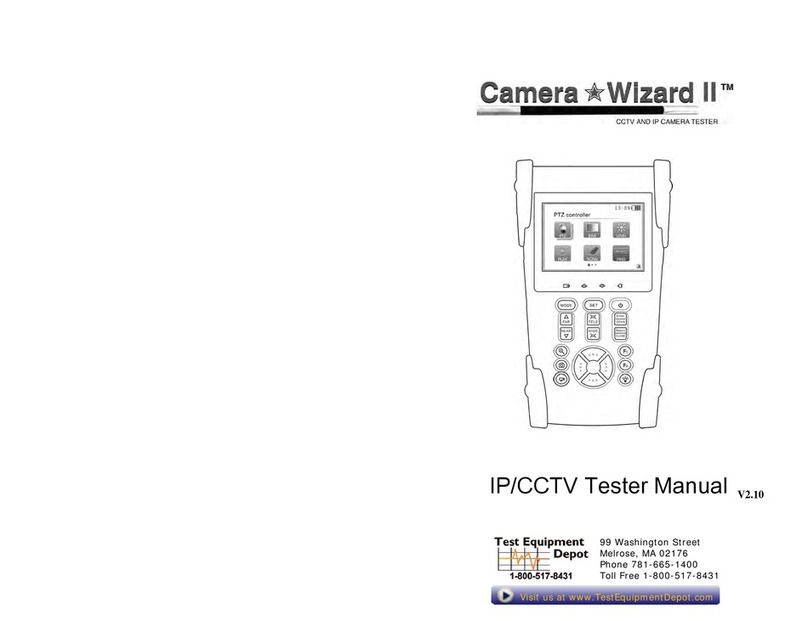
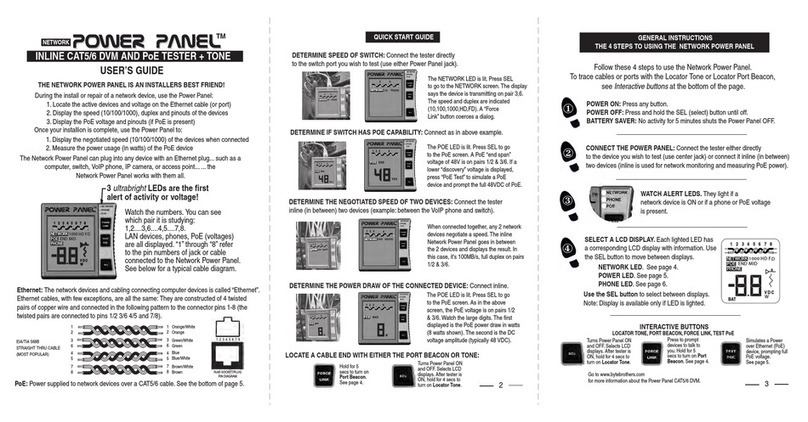
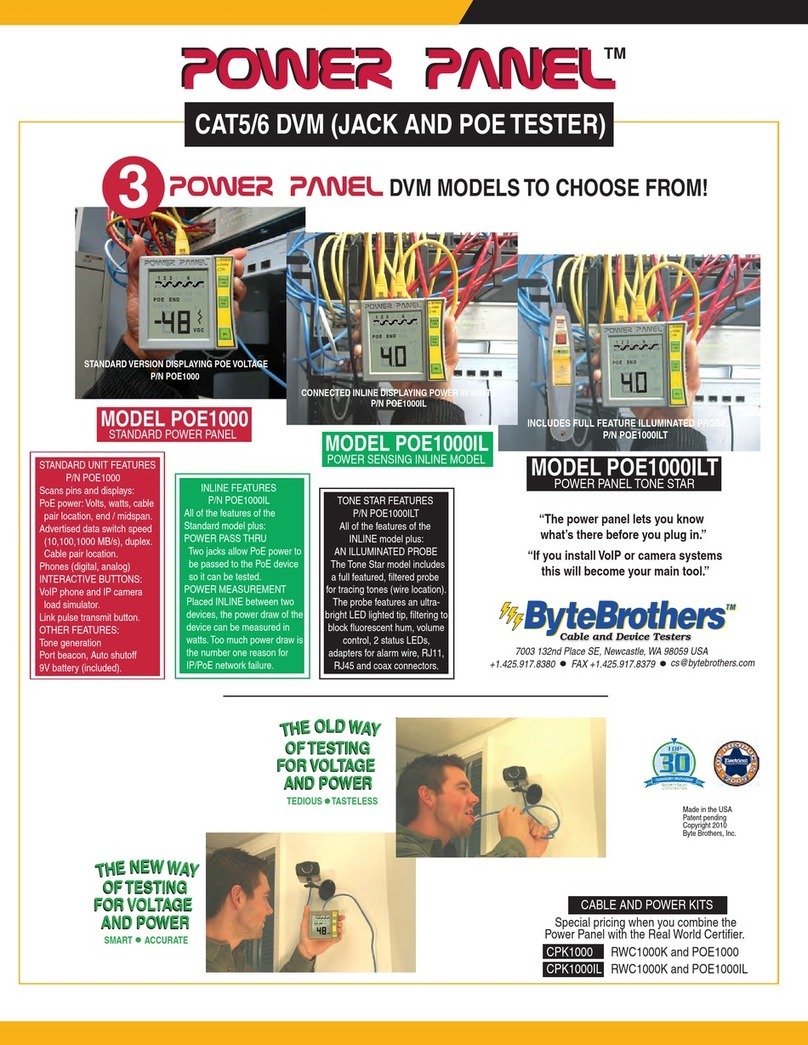
Byte Brothers POWER PANEL User manual

Byte Brothers

Byte Brothers POWER PANEL User manual

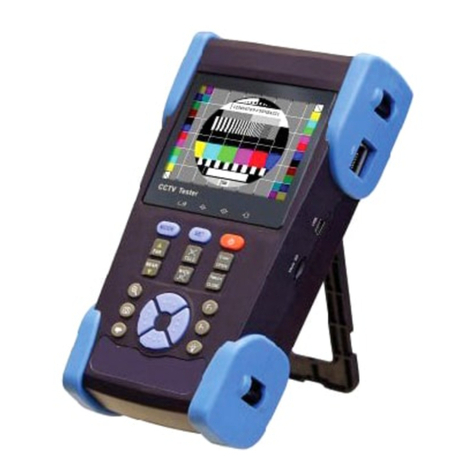
Byte Brothers VTX455 User manual

Byte Brothers

Byte Brothers VTX455 User manual

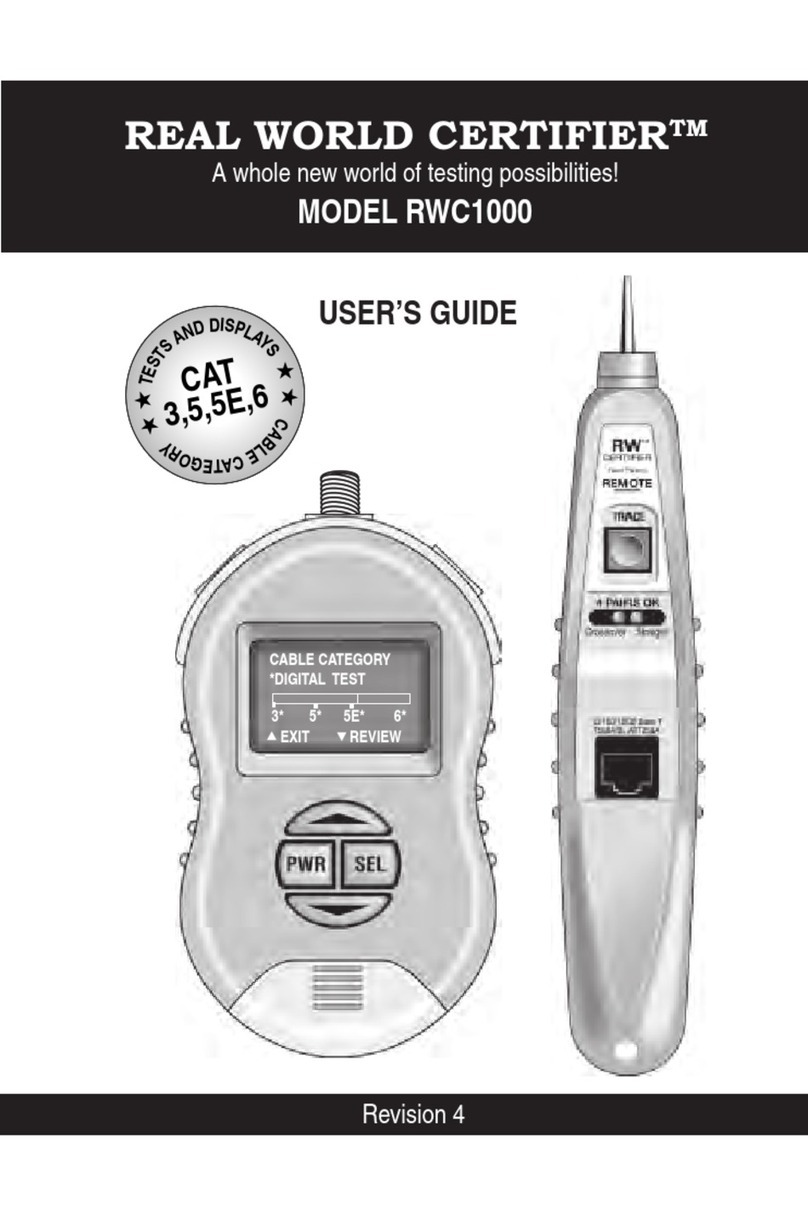
Byte Brothers rwc1000 User manual

Byte Brothers

Byte Brothers rwc1000 User manual

Byte Brothers POWER PANEL User manual

Byte Brothers

Byte Brothers POWER PANEL User manual

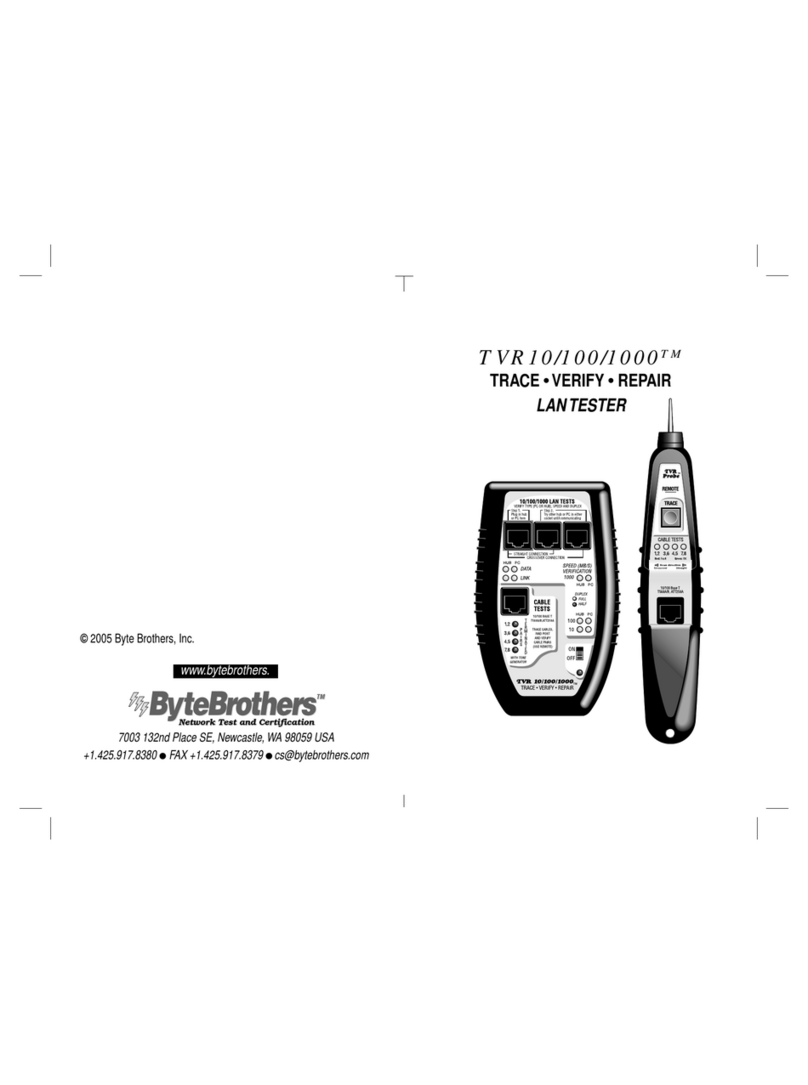
Byte Brothers TVR10 User manual

Byte Brothers

Byte Brothers TVR10 User manual

Byte Brothers Camera Wizard II VTX455 User manual

Byte Brothers

Byte Brothers Camera Wizard II VTX455 User manual

Popular Test Equipment manuals by other brands

Ambit P.F. Series instruction manual

Ambit

Ambit P.F. Series instruction manual

Megger BMM500 Series user guide

Megger

Megger BMM500 Series user guide

RJG Lynx Sensor Tester operating instructions

RJG

RJG Lynx Sensor Tester operating instructions

Mark-10 TT02 Series user guide

Mark-10

Mark-10 TT02 Series user guide

Martel 3001 Operator's manual

Martel

Martel 3001 Operator's manual

ElproSys DiagProg4 instruction manual

ElproSys

ElproSys DiagProg4 instruction manual

Redtech TRAILERteck T05 user manual

Redtech

Redtech TRAILERteck T05 user manual

Venmar AVS Constructo 1.0 HRV user guide

Venmar

Venmar AVS Constructo 1.0 HRV user guide

Test Instrument Solutions SafetyPAT operating manual

Test Instrument Solutions

Test Instrument Solutions SafetyPAT operating manual

Hanna Instruments HI 38078 instruction manual

Hanna Instruments

Hanna Instruments HI 38078 instruction manual

Kistler 5495C Series instruction manual

Kistler

Kistler 5495C Series instruction manual

Waygate Technologies DM5E Basic quick start guide

Waygate Technologies

Waygate Technologies DM5E Basic quick start guide

StoneL DeviceNet CK464002A manual

StoneL

StoneL DeviceNet CK464002A manual

Seica RAPID 220 Site preparation guide

Seica

Seica RAPID 220 Site preparation guide

Kingfisher KI7400 Series Training manual

Kingfisher

Kingfisher KI7400 Series Training manual

Kurth Electronic CCTS-03 operating manual

Kurth Electronic

Kurth Electronic CCTS-03 operating manual

SMART KANAAD SBT XTREME 3G Series user manual

SMART

SMART KANAAD SBT XTREME 3G Series user manual

Agilent Technologies BERT Serial Getting started

Agilent Technologies

Agilent Technologies BERT Serial Getting started

manuals.online logo
manuals.online logoBrands
  • About & Mission
  • Contact us
  • Privacy Policy
  • Terms and Conditions

Copyright 2025 Manuals.Online. All Rights Reserved.

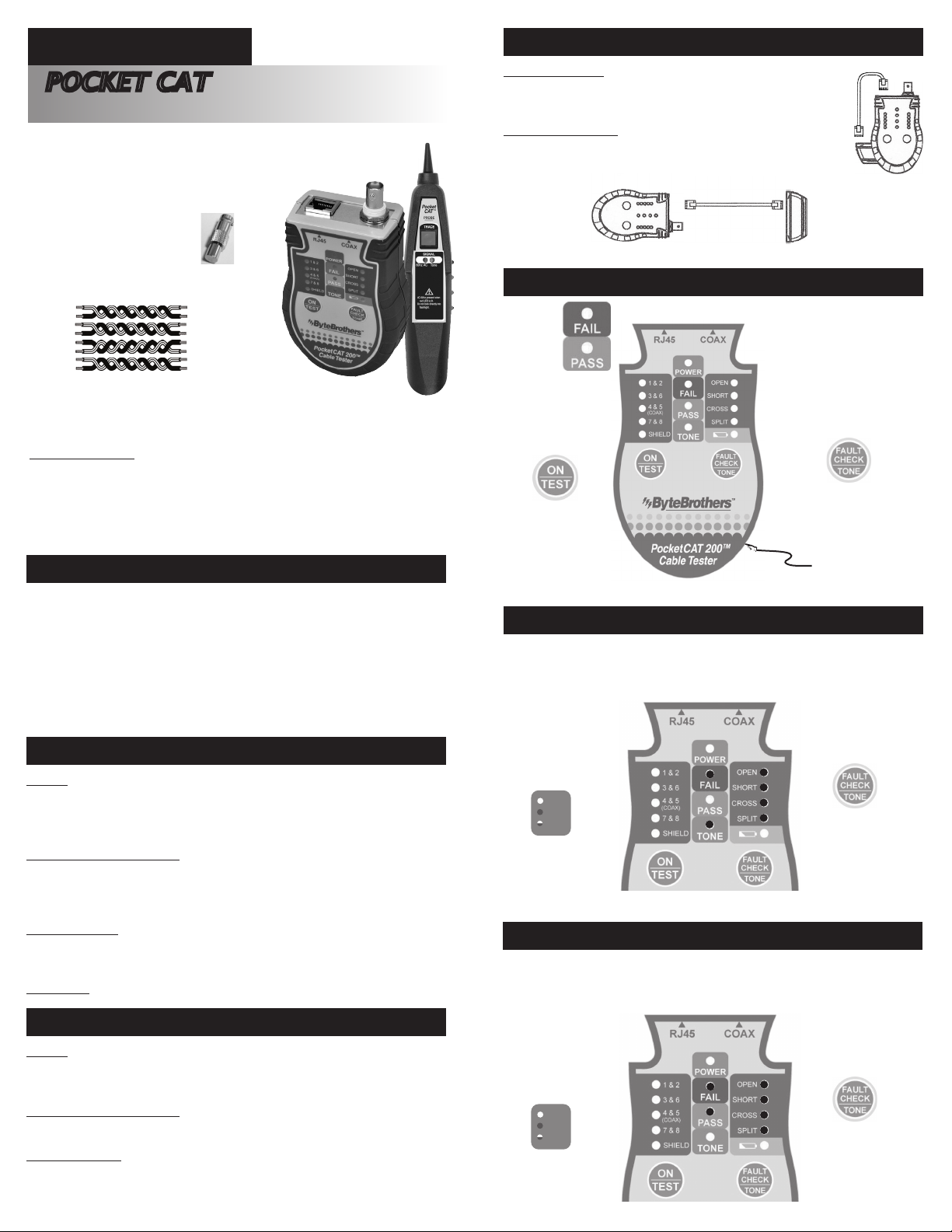
CTX200 / *CTX 200P
Tests CAT3, 5, 5e, 6, 6A, & 7 Ethernet Cables to
TIA568 Specs • Tests COAX Cables • Locates Cables*
4Tests and tones both RJ45-CAT5/6 and coax cables.
4Ruggedized for field use. Small and easy to carry.
4PASS/FAIL results appear in one second.
4Each pair’s status is highlighted.
4Complete TIA568 test performed. Continuity, opens / shorts, reversals and split pairs.
4Full featured probe for tracing cables and troubleshooting.
4Auto-off (12 seconds) to conserve battery life.
4Low battery indicator.
4Belt clip, battery (9V) and pouch included.
FEATURES
Purpose
Ethernet cables have 4 pairs of wires (”twisted pairs”). It is important that the pairs correctly
go to connector pins 1,2 ; 3,6 ; 4,5 ; and 7,8. The Pocket CAT tests for the proper pairing and if
there is an error it will report it to you (”split pairs”) .
Connecting cables to the Tester
Installed cables: Connect the Main unit to the wall jack, then connect the Remote to the patch
panel or far-end wall jack.
Patch cables: Attach the Main unit and Remote directly to the cable ends.
Power ON and Test
Press the ON button. Press again to begin test. When the PASS/FAIL LEDs light, press the
FAULT CHECK button to isolate any problems to an individual pair.
Coax Testing Coax is displayed using the 4/5 LEDs. The coax remote is in the pouch.
QUICK START: CABLE TESTING
Purpose
Tone is used to locate a cable’s far end. A tone is placed on the cable’s “near end” by the
Pocket CAT Main unit. The probe locates the tone at the far end of the cable.
Connecting cables to the Tester
Plug the cable into the tester’s Main unit.
Power ON and Tone:
Press the ON button. Hold the TONE button for 7 secs to turn ON the tone. Press the TONE
button repeatedly to select the pair you wish to tone. The tone is loudest when you select the
entire cable (including the shield).
QUICK START: CABLE LOCATING WITH TONE
Testing patch cables
Slide Remote Connector out from base of Pocket CAT, then connect one end
of the cable to the Remote Connector, and the other end to the Pocket CAT.
Testing installed cables
Slide Remote Connector out from base of Pocket CAT, then connect the far
end of the cable to the Remote Connector, and the other end to the Pocket
CAT. NOTE: The Remote Connector for COAX testing is located in the pounch.
CONNECTING THE POCKET CAT
POCKET CAT FACEPLATE
Pass/Fail
Indicator
Pair/Shield
Tested
(Coax uses 4/5)
Press to test all pairs
automatically.
Press to test pairs individually.
Hold 7 secs for tone.
Press again to select pair.
OPEN: A wire is disconnected
SHORT: A wire makes contact with
another wire
CROSS (REVERSAL):
A twisted pair gets flipped on one
side of the cable
SPLIT: One wire from each of two
different pairs gets swapped on
both ends of the cable.
Remote Connector
(push to slide or remove)
ON
OFF
BLINK
TESTING RJ45 AND COAX CABLES
Power ON and TEST: Press the ON button. Press again to commence the test.The bright, blue
PASS LED indicates the cable has passed. If the FAIL LED lights, press the FAULT CHECK
button to isolate problems to an individual pair. See back for more examples.
EXAMPLE: CABLE PASSED
TEST. ALL 4 PAIRS AND
SHIELD ARE WIRED.
Coax cable: LEDs 4/5
are used for testing.
If FAIL, press FAULT CHECK
to isolate problem to an
individual pair(s).
LEDs
.
.
ON
OFF
BLINK
USING TONE TO LOCATE A CABLE END
Power ON and TONE: Hold the TONE button for 7 secs to turn ON the tone. Press the TONE
button repeatedly to select the pair(s) you wish to tone (or select them all). Coax cable uses
pair 4/5 for tone. Note: Requires an inductive probe to detect tone (included in this kit).
EXAMPLE: TONE “ON”
(ALL PAIRS + SHIELD)
SELECT A SINGLE PAIR OR
ALL PAIRS USING THE TONE
BUTTON.
Hold 7 secs for tone. Press
again to select pair(s).
LEDs
POCKET CAT TM
NETWORK CABLE TESTER
WARNING!!!
DO NOT USE ON LIVE CIRCUITS!!
LIMITED WARRANTY
The manufacturer warrants to the original consumer that this product is in good working or-
der for a period of one year from the date of manufacture or the date of purchase. During
this period, the product will be repaired or replaced without charge for either parts or labor.
The warranty DOES NOT cover damage caused by connecting tester to high voltage
sources such as telephones or Power over Ethernet (PoE). Repair or replacement as
provided under this warranty is the exclusive remedy of the purchaser.
PIN #
1
2
3
6
4
5
7
8
Cable Diagrams Inside
BNC Terminator
Included

.
POCKET CAT PROBE OPERATION*
*CTX200P comes with the probe. The filtered probe detects the
tone from the Main unit.
Ultrabright LED shines from the tip of the probe.
Volume control is on the back of the probe.
Press to activate the probe’s circuitry and light the
ultrabright LED on the tip
The “Tone” LED is a visual indication that the tone is
detected.
“60HZ” LED warns that 60HZ (AC voltage) is present
and should be avoided.
9V battery
.
TESTING EXAMPLES: COAX
The Pocket CAT uses LED 4&5 to display the status of a coax cable test. Connect the near
end of the cable to the BNC connector. Connect the far end to the coax terminator (pouch).
.
ON
OFF
BLINK
LEDs
ON
OFF
BLINK
LEDs
Short in Cable
Good Cable
Open on Pair 1-2
Good Cable
Split Pairs (1-2 & 3-6)
Short on Pair 3-6
PIN #
1
2
3
6
4
5
7
8
PIN #
1 Orange/White
2 Orange
3 Green/White
6 Green
4 Blue
5 Blue/White
7 Brown White
8 Brown
.
TESTING EXAMPLES: ETHERNET
Ethernet cables have 4 pairs of wires (”twisted
pairs”). It is important that the pairs correctly
go to connector pins 1,2; 3,6; 4,5; and 7,8. The
Pocket CAT tests for the proper pairing and if
there is an error it will report it to you. The follow-
ing examples are based on EIA/TIA 568B (the
most popular ethernet wiring standard).
RJ45 SOCKET/PLUG
PIN DIAGRAM
12345678
PIN #
1
2
3
6
4
5
7
8
PIN #
1 Orange/White
2 Orange
3 Green/White
6 Green
4 Blue
5 Blue/White
7 Brown White
8 Brown
PIN #
1
2
3
6
4
5
7
8
PIN #
1 Orange/White
2 Orange
3 Green/White
6 Green
4 Blue
5 Blue/White
7 Brown White
8 Brown
PIN #
1
2
3
6
4
5
7
8
PIN #
1 Orange/White
2 Orange
3 Green/White
6 Green
4 Blue
5 Blue/White
7 Brown White
8 Brown
PIN #
1
2
3
6
4
5
7
8
PIN #
1 Orange/White
2 Orange
3 Green/White
6 Green
4 Blue
5 Blue/White
7 Brown White
8 Brown
Crossed Pairs (4-5 & 7-8)
ON
OFF
BLINK
LEDs
ON
OFF
BLINK
LEDs
ON
OFF
BLINK
LEDs
ON
OFF
BLINK
LEDs
ON
OFF
BLINK
LEDs
REV 11/2016