manuals.online logo
Brands
  1. Home
  2. •
  3. Brands
  4. •
  5. CARLO GAVAZZI
  6. •
  7. Controllers
  8. •
  9. CARLO GAVAZZI VariFlex3 RVLF Series User manual

CARLO GAVAZZI VariFlex3 RVLF Series User manual

Other manuals for VariFlex3 RVLF Series

4

This manual suits for next models

16

Other CARLO GAVAZZI Controllers manuals

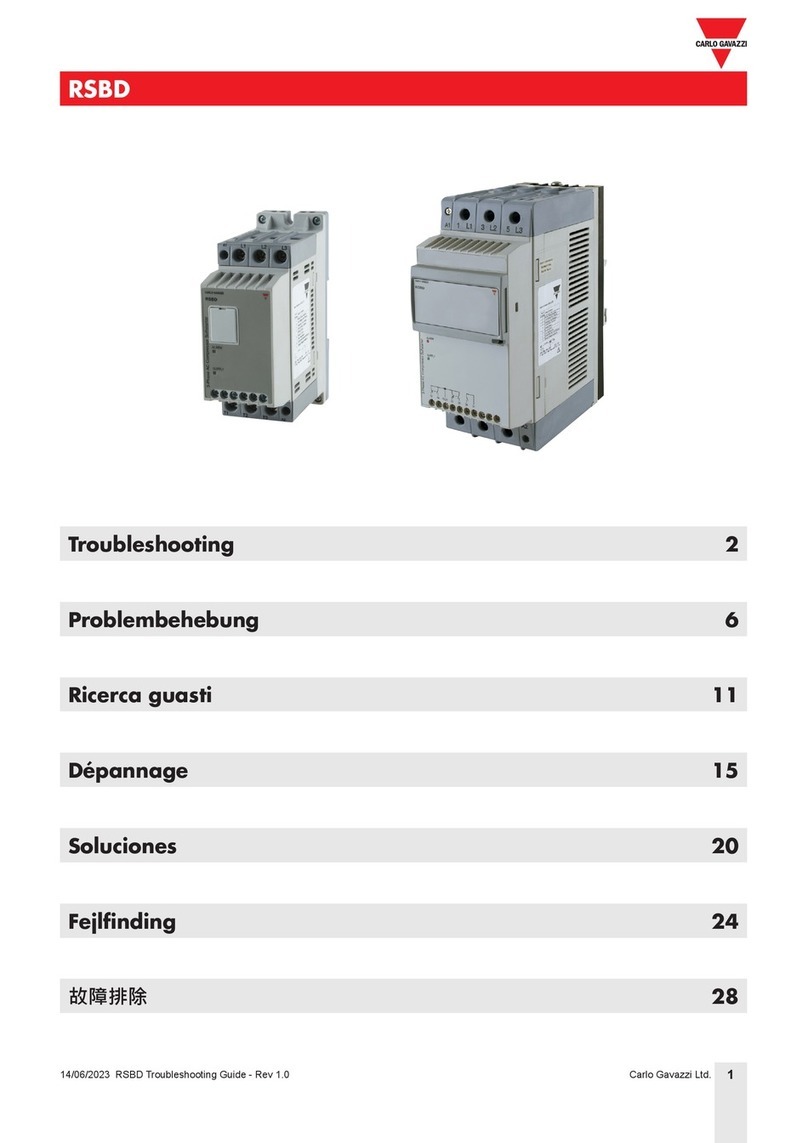
CARLO GAVAZZI RSBD Operating instructions

CARLO GAVAZZI

CARLO GAVAZZI RSBD Operating instructions

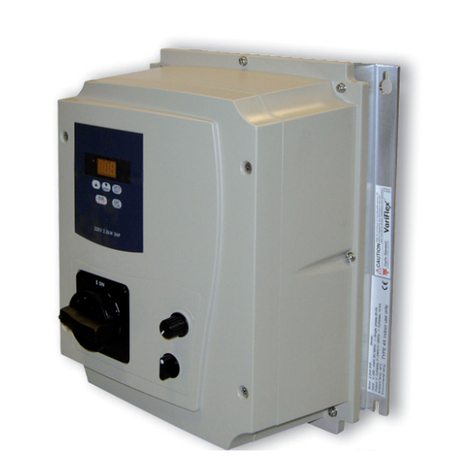
CARLO GAVAZZI VariFlex3 RVLF Series User manual

CARLO GAVAZZI

CARLO GAVAZZI VariFlex3 RVLF Series User manual

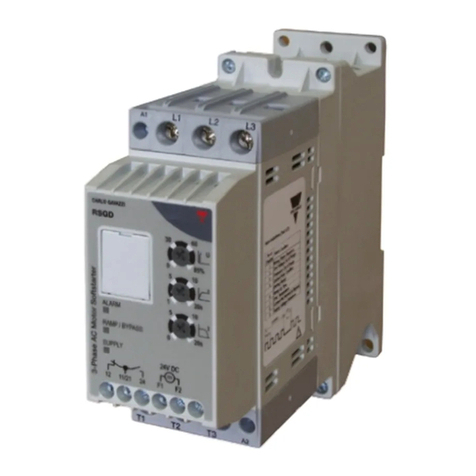
CARLO GAVAZZI RSGD User manual

CARLO GAVAZZI

CARLO GAVAZZI RSGD User manual

CARLO GAVAZZI RSBT Series User manual

CARLO GAVAZZI

CARLO GAVAZZI RSBT Series User manual

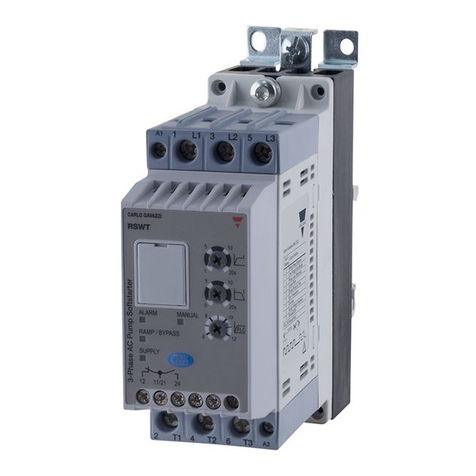
CARLO GAVAZZI RSWT Series User manual

CARLO GAVAZZI

CARLO GAVAZZI RSWT Series User manual

CARLO GAVAZZI RSBS Series User manual

CARLO GAVAZZI

CARLO GAVAZZI RSBS Series User manual

CARLO GAVAZZI RSGD VD210 User manual

CARLO GAVAZZI

CARLO GAVAZZI RSGD VD210 User manual

CARLO GAVAZZI VariFlex2 RVDF Series Assembly instructions

CARLO GAVAZZI

CARLO GAVAZZI VariFlex2 RVDF Series Assembly instructions

CARLO GAVAZZI NRGC Series User manual

CARLO GAVAZZI

CARLO GAVAZZI NRGC Series User manual

CARLO GAVAZZI RSBS User manual

CARLO GAVAZZI

CARLO GAVAZZI RSBS User manual

CARLO GAVAZZI Sx2WEB Series User manual

CARLO GAVAZZI

CARLO GAVAZZI Sx2WEB Series User manual

Popular Controllers manuals by other brands

Sunricher SR-ZV9003T3-RGBW-US Installation

Sunricher

Sunricher SR-ZV9003T3-RGBW-US Installation

Ksenia intro Installation and configuration manual

Ksenia

Ksenia intro Installation and configuration manual

Inovance CAN200 Series manual

Inovance

Inovance CAN200 Series manual

Gauzy LC6 FLEX Controller Installation and operation guide

Gauzy

Gauzy LC6 FLEX Controller Installation and operation guide

Viking SLP-1 Technical practice

Viking

Viking SLP-1 Technical practice

CKD KBX-30E-U Series instruction manual

CKD

CKD KBX-30E-U Series instruction manual

Sharp Energy Sun Flux User manual & installation guide

Sharp Energy

Sharp Energy Sun Flux User manual & installation guide

Yamaha RCX40 user manual

Yamaha

Yamaha RCX40 user manual

AB Quality PowerFlex 400 Frames D-H Service bulletin

AB Quality

AB Quality PowerFlex 400 Frames D-H Service bulletin

Yamaha MJC8 owner's manual

Yamaha

Yamaha MJC8 owner's manual

AL-KO ATC operating instructions

AL-KO

AL-KO ATC operating instructions

Savant SmartControl 2 Deployment guide

Savant

Savant SmartControl 2 Deployment guide

GameSir T3S user manual

GameSir

GameSir T3S user manual

Kostal inveor operating manual

Kostal

Kostal inveor operating manual

Emerson Yarway 20-55 Operating and safety instructions

Emerson

Emerson Yarway 20-55 Operating and safety instructions

CoCo ACM-LV24 Quick installation guide

CoCo

CoCo ACM-LV24 Quick installation guide

Brooks SLA5810/20 Installation and operation manual

Brooks

Brooks SLA5810/20 Installation and operation manual

SIGMA TEK SR 011 Technical manual

SIGMA TEK

SIGMA TEK SR 011 Technical manual

manuals.online logo
manuals.online logoBrands
  • About & Mission
  • Contact us
  • Privacy Policy
  • Terms and Conditions

Copyright 2025 Manuals.Online. All Rights Reserved.

Motor Controllers AC Variable Frequency Drives Type
VariFlex3RVFF
Motor Controllers AC Variable Frequency Drives
Type Variflex3RVFF
Specifications are subjected to change without notice. 1
Contents
Preface......................................................................................................................5
Chapter 1 Safety Precautions.................................................................................6
1.1 Before Supplying Power to the Inverter .................................................................................6
1.2 Wiring....................................................................................................................................7
1.3 Before Operation...................................................................................................................8
1.4 Parameter Setting..................................................................................................................8
1.5 During Operation...................................................................................................................8
1.6 Maintenance, Inspection and Replacement.........................................................................10
1.7 Disposal of the Inverter........................................................................................................10
Chapter 2 Model Description................................................................................11
2.1 Nameplate Data ..................................................................................................................11
2.2 Model Identification..............................................................................................................11
Chapter 3 Environment and Installation..............................................................13
3.1 Environment........................................................................................................................13
3.2 Installation...........................................................................................................................14
3.2.1 Installation Spaces........................................................................................................14
3.2.2 Inverter Derating Based on Carrier Frequency..............................................................15
3.2.3 Inverter Derating Based on Temperature......................................................................16
3.3 Wiring Guidelines ................................................................................................................17
3.3.1 Wiring for main circuit....................................................................................................17
3.3.2 Wiring for control circuit.................................................................................................17
3.3.3 Cable Size and Length..................................................................................................18
3.3.4 Grounding.....................................................................................................................20
3.4 Considerations for peripheral equipment .............................................................................21
3.5 Inverter External View .........................................................................................................23
3.6 Warning Labels ...................................................................................................................25
3.7 Removing the Front Cover and Keypad...............................................................................26
3.7.1 Built-in Filter Type.........................................................................................................27
3.7.2 No Built-in Filter Type....................................................................................................28
3.8 Specifications......................................................................................................................29
3.8.1 Product Specifications...................................................................................................29
3.9 General Wiring Diagram......................................................................................................31
3.9.1 Input/Output Power Section Block Diagram ..................................................................32
3.9.2 Cooling Fan Supply Voltage Selection (400V class)......................................................33
Motor Controllers AC Variable Frequency Drives
Type Variflex3RVFF
Specifications are subjected to change without notice. 2
3.10 Terminal Description..........................................................................................................34
3.10.1 Main Circuit Terminals ................................................................................................34
3.10.2 Control Circuit Terminals.............................................................................................36
3.11 Inverter Dimension ............................................................................................................38
Chapter 4 Keypad and Programming Functions................................................42
4.1 LED Keypad........................................................................................................................42
4.1.1 Keypad Display and Keys.............................................................................................42
4.1.2 Seven Segment Display Description.............................................................................44
4.1.3 LED Indicator Description..............................................................................................46
4.1.4 Power-up Monitor..........................................................................................................48
4.1.5 Modifying Parameters/Set Frequency Reference..........................................................49
4.1.6 Operation Control..........................................................................................................51
4.2 Programmable Parameter Groups.......................................................................................52
4.3 Parameter Function Description ..........................................................................................94
4.4 Built-in PLC Function.........................................................................................................309
4.4.1 Basic Command..........................................................................................................309
4.4.2 Basic Command Function...........................................................................................310
4.4.3 Application Functions..................................................................................................311
4.5 Modbus Protocol Descriptions...........................................................................................319
4.5.1 Communication Connection and Data Frame..............................................................319
4.5.2 Register and Data Format...........................................................................................323
4.6 BacNET Protocol Descriptions...........................................................................................341
4.6.1 BACnet Services.........................................................................................................341
4.6.2 BACnet Protocol Structure..........................................................................................342
4.6.3 BACnet Specifications.................................................................................................343
4.6.4 BACnet Object Properties...........................................................................................344
4.7 MetaSys N2 Communication Protocol ...............................................................................347
4.7.1 Introduction and Setting ..............................................................................................347
4.7.2 MetaSys N2 Specification ...........................................................................................347
4.7.3 Definition of MetaSys N2 Communication Protocol .....................................................348
4.7.4. MetaSys N2 Communication Protocol in RVFF Model ...............................................349
Chapter 5 Check Motor Rotation and Direction................................................353
Chapter 6 Speed Reference Command Configuration.....................................354
6.1 Reference from Keypad.....................................................................................................354
Motor Controllers AC Variable Frequency Drives
Type Variflex3RVFF
Specifications are subjected to change without notice. 3
6.2 Reference from External Analog Signal (0-10V / 4-20mA)................................ 355
6.3 Reference from Serial Communication RS485 (00-05=3)..................................................357
6.4 Reference from two Analog Inputs.....................................................................................359
6.5 Change Frequency Unit from Hz to rpm ............................................................................359
Chapter 7 Operation Method Configuration (Run/Stop) ..................................360
7.1 Run/Stop from the Keypad (00-02=0) –Default Setting.....................................................360
7.2 Run/Stop from External Switch/Contact or Pushbutton (00- 02=1).....................................361
7.3 Run/Stop from Serial Communication RS485 (00-02=3)....................................................361
Chapter 8 Motor and Application Specific Settings.........................................363
8.1 Set Motor Nameplate Data (02-01, 02-05).........................................................................363
8.2 Acceleration and Deceleration Time (00-14, 00-15)...........................................................364
8.3 Torque Compensation Gain (01-10)..................................................................................365
8.4 Automatic Energy Savings Function (11-19)......................................................................366
8.5 Emergency Stop................................................................................................................368
8.6 Direct / Unattended Startup...............................................................................................369
Chapter 9 Using PID Control for Constant Flow/Pressure Applications.........372
9.1 What is PID Control?.........................................................................................................372
9.2 Connect Transducer Feedback Signal (10-01) ..................................................................374
9.3 Engineering Units..............................................................................................................375
Chapter 10 Troubleshooting and Fault Diagnostics ........................................376
10.1 General ...........................................................................................................................376
10.2 Fault Detection Function..................................................................................................376
10.3 Warning / Self-diagnosis Detection Function ...................................................................382
10.4 Auto-tuning Error.............................................................................................................391
10.5 PM Motor Auto-tuning Error.............................................................................................392
10.6 General troubleshooting ..................................................................................................393
10.7 Troubleshooting of the inverter........................................................................................394
10.8 Routine and periodic inspection.......................................................................................401
10.9 Maintenance....................................................................................................................402
Chapter 11 Drive Peripheral devices and Options ...........................................403
11.1 Braking Resistors and Braking Units................................................................................403
11.2 AC Line Reactors ............................................................................................................404
11.3 Input Current and Fuse Specifications.............................................................................405
11.4 Other options...................................................................................................................406
11.5 Communication Options ..................................................................................................409
11.6 Profibus Communication Option Card..............................................................................410

Motor Controllers AC Variable Frequency Drives
Type Variflex3RVFF
Specifications are subjected to change without notice. 4
11.6.1 Introduction...............................................................................................................410
11.6.2 Wiring Diagram of RV-PDP.......................................................................................411
11.6.3 Installation.................................................................................................................412
11.6.4 Descriptions of Terminals, LEDs and DIP switch.......................................................413
11.6.5 Related Parameters for Communication....................................................................414
11.6.6 Profibus I/O List ........................................................................................................414
11.6.7 Error Message ..........................................................................................................418
11.5.8 GSD File...................................................................................................................418
Chapter 12 Installation Instruction with Ferrite Ring Core ...............................420
Appendix A Instruction for UL ...........................................................................424
Motor Controllers AC Variable Frequency Drives
Type Variflex3RVFF
Specifications are subjected to change without notice. 5
Preface
The RVFF product is an inverter designed to control three-phase induction and permanent
magnet synchronous motors. Please read this manual carefully to ensure correct operation,
safety and to become familiar with the inverter functions.
The RVFF inverter is an electrical/electronic product and must be installed and handled by
qualified service personnel.
Improper handling may result in incorrect operation, shorter life cycle, or failure of this
product as well as the motor.
All RVFF documentation may be subjected to change without prior notice. The latest edition
of these documents can be downloaded for use from our website at
http://www.productselection.net/
Available documentation:
1. RVFF Quick setup guide
2. RVFF Instruction manual
Read this instruction manual thoroughly before proceeding with installation, connections
(wiring), operation, maintenance or inspection.
The RVFF requires users to have sound knowledge of the product and they have to
familiarize with all the safety information and precautions before proceeding to operate the
inverter.
Please pay close attention to the safety precautions indicated by the warning and
caution symbol.
Warning
Failure to ignore the information indicated by the warning symbol
may result in death or serious injury.
Caution
Failure to ignore the information indicated by the caution symbol
may result in minor or moderate injury and/or substantial property
damage.
Motor Controllers AC Variable Frequency Drives
Type Variflex3RVFF
Specifications are subjected to change without notice. 6
Chapter 1 Safety Precautions
1.1 Before Supplying Power to the Inverter
Warning
➢The main circuit must be wired correctly before operated. Input terminals (R/L1, S/L2,
T/L3) must be connected with three phase supplyand terminals U/T1, V/T2,W/T3 must
only be used to connect the motor. Connecting the input supply to any of the U/T1, V/T2
or W/T3 terminals will cause damage to the inverter.
➢This product is compliance with the standard IEC 61800-3. In a domestic environment
this product may cause radio interference in which case the user may need to apply
corrective measures.
➢Over temperature protection function on motor is disabled.
Caution
➢To avoid the front cover from disengaging or other physical damage, do not carry the
inverter by its cover. Support the unit by its heat sink when transporting. Improper
handling can damage the inverter or injure personnel, and should be avoided.
➢To avoid the risk of fire, do not install the inverter on or near flammable objects. Install
on non-flammable objects such as metal surfaces.
➢If several inverters are placed inside the same control panel, provide adequate
ventilation to maintain the temperature below 40°C/104°F (50°C/122°F without a dust
cover) to avoid overheating or fire.
➢When removing or installing the digital operator, turn off the power first, and then follow
the instructions in this manual to avoid operator error or loss of display caused byfaulty
connections.
Motor Controllers AC Variable Frequency Drives
Type Variflex3RVFF
Specifications are subjected to change without notice. 7
1.2 Wiring
Warning
➢Always turn OFF the power supply before attempting inverter installation and wiring of
the user terminals.
➢Wiring must be performed by a qualified personnel/certified electrician.
➢Make sure the inverter is properly grounded (grounding impedance shall be less than
10Ω). It is required to disconnect the ground wire in the control board to avoid the
sudden surge causing damage on electronic parts if it is improperly grounded.
➢Please check and test emergency stop circuits after wiring. (Installer is responsible for
the correct wiring).
➢Never touch any of the input or output power lines directly or allow any input or output
power lines to come in contact with the inverter case.
➢Do not perform a dielectric voltage withstand test (megger) on the inverter or this will
result in inverter damage to the semiconductor components.
Caution
➢The line voltage applied must comply with the inverter’s specified input voltage. (See
product nameplate section 2.1).
➢Braking resistor and braking unit can only be connected to the designated terminals.
(See section 3.3.5).
➢Do not connect a braking resistor directly to the DC terminals P(+) and N(-), otherwise
fire may result.
➢Use wire gauge recommendations and torque specifications. (See wire gauge and
torque specification section 3.3.1).
➢Never connect input power to the inverter output terminals U/T1, V/T2, W/T3.
➢Do not connect a contactor or switch in series with the inverter and the motor.
➢Do not connect a power factor correction capacitor or surge suppressor to the inverter
output.
➢Ensure the interference generated by the inverter and motor does not affect peripheral
devices.
Motor Controllers AC Variable Frequency Drives
Type Variflex3RVFF
Specifications are subjected to change without notice. 8
1.3 Before Operation
Warning
➢Ensure the inverter capacity matches the parameters 13-00 before supplying power.
➢Reduce the carrier frequency (parameter 11-01) if the cable from the inverter to the
motor is over 80 ft. (25m). A high-frequency current can be generated by stray
capacitance between the cables and result in an overcurrent trip of the inverter, an
increase in leakage current, or an inaccurate current readout.
➢Be sure to install all covers before turning on power. Do not remove any of the covers
while power to the inverter is on, otherwise electric shock may occur.
➢Do not operate switches with wet hands, otherwise electric shock may result.
➢Do not touch inverter terminals when energized even if inverter has stopped, otherwise
electric shock may result.
1.4 Parameter Setting
Caution
➢Do not connect a load to the motor while performing an auto-tune.
➢Make sure the motor can freely run and there is sufficient space around the motor when
performing a rotational auto-tune.
1.5 During Operation
Warning
➢Ensure all covers are installed before turning on power. Do not remove any of the
covers while power to the inverter is on, otherwise electric shock may occur.
➢Do not connect or disconnect the motor during operation. This will cause the inverter to
trip and may cause damage to the inverter.
➢Operations may start suddenly if an alarm or fault is reset with a run command active.
Ensure that no run command is active upon resetting the alarm or fault, otherwise
accidents may occur.
➢Do not operate switches with wet hands, otherwise electric shock may result.
Motor Controllers AC Variable Frequency Drives
Type Variflex3RVFF
Specifications are subjected to change without notice. 9
➢An external emergency stop switch is enabled when parameter 08-30 is set for the run
permissive function.
➢It provides an independent external hardware emergency switch, which emergently
shuts down the inverter output in the case of danger.
➢If automatic restart after power recovery (parameter 07-00) is enabled, the inverter will
start automatically after power is restored.
➢Make sure it is safe to operate the inverter and motor before performing a rotational
auto-tune.
➢Do not touch inverter terminals when energized even if inverter has stopped, otherwise
electric shock may result.
➢Do not check signals on circuit boards while the inverter is running.
➢After the power is turned off, the cooling fan may continue to run for some time.
Caution
➢Do not touch heat-generating components such as heat sinks and braking resistors.
.
➢Carefully check the performance of motor or machine before operating at high speed,
otherwise Injury may result.
➢Note the parameter settings related to the braking unit when applicable.
➢Do not use the inverter braking function for mechanical holding, otherwise injury may
result.
➢Do not check signals on circuit boards while the inverter is running.