SMART User Maintenance Guide
10
Amalgam Container Replacement
NOTIFICATION & VERIFICATION
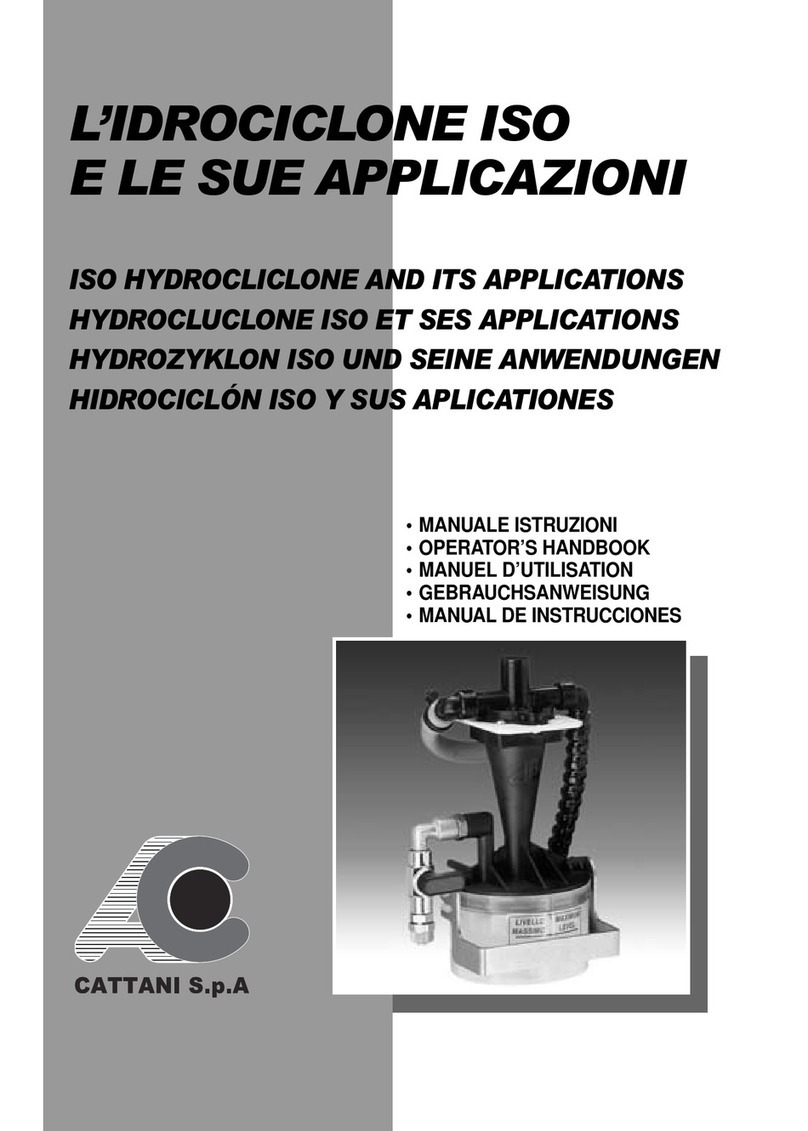
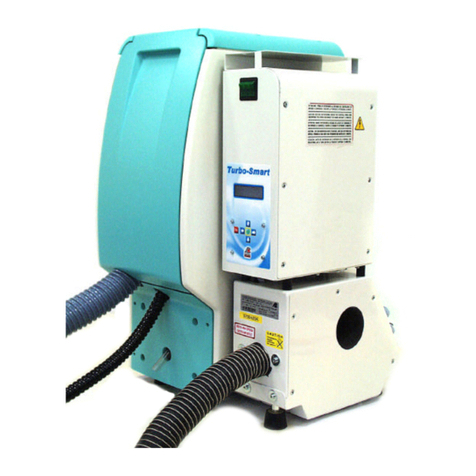
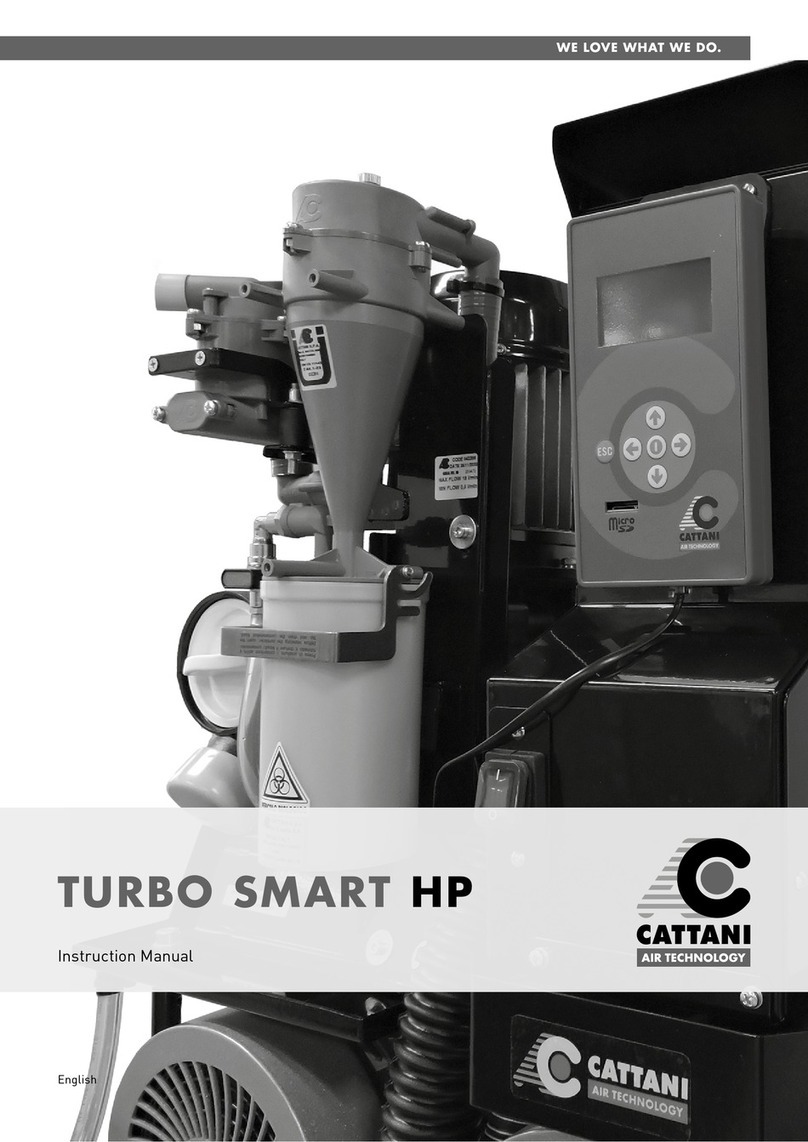
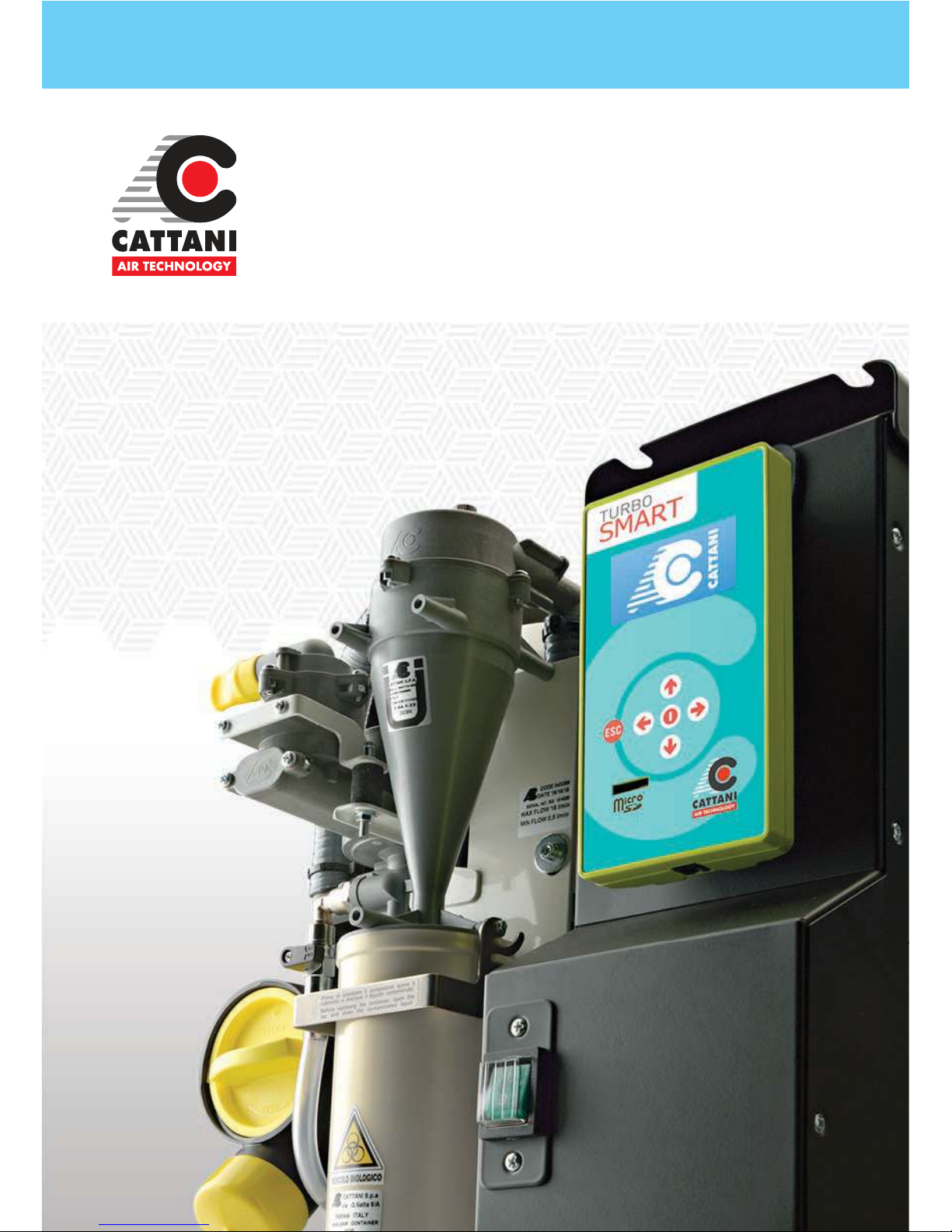
If your SMART suction system is tted
with a Hydrocyclone amalgam retention
unit, alarm messages will appear on the
unit’s display to notify you of 95% and
100% amalgam levels.
When the 95% level alarm is displayed,
make arrangements to have the
amalgam container replaced at an
appropriate time (whilst not seeing
patients) as the system will need to be
turned o. Waiting until the 100% level
is reached may cause interruption to
your clinic.
Whilst this process can be performed
by clinic sta, it is highly recommended
to employ your equipment service
technician.
The amalgam container is always
full of waste uid and a varying level
of amalgam waste material. 100%
amalgam waste capacity of the
container is approx. half the container.
The amalgam waste material settles
at the bottom of the container and
usually appears darker than the waste
uid. BEFORE replacing the container,
rstly verify the 95 or 100% level alarm
visually.
If this cannot be determined visually
from the outside, begin the container
replacement process and check
internally when the container is
removed.
False alarms can occur if the daily
disinfection process in ineective. If the
disinfectant is not aspirated through the
entire suction system & Hydrocyclone
amalgam container, it is possible for a
dark bacterial build up to form on the
inside of the container. This can block
the level sensor and trigger a false
alarm. If this is occurring, check your
disinfection processes and/or contact
your equipment service technician or
Cattani for further advice.
In this case, the rib in the back of the
container (that ts into the sensor) will
need to be cleaned with an appropriate
brush. The container can then be
reinstalled with a new o-ring seal as per
the container replacement procedure.