manuals.online logo
Brands
  1. Home
  2. •
  3. Brands
  4. •
  5. CEM
  6. •
  7. Laboratory Equipment
  8. •
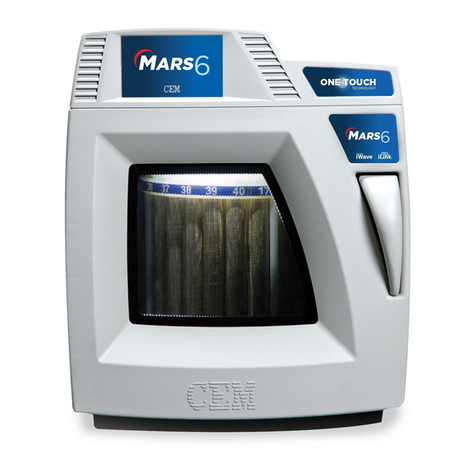
  9. CEM MARS 6 User manual

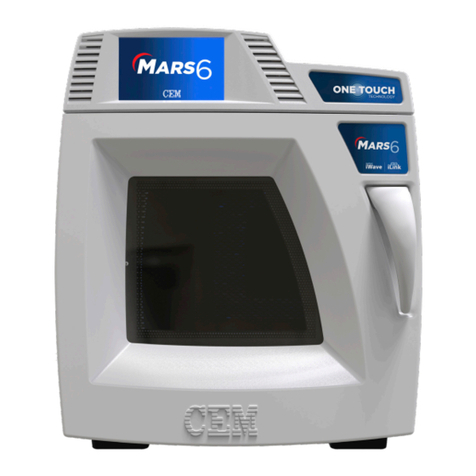
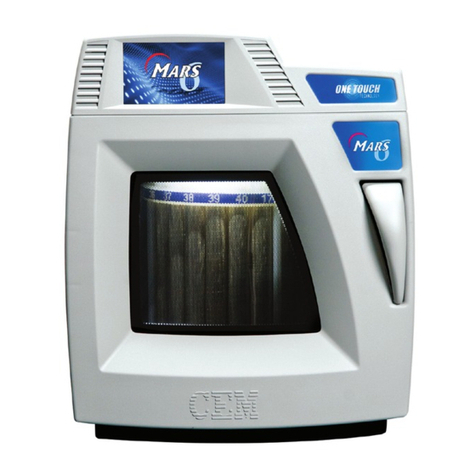
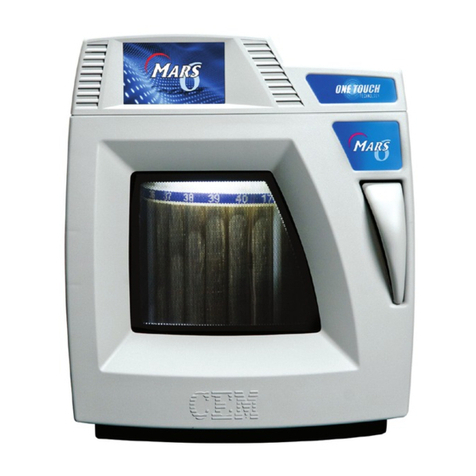
CEM MARS 6 User manual

Other manuals for MARS 6

3

This manual suits for next models

3

Other CEM Laboratory Equipment manuals

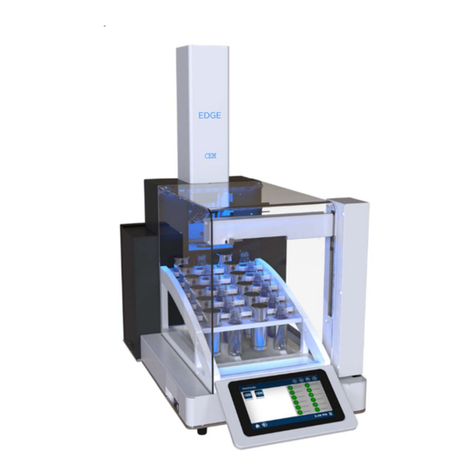
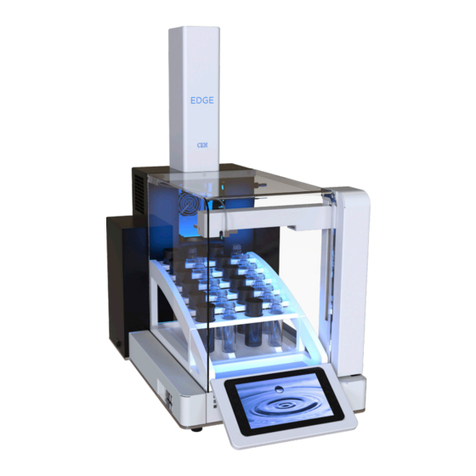
CEM EDGE User manual

CEM

CEM EDGE User manual

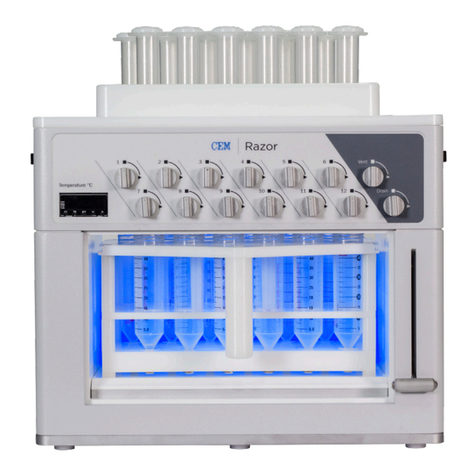
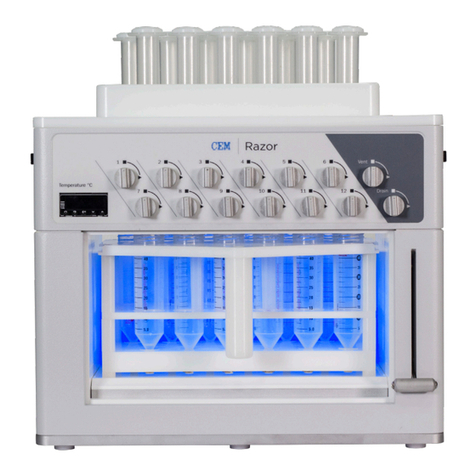
CEM Razor User manual

CEM

CEM Razor User manual

CEM liberty User manual

CEM

CEM liberty User manual

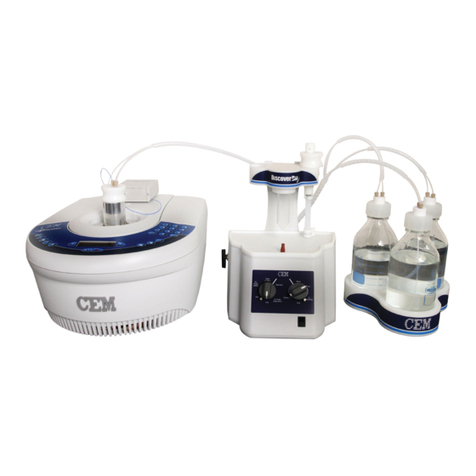
CEM Discover Bio User manual

CEM

CEM Discover Bio User manual

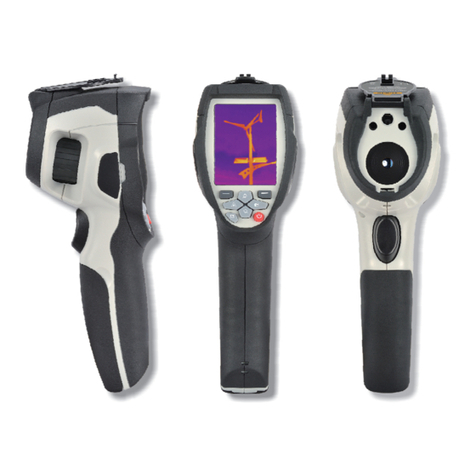
CEM DT-982 User manual

CEM

CEM DT-982 User manual

CEM Discover SP-D 10/35 Configuration guide

CEM

CEM Discover SP-D 10/35 Configuration guide

CEM EasyPrep Series User manual

CEM

CEM EasyPrep Series User manual

CEM MARS Series User manual

CEM

CEM MARS Series User manual

CEM MARSXpress Plus User manual

CEM

CEM MARSXpress Plus User manual

CEM Razor User manual

CEM

CEM Razor User manual

CEM iPrep Guide

CEM

CEM iPrep Guide

CEM MARS 6 User manual

CEM

CEM MARS 6 User manual

CEM MARS 6 User manual

CEM

CEM MARS 6 User manual

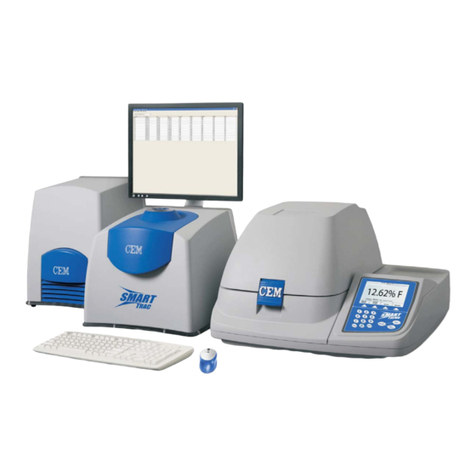
CEM Smart Trac II User manual

CEM

CEM Smart Trac II User manual

CEM EDGE User manual

CEM

CEM EDGE User manual

CEM MARS 6 iWave User manual

CEM

CEM MARS 6 iWave User manual

CEM Discover Protein Hydrolysis User manual

CEM

CEM Discover Protein Hydrolysis User manual

CEM DT-986H User manual

CEM

CEM DT-986H User manual

CEM Liberty Blue 551290 User manual

CEM

CEM Liberty Blue 551290 User manual

CEM iPrep Series User manual

CEM

CEM iPrep Series User manual

CEM liberty User manual

CEM

CEM liberty User manual

CEM Q-Dry User manual

CEM

CEM Q-Dry User manual

CEM Discover SPS User manual

CEM

CEM Discover SPS User manual

CEM Discover SP-D User manual

CEM

CEM Discover SP-D User manual

Popular Laboratory Equipment manuals by other brands

Radleys Carousel 6 Plus instructions

Radleys

Radleys Carousel 6 Plus instructions

Hemotherm 400MR Operation & technical manual

Hemotherm

Hemotherm 400MR Operation & technical manual

mrclab DVO Series Operation manual

mrclab

mrclab DVO Series Operation manual

CoolLED pE-800 quick start guide

CoolLED

CoolLED pE-800 quick start guide

Luminex Guava easyCyte Maintenance Guide

Luminex

Luminex Guava easyCyte Maintenance Guide

IKA A10 basic operating instructions

IKA

IKA A10 basic operating instructions

Belden HIRSCHMANN RPI-P1-4PoE installation manual

Belden

Belden HIRSCHMANN RPI-P1-4PoE installation manual

Koehler K1223 Series Operation and instruction manual

Koehler

Koehler K1223 Series Operation and instruction manual

Globe Scientific GCM-12 quick start guide

Globe Scientific

Globe Scientific GCM-12 quick start guide

Getinge 86 SERIES Technical manual

Getinge

Getinge 86 SERIES Technical manual

CORNING Everon 6000 user manual

CORNING

CORNING Everon 6000 user manual

Biocomp GRADIENT MASTER 108 operating manual

Biocomp

Biocomp GRADIENT MASTER 108 operating manual

Cole Parmer Stuart SB3/1 instruction manual

Cole Parmer

Cole Parmer Stuart SB3/1 instruction manual

BEVS 2501/2A user manual

BEVS

BEVS 2501/2A user manual

Qiagen DML 3000 user manual

Qiagen

Qiagen DML 3000 user manual

Queensgate NANOSCAN OP400 Quick start instructions

Queensgate

Queensgate NANOSCAN OP400 Quick start instructions

Parr Instrument 4560 Operating instructions manual

Parr Instrument

Parr Instrument 4560 Operating instructions manual

Integra DOSE IT operating instructions

Integra

Integra DOSE IT operating instructions

manuals.online logo
manuals.online logoBrands
  • About & Mission
  • Contact us
  • Privacy Policy
  • Terms and Conditions

Copyright 2025 Manuals.Online. All Rights Reserved.

• Determine the line voltage from outlet
as 208V or 230V.
• Select the line voltage.
• Restart system.
10 • Go to www.cem.com/register to
register your system.
• See back of this sheet for details.
12
• After restart, select “Settings”, then
“Video”, then “Welcome” for a short
introduction. (Not available on all
systems)
11
• Remove the box from inside of the
system cavity.
• Write down the serial number located
on the back left side of the system.
7
• Lay the sides of the box at.
• Remove the foam from the top of
the system.
4
• Pull plastic tab, swing handle open.
• Remove plastic assembly from box.
• Repeat process on other 3
assemblies.
1
• Push the power button on the side of
the system to turn it on.
9
• Remove the plastic and discard.
Do not leave the plastic under
the system.
6
• Carefully cut the tape on both sides
of the inner box.
3
• Attach the exhaust hose, and connect
to back of the system.
• Plug power cord into the system and
into to a dedicated, grounded outlet.
8
• Lift the system, from the sides, onto
bench top near exhuast service (two
people required). Do not place the
system in a fume hood.
5
• Use top handles to pull up and
remove outer box.
2
Installation Location
1. Designate an area with a sturdy work-
bench within 8' of a hood or suitable
fume disposal mechanism.
1. Provide at least 8" space on each
side and 6" space in the rear for
ventilation.
System Dimensions:
21" Width x 25" Depth x 25" Height
140 lbs in weight (without vessels)
2. Allow space for sample handling
3. The system must be free from the
vibration of large equipment or
walk-through trafc
4. The system must be away from the
primary exits and walk-through trafc
5. Location should have a temperature
of 41°F (5 °C) – 104 °F (40 °C).
6. The system should be connected to
a dedicated, grounded outlet.
Ventilation Requirements
The system comes with 8 feet of exible
exhaust hose (3 1/8" OD x 2 13/16"
ID). The built-in exhaust system will push
fumes through the hose at 125 CFM.
To properly vent the system, your hood
or exhaust line must draw at least 125
CFM at the point of connection.
Electrical Requirements
The MARS unit requires 208/230
VAC, 60 Hz, 15A @ 230 VAC, or
200/220/240 VAC, 50 Hz, 15A@ 240
VAC, single phase power. It requires a
250 volt-15 Amp rated receptacle (NEMA
6-15R or a 250 volt- 20 Amp rated recep-
tacle (NEMA 6-20R). It is non-locking.
MARS 6 / MARS 6 Synthesis /
MARS Classic / MARS One
Quick Start Guide

Don’t forget to
register your system.
Go to www.cem.com/register
We’re here to keep you
up and running.
ser[email protected] • 800-726-5551
Already have an account?
Update your prole with your new serial number to
gain access to more owner content.
Need help?
Contact us at websuppor[email protected]
CEM Service is committed to providing the highest level of technical
support and service to our customers. We measure our success
by one standard -- customer satisfaction.
All maintenance and service are performed by technicians trained at the
CEM factory and certied through the CEM Service certication process.
The experienced network of technical support representatives and
service technicians are available for routine
maintenance, calibration, and/or repair.
“Our commitment to you doesn’t end when
you system is shipped; it begins.”
Michael J. Collins
President & CEO, CEM
Download new
method notes
Download software
updates
Get user manuals
and literature
600286
Rev.5
0517