EnglishDeutsch
 logo
Brands
  1. Home
  2. •
  3. Brands
  4. •
  5. Claypaky
  6. •
  7. Lighting Equipment
  8. •
  9. Claypaky PIN SCAN User manual

Claypaky PIN SCAN User manual

Other Claypaky Lighting Equipment manuals

Claypaky STAGE COLOR 300 AE User manual

Claypaky

Claypaky STAGE COLOR 300 AE User manual

Claypaky C61044 User manual

Claypaky

Claypaky C61044 User manual

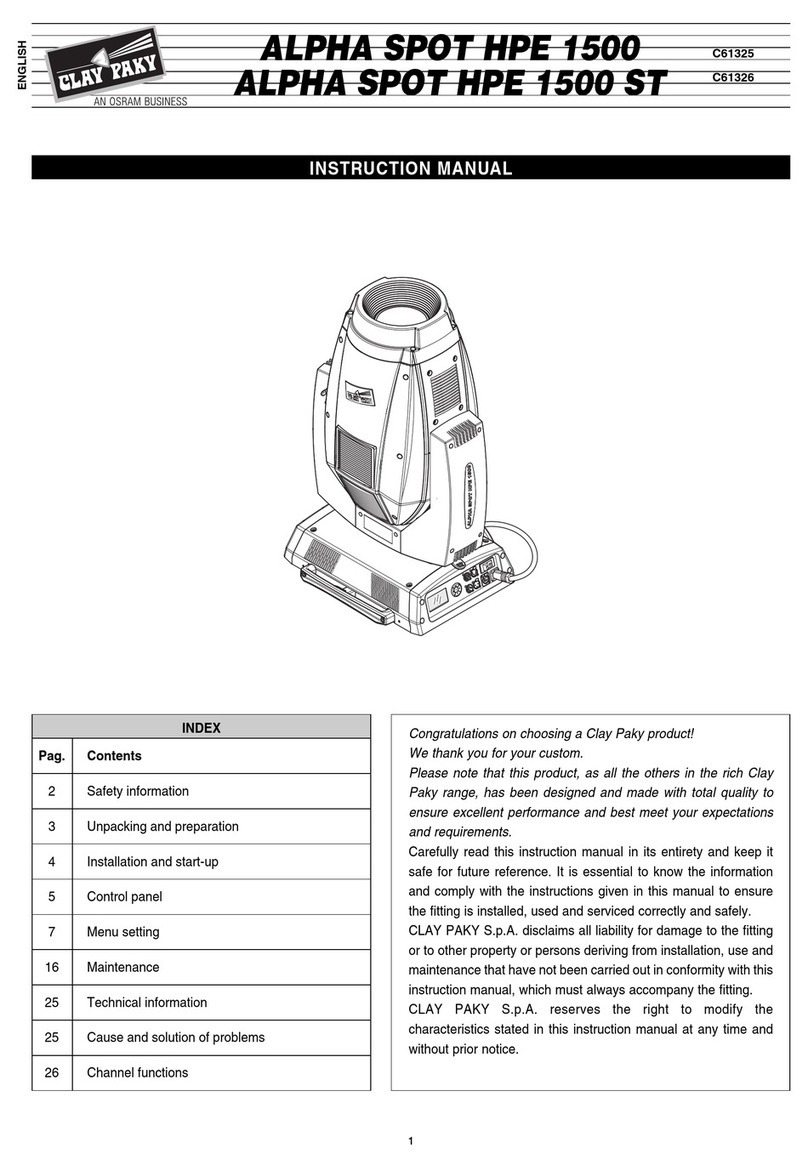
Claypaky ALPHA SPOT HPE 1500 User manual

Claypaky

Claypaky ALPHA SPOT HPE 1500 User manual

Claypaky TAMBORA FLASH CL2020 User manual

Claypaky

Claypaky TAMBORA FLASH CL2020 User manual

Claypaky AROLLA PROFILE MP User manual

Claypaky

Claypaky AROLLA PROFILE MP User manual

Claypaky C61067 User manual

Claypaky

Claypaky C61067 User manual

Claypaky ALPHA SPOT HPE 1500 User manual

Claypaky

Claypaky ALPHA SPOT HPE 1500 User manual

Claypaky CP COLOR 150 User manual

Claypaky

Claypaky CP COLOR 150 User manual

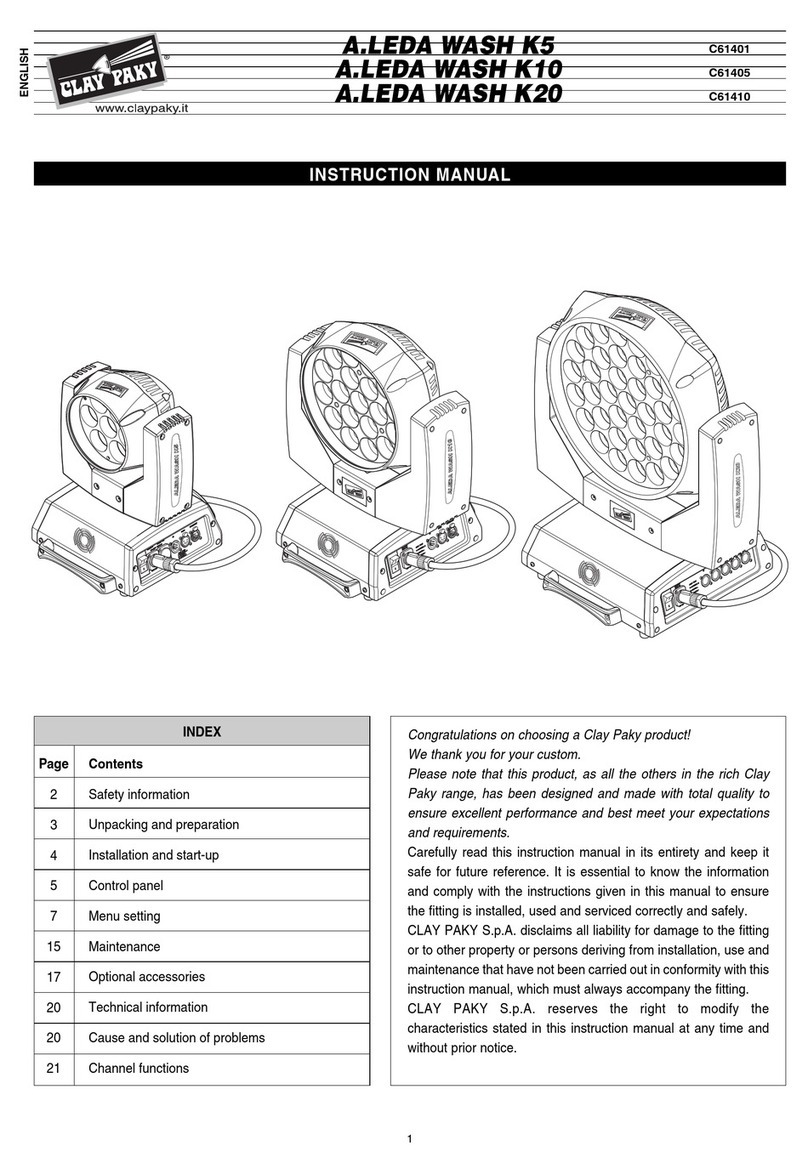
Claypaky A.LEDA WASH K5 C61401 User manual

Claypaky

Claypaky A.LEDA WASH K5 C61401 User manual

Claypaky TAMBORA LINEAR 100 User manual

Claypaky

Claypaky TAMBORA LINEAR 100 User manual

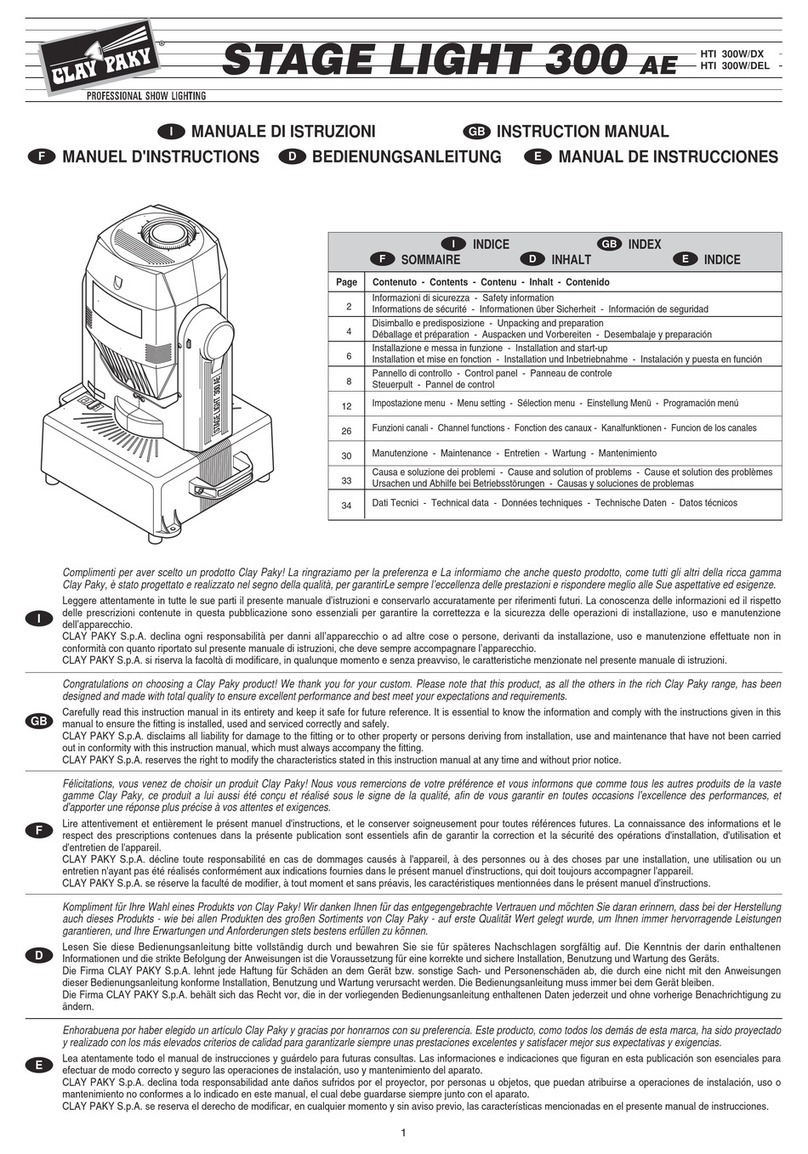
Claypaky STAGE LIGHT 300 User manual

Claypaky

Claypaky STAGE LIGHT 300 User manual

Claypaky AXCOR WASH 600 User manual

Claypaky

Claypaky AXCOR WASH 600 User manual

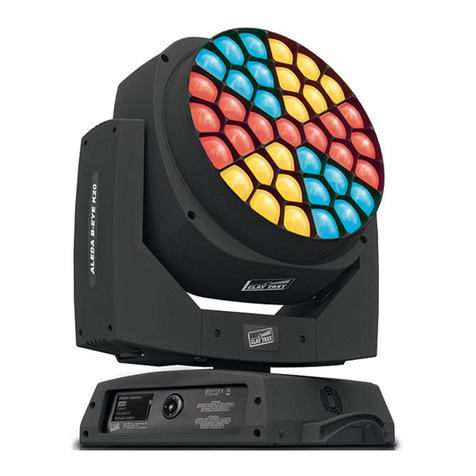
Claypaky A.LEDA B-EYE K10 User manual

Claypaky

Claypaky A.LEDA B-EYE K10 User manual

Claypaky C61331 User manual

Claypaky

Claypaky C61331 User manual

Claypaky C61769 User manual

Claypaky

Claypaky C61769 User manual

Claypaky MINISCAN HP3 User manual

Claypaky

Claypaky MINISCAN HP3 User manual

Claypaky C61365 User manual

Claypaky

Claypaky C61365 User manual

Claypaky A.LEDA WASH K10 CC User manual

Claypaky

Claypaky A.LEDA WASH K10 CC User manual

Claypaky Alpha Spot 575 HPE User manual

Claypaky

Claypaky Alpha Spot 575 HPE User manual

Claypaky MINI XTYLOS HPE Operation manual

Claypaky

Claypaky MINI XTYLOS HPE Operation manual

Claypaky DISPLAY LINE C52116 User manual

Claypaky

Claypaky DISPLAY LINE C52116 User manual

Claypaky C61500 User manual

Claypaky

Claypaky C61500 User manual

Claypaky Shary User manual

Claypaky

Claypaky Shary User manual

Claypaky MINI-B SPOT User manual

Claypaky

Claypaky MINI-B SPOT User manual

Popular Lighting Equipment manuals by other brands

Brizo 8SP-MU-4 manual

Brizo

Brizo 8SP-MU-4 manual

LUCE&LIGHT BROM 1.0 installation instructions

LUCE&LIGHT

LUCE&LIGHT BROM 1.0 installation instructions

IKEA BJÖRKSPIREA manual

IKEA

IKEA BJÖRKSPIREA manual

Laserworld Evolution Series ES-400RGB manual

Laserworld

Laserworld Evolution Series ES-400RGB manual

EuroLite LED B-40 user manual

EuroLite

EuroLite LED B-40 user manual

Qazqa Suplux SL 3 Black 103062 instruction manual

Qazqa

Qazqa Suplux SL 3 Black 103062 instruction manual

Commercial Electric 54568141 Use and care guide

Commercial Electric

Commercial Electric 54568141 Use and care guide

CREE LIGHTING 304 Series installation instructions

CREE LIGHTING

CREE LIGHTING 304 Series installation instructions

Goobay 49867 user manual

Goobay

Goobay 49867 user manual

ECOMAN ITALIA LED T8 instruction manual

ECOMAN ITALIA

ECOMAN ITALIA LED T8 instruction manual

Alkalite Krypton KT-81 user manual

Alkalite

Alkalite Krypton KT-81 user manual

Clas Ohlson GU10 manual

Clas Ohlson

Clas Ohlson GU10 manual

DTS DELTA 10 F user manual

DTS

DTS DELTA 10 F user manual

ring Solar Steplight manual

ring

ring Solar Steplight manual

One Stop Gardens 57696 Owner's manual & safety instructions

One Stop Gardens

One Stop Gardens 57696 Owner's manual & safety instructions

SIREM Swimeo A2 instructions

SIREM

SIREM Swimeo A2 instructions

Silvair MESH-CEDRP quick start guide

Silvair

Silvair MESH-CEDRP quick start guide

S&P PCRL80 manual

S&P

S&P PCRL80 manual

https://manuals.online logo
https://manuals.online logoBrands
  • About & Mission
  • Contact us
  • Privacy Policy
  • Terms and Conditions

Copyright 2026 Manuals.Online. All Rights Reserved.

5
PIN SCAN
•
Unpacking
Open the box, remove the projector
from the packing and place it on a
flat, horizontal surface.
Unpack the standard accessories
supplied with the fixture. Inspect the
lamp change label (1) and replace it
with one of the optional language
versions if necessary.
Make sure that the label is never
removed, as it displays important
safety information.
•
Connecting to the electrical power supply
The operations described in this heading must be carried out by a licensed electrician.
The projector must be wired up to the electrical power supply using the special socket
connector provided (4).
It is good policy to connect projectors to the power supply by way of dedicated
switches, so that each can be turned on and off individually from a remote station.
The projector is designed to operate at the voltage and frequency indicated on the
electrical data plate (5). Check that these two values correspond to the mains voltage
and frequency.
IMPORTANT: the projector must be connected to a power supply circuit
having a proper earth system (Class I appliance).
• Connecting the control signals
RS 232/423(PMX) - DMX 512
•
Fitting the lamp
Refer to the directions for replacement of the lamp given under heading 4 MAIN-
TENANCE.
•
Installing the projector
The projector can be placed on the floor on the rubber feet (2) or installed on the ceil-
ing or wall using the holes (3) in the base.
Make certain that the anchorage is stable before positioning the projector.
•
Minimum distance from target objects
The projector must be positioned in such a way that
objects struck by the beam are located at least 1.3
m (4’ 3”) from the lens.
•
Minimum distance of inflammable materials from any part of the fixture:
m 0.1 (4”).
The fixture may be mounted on surfaces rated normally inflammable.
IMPORTANT: For better and more reliable operation of the fixture, the ambient
temperature must not exceed 35° C (95° F). Protection factor IP 20: the fixture is
protected against penetration of solid bodies more than 12mm (0.5”) in diameter (first
digit 2), but can be damaged by spray, jet, drip or rain water (second digit 0).
23
1
POWER SUPPLY AND INTERFACE
2
Projectors are wired up to the controller and one to the next using two-core
screened cable and Cannon 5 pin XLR type plug/socket connectors.
To connect a DMX line, a terminating plug (8) with a 100Ωresistor wired between
pins 2 and 3 must be fitted to the last projector connected in series; the plug is not
required when using an RS232/423(PMX) signal.
ENGLISH
INSTALLING THE PROJECTOR
1
IMPORTANT:Read carefully. It is essential for the correct and safe use of the
equipment that erectors and operators should be fully conversant with the
information and instructions given in this manual.
INSTRUCTION MANUAL
ENGLISH
7
6

(4’ 3”)
1.3 m
12V - 100W
N
L
4
5
Mains
®
The wires must not come into contact with each other or with the metal
casing of the plug.
The casing of the plug/socket must be connected to the screen and to pin 1
of the connectors.
Having completed the operations described above, press the on/off switch (7).
Check that the lamp comes on and the auto-reset sequence starts.
SIGNAL
SCREEN
SIGNAL
54
3
2
1
DMX 512
SIGNAL
SCREEN
SIGNAL
RS232/423 (PMX)
123
45
12Vmax 100W
6
1
DIMMER / STOPPER / STROBE
2
PAN
3
TILT
CHANNEL FUNCTIONS AND OPTIONS
3
•
Projector address codes
A single PIN SCAN projector utilizes 3 control channels. To ensure that the different
projectors are addressed correctly by the controller, a code must be assigned to
each one.The operation is carried out on each PIN SCAN by setting the microswitch-
es as indicated in the table below.
DIGITAL START ADDRESS AND OPTIONS SELECT
Projector 1
- Channels 1-3
1
2
4
8
16
32
64
128
256
TEST
OFF
ON
CODE
Projector
2 - Channels 4-6
OFF
ON
Projector
3 - Channels 7-9
ON
OFF
Projector
4 - Channels 10-12
ON
OFF
Projector
5 - Channels 13-15
ON
OFF
OFF
ON
Setting the TEST switch to the ON position for a few seconds with the projector
powered-up, an auto-reset routine is carried out. Leaving the TEST switch at the
ON position for a longer period, a full self-test program will be completed; once the
operation has terminated, return the switch to the OFF position.
CHANNEL
FUNCTION
ON Pan direction change.
OFF
ON Tilt direction change
OFF
11
12
OPTION FUNCTION
TEST
256
128
64
32
16
8
4
2
1
ON
10987654321 11 12
PAN
TILT
OPTIONS
Select the options by setting the microswitches as indicated.
Spotlight selection
0
1
2
3
4
5
6
7
8
9
10
BIT % EFFETTO
244 - 255 95.5 - 100
APERTO
140 54.7
STROBO LENTO
APERTO
0 0.0
CHIUSO
243 95.0
STROBO VELOCE
128 - 139 50.0 - 54.2
• DIMMER / STOPPER / STROBE - channel 1
0
1
2
3
4
5
6
7
8
9
10
BIT %
255
0
100
0.0
• PAN - channel 2
Operation with option 11 OFF Operation with option 11 ON
TEST
256
128
64
32
16
8
4
2
1
ON
10987654321 11 12
PAN
TILT
0
1
2
3
4
5
6
7
8
9
10
TEST
256
128
64
32
16
8
4
2
1
ON
10987654321 11 12
PAN
TILT
0
1
2
3
4
5
6
7
8
9
10
BIT %
255
128
0
100
50.0
0.0
• TILT - channel 3
Operation with option 12 OFF Operation with option 12 ON
TEST
256
128
64
32
16
8
4
2
1
ON
10987654321 11 12
PAN
TILT
0
1
2
3
4
5
6
7
8
9
10
TEST
256
128
64
32
16
8
4
2
1
ON
10987654321 11 12
PAN
TILT
7
• Changing fuses
To change the fuses, press the tab (8) and
pull out the fuse holder (10). Replace any
blown fuse with one of the same type and
rating as indicated on the label (10)
attached to the holder (9). Insert the fuse
holder and push in to engage the tab (8).
• Routine cleaning
To maintain the light output of the projector undiminished, parts that tend to accumu-
late dust and grease must be cleaned periodically.
To remove dirt from the reflector and filter use a soft cloth moistened with any liquid
detergent suitable for cleaning glass.
CAUTION: Do not use solvents or alcohol
IMPORTANT: isolate the projector from the electrical power supply before
commencing maintenance work of any description.
The maximum temperature on the outer surface of the projector under normal
operating conditions is 100°C (212° F).
After switching off, do not remove any part of the projector for at least 10 minutes; once
this time has elapsed, the risk of a lamp exploding is practically zero. If the lamp needs
changing, wait a further 15 minutes to avoid the risk of burns.
MAINTENANCE
4
ENGLISH
CAUTION:
- When fitting a new lamp read the manufacturer's instructions carefully.
- The lamp must always be changed without delay if damaged or deformed by heat.
•
Only use 12V halogen lamps with a maximum power of 100W made
with low pressure technology.
250 V
1A T
5 x 20
FUSE
8
9
10
TROUBLESHOOTING
5
No electrical power supply. Check that power is available at
the mains socket and/or that fuses
are intact.
PROJECTOR DOES NOT LIGHT UP
FAULTS
PROJECTION FAULTY
REDUCED BRIGHTNESS
POSSIBLE CAUSES CHECKS AND REMEDIES
•
•
••
•
Lamp expended or faulty. Change lamp (see instructions).
Deposit of dust or grease. Clean (see instructions).
Cooling
Forced ventilation cooling system using
axial flow fan.
Housing
•Extruded die-cast aluminium.
•Epoxy powder coated finish.
Operating position
Will function in any position.
Weight and dimensions
Weight: 5.8 kg (12 lbs 12 ozs).
Power supply
•100-120V 50/60Hz
•200-240V 50/60Hz
Lamps
•12V 90W (Halostar).
To be used with special Clay Paky
pencil beam parabola (2.5°).
•12V/50-75-100W (Halospot).
Built-in reflector with different beam
apertures.
Power consumption
150VA max. (consumption varies in
relation to the lamp).
Channels
N. 3 control channels.
Inputs
•RS232/423(PMX)
•DMX512
Moving body
•Movement generated by two
microstepping motors with full micro-
processor control.
•Range of adjustment:
- PAN = 360°
- TILT = 227°
•Resolution:
- PAN = ± 1.41°
- TILT = ± 0.89°
TECHNICAL DATA
6
(9.1”)
230 (9.1”)
230
(3.4”)
86
(12.8”)
max 325
(7.5”)
190
1
1
2
3
4
5
3
1
2
• Changing the lamp: type HALOSTAR 12V max 100W with G 6.35 fitting
• Changing the lamp: type HALOSPOT 12V max 100W with G 53 fitting