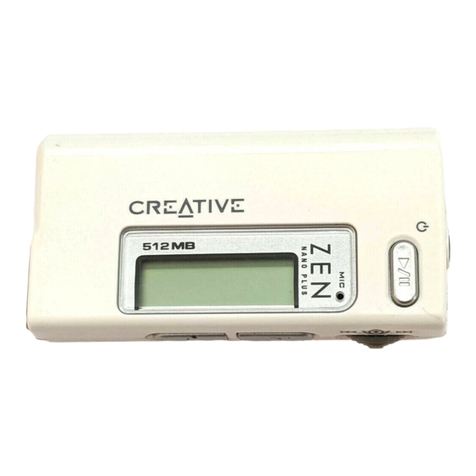
Creative ZEN User manual

User’s Guide

Copyright © 2005 by Creative Technology Ltd. All rights reserved.
The Creative logo, and Creative MediaSource are trademarks or registered trademarks of Creative Technology
Ltd. in the United States and/or other countries. Microsoft, Windows, Windows Media, Outlook and the Windows
logo are registered trademarks of Microsoft Corporation. Intel and Pentium are registered trademarks of Intel
Corporation. All other products are trademarks or registered trademarks of their respective owners. All
specifications are subject to change without prior notice. Actual contents may differ slightly from those pictured.
Information in this document is subject to change without notice and does not represent a commitment on the part
of Creative Technology Ltd. No part of this manual may be reproduced or transmitted in any form or by any means,
electronic or mechanical, including photocopying and recording, for any purpose without the written permission of
Creative Technology Ltd. The software described in this document is furnished under a license agreement and
may be used or copied only in accordance with the terms of the license agreement. It is against the law to copy
the software on any other medium except as specifically allowed in the license agreement. The licensee may make
one copy of the software for backup purposes only.
The Software License Agreement can be found on the Installation and Applications CD.
Version 1.0 January 2005

Zen at a Glance ............................................................ 6
Zen................................................................................. 6
Turning Zen on and off .................................................. 9
Vertical Touch Pad ...................................................... 10
Main Menu ................................................................... 11
Now Playing screen ..................................................... 12
Main Applications......................................................... 13
Accessories................................................................ 15
Earphones ................................................................... 15
Cradle .......................................................................... 16
Wired Remote Control ................................................. 18
Importing Music into Creative MediaSource........... 20
Importing existing music files into Creative MediaSource
20
Importing music from audio CDs ................................. 20
Shopping for music on the Internet.............................. 22
Transferring Music to Zen......................................... 23
Transferring music tracks ............................................ 23
Creating and transferring playlists ............................... 25
Synchronizing music with your computer .................... 25
Playing and Managing Music.................................... 26
Adjusting volume ......................................................... 26
Locking Zen ................................................................. 26
Selecting and playing music tracks.............................. 29
Searching for similar tracks ......................................... 30
Selecting tracks with Zen’s DJ..................................... 30

Managing the list of selected tracks............................. 31
Shuffling and repeating the list of selected tracks ....... 31
Searching within a track............................................... 32
Using bookmarks ......................................................... 33
Listening to the radio ................................................... 34
Deleting radio presets.................................................. 36
Recording radio broadcasts......................................... 36
Recording with the built-in microphone........................ 37
Playing recorded tracks ............................................... 38
Deleting tracks ............................................................. 38
Viewing track information............................................. 39
Viewing player information........................................... 39
Using Zen’s Organizer Features............................... 40
Synchronizing with Microsoft Outlook.......................... 40
Viewing the calendar ................................................... 40
Viewing today’s tasks .................................................. 41
Viewing contacts.......................................................... 41
Storing Data Files in Zen........................................... 42
Using Zen as a Removable Disk ................................. 42
Changing the amount of hard disk space used in
Removable Disk mode................................................. 45
Personalizing Zen ...................................................... 47
Adjusting Vertical Touch Pad settings ......................... 47
Setting the date and time............................................. 47
Setting the alarm.......................................................... 48
Using Zen’s equalizer (EQ).......................................... 48
Setting playback at a constant volume ........................ 49

Labeling Zen with your name....................................... 50
Setting the backlight duration ...................................... 50
Setting the display contrast.......................................... 50
Setting the idle shutdown time..................................... 51
Enabling Sleep Timer .................................................. 51
Changing the menu language...................................... 51
Resetting Zen .............................................................. 52
Adding and removing main menu items ...................... 52
Frequently Asked Questions .................................... 53
Safety Advice ............................................................. 62
General Specifications .............................................. 63

Zen at a Glance 6
Zen at a Glance
After completing the setup instructions in the Quick Start booklet, take
some time to read this User’s Guide to learn how to get the most out of your
player.
Zen

Zen at a Glance 7
Next/Fast-Forward button
Press this button to go the next track.
Press and hold this button to move forward within a track.
Options button
Press this button to display the options available.
Vertical Touch Pad
Use the Vertical Touch Pad to scroll through and select menu items.
During playback, use the Vertical Touch Pad to adjust the volume.
For more information about using the Vertical Touch Pad, see "Vertical Touch Pad" on
page 10.
Menu/Back button
During playback, press this button to display the main menu.
When scrolling though menu items, press this button to return to the previous menu.
Play/Pause button
Starts, pauses and resumes playback.
Previous/Rewind button
Press this button to go the previous track.
Press and hold this button to move back within a track.

Zen at a Glance 8
Lock
Slide the Power switch towards the Lock icon to disable your player’s controls.
Power switch
Turns your player on and off.
Microphone
Make instant recordings with this built-in microphone.
Headphone jack
Connect your earphones to this jack.
USB 2.0 port
To transfer music and data files, connect one end of the supplied USB cable to this
port, and the other end of the USB cable to the your computer’s USB port.
DC IN connector
To charge Zen’s battery, connect one end of Zen’s Power Adapter to this connector,

Zen at a Glance 9
and the other end to a power outlet. Turn on the power outlet if necessary.
Turning Zen on and off
1To turn on Zen, slide the Power switch towards the Power icon and hold it there until
the LCD lights up.
2To turn off Zen, slide the Power switch towards the Power icon and hold it there until
Shutting down... appears.

Zen at a Glance 10
Vertical Touch Pad
Move your thumb up
and down the Vertical
Touch Pad to scroll
through menu items.
To rapidly scroll
though menu items,
hold down the top or
bottom portion of the
Vertical Touch Pad
with your thumb.
To select a menu item,
firmly tap the Vertical
Touch Pad.
Other manuals for ZEN
14
Table of contents
Other Creative Media Player manuals
Creative
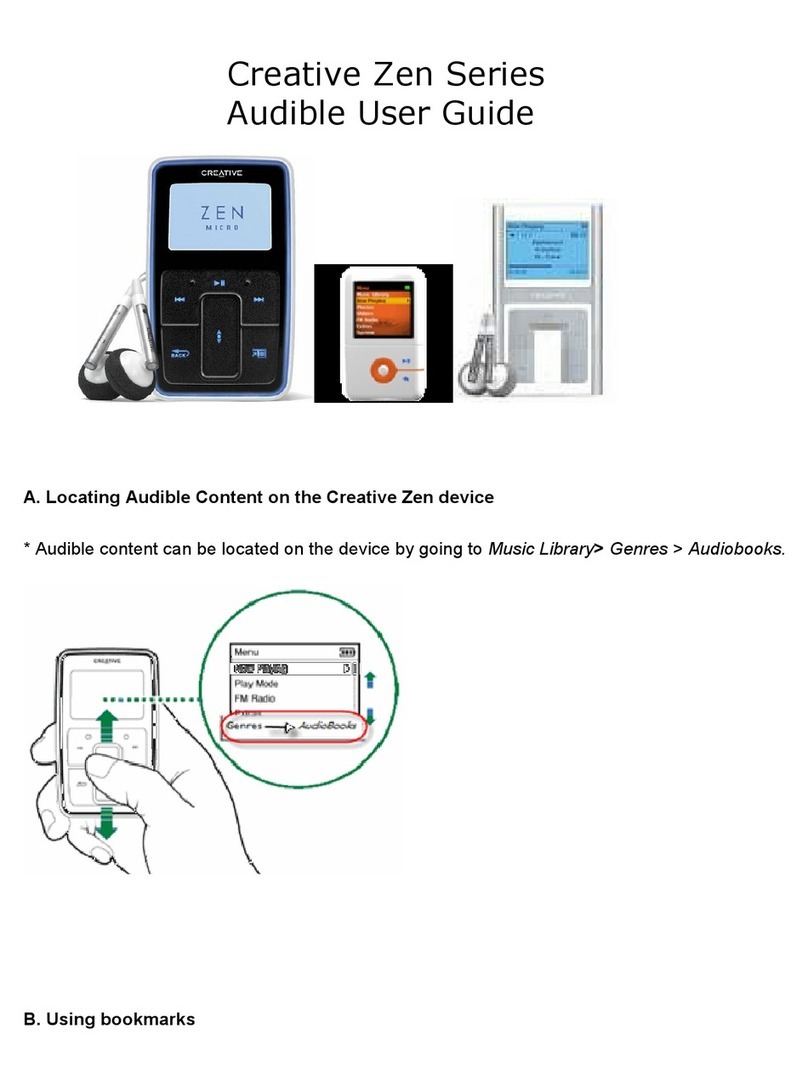
Creative ZEN V User manual
Creative
Creative ZEN User manual

Creative
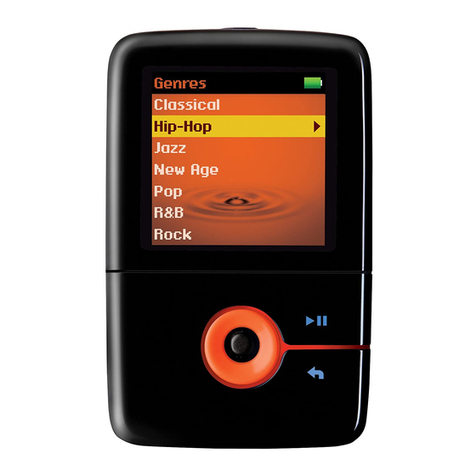
Creative Zii EGG User manual
Creative
Creative ZEN User manual

Creative
Creative ZEN V User manual

Creative
Creative ZEN SLEEK PHOTO - User manual

Creative
Creative ZEN User manual
Creative
Creative ZEN V User manual
Creative
Creative ZEN V User manual

Creative
Creative ZEN VISION M User manual