Creative ZEN User manual
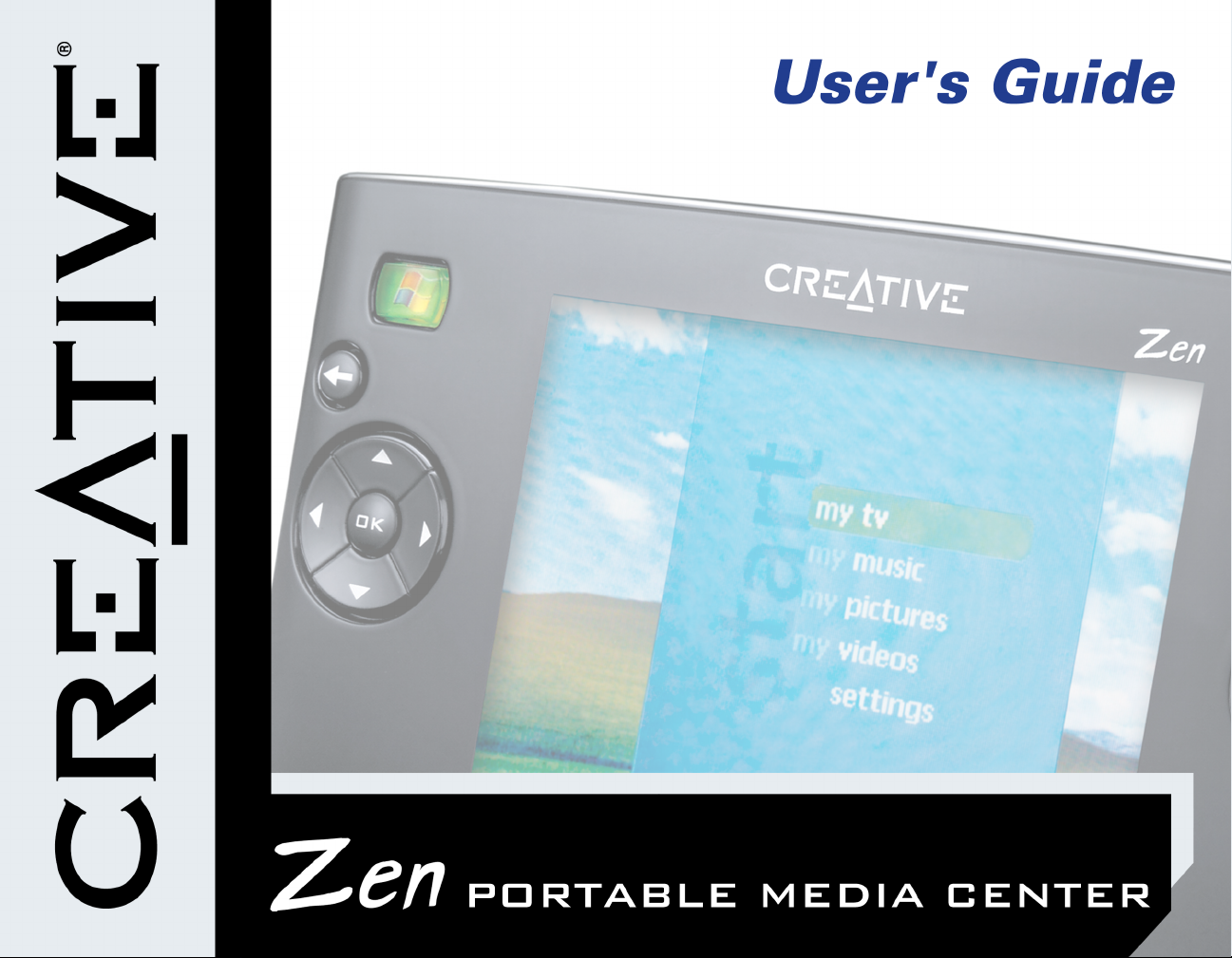

User’s Guide
Zen Portable Media Center
Information in this document is subject to change without notice and does not represent a commitment on the part of Creative
Technology Ltd. No part of this manual may be reproduced or transmitted in any form or by any means, electronic or mechanical,
including photocopying and recording, for any purpose without the written permission of Creative Technology Ltd. The software
described in this document is furnished under a license agreement and may be used or copied only in accordance with the terms of
the license agreement. It is against the law to copy the software on any other medium except as specifically allowed in the license
agreement. The licensee may make one copy of the software for backup purposes only.
The Software License Agreement is found in a separate folder on the Installation CD.
Copyright © 2004 by Creative Technology Ltd. All rights reserved.
Version 1.0
July 2004
The Creative logo and Zen are registered trademarks of Creative Technology Ltd. in the United States and/or other countries.
Microsoft, MS-DOS, Windows and the Windows logo are registered trademarks of Microsoft Corporation. Intel and Pentium are
registered trademarks of Intel Corporation. MP3.com and the MP3.com logo are trademarks of MP3.com, Inc. All other products are
trademarks or registered trademarks of their respective owners and are hereby recognized as such. All specifications are subject to
change without prior notice. Actual contents may differ slightly from those pictured.

Contents

i
1Introduction
Zen Portable Media Center................................................................................................................... 1-1
Windows Media Player 10............................................................................................................ 1-1
Terminology...................................................................................................................................... 1-1
System Requirements............................................................................................................................... 1-2
Accessories.................................................................................................................................................. 1-3
Customer Support Services and Warranty Information............................................................... 1-3
2About Your Player
Front Views................................................................................................................................................. 2-1
Top and Bottom Views............................................................................................................................ 2-3
Selecting Menu Options........................................................................................................................... 2-4
Navigation buttons.......................................................................................................................... 2-4
Play Control buttons................................................................................................................................ 2-5
3Getting Started
Inserting the battery ................................................................................................................................ 3-1
Powering your player .............................................................................................................................. 3-2
Charging the battery ................................................................................................................................ 3-3
Battery charge status...................................................................................................................... 3-4
Setting Up Your Player............................................................................................................................ 3-5
Connecting Your Player to a TV.......................................................................................................... 3-5

ii
Using the Protective Carrying Case.................................................................................................... 3-7
Locking and Unlocking your Player...................................................................................................... 3-7
Turning the player on or off................................................................................................................... 3-8
Navigating Menus ...................................................................................................................................... 3-8
Transferring content................................................................................................................................. 3-9
4Personalizing Your Player
Personalizing your player......................................................................................................................... 4-1
Equalization........................................................................................................................................ 4-1
Display................................................................................................................................................. 4-1
Effects................................................................................................................................................... 4-2
International....................................................................................................................................... 4-2
Reset.................................................................................................................................................... 4-2
Information.................................................................................................................................................. 4-3
Resetting your player................................................................................................................................ 4-3
5Managing Content
About Content Types ............................................................................................................................. 5-1
Getting Content......................................................................................................................................... 5-1
Transferring content................................................................................................................................. 5-2
Transferring Content Manually................................................................................................... 5-2
Deleting Content............................................................................................................................. 5-2
Managing Videos......................................................................................................................................... 5-3
Locating a Video............................................................................................................................... 5-3
Playing a Video.................................................................................................................................. 5-3
Managing Programs................................................................................................................................... 5-3

iii
Managing Pictures...................................................................................................................................... 5-4
Locating a Picture............................................................................................................................. 5-4
Viewing a Slide Show...................................................................................................................... 5-4
Setting Up a Slide Show................................................................................................................. 5-4
Managing Audio.......................................................................................................................................... 5-5
Playing a Track ................................................................................................................................. 5-6
Viewing Track Information........................................................................................................... 5-6
Playing Tracks from an Album, Artist or Genre.................................................................... 5-6
Changing Play Modes...................................................................................................................... 5-7
About the Portable Playlist........................................................................................................... 5-7
Managing the Portable Playlist .................................................................................................... 5-7
Viewing the Contents of the Portable Playlist........................................................................ 5-8
Deleting All Tracks from the Portable Playlist........................................................................ 5-8
Appendixes
A General Specifications
General Specifications for your player................................................................................................ A-1
B Frequently Asked Questions
Usage............................................................................................................................................................. B-1
Updates......................................................................................................................................................... B-3
About Recovery Screens......................................................................................................................... B-4
C Terms and Technology Explained
Glossary....................................................................................................................................................... C-1

iv
DRM.......................................................................................................................................... C-1
Li-Ion Polymer........................................................................................................................ C-1
NTSC........................................................................................................................................ C-1
PAL............................................................................................................................................ C-1
Transcoding............................................................................................................................ C-2
Windows Media Audio (WMA)....................................................................................... C-2
Windows Media Video (WMV)....................................................................................... C-2
USB............................................................................................................................................ C-2

Introduction

Introduction 1-1
Introduction
Zen Portable
Media Center Congratulations on making an excellent decision in purchasing the Zen Portable
Media Center!
With this device, you can have all of your favorite videos, music, and pictures at
your fingertips. Use your computer to create or download digital entertainment
programs, including recorded TV shows, videos, home movies, music, and
pictures, then store them all on your device. You can even connect it to your TV set
and view your pictures and videos!
Your player comes with Windows Mobile™ software, featuring an easy-to-use and
familiar Windows®Media Center Edition interface. You can easily create high-
fidelity WMA or MP3*files from your personal audio CD collection.
Connect your player with the supplied USB travel cable, so that you can transfer
audio tracks, TV shows, pictures and videos quickly and easily. Enjoy easy access
to all of your favorite entertainment — anytime, anywhere.
Windows Media
Player 10 With Windows Media Player 10, you can enjoy fast, flexible and high-quality
playback of your digital content. It also has smart jukebox features designed by
Microsoft®to make transferring content simple and easy.
Terminology If you are unfamiliar with the terms used in this document, you can refer to "Terms
and Technology Explained" on page C-1.
* You cannot create digital audio files from Copy Control CDs.

Introduction 1-2
System
Requirements
Minimum Recommended
❍Microsoft®Windows®XP Home Edition, Windows XP
Professional, Windows XP Media Center Edition, or
Windows XP Tablet PC
❍Intel®Pentium®II 233 MHz or better processor ❍Intel®Pentium®4 1.6GHz or better processor
❍CD-ROM/DVD-ROM drive with digital audio extraction
support
❍USB 2.0 port
❍64 MB RAM ❍256 MB RAM
❍100 Megabytes free hard disk space (more needed
for storing audio and video) ❍300 Megabytes free hard disk space (more needed
for storing audio and video)
❍56 Kbps Internet connection for Internet content
downloading and CDDB2™ support (any charges
incurred are the responsibility of the user)
❍Broadband-based Internet connection for Internet
content downloading and CDDB2™ support (any
charges incurred are the responsibility of the user)
❍SVGA graphics adapter (256 colors, 800 x 600
resolution or better)
❍Internet browser (Microsoft Internet Explorer 5.01,
Netscape®Navigator 4.7 or better)
❍Microsoft Internet Explorer 6 Service Pack 1 or
Netscape Navigator 7.0
For web pages with embedded digital media, use
only Netscape Navigator 6.x and 7.0 with the Java 2
Runtime Environment version 1.3.x.
Other manuals for ZEN
14
Table of contents
Other Creative Media Player manuals
Creative
Creative Zen Nano Plus User manual

Creative
Creative ZEN V User manual

Creative
Creative ZEN User manual

Creative
Creative ZEN User manual

Creative
Creative ZEN VISION M User manual
Creative
Creative MuVo Vidz User manual
Creative
Creative ZEN V User manual

Creative
Creative NOMAD Jukebox User manual
Creative
Creative ZEN V User manual

Creative
Creative ZEN User manual