5 YEAR WARRANTY
Olbertz Holdings Pty Ltd ACN 010 003 933 trading as The Crest Company of 165 South Pine Road, Brendale, Queensland, 4500, Ph: 1800 812 261,
www.crest.com.au, warrants that if this Crest product purchased by you from The Crest Company or a retail outlet is found by The Crest Company to be defective
in workmanship or materials within 5 years of the date of purchase, The Crest Company will (at its election) either repair that product, replace the product, supply
an equivalent product or pay the costs of repairing or replacing the product or acquiring an equivalent product.
This limited warranty will not extend to or cover any expenses associated with removing, demounting the original product or installing the repaired, replaced or
equivalent product or all or any of its components, you must bear these expenses. It also does not cover damage or loss resulting from intentional or unintentional
misuse of, tampering with, alterations to or incorrect installation of this product or use of this product for purposes other than that for which it is designed or in a
manner inconsistent with the product’s instructions. This limited warranty also does not apply to damage or loss resulting from fair wear and tear or events beyond
The Crest Company control including but not limited to natural disasters.
In order to claim under this warranty, you must contact The Crest Company and return to The Crest Company (via our nominated reply paid address) the product
and its components and proof of purchase (including the date and location of purchase) so that The Crest Company can verify the defect and your purchase.
Our goods come with guarantees that cannot be excluded under the Australian Consumer Law. You are entitled to a replacement or refund for a major failure
and compensation for any other reasonably foreseeable loss or damage. You are also entitled to have the goods repaired or replaced if the goods fail to be of
acceptable quality and the failure does not amount to a major failure. The benefits given by this warranty are in addition to other rights and remedies which you
may have under a law in relation to the goods or services to which the warranty relates.
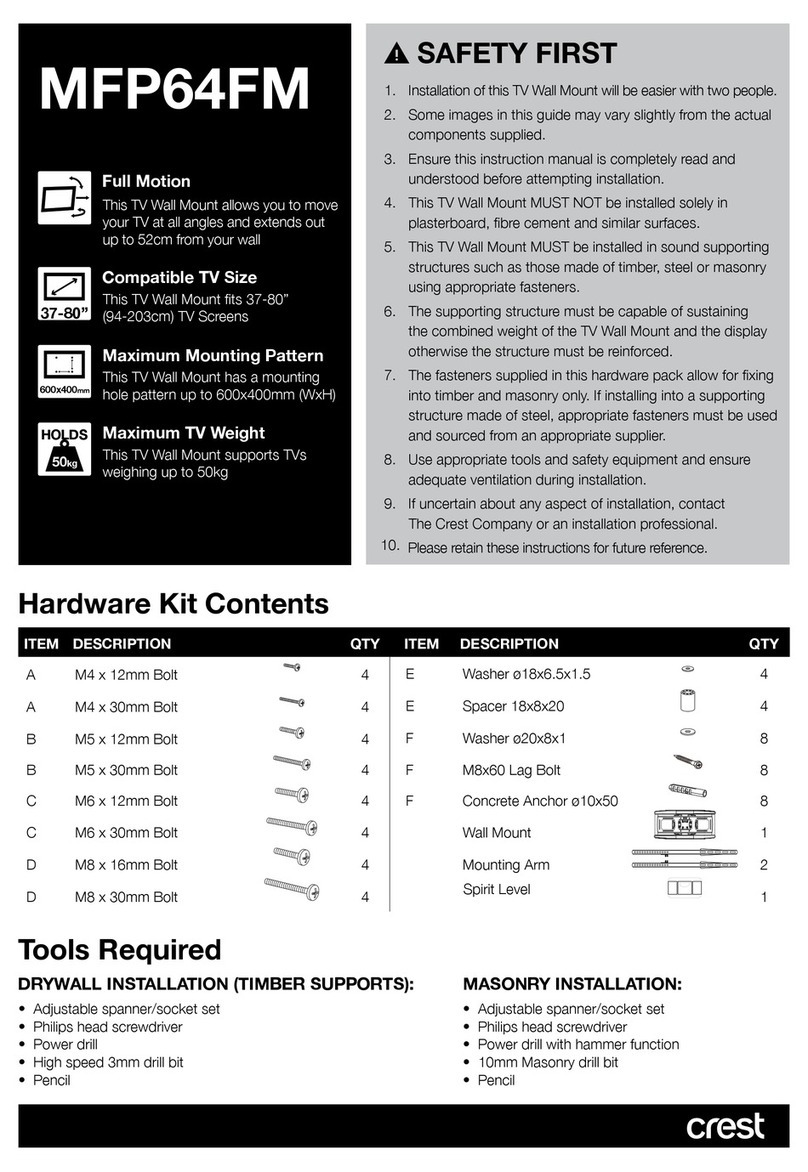
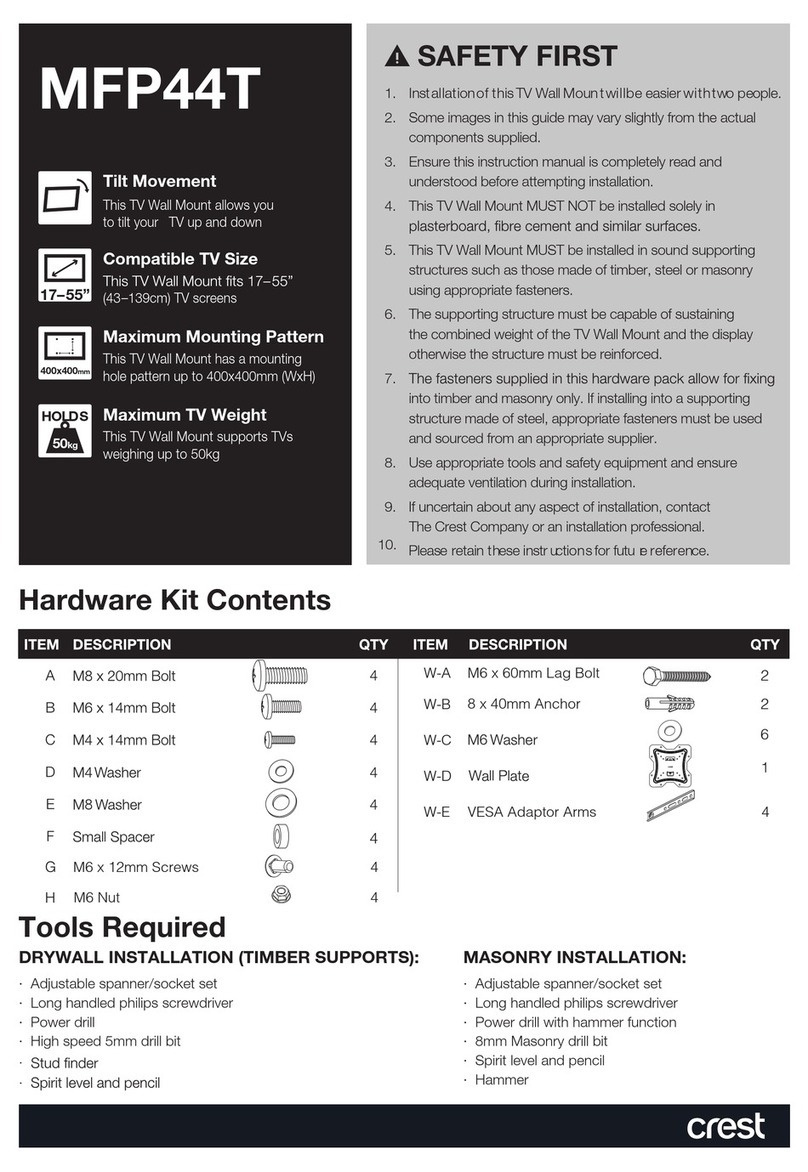
SAFETY FIRST
1. Installation of this TV Wall Mount will be easier with two people.
2. Some images in this guide may vary slightly from the actual
components supplied.
3. Ensure this instruction manual is completely read and
understood before attempting installation.
4. This TV Wall Mount MUST NOT be installed solely in
plasterboard, fibre cement and similar surfaces.
5. This TV Wall Mount MUST be installed in sound supporting
structures such as those made of timber, steel or masonry
using appropriate fasteners.
6. The supporting structure must be capable of sustaining
the combined weight of the TV Wall Mount and the display
otherwise the structure must be reinforced.
7. The fasteners supplied in this hardware pack allow for fixing
into timber and masonry only. If installing into a supporting
structure made of steel, appropriate fasteners must be used
and sourced from an appropriate supplier.
8. Use appropriate tools and safety equipment and ensure
adequate ventilation during installation.
9. If uncertain about any aspect of installation, contact
The Crest Company or an installation professional.
10. Please retain these instructions for future reference.
1323
Hardware Kit Contents
ITEM DESCRIPTION QTY ITEM DESCRIPTION QTY
A 63mm Lag Bolt 4 E Hole Spacer 4
B Concrete Anchor 4 F S3 Allen Key 1
C M4 x 12mm Bolt 4 G S4 Allen Key 1
D M4 x 30mm Bolt 4
Tools Required
DRYWALL INSTALLATION (TIMBER SUPPORTS):
• Adjustable spanner/socket set
• Philips head screwdriver
• Power drill
• High speed 3mm drill bit
• Stud nder
• Pencil
MASONRY INSTALLATION:
• Adjustable spanner/socket set
• Philips head screwdriver
• Power drill with hammer function
• 8mm masonry drill bit
• Pencil
• Hammer
PO Box 5658 Brendale
QLD Australia 4500
Customer Support
1800 812 261
www.crest.com.au
AUSTRALIAN OWNED
Proudly brought to you by:
BFP2FM
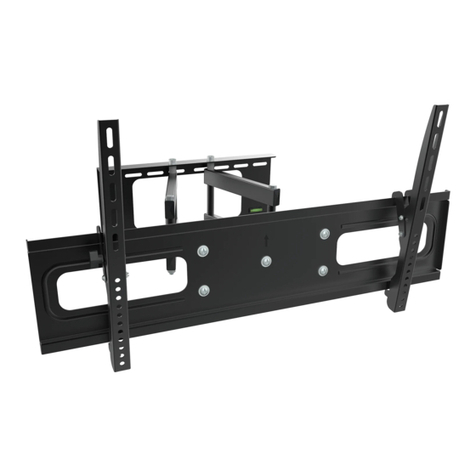
TV Wall Mount
Compatible TV Size
This TV Wall Mount fits up to 32”
(81cm) TV screens
UP TO 32”
Maximum TV Weight
This TV Wall Mount supports TVs
weighing up to 18kg
HOLDS
18kg
Maximum Mounting Pattern
This TV Wall Mount has a mounting
hole pattern up to 100x100mm (HxW)
100x100mm
Full Motion
This TV Wall Mount allows you to move
your TV at all angles and extends out
up to 25cm from your wall
Includes 2 x Wall Plates
2 Wall Plates included for
mounting in 2 separate areas
Step 4: Hook TV Wall Mount to Wall Plate
1. Re-attach the mounting arm to the TV Wall Mount that is now attached to your TV. Tighten the mounting arm to the
TV Wall Mount by turning the adjustment knob clockwise.
2. Slide the mounting arm down (with the TV Wall Mount and TV attached) into the Wall Plate on the wall (see Figure 8).
You should hear a ‘click’ sound indicating that the mounting arm is secure in position (do not release your grip on your TV
until your mounting arm has securely attached to your Wall Plate).
If you need to remove the TV Wall Mount (with TV attached), push back the plastic tab (located at the top of the back of the
Wall Plate) and slide the mounting arm up out of the Wall Plate.
Tighten the screw located on the bottom of the TV Wall Plate using the S3 allen key (F) (see Figure 9).
3. You can now move your TV side to side at 180˚. To tilt your TV up or down by 15˚/-15˚, slowly loosen the adjustment
knob (ensuring you keep a good grip of your TV) and adjust your TV to the desired angle. Once in position, tighten the
adjustment knob securely by turning it clockwise (see Figure 10).
Other viewing angles can be made by simply moving the arm side to side and locked into place by tightening the bolts
located on the top of the mounting arm using the S4 allen key (G) (see Figure 11).
Check your TV Wall Mount is secure and safe to use at regular intervals (at least every three months).
Figure 8
Slide Mounting Arm
(with the TV Wall Mount
and TV attached) into the
Wall Plate on the wall
Tighten bolts with S4 allen key (G)
to secure in position
Tighten screw with S3 allen key (F)
Figure 11
To tighten the adjustment
knob turn clockwise
To loosen the adjustment
knob turn counter-clockwise
Figure 10
Figure 9