manuals.online logo
Brands
  1. Home
  2. •
  3. Brands
  4. •
  5. Crestron
  6. •
  7. TV Mount
  8. •
  9. Crestron FT2A-CBLR-BRKT-1200 User manual

Crestron FT2A-CBLR-BRKT-1200 User manual

This manual suits for next models

3

Other Crestron TV Mount manuals

Crestron BB-8L User manual

Crestron

Crestron BB-8L User manual

Crestron CSA-ARCH5-BRKT-CPLR-ANG User manual
Crestron

Crestron CSA-ARCH5-BRKT-CPLR-ANG User manual

Crestron UC-BRKT-100-Z-ASSY User manual

Crestron

Crestron UC-BRKT-100-Z-ASSY User manual

Crestron CSA-DECOR5-BRKT Series User manual
Crestron

Crestron CSA-DECOR5-BRKT Series User manual

Crestron TSW-70 Series User manual

Crestron

Crestron TSW-70 Series User manual
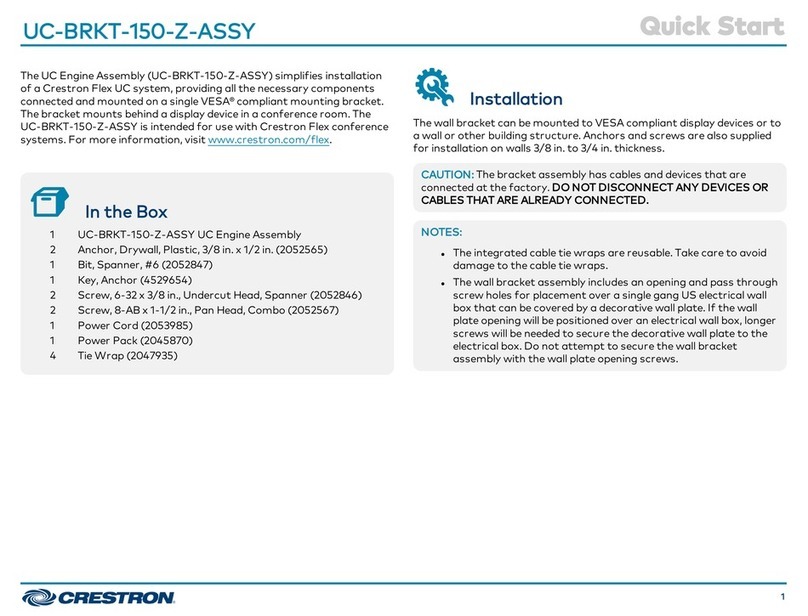
Crestron UC-BRKT-150-Z-ASSY User manual
Crestron

Crestron UC-BRKT-150-Z-ASSY User manual

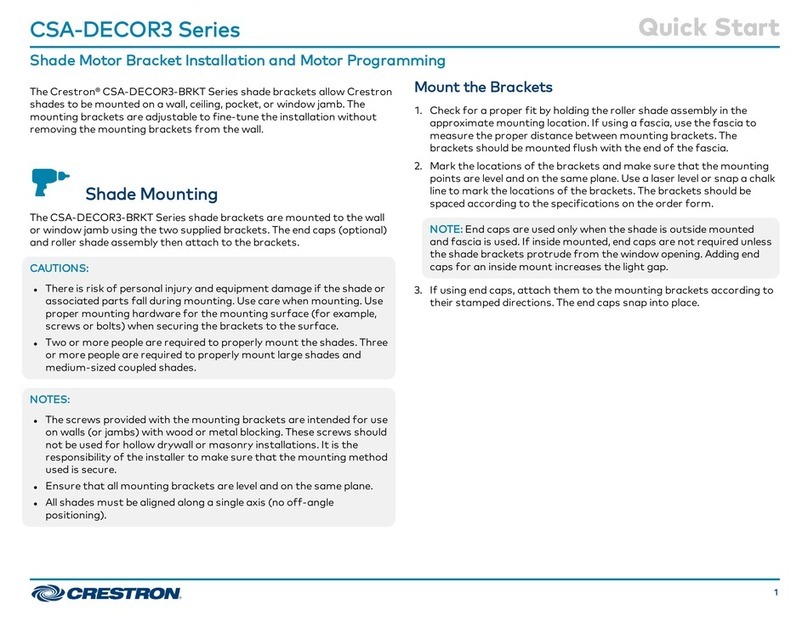
Crestron CSA-DECOR3 Series User manual
Crestron

Crestron CSA-DECOR3 Series User manual

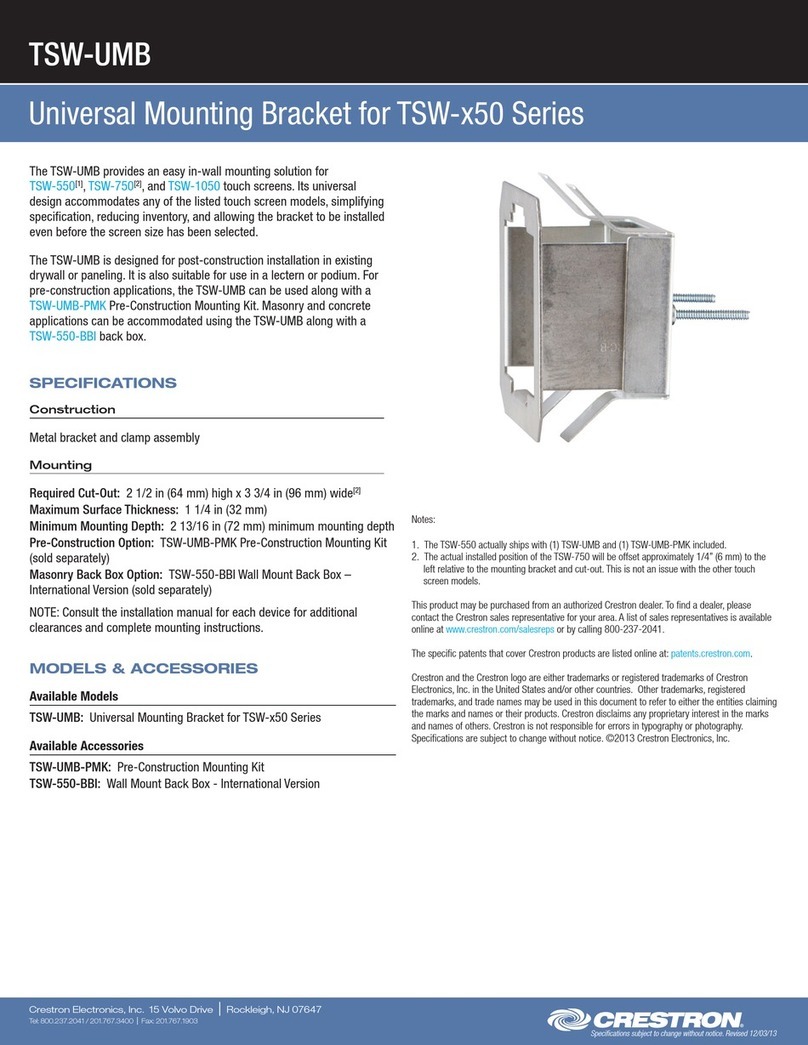
Crestron TSW-UMB User manual

Crestron

Crestron TSW-UMB User manual
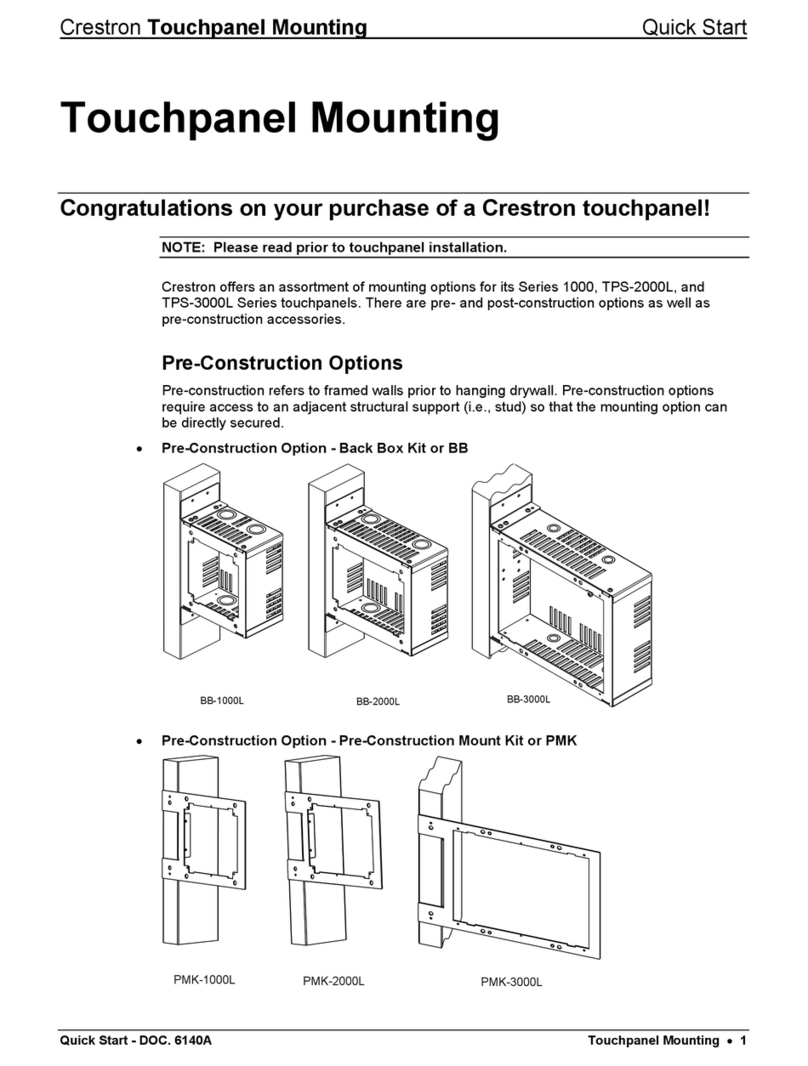
Crestron Lsys TPS 2000L User manual

Crestron

Crestron Lsys TPS 2000L User manual
Crestron TSW-UMB-70 Series User manual
Crestron

Crestron TSW-UMB-70 Series User manual

Crestron FT2A-CBLR-BRKT-202 User manual

Crestron

Crestron FT2A-CBLR-BRKT-202 User manual

Crestron UC-BRKT-150-ASSY User manual

Crestron

Crestron UC-BRKT-150-ASSY User manual
Crestron CAEN-UMP User manual

Crestron

Crestron CAEN-UMP User manual
Crestron TSW-70-RMB Series User manual
Crestron

Crestron TSW-70-RMB Series User manual

Crestron CSA-ARCH5 Series User manual

Crestron

Crestron CSA-ARCH5 Series User manual

Crestron UC-BRKT-100-Z-ASSY User manual
Crestron

Crestron UC-BRKT-100-Z-ASSY User manual

Crestron TSW-70 Series User manual

Crestron

Crestron TSW-70 Series User manual
Popular TV Mount manuals by other brands

Krüger & Matz KM1300 owner's manual

Krüger & Matz

Krüger & Matz KM1300 owner's manual

Barkan E220 manual

Barkan

Barkan E220 manual

Bauhn ACTVB-1120 installation guide

Bauhn

Bauhn ACTVB-1120 installation guide

Vantage Point Products CB01 instructions

Vantage Point Products

Vantage Point Products CB01 instructions

Ergotron Neo Flex Cantilever UHD user guide

Ergotron

Ergotron Neo Flex Cantilever UHD user guide

ECG LD 174203 instruction manual

ECG

ECG LD 174203 instruction manual

StarTech.com FPCEILBTB user manual

StarTech.com

StarTech.com FPCEILBTB user manual

VonHaus 05/038 instruction manual

VonHaus

VonHaus 05/038 instruction manual

Techlink ECHO TV manual

Techlink

Techlink ECHO TV manual

Sandstrom SSTVMC12X instruction manual

Sandstrom

Sandstrom SSTVMC12X instruction manual

Kanto RCAD590 user manual

Kanto

Kanto RCAD590 user manual

Forging Mount HY9440 instruction manual

Forging Mount

Forging Mount HY9440 instruction manual

ICW SCACC18 installation instructions

ICW

ICW SCACC18 installation instructions

LG WM-L640V owner's manual

LG

LG WM-L640V owner's manual

Gembird WM-65ST-01 user manual

Gembird

Gembird WM-65ST-01 user manual

ERARD FiTUP XXL 035320 quick start guide

ERARD

ERARD FiTUP XXL 035320 quick start guide

PEERLESS PLCK-1 Installation and assembly

PEERLESS

PEERLESS PLCK-1 Installation and assembly

GEM GEM GP001 instructions

GEM

GEM GEM GP001 instructions

manuals.online logo
manuals.online logoBrands
  • About & Mission
  • Contact us
  • Privacy Policy
  • Terms and Conditions

Copyright 2025 Manuals.Online. All Rights Reserved.

Quick Start
The Crestron® FT2A-CBLR-BRKT-1200 and FT2A-CBLR-BRKT-1400 brackets mount below
the surface to the front or rear face of the FT2-1200 series and FT-1400 series of FlipTop™
Cable Management Systems, respectively. Each bracket provides slots to accommodate up
to two cable retractors and one power supply holder. The bracket enables cable retractors to
occupy the center module positions inside the FlipTop.
Check the Box
Item Qty
FT2A-CBLR-BRKT-1200 or FT2A-CBLR-BRKT-1400 (P/N 6510689 or 6510688)
Bracket, 9” x 3.6”
1
Screw, 10-32 x 5/16”, SEMS, Pan Head, Phillips (P/N 2007287) 2
Install the Bracket
NOTE: Up to two brackets (front and rear) can be installed on the larger FT2-1400 series
FlipTop. A single bracket can be installed to either the front or rear of the FT2-1200 series
FlipTop.
Determine whether to install the bracket to the front or rear face of the FlipTop. Using a
#2 Phillips screwdriver, position the bracket against the FlipTop and secure with two screws
(provided). Use the following drawings for visual reference.
Front Bracket Installation - FT2-1200 Series FlipTop
(2) Screws
(included)
Bracket
(included)
FT2-1200 Series
FlipTop
Rear Bracket Installation - FT2-1200 Series FlipTop
(2) Screws
(included)
Bracket
(included)
FT2-1200 Series
FlipTop
Front Bracket Installation - FT2-1400 Series FlipTop
(2) Screws
(included)
Bracket
(included)
FT2-1400 Series
FlipTop
FT2A-CBLR-BRKT-1200/FT2A-CBLR-BRKT-1400
Front/Rear Bracket for Two Cable Retractors for FT2-1200 and FT2-1400 Series
Rear Bracket Installation - FT2-1400 Series FlipTop
(2) Screws
(included)
Bracket
(included)
FT2-1400 Series
FlipTop
Attach Cable Retractor and Power Supply Holder
Each installed bracket provides two sets of four slots for up to two cable retractors and one
set of four slots for a power supply holder. Use the following drawings for visual reference.
Installed FT2A-CBLR-BRKT-1200 (left) and FT2A-CBLR-BRKT-1400 (right)
Slots for
power
supply
holder
Slots for
cable
retractors
Slots for
power
supply
holder
Slots for
cable
retractors
Additional Information
Scan or click the QR code for detailed product information on the Crestron website.
FT2A-CBLR-BRKT-1200 FT2A-CBLR-BRKT-1400
Compliance and Legal
The product warranty can be found at www.crestron.com/warranty.
The specific patents that cover Crestron products are listed at www.crestron.com/legal/patents.
Certain Crestron products contain open source software. For specific information, please visit
www.crestron.com/opensource.
Crestron, the Crestron logo, and FlipTop are either trademarks or registered trademarks of Crestron Electronics, Inc.
in the United States and/or other countries. Other trademarks, registered trademarks, and trade names may be used
in this document to refer to either the entities claiming the marks and names or their products. Crestron disclaims any
proprietary interest in the marks and names of others. Crestron is not responsible for errors in typography or photography.
©2018 Crestron Electronics, Inc.
Crestron Electronics, Inc.
15 Volvo Drive, Rockleigh, NJ 07647
Tel: 888.CRESTRON
Fax: 201.767.7576
www.crestron.com
Quick Start - Doc. 8383A
(2052678)
11.18
Specifications subject to
change without notice.