manuals.online logo
Brands
  1. Home
  2. •
  3. Brands
  4. •
  5. D-MAX
  6. •
  7. Security Camera
  8. •
  9. D-MAX DWC-548DV User manual

D-MAX DWC-548DV User manual

Other D-MAX Security Camera manuals
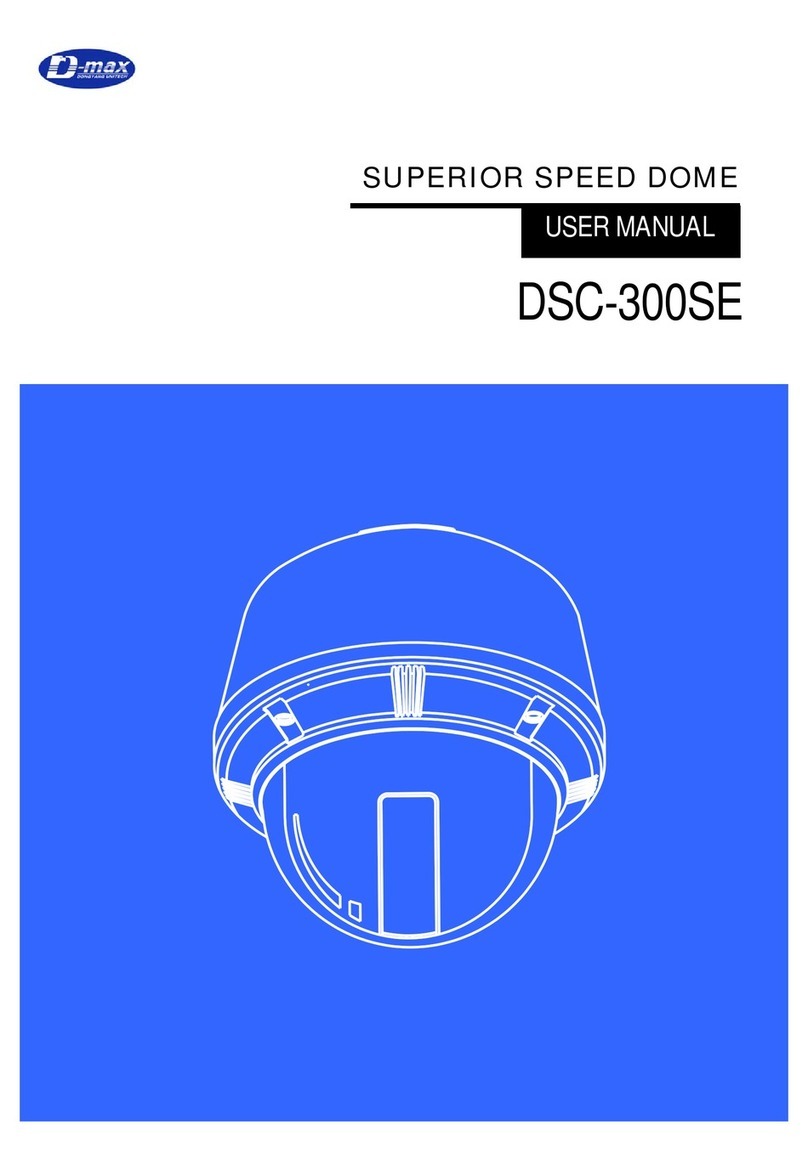
D-MAX DSC-300SE User manual

D-MAX

D-MAX DSC-300SE User manual

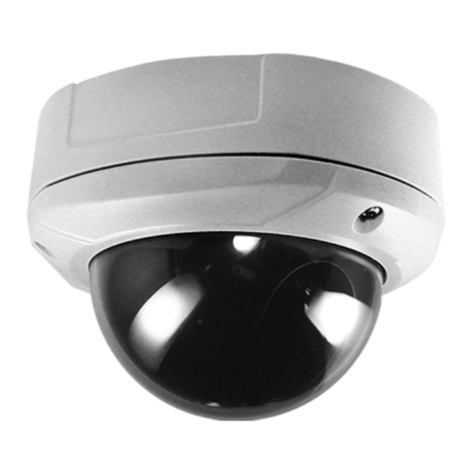
D-MAX Superior Speed Dome Operating manual
D-MAX

D-MAX Superior Speed Dome Operating manual

D-MAX DCC-520DV User manual

D-MAX

D-MAX DCC-520DV User manual
D-MAX DCC 600d Series User manual

D-MAX

D-MAX DCC 600d Series User manual
D-MAX DCC-601DV User manual

D-MAX

D-MAX DCC-601DV User manual
D-MAX DCC-520D series User manual

D-MAX

D-MAX DCC-520D series User manual
D-MAX DCC-500F User manual

D-MAX

D-MAX DCC-500F User manual
D-MAX DCC-700d Series User manual

D-MAX

D-MAX DCC-700d Series User manual
D-MAX DWC-540PV User manual

D-MAX

D-MAX DWC-540PV User manual
D-MAX 680 TVL User manual

D-MAX

D-MAX 680 TVL User manual
D-MAX DMS-200 User manual

D-MAX

D-MAX DMS-200 User manual
D-MAX Pixim Seawolf DSP User manual

D-MAX

D-MAX Pixim Seawolf DSP User manual
D-MAX 600 TVL User manual

D-MAX

D-MAX 600 TVL User manual
D-MAX DCC-501DV User manual

D-MAX

D-MAX DCC-501DV User manual
D-MAX DWC-540DV User manual

D-MAX

D-MAX DWC-540DV User manual
D-MAX DMC Series User manual

D-MAX

D-MAX DMC Series User manual
D-MAX DCC-500D User manual

D-MAX

D-MAX DCC-500D User manual
D-MAX DSC-737SE User manual

D-MAX

D-MAX DSC-737SE User manual
D-MAX DCC-600F User manual

D-MAX

D-MAX DCC-600F User manual
D-MAX DCC-528DV User manual

D-MAX

D-MAX DCC-528DV User manual
D-MAX DMC-20SEC User manual

D-MAX

D-MAX DMC-20SEC User manual

D-MAX DIC-7030DV User manual

D-MAX

D-MAX DIC-7030DV User manual

D-MAX DMS-200 User manual

D-MAX

D-MAX DMS-200 User manual

D-MAX DCC-500D User manual

D-MAX

D-MAX DCC-500D User manual

Popular Security Camera manuals by other brands

ADEMCO RapidDome Owners Operating & Installation Guide

ADEMCO

ADEMCO RapidDome Owners Operating & Installation Guide

EverFocus EBA2880 user manual

EverFocus

EverFocus EBA2880 user manual

Honeywell OptiCAM-IR Installation and setup guide

Honeywell

Honeywell OptiCAM-IR Installation and setup guide

Uniq UC-600 user manual

Uniq

Uniq UC-600 user manual

OPTICOM NVD-120-S datasheet

OPTICOM

OPTICOM NVD-120-S datasheet

Steren CCTV-221 instruction manual

Steren

Steren CCTV-221 instruction manual

Arm Electronics C420BCDNVFIR Features

Arm Electronics

Arm Electronics C420BCDNVFIR Features

Eneo PLD-2036PTZ installation guide

Eneo

Eneo PLD-2036PTZ installation guide

Axis AXIS M20 Series installation guide

Axis

Axis AXIS M20 Series installation guide

Panasonic KX-HCM230 operating instructions

Panasonic

Panasonic KX-HCM230 operating instructions

COP-USA CC15NV-SL Specifications

COP-USA

COP-USA CC15NV-SL Specifications

Active Silicon HARRIER H.264 quick start guide

Active Silicon

Active Silicon HARRIER H.264 quick start guide

Motorola Avigilon 1.3C-H5SL-BO1-IR installation guide

Motorola

Motorola Avigilon 1.3C-H5SL-BO1-IR installation guide

INSTEON 2864-232 user manual

INSTEON

INSTEON 2864-232 user manual

Wisenet XNB-6002 quick start guide

Wisenet

Wisenet XNB-6002 quick start guide

Axis M5525-E user manual

Axis

Axis M5525-E user manual

Vitek VTC-IR62NZ922 user guide

Vitek

Vitek VTC-IR62NZ922 user guide

Panasonic WV-SF342 Specifications

Panasonic

Panasonic WV-SF342 Specifications

manuals.online logo
manuals.online logoBrands
  • About & Mission
  • Contact us
  • Privacy Policy
  • Terms and Conditions

Copyright 2025 Manuals.Online. All Rights Reserved.

DISTRIBUTED BY
WDR DOME CAMERA
USER MANUAL
DWC-548DV
The lightning flash with an arrowhead symbol, within an equilateral
triangle is intended to alert the user to the presence of uninsulated
dangerous voltage within the product's enclosure that may be of
sufficient magnitude to constitute a risk of electric shock to persons.
The exclamation point within an equilateral triangle is intended to alert
the user to the presence of important operating and aintenance
(servicing) instructions in the literature accompanying the appliance.
INFORMATION - This equipment has been tested and found to comply with limits
for a Class A digital device, pursuant to part 15 of the FCC Rules.
These limits are designed to provide reasonable protection against harmful
interference when the equipment is operated in a commercial environment.
This equipment generates, uses, and can radiate radio frequency energy and, if not
installed and used in accordance with the instruction manual, may cause
harmful interference to radio communications.
Operation of this equipment in a residential area is likely to cause harmful
interference in which case the user will be required to correct the interference at
his own expense.
WARNING - Changes or modifications not expressly approved by the
manufacturer could void the user’s authority to operate the equipment.
CAUTION : To prevent electric shock and risk of fire hazards:
Do NOT use power sources other than that specified.
Do NOT expose this appliance to rain or moisture.
Only use the camera under
conditions
where temperatures are between
-10°C and +50°C. Be especially
careful to provide ventilation when
operating under high temperatures.
It can cause the image quality to
be poor.
Severe lighting change or flicker can
cause the camera to work
improperly.
It is one of the most important
parts of the camera.
Be careful not to be stained by
fingerprint.
■Precautions
• 1/3" CMY Color DPS SENSOR (Pixim Seawolf D8800C series)
• Resolution of 690 Horizontal Lines
• 10x sensitivity enhancement by removing the optical filter
• Switches to B/W and able to accept the infrared spectrum at night mode
• Enhanced sharpness compensation
• Very low noise and superior picture quality
• 0.0008Lux Class sensitivity (0.002Lux@ 2x Sense-up)
• Automatically removable IR Cut Filter
• Automatic White Balance (ATW)
• Built-in 3.8mm lens
1.
Color Dome Camera
1 set
2.
Screws
3 pcs
3.
Wrench
1 pcs
4.
Manual
1 pcs
⊙Features
⊙Components
POWER
VIDEO
⊙Dimension
⊙Cable Connection
* How to install
①Fix the camera body on a ceiling or wall via 3 holes.
②You must make 2 screws loosen to adjust angle of the camera.
③Set camera lens up toward object and Rejoin 2 screws.
⊙Assemble
This part is camera lens
There are 2 screws
to adjust angle of
camera.
This part is dome cover
to protect camera
There are 3 holes to fix
camera on a ceiling or wall
(Design and product specifications subject to change without notice.)
EFFECTIVE PIXEL
768 (H) x 540 (V)
IMAGE SENSOR
1/3-inch PIXEM DPS SEAWOLF CHIPSET
HORIZONTAL
RESOLUTION
690 TV lines
Scanning System
NTSC : 59.94Hz(V), 15.734Khz(H),
PAL : 50Hz(V), 15.625Khz(H)
MINIMUM ILLUMINATION
0.4 lux, F1.2, 40 IRE, AGC on
LENS
3.6 mm Fixed Lens
Min. Illumination
0.0008Lux Class sensitivity (0.002Lux@ 2x Sense-up)
Day & Night
Day & Night with ICR
DNR
Auto
Dynamic Range
95 dB typical/120 dB maximum
WHITE BALANCE
Auto
GAIN CONTROL
Auto
LUMINANCE S/N RATIO
52dB with AGC OFF at 50IRE
SYNC. SYSTEM
Internal
SHARPNESS
Auto
VIDEO OUTPUT
Composite output 75ohm terminated 1.0 Vpp,
SHUTTER SPEED
Auto/Manual(1/60~1/120,000) / NTSC
Auto/Manual(1/50~1/100,000) / PAL
OPERATING
TEMPERATURE
- 10℃to 50℃/ 30~90% RH
SUPPLIED VOLTAGE
DC 12V, 50/60 Hz
POWER CONSUMPTION
MAX. 300mA
DIMENSIONS
112 x 83(H)
WEIGHT
About 600g
⊙Specifications