logo
Brands
  1. Home
  2. •
  3. Brands
  4. •
  5. DeWalt
  6. •
  7. Measuring Instrument
  8. •
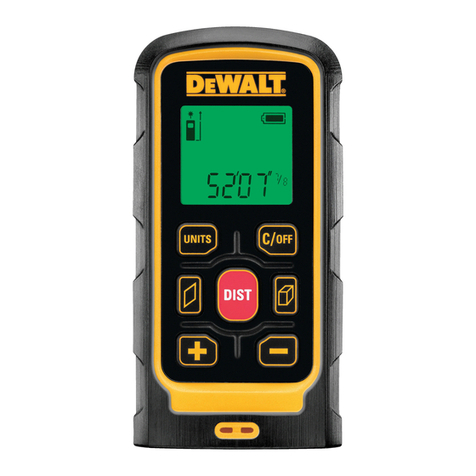
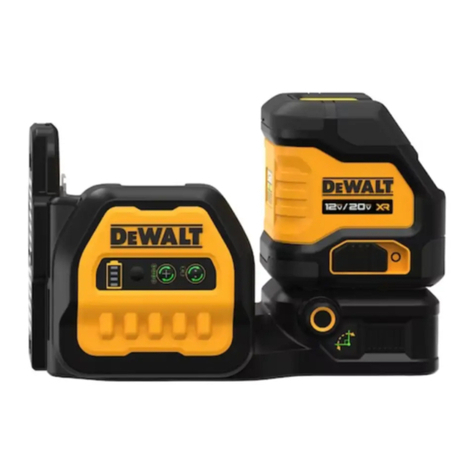
  9. DeWalt DCE0825R User manual

DeWalt DCE0825R User manual

Other manuals for DCE0825R

1

This manual suits for next models

1

Other DeWalt Measuring Instrument manuals

DeWalt DW074KD User manual

DeWalt

DeWalt DW074KD User manual

DeWalt LaserChalkLine DW088 User manual

DeWalt

DeWalt LaserChalkLine DW088 User manual

DeWalt DW099E User manual

DeWalt

DeWalt DW099E User manual

DeWalt LaserChalkLine DW088 User manual

DeWalt

DeWalt LaserChalkLine DW088 User manual

DeWalt DCE089G18 User manual

DeWalt

DeWalt DCE089G18 User manual

DeWalt DW077 User manual

DeWalt

DeWalt DW077 User manual

DeWalt DCE0822R User manual

DeWalt

DeWalt DCE0822R User manual

DeWalt DW0300 User manual

DeWalt

DeWalt DW0300 User manual

DeWalt DW0165 User manual

DeWalt

DeWalt DW0165 User manual

DeWalt DW0822-XJ User manual

DeWalt

DeWalt DW0822-XJ User manual

DeWalt DW065E User manual

DeWalt

DeWalt DW065E User manual

DeWalt DW03101 User manual

DeWalt

DeWalt DW03101 User manual

DeWalt DW071 User manual

DeWalt

DeWalt DW071 User manual

DeWalt DW099E User manual

DeWalt

DeWalt DW099E User manual

DeWalt DCLE34020 User manual

DeWalt

DeWalt DCLE34020 User manual

DeWalt DW08302 User manual

DeWalt

DeWalt DW08302 User manual

DeWalt DW0165 User manual

DeWalt

DeWalt DW0165 User manual

DeWalt DW03050 User manual

DeWalt

DeWalt DW03050 User manual

DeWalt DW089K-XJ User manual

DeWalt

DeWalt DW089K-XJ User manual

DeWalt DCE089G18 User manual

DeWalt

DeWalt DCE089G18 User manual

DeWalt DCE822G18 User manual

DeWalt

DeWalt DCE822G18 User manual

DeWalt DCE074R User manual

DeWalt

DeWalt DCE074R User manual

DeWalt DW055E User manual

DeWalt

DeWalt DW055E User manual

DeWalt DW089 User manual

DeWalt

DeWalt DW089 User manual

Popular Measuring Instrument manuals by other brands

Suaoki D40 user manual

Suaoki

Suaoki D40 user manual

Elster BK-G1.6 operating instructions

Elster

Elster BK-G1.6 operating instructions

Endress+Hauser Deltabar FMD71 technical information

Endress+Hauser

Endress+Hauser Deltabar FMD71 technical information

Duratool D03128 manual

Duratool

Duratool D03128 manual

Vega VEGAPULS 65 Quick setup guide

Vega

Vega VEGAPULS 65 Quick setup guide

Tonghui TH2618B Operation manual

Tonghui

Tonghui TH2618B Operation manual

Tenmars TM-801 user manual

Tenmars

Tenmars TM-801 user manual

MSR 145 user manual

MSR

MSR 145 user manual

TPS WP-82 manual

TPS

TPS WP-82 manual

PCB Piezotronics 003C30 Installation and operating manual

PCB Piezotronics

PCB Piezotronics 003C30 Installation and operating manual

Tenma 72-10465 manual

Tenma

Tenma 72-10465 manual

Endress+Hauser Proline Promag 50 Brief operating instructions

Endress+Hauser

Endress+Hauser Proline Promag 50 Brief operating instructions

Siemens SITRANS F Coriolis FCT030 Function manual

Siemens

Siemens SITRANS F Coriolis FCT030 Function manual

KLINGER CMF V Series instruction manual

KLINGER

KLINGER CMF V Series instruction manual

Keysight M8290A Getting started guide

Keysight

Keysight M8290A Getting started guide

Acterna MS1400 Operation manual

Acterna

Acterna MS1400 Operation manual

R&S ZPH manual

R&S

R&S ZPH manual

Datacolor ColorReader DC10-2 user guide

Datacolor

Datacolor ColorReader DC10-2 user guide

https://manuals.online logo
https://manuals.online logoBrands
  • About & Mission
  • Contact us
  • Privacy Policy
  • Terms and Conditions

Copyright 2025 Manuals.Online. All Rights Reserved.

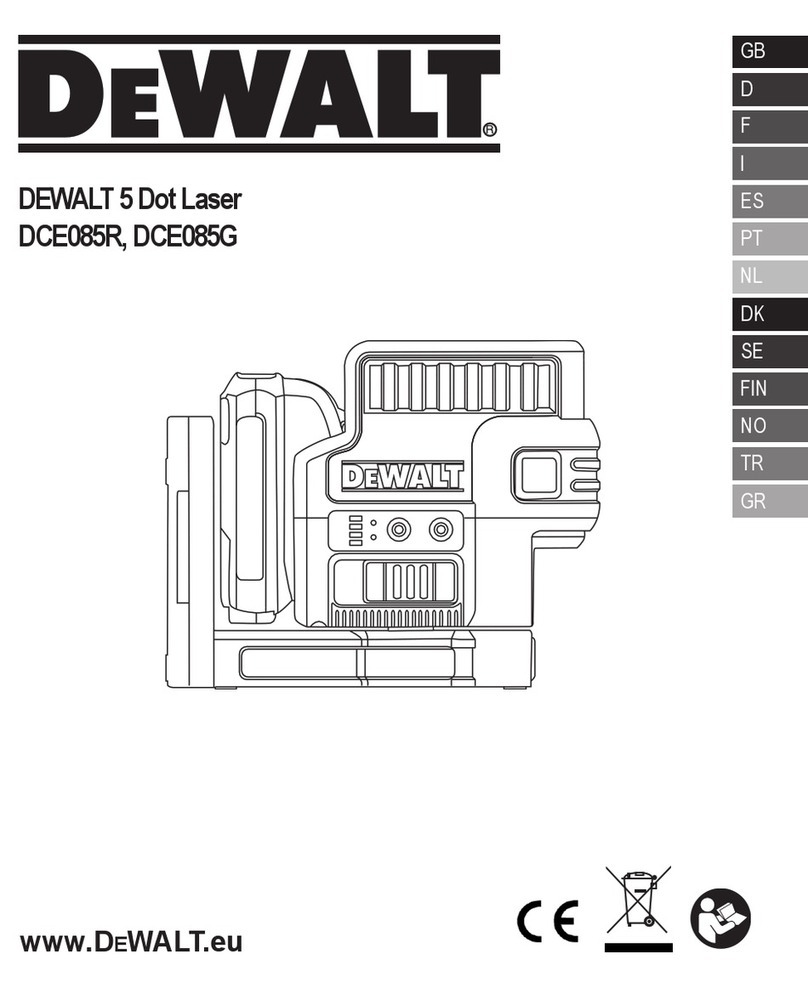
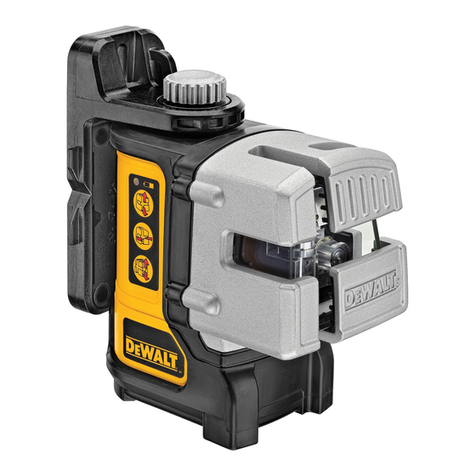
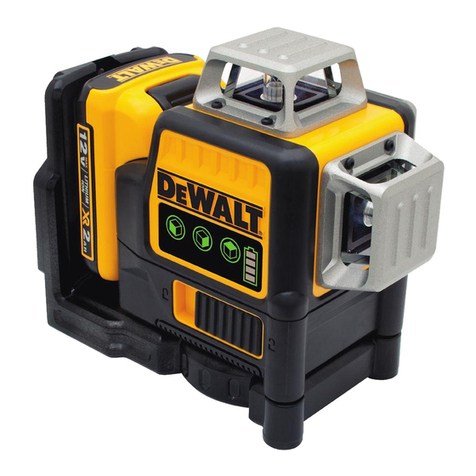
DEWALT 5 Dot Cross Line Laser
DEWALT 5 포인트 크로스라인 레이저
DCE0825R, DCE0825G
E
KR
Please read these instructions before operating the product.
www.DEWALT.eu
www.DEWALT.co.kr
제품을 작동하기 전에 본 설명서를 읽으십시오.
Instruction Manual 8
사용 설명서 16
1b
1a
3a
3b
3c
3d
3e
3f
x3 x2
x1
x2
x3
x1
x2
Figures
그림
3
12
A
B
C
1
2
1/4-20
5/8-11
3
3
4
D
E
FDCB120
DCB123
DCB125
DCB127
Figures
그림
5
D1
P1
P1
D½
D½
D1
P1
D½
D½
P2
P2
30’ (9m)
>
P1
xx
P2
P3
xx
P2
P1
x
30’ (9m)
>
G I
1
2
3
2
1
P3
D1
D1
2 x D1
P2
P1
P4
P4
P1
2 x D1
D1
P1
P2 D1 P3
H
1
2
3
6
J
K
P2
P2 P3
P1
P1
x
x
x
x
x
1
2
P1 P2
P3
P1 P2
xxx
xx
20’ (6m)
>
12
Figures
그림
7
4
L
P1
P2
P3
D1
P1
P2
P5
P4 P3
P1
P6
P2
P5
P4 P3
P7
P1
P6
P2
P5
P4 P3
1
2
3
8
E
7
GB
Contents
• Laser Information
• User Safety
• Battery Safety
• Powering the Laser
• Turning the Laser On
• Checking Laser Accuracy
• Using the Laser
• Maintenance
• Troubleshooting
• Service and Repairs
• Specifi cations
Laser Information
The DCE0825R and DCE0825G 5 Dot Cross Line lasers are
Class 2 laser products. The lasers are self-leveling laser tools
that can be used for horizontal (level) and vertical (plumb)
alignment projects.
User Safety
Safety Guidelines
The defi nitions below describe the level of severity for each
signal word. Please read the manual and pay attention to these
symbols.
DANGER: Indicates an imminently hazardous
situation which, if not avoided, will result in death
or serious injury.
WARNING: Indicates a potentially hazardous
situation which, if not avoided, could result in death
or serious injury.
CAUTION: Indicates a potentially hazardous situation
which, if not avoided, may result in minor or moderate
injury.
NOTICE: Indicates a practice not related to personal injury
which, if not avoided, may result in property damage.
If you have any questions or comments about this or any
DeWALT tool, go to http://www.dewalt.eu.
WARNING:
Read and understand all instructions. Failure to
follow the warnings and instructions in this manual
may result in electric shock, fi re, and/or serious
personal injury.
SAVE THESE INSTRUCTIONS
WARNING:
Laser Radiation Exposure. Do not disassemble
or modify the laser level. There are no user
serviceable parts inside. Serious eye injury could
result.
WARNING:
Hazardous Radiation. Use of controls or
adjustments, or performance of procedures, other
than those specifi ed herein may result in hazardous
radiation exposure.
The label on your laser may include the following symbols.
Symbol Meaning
V Volts
mW Milliwatts
Laser Warning
nm Wavelength in nanometers
2 Class 2 Laser
Warning Labels
For your convenience and safety, the following labels are
on your laser.
WARNING: To reduce the risk of injury, user
must read instruction manual.
WARNING: LASER RADIATION. DO NOT
STARE INTO BEAM. Class 2 Laser Product
9
E
8
GB •
Do not operate the laser in explosive atmospheres,
such as in the presence of fl ammable liquids, gases, or
dust. Power tools create sparks which may ignite the dust
or fumes.
•
Store an idle laser out of reach of children and other
untrained persons. Lasers are dangerous in the hands of
untrained users.
•
Tool service MUST be performed by qualifi ed repair
personnel. Service or maintenance performed by unqualifi ed
personnel may result in injury. To locate your nearest
DeWALT service center go to http://www.dewalt.eu.
•
Do not use optical tools such as a telescope or transit to
view the laser beam. Serious eye injury could result.
•
Do not place the laser in a position which may cause
anyone to intentionally or unintentionally stare into the
laser beam. Serious eye injury could result.
•
Do not position the laser near a refl ective surface which
may refl ect the laser beam toward anyone’s eyes. Serious
eye injury could result.
•
Turn the laser off when it is not in use. Leaving the laser
on increases the risk of staring into the laser beam.
•
Do not modify the laser in any way. Modifying the tool may
result in hazardous laser radiation exposure.
•
Do not operate the laser around children or allow
children to operate the laser. Serious eye injury may result.
•
Do not remove or deface warning labels. If labels are
removed, the user or others may inadvertently expose
themselves to radiation.
•
Position the laser securely on a level surface. If the laser
falls, damage to the laser or serious injury could result.
Personal Safety
•
Stay alert, watch what you are doing, and use common
sense when operating the laser. Do not use the laser when
you are tired or under the infl uence of drugs, alcohol, or
medication. A moment of inattention while operating the laser
may result in serious personal injury.
•
Use personal protective equipment. Always wear eye
protection. Depending on the work conditions, wearing
protective equipment such as a dust mask, non-skid safety
shoes, hard hat, and hearing protection will reduce personal
injury.
Tool Use and Care
• Do not use the laser if the Power/Transport Lock switch
does not turn the laser on or off. Any tool that cannot be
controlled with the switch is dangerous and must be repaired.
• Follow instructions in the Maintenance section of this
manual. Use of unauthorized parts or failure to follow
Maintenance instructions may create a risk of electric shock
or injury.
Battery Safety
WARNING:
Batteries can explode, or leak, and can cause
injury or fi re. To reduce this risk:
• Carefully follow all instructions and warnings on the battery
label and package, and the accompanying Battery Safety
manual.
• Always insert batteries correctly with regard to polarity
(+ and –), as marked on the battery and the equipment.
• Do not short battery terminals.
• Do not charge disposable batteries.
• Do not mix old and new batteries. Replace all batteries at the
same time with new batteries of the same brand and type.
• Remove dead batteries immediately and dispose of per
local codes.
• Do not dispose of batteries in fi re.
• Keep batteries out of reach of children.
• Remove batteries when the device is not in use.
• Use only the charger specifi ed for your rechargeable battery
pack.
Powering the Laser
This laser can be powered by either of these battery packs:
• A DeWALT 10.8V Li-ion Battery Pack (DCB121, DCB123,
or DCB127).
• A DeWALT AA Starter Pack with 4 AA batteries.

Note: The AA Starter Pack is only recommended for use with
the red laser.
Use of any other batteries may create a risk of fi re.
10
E
9
GB
Charging the DeWALT Li-ion Battery
1. If the 10.8V Li-ion battery pack is attached to the laser, remove
it (Figure D).
• Rotate the laser so it is easier to access the battery pack
(Figure D#1).
• While pressing down on the release button on the battery
pack (Figure D #2), pull the battery pack up to unlock
it from the laser (Figure D#3).
• Pull the battery pack the rest of the way up and out of the
laser (Figure D #4).
2. Plug the charger cord into an electrical outlet.
3. Slide the battery pack into the charger until it snaps in place
(Figure F #1). On the charger, the left indicator light will flash
to let you know the battery is being charged (Figure F#2).
4. After the battery is fully-charged (the indicator light on the
charger no longer flashes), press and hold the release button
on the battery pack (Figure F #3) and slide the pack out
of the charger (Figure F #4).
5. Slide the battery pack down in the laser until it snaps in place
(Figure F#5).
Installing New AA Batteries
CAUTION:
The AA Starter Pack is designed specifi cally for use
with DeWALT 10.8V compatible laser products and
cannot be used with any other tools. Do not attempt
to modify the product.
1. If the AA Starter Pack is attached to the laser, remove it (Figure
D).
• Rotate the laser so it is easier to access the Starter Pack
(Figure D#1).
• While pressing down on the release button on the Starter
Pack (Figure D #2), pull the Starter Pack up to unlock
it from the laser (Figure D#3).
• Pull the Starter Pack the rest of the way up and out of the
laser (Figure D #4).
2. On the AA Starter Pack, lift up the latch to open the battery
compartment cover (Figure E#1 and #2).
3. Insert four new, high-quality, name brand AA batteries, making
sure to position the - and + ends of each battery as noted inside
the battery compartment (Figure E#3).
4. Push the battery compartment cover down until it snaps in
place.
5. Slide the Starter Pack down in the laser until it snaps in place
(Figure E #4).
Viewing the Battery Meter on the Keypad
When the laser is ON, the battery meter on the keypad (Figure A
#3) indicates how much power remains. Each of the four LEDs
on the battery meter represents 25% of the power.
• The bottom LED will illuminate and fl ash when the battery
level is low (below 12.5%). The laser may continue to operate
for a short time while the battery power continues to drain,
but the beam(s) will quickly dim.
• After fresh batteries are installed in the AA Starter Pack, or
the 10.8V Li-ion battery is charged, and the laser is turned
ON again, the laser beam(s) will return to full brightness and
the battery indicator level will indicate full capacity.
• If all 4 LEDs on the battery meter remain ON, this indicates
that the laser is not fully powered OFF. When the laser is not
in use, make sure the Power/Transport Lock switch is placed
to the LEFT to the Locked/OFF position (Figure A#1a).
Turning the Laser On
1. Place the laser on a smooth, flat surface.
2. Slide the Power/Transport Lock switch to the right to the
Unlocked/ON position (Figure A#1b).
3. Press each button on the keypad (Figure A#3) to test
each laser beam setting.
• Press once to display a horizontal laser line (Figure A
#3a), a second time to display a vertical laser line (Figure
A#3b), a third time to display a horizontal line and
a vertical line (Figure A#3c), and a fourth time to stop
displaying laser lines.
• Press once to display dots above, ahead, and below
the laser (Figure A #3d), a second time to display two
additional dots from either side of the laser (Figure A
#3e), and a third time to stop displaying dots.
• You can use and together to display laser dots
and lines. For example, if you press three times and
twice, the laser will display cross lines and five dots
(Figure A#3f).