manuals.online logo
Brands
  1. Home
  2. •
  3. Brands
  4. •
  5. DMP Electronics
  6. •
  7. Cell Phone
  8. •
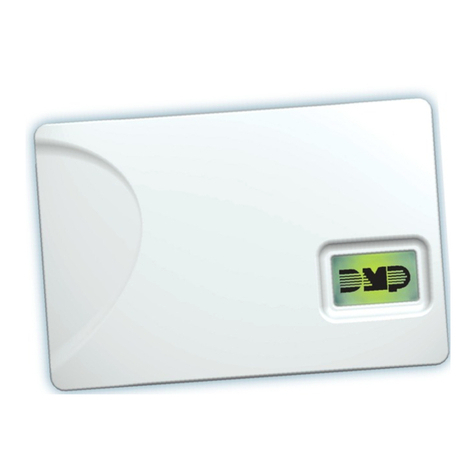
  9. DMP Electronics 464-263C Assembly instructions

DMP Electronics 464-263C Assembly instructions

Other DMP Electronics Cell Phone manuals

DMP Electronics 263CSMX Assembly instructions

DMP Electronics

DMP Electronics 263CSMX Assembly instructions

DMP Electronics iComSL User manual

DMP Electronics

DMP Electronics iComSL User manual

DMP Electronics 265LTE-V User manual

DMP Electronics

DMP Electronics 265LTE-V User manual

DMP Electronics 464-263H Assembly instructions

DMP Electronics

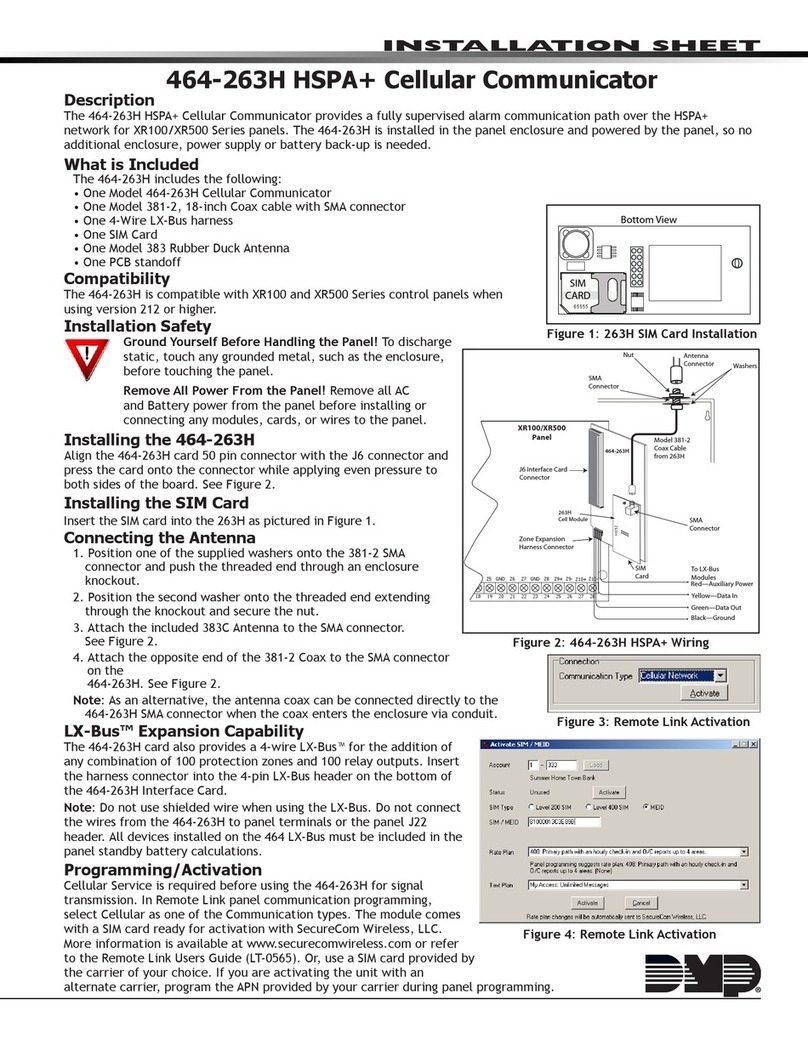
DMP Electronics 464-263H Assembly instructions

DMP Electronics 263LTE-FN User manual

DMP Electronics

DMP Electronics 263LTE-FN User manual

DMP Electronics CellComSLCF Installation and operating instructions

DMP Electronics

DMP Electronics CellComSLCF Installation and operating instructions

DMP Electronics DUALCOM Series Installation and operating manual

DMP Electronics

DMP Electronics DUALCOM Series Installation and operating manual

DMP Electronics 263H HSPA+ Assembly instructions

DMP Electronics

DMP Electronics 263H HSPA+ Assembly instructions

DMP Electronics CellCom-LTE-V SERIES User manual

DMP Electronics

DMP Electronics CellCom-LTE-V SERIES User manual

DMP Electronics 463C Assembly instructions

DMP Electronics

DMP Electronics 463C Assembly instructions

DMP Electronics CELLCOMSL SERIES Installation guide

DMP Electronics

DMP Electronics CELLCOMSL SERIES Installation guide

DMP Electronics 263LTE Series User manual

DMP Electronics

DMP Electronics 263LTE Series User manual

DMP Electronics 263LTE-V5 User manual

DMP Electronics

DMP Electronics 263LTE-V5 User manual

DMP Electronics CELLCOMEX Com Series Administrator Guide

DMP Electronics

DMP Electronics CELLCOMEX Com Series Administrator Guide

DMP Electronics 263LTE X1 Series Assembly instructions

DMP Electronics

DMP Electronics 263LTE X1 Series Assembly instructions

DMP Electronics Com Series Administrator Guide

DMP Electronics

DMP Electronics Com Series Administrator Guide

DMP Electronics CellComRT User manual

DMP Electronics

DMP Electronics CellComRT User manual

DMP Electronics XR500 SERIES User manual

DMP Electronics

DMP Electronics XR500 SERIES User manual

DMP Electronics DUALCOM Series User manual

DMP Electronics

DMP Electronics DUALCOM Series User manual

DMP Electronics Com Series Administrator Guide

DMP Electronics

DMP Electronics Com Series Administrator Guide

DMP Electronics CellCom SLC Installation and operating manual

DMP Electronics

DMP Electronics CellCom SLC Installation and operating manual

DMP Electronics 263LTE-V User manual

DMP Electronics

DMP Electronics 263LTE-V User manual

DMP Electronics 265HCAN User manual

DMP Electronics

DMP Electronics 265HCAN User manual

DMP Electronics Com Series Administrator Guide

DMP Electronics

DMP Electronics Com Series Administrator Guide

Popular Cell Phone manuals by other brands

Nokia 6700 classic user guide

Nokia

Nokia 6700 classic user guide

LG L34C user guide

LG

LG L34C user guide

Ericsson T60d manual

Ericsson

Ericsson T60d manual

Zte Score M user manual

Zte

Zte Score M user manual

Sony Xperia Z1 Compact Startup guide

Sony

Sony Xperia Z1 Compact Startup guide

AT AT-Q5 user manual

AT

AT AT-Q5 user manual

Vingtor ACM-M-A-V2 Installation/configuration

Vingtor

Vingtor ACM-M-A-V2 Installation/configuration

Olitech EasyFlip 2 Quick setup guide

Olitech

Olitech EasyFlip 2 Quick setup guide

Zte Atrium Z793C user manual

Zte

Zte Atrium Z793C user manual

Alcatel IDEAL manual

Alcatel

Alcatel IDEAL manual

Zte BLADE A520 quick start guide

Zte

Zte BLADE A520 quick start guide

switel M222 user manual

switel

switel M222 user manual

LG LG-P503 user guide

LG

LG LG-P503 user guide

LG F2410 user guide

LG

LG F2410 user guide

Argom E500 manual

Argom

Argom E500 manual

Hisense U30 user manual

Hisense

Hisense U30 user manual

Argom Tech E401 user manual

Argom Tech

Argom Tech E401 user manual

Nokia 3595 - Cell Phone - GSM Manual Del Usuario

Nokia

Nokia 3595 - Cell Phone - GSM Manual Del Usuario

manuals.online logo
manuals.online logoBrands
  • About & Mission
  • Contact us
  • Privacy Policy
  • Terms and Conditions

Copyright 2025 Manuals.Online. All Rights Reserved.

INSTALLATION SHEET
464-263C CDMA Cellular Communicator
Description
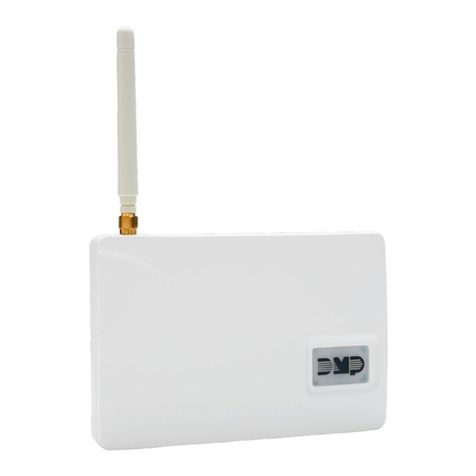
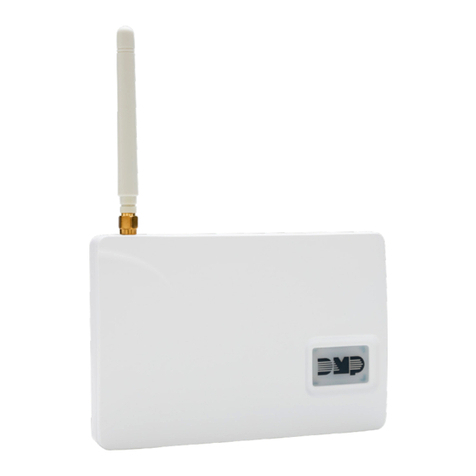
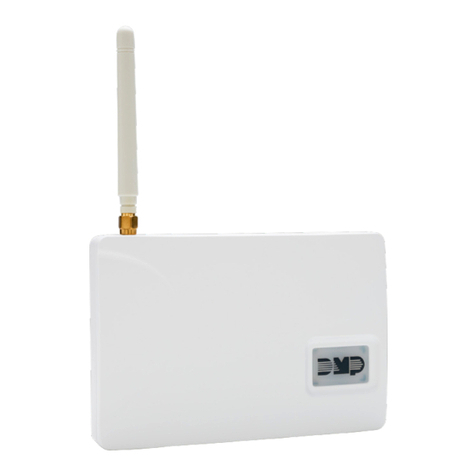
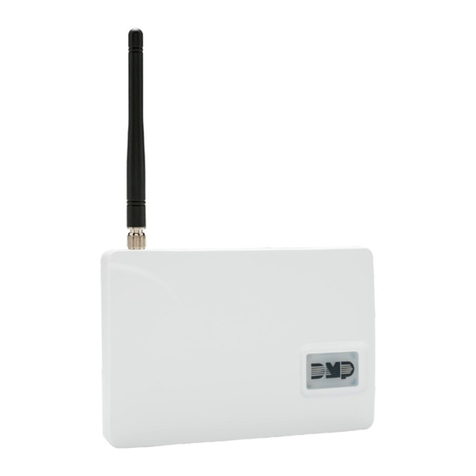
The 464-263C CDMA Cellular Communicator provides a fully supervised alarm communication path over the CDMA network
for XR100/XR500 Series panels. The 464-263C is installed in the panel enclosure and powered by the panel, so no
additional enclosure, power supply or battery back-up is needed.
What is Included
The 464-263C includes the following:
• One Model 464-263C Cellular Communicator
• One Model 381-2, 18-inch Coax cable with SMA connector
• One 4-Wire LX-Bus harness
• One Model 383 Rubber Duck Antenna
• One PCB standoff
Compatibility
The 464-263C is compatible with XR100 and XR500 Series control panels when using version 212 or higher.
Note: The ACTIVATE CELL prompt will only display if a CDMA modem is installed. To perform the cellular activation process
from a keypad, the panel must be in contact with a Verizon owned tower.
Installation Safety
Ground Yourself Before Handling the Panel! To discharge
static, touch any grounded metal, such as the enclosure,
before touching the panel.
Remove All Power From the Panel! Remove all AC and Battery
power from the panel before installing or connecting any modules,
cards, or wires to the panel.
Installing the 464-263C
Align the 464-263C card 50 pin connector with the J6 connector
and press the card onto the connector while applying even
pressure to both sides of the board.
See Figure 1.
Connecting the Antenna
1. Position one of the supplied washers onto the 381-2 SMA
connector and push the threaded end through an enclosure
knockout.
2. Position the second washer onto the threaded end extending
through the knockout and secure the nut.
3. Attach the included 383 Antenna to the SMA connector.
See Figure 1.
4. Attach the opposite end of the 381-2 Coax to the SMA
connector on the 464-263C. See Figure 1.
Note: As an alternative, the antenna coax can be connected directly to the 464-
263C SMA connector when the coax enters the enclosure via conduit.
LX-Bus™ Expansion Capability
The 464-263C card also provides a 4-wire LX-Bus™ for the addition of any combination
of 100 protection zones and 100 relay outputs. Insert the harness connector into the
4-pin LX-Bus header on the bottom of the 464-263C Interface Card.
Note: Do not use shielded wire when using the LX-Bus. Do not connect
the wires from the 464-263C to panel terminals or the panel J22 header.
All devices installed on the 464 LX-Bus must be included in the panel
standby battery calculations.
Programming/Activation
Cellular Service is required before using the 464-263C for signal transmission.
The module comes ready for activation with SecureCom Wireless, LLC.
1. In Remote Link panel communication programming, select Cellular
Network as the Communication Type and select the Activate button.
See Figure 2.
A.
In the Activate SIM/MEID window, enter the MEID number, found on
the 464-263C label.
B. Select the rate plan for the 464-263C. See Figure 3.
C. Select the Activate button at the bottom of the window.
2. After the 464-263C is installed at the site, use a keypad and enter the
panel’s Diagnostics menu (2313).
A. Select ACTIVATE CELL by pressing a top row Select Key.
Model 381-2
Coax Cable
from 263C
Nut
Washers
SMA
Connector
SMA
Connector
Antenna
Connector
J6 Interface Card
Connector
18 19 20 21 22 23 24 25 26 27 28
Z5 Z6 Z7 Z8 Z9+ Z9- Z10+ Z10-
GND
GND
Red—Auxiliary Power
Yellow—Data In
Green—Data Out
Zone Expansion
Harness Connector
To LX-Bus
Modules
XR100/XR500
Panel
Black—Ground
263C
Cell Module
464-263C
263C
Figure 1: 464-263C CDMA Wiring
Figure 2: Remote Link Activation
Figure 3: Remote Link Activation
800-641-4282
INTRUSION •FIRE • ACCESS • NETWORKS
www.dmp.com 2500 North Partnership Boulevard
Designed, Engineered and
Assembled in U.S.A. Springeld, Missouri 65803-8877
LT-1231 1.01 © 2015 Digital Monitoring Products, Inc.
15155
B. Press the button beneath YES on the next screen to activate the device.
Note: The ACTIVATE CELL prompt will only display if a CDMA modem is installed.
Diagnostics
The XR100/XR500 Series panels provide a Diagnostics function to test the Communication integrity and Cellular Signal
strength of the 464-263C. To use Diagnostics, reset the panel, enter the Diagnostics code 2313 (DIAG), and press COMMAND
until COMM STATUS displays.
Communication Status
Select COMM STATUS from the Diagnostics menu. The panel tests the 464-263C for the following items.
• Modem Operating • Cellular Tower Detected • NOC Success
• Identied • Registered • Communication Path Integrity
Cellular Signal
Select CELL SIGNAL from the Diagnostics menu. The panel tests and indicates the strength of the signal
using a bar display. One bar indicates a weak signal and seven bars indicate a strong signal.
Wiring Specications for LX-Bus
When planning an LX-Bus installation, keep in mind the following specications:
1. DMP recommends using 18 or 22-gauge unshielded wire for all keypad and LX-Bus circuits. Do Not use twisted pair or
shielded wire for LX-Bus and keypad bus data circuits. To maintain auxiliary power integrity when using 22-gauge wire do
not exceed 500 feet. When using 18-gauge wire do not exceed 1,000 feet. Install an additional power supply to increase
the wire length or add devices.
2. Maximum distance for any one circuit (length of wire) is 2,500 feet regardless of the wire gauge. This distance can be in
the form of one long wire run or multiple branches with all wiring totaling no more than 2,500 feet. As wire distance from
the panel increases, DC voltage on the wire decreases.
3. Maximum number of devices per 2,500 feet circuit is 40.
Note: Each panel allows a specic number of supervised keypads. Add additional keypads in the unsupervised mode. Refer
to the panel installation guide for specic number of supervised keypads allowed.
4.
Maximum voltage drop between the panel (or auxiliary power supply) and any device is 2.0 VDC. If the voltage at any device
is less than the required level, add an auxiliary power supply at the end of the circuit. When voltage is too low, the devices
cannot operate properly. For additional information refer to the LX-Bus/Keypad Bus Wiring Application Note (LT-2031).
FCC Information
This device complies with Part 15 of the FCC Rules. Afx the included FCC label to the exterior of the panel enclosure in plain sight.
Operation is subject to the following two conditions:
(1) This device may not cause harmful interference, and
(2) this device must accept any interference received, including interference that may cause undesired operation.
Changes or modications made by the user and not expressly approved by the party responsible for compliance could void the user’s
authority to operate the equipment.
NOTE: This equipment has been tested and found to comply with the limits for a Class B digital device, pursuant to part 15 of the
FCC Rules. These limits are designed to provide reasonable protection against harmful interference in a residential installation. This
equipment generates, uses and can radiate radio frequency energy and, if not installed and used in accordance with the instructions,
may cause harmful interference to radio communications. However, there is no guarantee that interference will not occur in a particular
installation. If this equipment does cause harmful interference to radio or television reception, which can be determined by turning the
equipment off and on, the user is encouraged to try to correct the interference by one or more of the following measures:
- Reorient or relocate the receiving antenna.
- Increase the separation between the equipment and receiver.
- Connect the equipment into an outlet on a circuit different from that to which the receiver is connected.
- Consult the dealer or an experienced radio/TV technician for help.
-XX dBm
SIGNAL: ▐▐▐▐
Specications
Primary Power 12 VDC from panel
Current Draw
Standby: 15mA
Alarm (Nominal):
48mA
Peak (~150mS): 85mA
Accessories
381-2 18” Coax Cable
381-12 12’ Coax Extension
381-25 25’ Coax Extension
383 Antenna
386 Wall Mount Antenna Bracket
Certications
Cellular FCC ID: MIVCNN0301
ANSI/UL 1076 Proprietary Burglar

ANSI/UL 1610 Central Station Burglar