6 XTLplus User Guide Introduction
Key press tone: A short beep as you press a key on the keypad.
Prewarn tone: A continuous pulsed tone that sounds when you
open an entry delay door on a system that is armed (turned on)
reminding you to disarm the burglary protection.
Your system will silence the tone as soon as the rst user code
digit key is pressed. If a valid user code is not entered within 5
seconds or an invalid user code is entered, the prewarn tone begins
sounding again.
Exit tone: When fully arming your system to leave, a continuous
pulsing tone sounds during the exit countdown just after arming to
remind you to exit the premise. At ten seconds prior to the end of
the countdown, the rate of pulsing increases.
Monitor tone: A pulsed tone that sounds one time for one second
each time a door or window is opened while you are using the zone
monitor function from the User Menu. See Zone Monitor.
Trouble tone: A steady tone indicating a trouble condition on your
system. Press any key to silence the trouble tone.
What to do when the trouble tone sounds
You can silence the trouble tone by pressing any key.
This only silences the keypad and does not correct the
condition that originally caused the trouble.
1144 Series Wireless Key Fobs
Your system may include wireless key fob(s). This accessory
allows controlling the system for such functions as arming,
disarming or access control via the access control credential.
The available types of DMP wireless key fobs are:
4-Button Model 1144-4 Key Fob
2-Button Model 1144-2 Key Fob, 1144-2-P Key Fob with Prox
2-Button Panic Model 1144-D Key Fob
1-Button Model 1144-1 Key Fob, 1144-1-P Key Fob with Prox
The drawing shows the button layout for all models for your
reference. Each button on the key fob is programmed to perform
aspecicaction.Thebuttonnamesarelistedforyourreference.
Volume level
Set the volume level of the keypad internal speaker for key
presses. During alarm, trouble, and prewarn conditions, the
volume is always at maximum level. At SET VOLUME LEVEL, use
the left select key or area to lower the keypad volume. Use the
right select key or area to raise the volume.
Serial Number
The serial number assigned to the keypad displays. Press the
Back Arrow key to exit the User Options function.
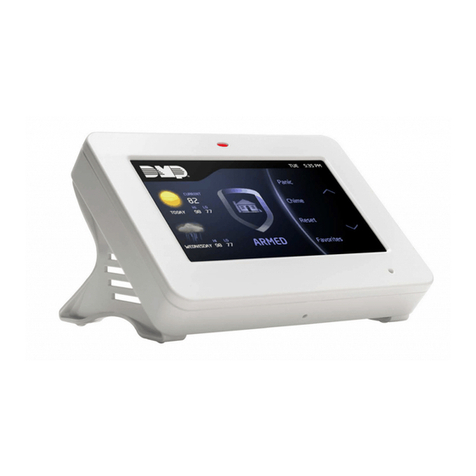
9862 Graphic Touchscreen Keypads:
Press Options on the Carousel Menu until it glows. The keypad
displays the Setting Options screen.Adjust the Screen Brightness,
Tone, and Volume by pressing the arrows at either end of the
bar indicators. Pressing the Installer Options Icon displays the
Keypad screen. Enter 3577 (INST) on the keypad to access the
Installer Options Menu. See Graphic Touchscreen Keypad User
Guide (LT-1191) for complete features and operation of the
9862 Graphic Touchscreen Keypad.
Special Keypad Tones
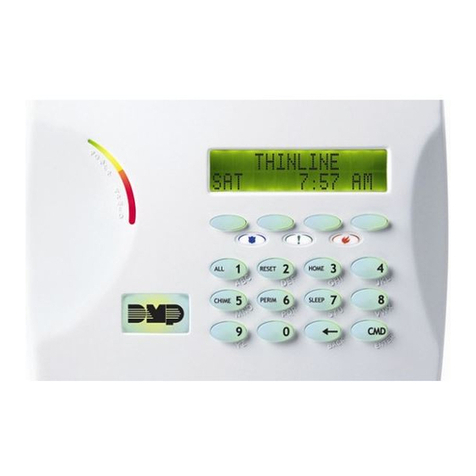
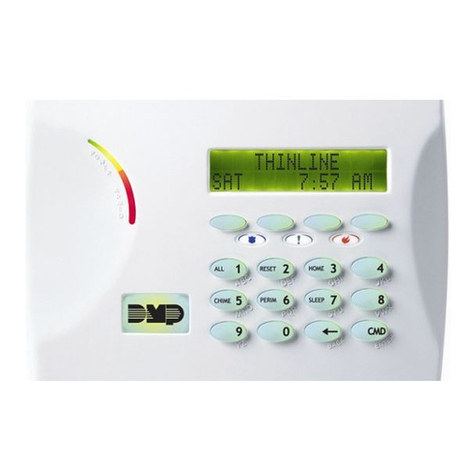
Your keypad also contains a speaker that alerts you about events
as they occur on your system. For burglary alarms, the tone will
silenceassoonastherstusercodedigitkeyispressed.Ifavalid
user code is not entered within 5 seconds or an invalid user code is
entered, the burglary tone begins sounding again.
Below are brief descriptions of the different tones you hear from
the keypad.
Fire alert: An intermittent sweeping siren that continuously repeats
until the re alarm is silenced. This is in addition to a separate
siren activated by the alarm panel.
Burglary alert: A siren tone that continues until the alarm is
silenced. This is in addition to the separate siren output operated
by the alarm panel.