manuals.online logo
Brands
  1. Home
  2. •
  3. Brands
  4. •
  5. Drive
  6. •
  7. Medical Equipment
  8. •
  9. Drive 12025KD-1 User manual

Drive 12025KD-1 User manual

This manual suits for next models

1

Other Drive Medical Equipment manuals

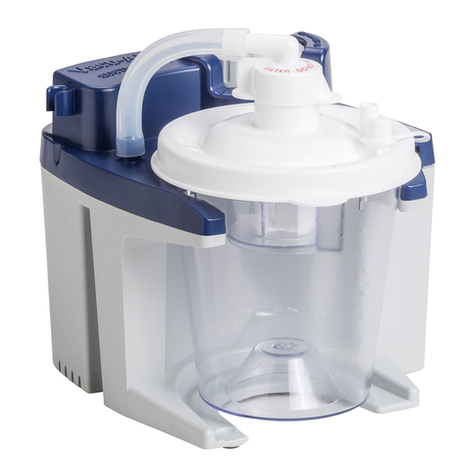
Drive DeVilbiss Healthcare Vacu-Aide 7325 Series Manual

Drive

Drive DeVilbiss Healthcare Vacu-Aide 7325 Series Manual

Drive MEDQUIP MQ3200 User manual

Drive

Drive MEDQUIP MQ3200 User manual
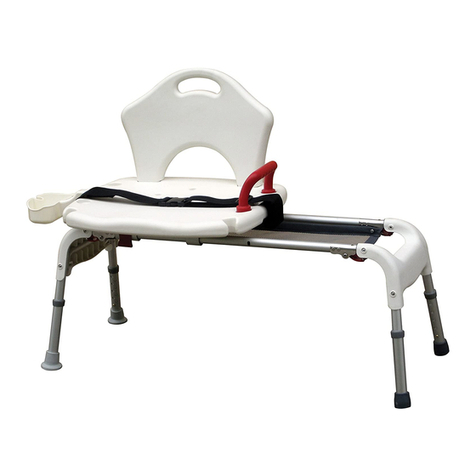
Drive RTL12075 User manual

Drive

Drive RTL12075 User manual
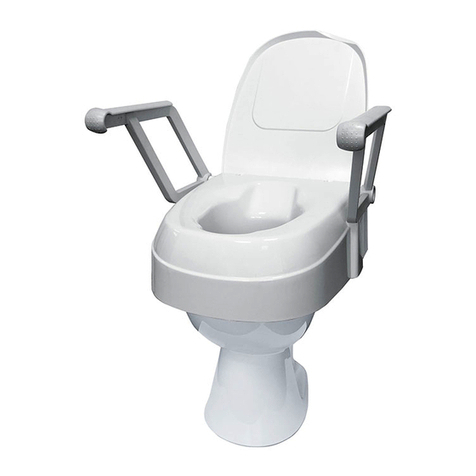
Drive TSE 120 User manual

Drive

Drive TSE 120 User manual
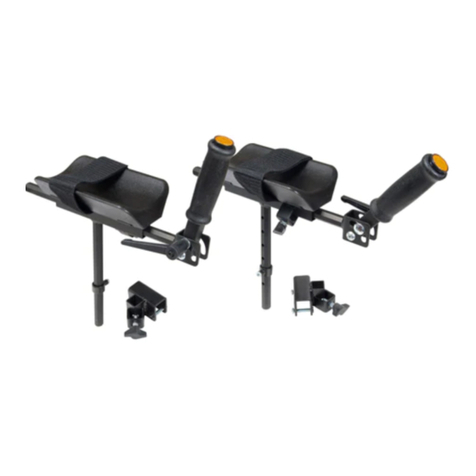
Drive CE 1035 FP User manual

Drive

Drive CE 1035 FP User manual
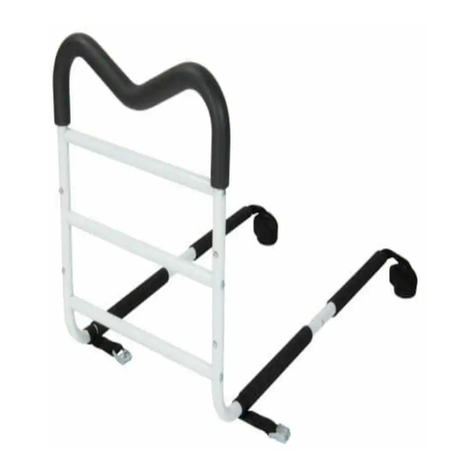
Drive M-Rail User manual

Drive

Drive M-Rail User manual
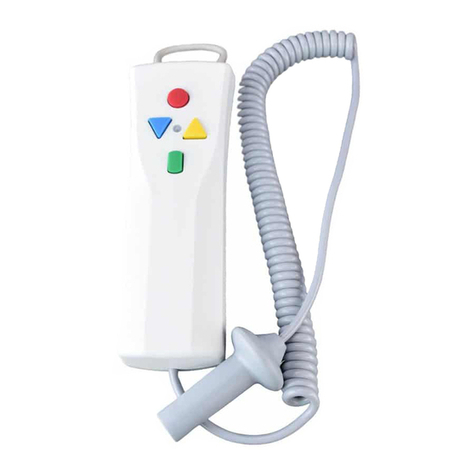
Drive Bellavita handset Operating instructions
Drive

Drive Bellavita handset Operating instructions

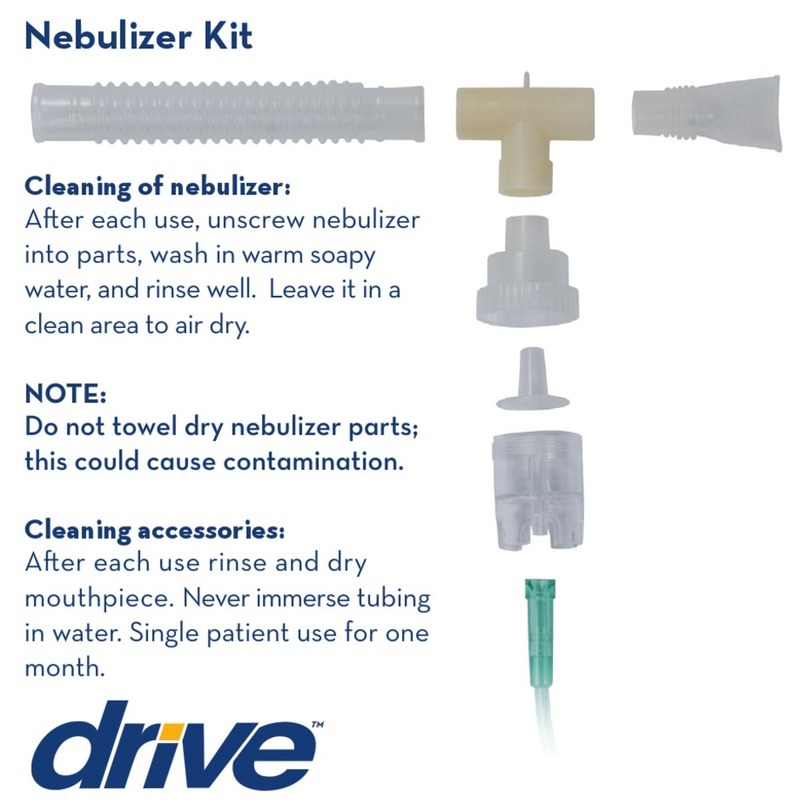
Drive NEB KIT 500 User manual

Drive

Drive NEB KIT 500 User manual

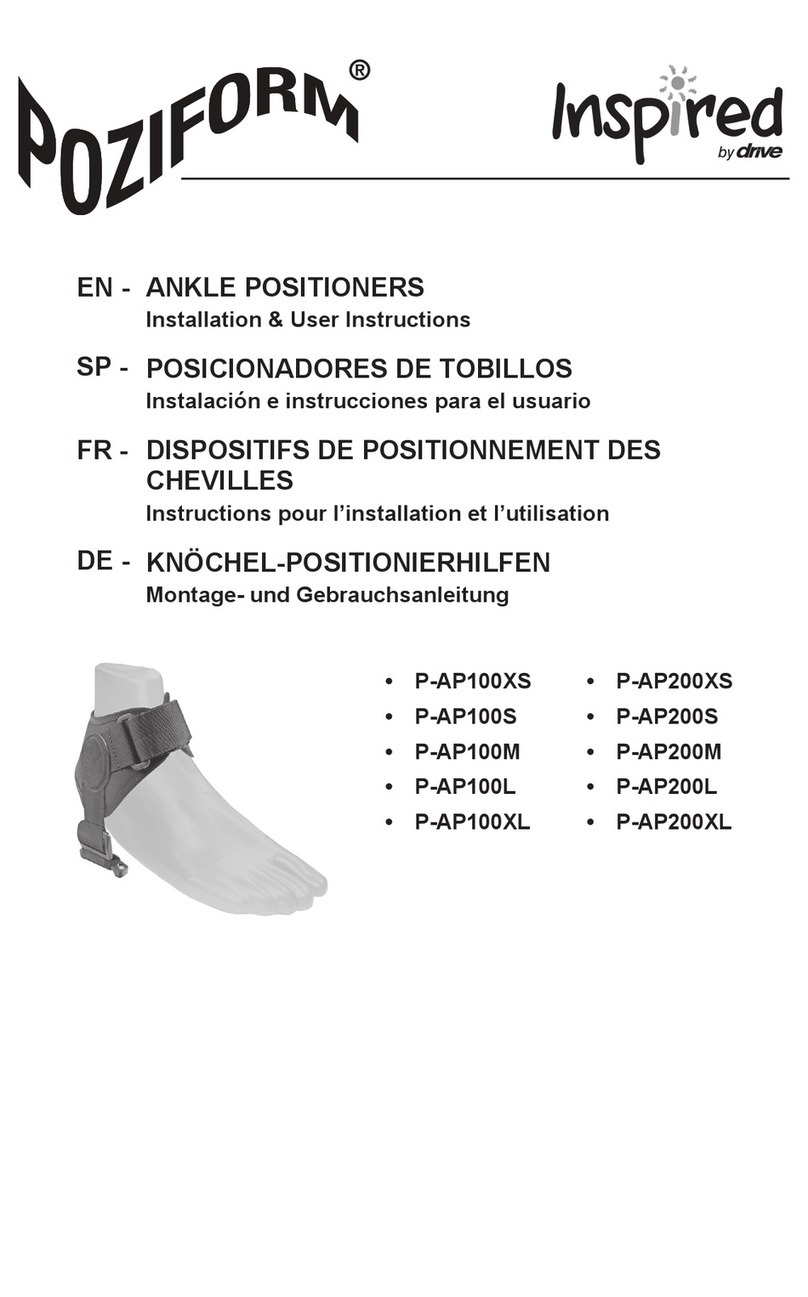
Drive Inspired Poziform P-AP100XS Assembly Instructions
Drive

Drive Inspired Poziform P-AP100XS Assembly Instructions

Drive RTLAGF-900 User manual

Drive

Drive RTLAGF-900 User manual

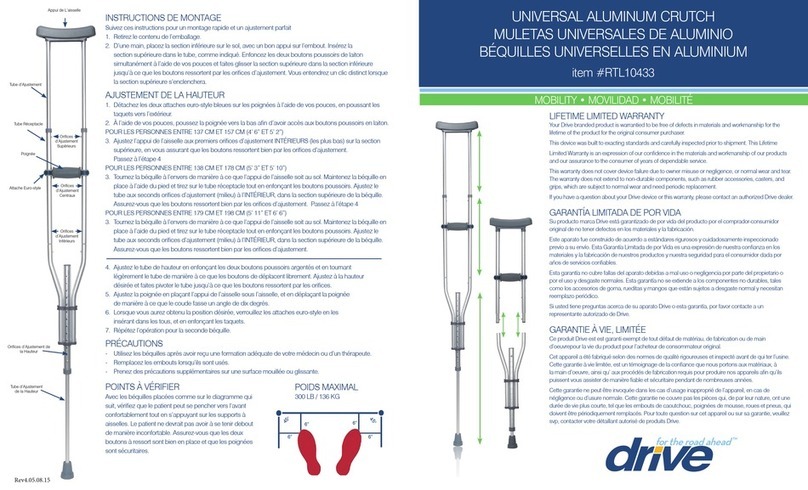
Drive RTL10433 User manual

Drive

Drive RTL10433 User manual

Drive WA008 User manual

Drive

Drive WA008 User manual

Drive AGF-5X User manual

Drive

Drive AGF-5X User manual
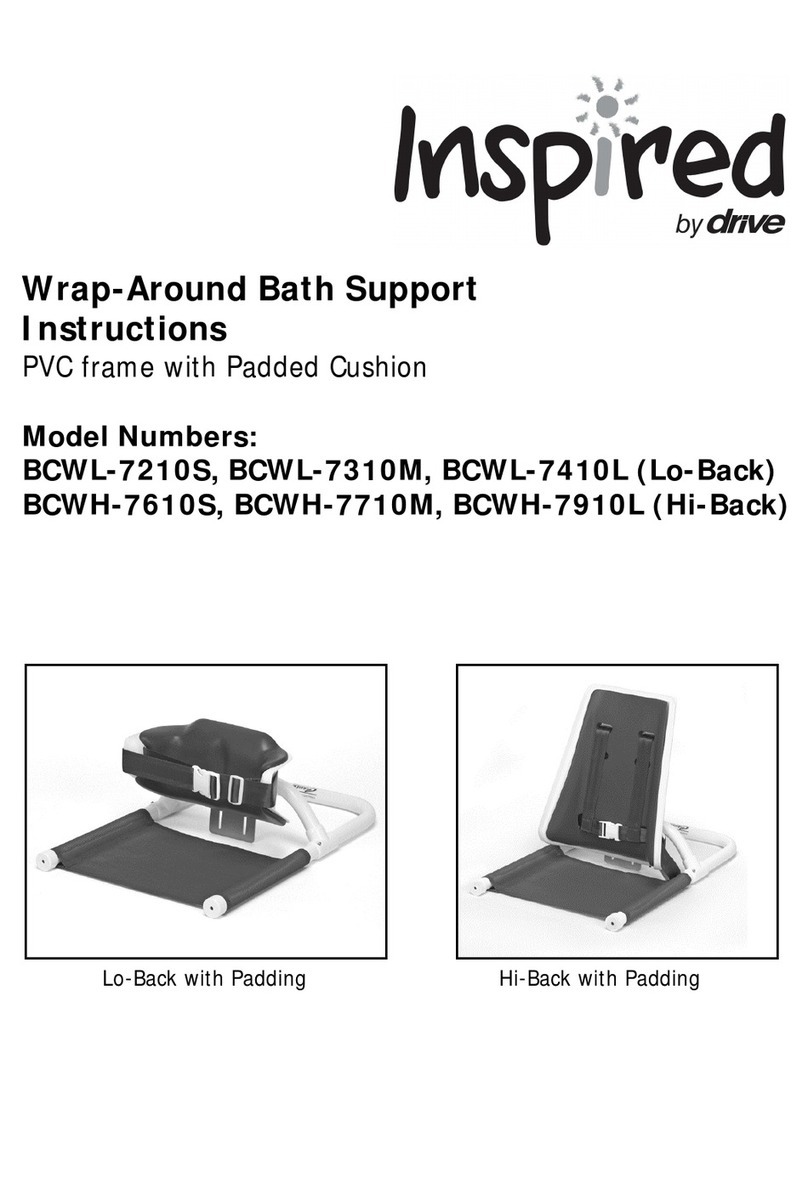
Drive inspired BCWL-7210S User manual

Drive

Drive inspired BCWL-7210S User manual
Drive 13063 User manual

Drive

Drive 13063 User manual
Drive 14508 User manual

Drive

Drive 14508 User manual

Drive Gravity 6 User manual

Drive

Drive Gravity 6 User manual
Drive 15005L Assembly instructions

Drive

Drive 15005L Assembly instructions

Drive Inspired OT 1000 User manual

Drive

Drive Inspired OT 1000 User manual
Drive Vitaturn K User manual

Drive

Drive Vitaturn K User manual
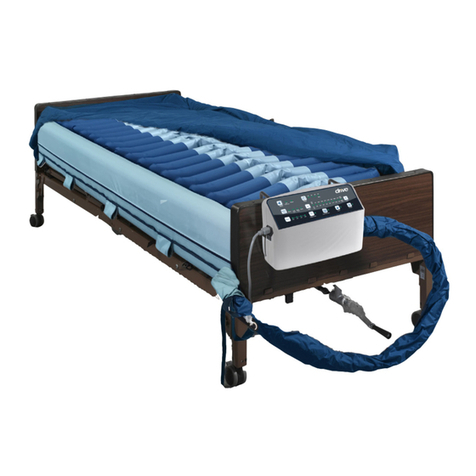
Drive PreserveTech LS9500N User manual

Drive

Drive PreserveTech LS9500N User manual

Drive Folding bath bench with back User manual

Drive

Drive Folding bath bench with back User manual

Drive RTL10433 User manual

Drive

Drive RTL10433 User manual

Drive Winnie wagon User manual

Drive

Drive Winnie wagon User manual

Popular Medical Equipment manuals by other brands

TekTone Tek-CARE160 Installation and operation manual

TekTone

TekTone Tek-CARE160 Installation and operation manual

NeuroMetrix Quell 2.0 user manual

NeuroMetrix

NeuroMetrix Quell 2.0 user manual

AMT XLR8 Quick reference guide

AMT

AMT XLR8 Quick reference guide

EDAN SONOTRAX Pro user manual

EDAN

EDAN SONOTRAX Pro user manual

Restorative Therapies RT300 Service guide

Restorative Therapies

Restorative Therapies RT300 Service guide

Gendex Expert DC installation manual

Gendex

Gendex Expert DC installation manual

Dexcowin ADX4000W user manual

Dexcowin

Dexcowin ADX4000W user manual

Libelium MySignals user manual

Libelium

Libelium MySignals user manual

Acelity V.A.C.ULTA 4 user manual

Acelity

Acelity V.A.C.ULTA 4 user manual

Caputron ActivaDose II tDCS quick start guide

Caputron

Caputron ActivaDose II tDCS quick start guide

Plinth 2000 93CDT Service manual

Plinth 2000

Plinth 2000 93CDT Service manual

GE SENOGRAPHE 800T Operator's manual

GE

GE SENOGRAPHE 800T Operator's manual

GE Definium 5000 Operator's manual

GE

GE Definium 5000 Operator's manual

Kanmed GE-1380 user manual

Kanmed

Kanmed GE-1380 user manual

Huntleigh FD1 Instructions for use

Huntleigh

Huntleigh FD1 Instructions for use

Stryker SPR Plus Operation manual

Stryker

Stryker SPR Plus Operation manual

Tobii Dynavox I-Series user manual

Tobii Dynavox

Tobii Dynavox I-Series user manual

S-Capepod Evac Cocoon Step-by-step guide

S-Capepod

S-Capepod Evac Cocoon Step-by-step guide

manuals.online logo
manuals.online logoBrands
  • About & Mission
  • Contact us
  • Privacy Policy
  • Terms and Conditions

Copyright 2025 Manuals.Online. All Rights Reserved.

Your Drive branded product is warrantied to be
free of defects in materials and workmanship for
the lifetime of the product for the original con-
sumer purchaser.
This device was built to exacting standards and
carefully inspected prior to shipment. This Lifetime
Limited Warranty is an expression of our confi-
dence in the materials and workmanship of our
products and our assurance to the consumer of
years of dependable service.
This warranty does not cover device failure
due to owner misuse or negligence, or normal
wear and tear. The warranty does not extend to
non-durable components, such as rubber
accessories, casters, and grips, which are subject
to normal wear and need periodic replacement.
If you have a question about your Drive device or
this warranty, please contact an authorized Drive
dealer.
© 2015 Medical Depot, Inc. All rights reserved.
Drive is a trademark of Medical Depot, Inc.
Port Washington N.Y. 11050 USA Made in USA
lifetime limited
warranty
www.drivemedical.com
bariatric
transfer bench
item #12025KD-1
#12025KD-2
EU Authorized Representative
Drive Medical LTD
Ainley’s Industrial Estate
Elland, West Yorkshire,
United Kingdom HX5 9JP
www.drivemedical.com
Rev.02.01.21.15
1. Remove contents from carton.
2. Lay transfer bench upside down on a flat surface.
3. Attach leg with the large suction cup by depressing
the brass push pin and inserting into the receptacle.
Repeat for second leg (Figure 1).
Note: These legs are inserted into the same side that
the arm support will be.
assembly instructions
4. Attach leg with small rubber tip by depressing brass
push pin and inserting into the receptacle. Repeat for
second leg (Figure 2).
5. To assemble backrest, insert pole into backrest
support and lock in place using attached locking collar.
Repeat for second pole (Figure 3).
6. Insert backrest into base by sliding supports through
both receptacles and locking in place using attached
locking collars,
Note: backrest must go through both sets of
receptacles to become secure (Figure 4).
NOTE: Back support is reversible to accommodate left or
right tub entry.
8. Place legs with suction cups into bath tub.
NOTE: Pull Tab on the suction cup to release from the tub.
Adjust legs to the need of the patient.
The transfer bench must be level to avoid damage or
injury.
figure 1
figure 2
figure 5
7. Turn transfer bench right-side-up. Attach armrest
by depressing brass push pins and sliding into the arm
receptacle on the side of the bench. Make sure the
arm arcs outward, not inward (Figure 5).
figure 3
figure 4
Weight capacity: 500 lbs (227 Kg)
Rev.01.05.05.14