4. Using the Instant Power Charger
4.1. Make sure the Instant Power Charger is charged prior to use (see
Section 3, Charging the Instant Power Charger, for instructions on
how to charge).
4.2. Connect a USB cable compatible with your device to the “OUT” port of
the Instant Power Charger. Device-specific USB cables are not included
but are readily available at most electronics stores. The USB to mini-USB
cable included in the package is compatible with newer Motorola
cellular phones, Blackberries and many digital cameras. Please note that
most newer Motorola cellular phones will not charge using standard USB
cables. For these phones please make sure to use the included USB to
mini-USB cable.
4.3. Connect the other end of the USB cable to your device.
4.4. Turn the Instant Power Charger switch to the “ON” position.
4.5. The LED status light will turn green, indicating that the battery is powering and charging your device.
The LED status light will turn red when the battery has been depleted and needs to be recharged.
4.6. When the Instant Power Charger is not in use, make sure to turn the switch to the “OFF” position.
This will prevent the battery from self-discharging.
5. Specifications
6. Safety Precautions
This battery is designed and built to the highest safety standards and will protect the user from
hazards when used as directed. The battery contains high power circuits; therefore it is important for
users to read these precautions carefully.
• Do not disassemble.
• Always store in a cool dry place.
• Do not short-circuit.
• Use only with USB-powered devices.
• Only charge the battery from a USB2.0 compatible port.
• Avoid placing in direct sunlight, next to heat-sensitive materials or in places where
extreme heat may result.
• Do not submerge or expose to water or liquids.
7. Warranty
If
not
completely
satisfied
with
this
battery
contact BatteryFuel at [email protected].The manufacturer guarantees this battery against defects in materials and workmanship under normal
use and service for three years from the initial date of purchase. Should any device be damaged due to a battery
defect, the manufacturer will repair or replace at our option if it is sent back to the manufacturer
with the battery, postage prepaid.
1. Introduction
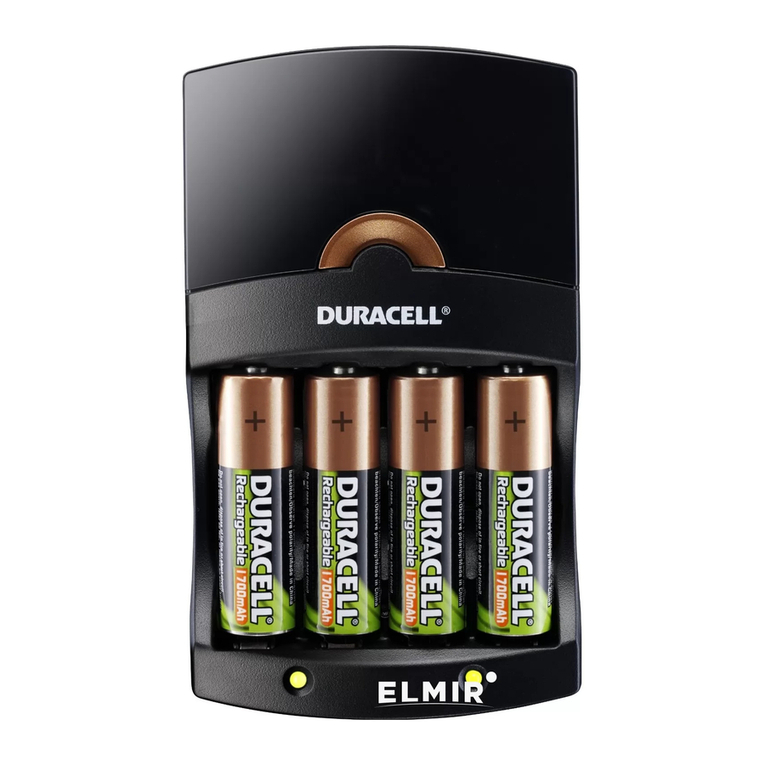
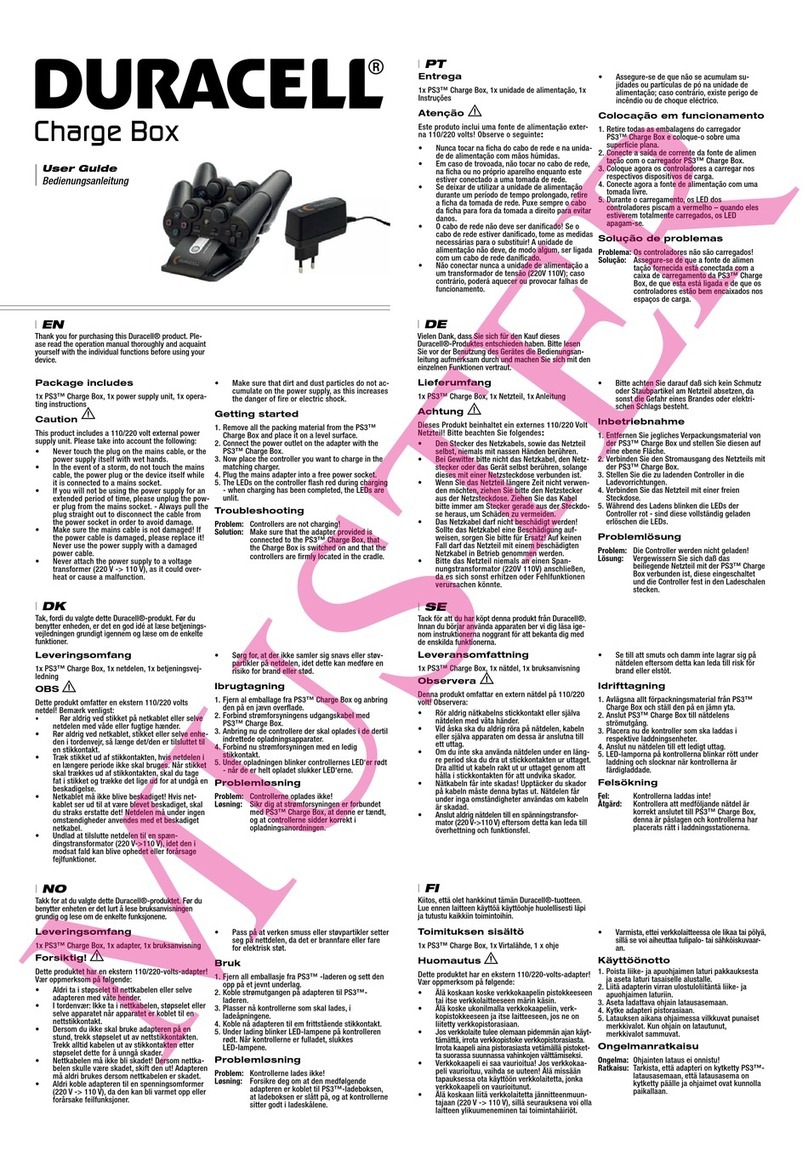
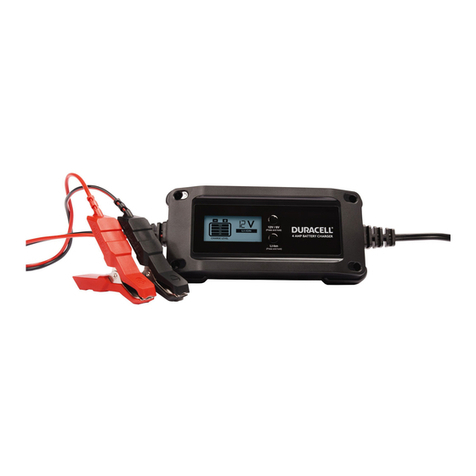
Thank you for purchasing the DURACELL Instant Power Charger. This is a 5 volt universal
battery used to power and charge any USB-powered electronic device such as cellular phones, digital
cameras, PDAs, portable game players, MP3 players and many more.
2. Package Includes:
• USB to mini-USB cable
• Instant Power Charger
3. Charging the Instant Power Charger
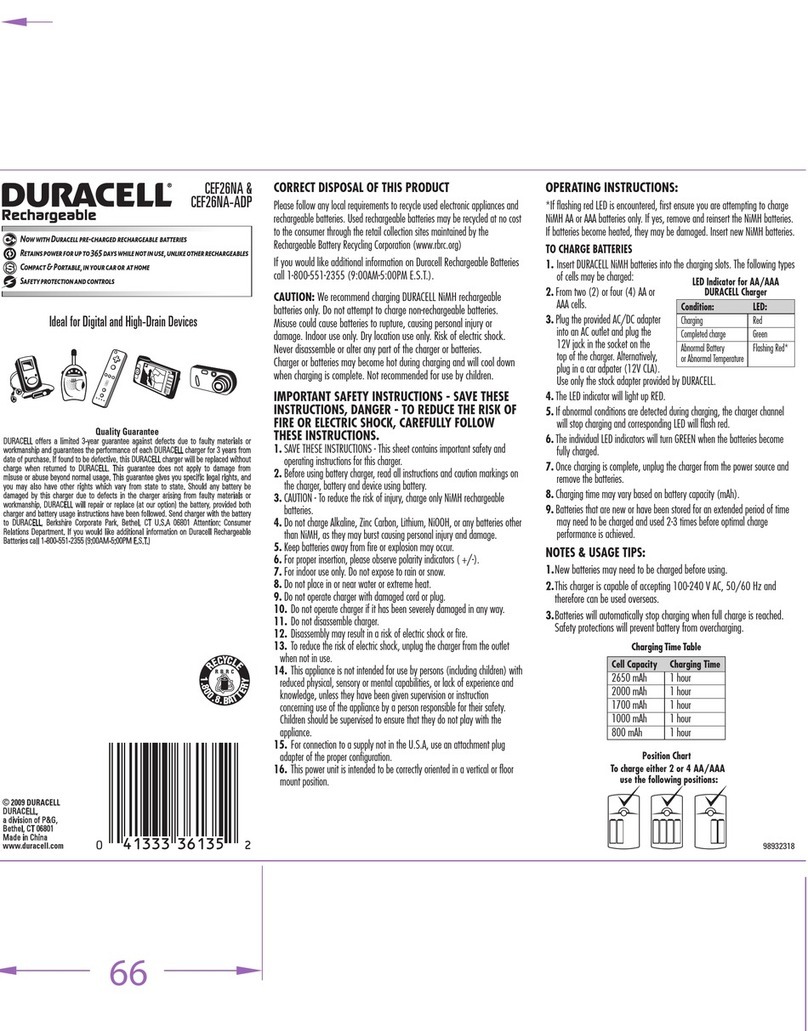
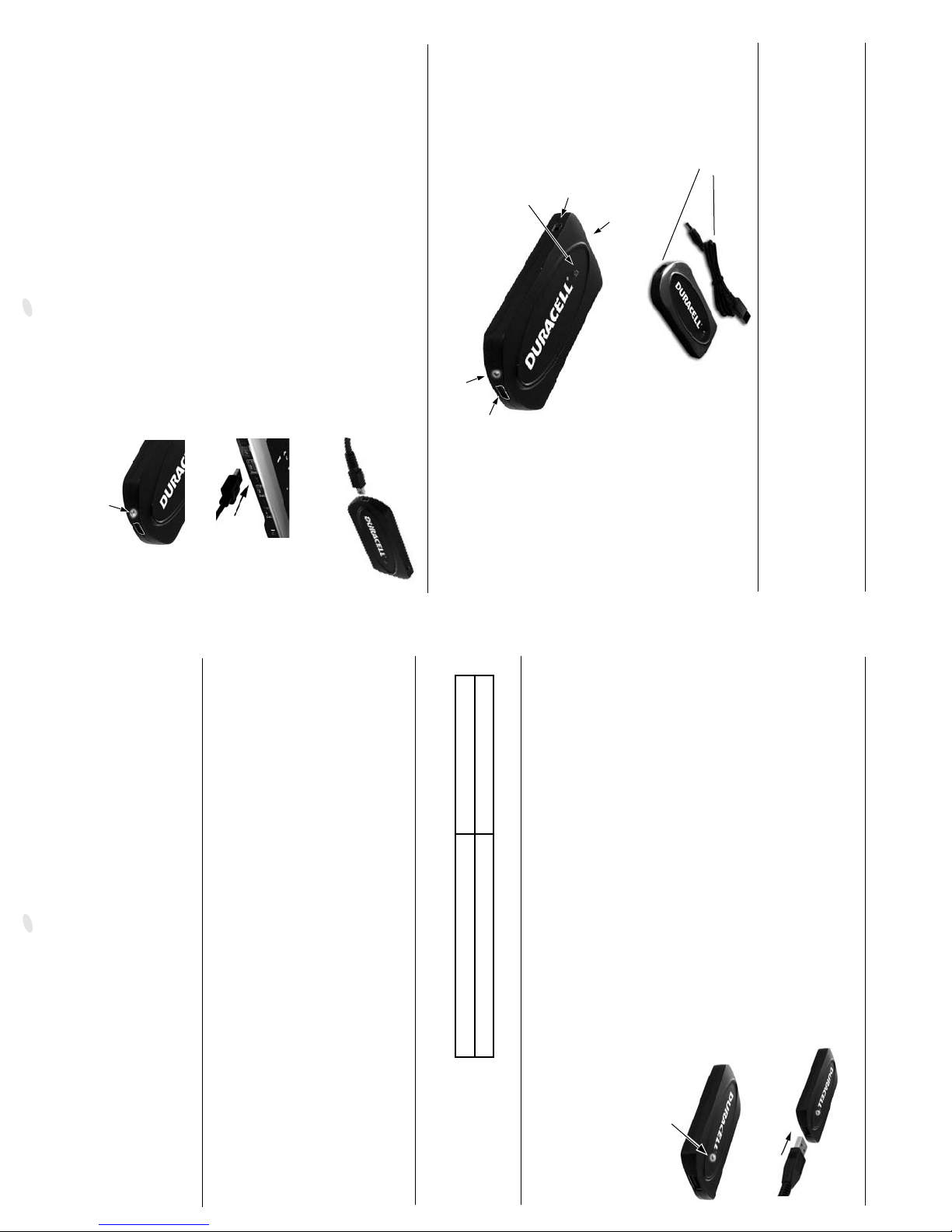
3.1. Connect the USB to mini-USB cable to the
“IN” port of the Instant Power Charger.
3.2. Connect the other end of the USB output cable to
your notebook’s USB port or any other USB2.0
compatible port.
3.3. The Instant Power Charger’s charge light will turn red,
indicating battery is being charged.
3.4. When the battery is fully charged, the charge lightwill turn green.
Disconnect the Instant Power Charger from the USB cable.
The battery is now ready for use.
2
2
1
1
Charge Light
“IN” Port
Status Light
“OUT” Port
ON/OFF Switch
3.2: Connecting the cable’s other
end to available USB2.0 port
Output Voltage 5 Volts DC
Input Voltage 5 Volts DC, 1 Amp maximum
Product Diagram
4.2: Connecting Standard USB Cable
4.4: This is the status light that will glow
when the Universal Battery is charging
and/or powering your device.
3.1: Connecting the USB to mini-
USB cable to the “IN” Port of the
Universal Battery
3.3 - 3.4:
A red light here on the Universal Battery
indicates that the Universal Battery is
being charged. When the battery is fully
charged, this light becomes green.