
Dynamix UM-A User manual

DYNAMIX UM-A
4/1 Port ADSL Router
QUICK START GUIDE

P 1
4/1 Port ADSL Router
Contents
I. PANEL DESCRIPTION----- 4 PORT ADSL ROUTER...................2
II. PANEL DESCRIPTION----- 1 PORT ADSL ROUTER..................3
III. CONNECTING YOUR ADSL ROUTER----- 4 PORT ..................4
IV. CONNECTING YOUR ADSL ROUTER----- 1 PORT...................5
V. SET UP TCP/IP IN WINDOWS.................................................6
OPTION-A WINDOWS ME / 98......................................................................................6
OPTION-B WINDOWS 2000............................................................................................7
OPTION-C WINDOWS XP..................................................................................................8
VI. SET UP ADSL ROUTER ........................................................9

P 2
4/1 Port ADSL Router
I. Panel Description----- 4 Port ADSL Router
1. Front Panel
PWR Steady Green light indicates the 4 Port ADSL Router is powered on.
Port 1 Port 1. Blinking when the 4 Port ADSL Router is actively sending/receiving data.
Port 2 Port 2. Blinking when the 4 Port ADSL Router is actively sending/receiving data.
Port 3 Port 3. Blinking when the 4 Port ADSL Router is actively sending/receiving data.
Port 4 Port 4. Blinking when the 4 Port ADSL Router is actively sending/receiving data.
RXD Blinking when data communication is active.
ADSL Lit when a successful ADSL connection is established.
RDY System status indicator. Blinking indicate system is alive.
2. Back Panel
ADSL Connect to ADSL Line.
RESET Restore the 4 Port ADSL Router’s factory default setting.
PORT 1 Connect to network device 1. Support auto crossover functionality.
PORT 2 Connect to network device 2. Support auto crossover functionality.
PORT 3 Connect to network device 3. Support auto crossover functionality.
PORT 4 Connect to network device 4. Support auto crossover functionality.
AC JACK Connect to AC Power Adaptor.
ON/OFF Power ON/OFF Switch.

P 3
4/1 Port ADSL Router
II. Panel Description----- 1 Port ADSL Router
1. Front Panel
PWR Steady Green light indicates the 4 Port ADSL Router is powered on.
LINK/ACT Blinking when the 1 Port ADSL Router is actively sending/receiving data.
RxD Blinking when data communication is active.
ADSL Lit when a successful ADSL connection is established.
RDY System status indicator. Blinking indicate system is alive.
2. Back Panel
ADSL Connect to ADSL Line.
RESET Restore the 4 Port ADSL Router’s factory default setting.
LAN Connect to network device. Support auto crossover functionality.
AC JACK Connect to AC Power Adaptor.
ON/OFF Power ON/OFF Switch.

P 4
4/1 Port ADSL Router
III. Connecting Your ADSL Router----- 4 Port
1. Wired connection mechanism :
2. Wired Connection:
A. Make sure all your network hardware and PCs are powered off.
B.
Connect one end of your Ethernet network cable (RJ45) to one of the LAN ports
( Labeled 1~4 ) on the 4 Port ADSL Router, and plug in the other end to an
Ethernet port on your PC.
C. Connect your ADSL Line from the Splitter or Microfilter to the ADSL port of the 4
Port ADSL Router.
D. Connect theAC Power Adaptor to the 4 PortADSL Router and the other end of
the adaptor to the wallet.
E. Power on your Notebook / PCs and the 4 Port ADSL Router.

P 5
4/1 Port ADSL Router
IV. Connecting Your ADSL Router----- 1 Port
1. Wired connection mechanism :
2. Wired Connection :
A. Make sure all your network hardware and PCs are powered off.
B.
Connect one end of your Ethernet network cable (RJ45) to one of the LAN ports
on the 1 PortADSL Router, and plug in the other end to an Ethernet port on
your PC.
C. Connect your ADSL Line from the Splitter or Microfilter to the ADSL port of the
1 Port ADSL Router.
D. Connect theAC PowerAdaptor to the 1 PortADSL Router and the other end of
the adaptor to the wallet.
E. Power on your Notebook/PCs and the 1 PortADSL Router.

P 6
4/1 Port ADSL Router
V. Set Up TCP/IP In Windows
Option-A Windows ME / 98

P 7
4/1 Port ADSL Router
Option-B Windows 2000

P 8
4/1 Port ADSL Router
Option-C Windows XP

P 9
4/1 Port ADSL Router
VI. Set Up ADSL Router
1.
Launch your web browser, and enter the ADSL Router’s IPAddress :
“10.0.0.2”
in the
address field then press the Enter key to login.
2. Enter the default User Name “admin” and Password “epicrouter”. Then press
“OK” to login.
3. Click “Automatic Setup” and follow the following steps to help you install the
ADSL Router quickly and easily.
Other manuals for UM-A
3
Table of contents
Other Dynamix Network Router manuals
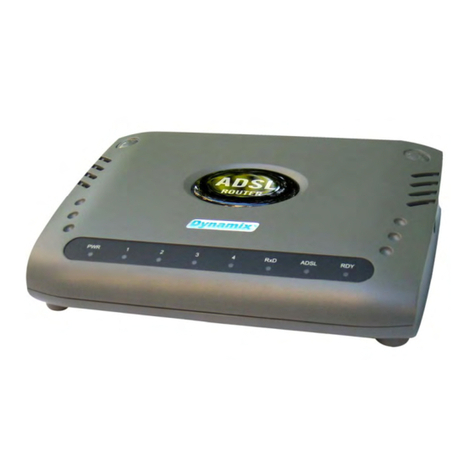
Dynamix
Dynamix UM-A User manual
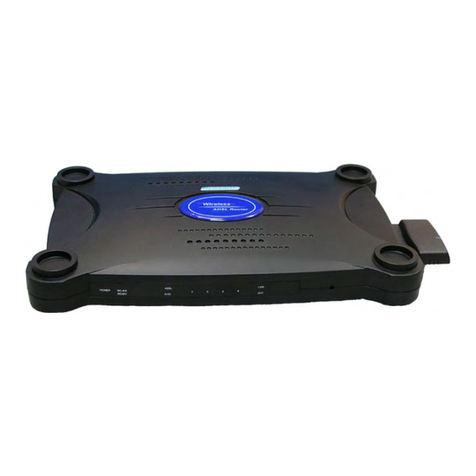
Dynamix
Dynamix UM-A4W User manual
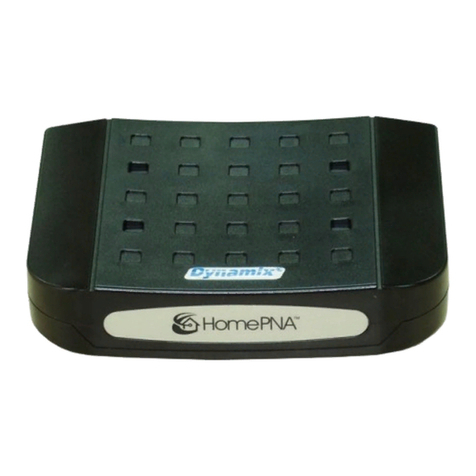
Dynamix
Dynamix HP-30/S User manual
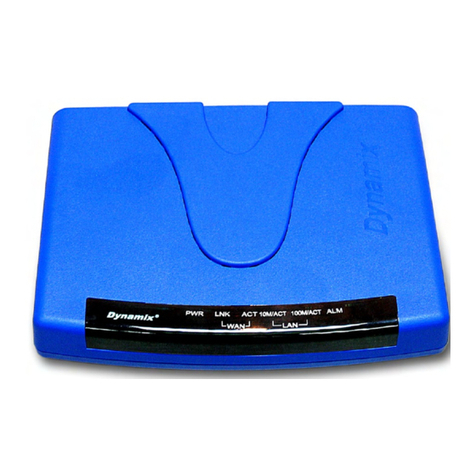
Dynamix
Dynamix UM-SB User manual
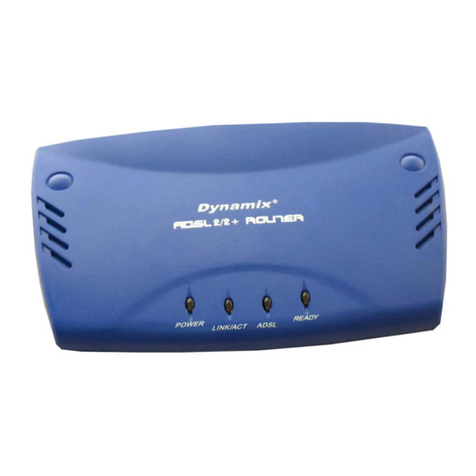
Dynamix
Dynamix UM-A Plus User manual
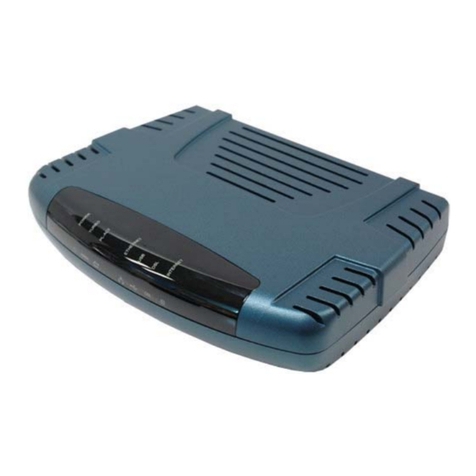
Dynamix
Dynamix UM-A Plus/PL User manual
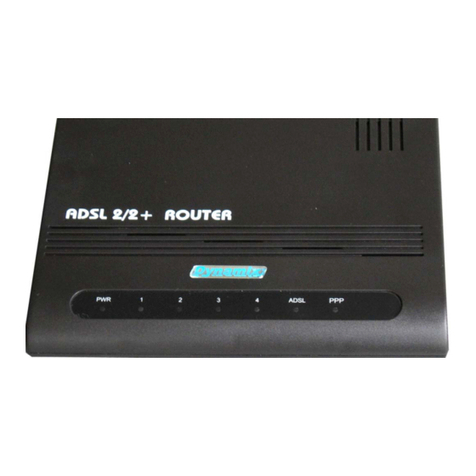
Dynamix
Dynamix UM-A4 Plus User manual
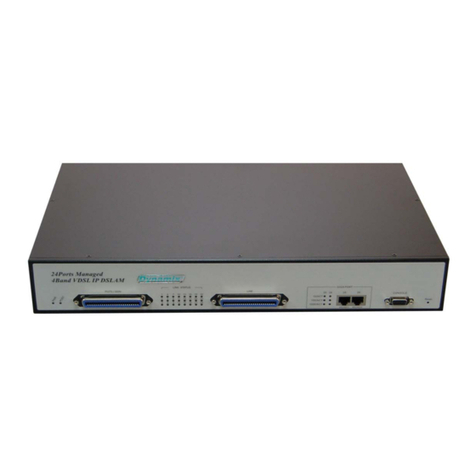
Dynamix
Dynamix DV-24 User manual
Dynamix
Dynamix ANEXX A User manual
Dynamix
Dynamix UM-A User manual
Dynamix
Dynamix UM-AI User manual
Dynamix
Dynamix Tiger 2Plus User manual
Dynamix
Dynamix Dynamix HP-30 Coax User manual
Dynamix
Dynamix UM-S4FB User manual
Dynamix
Dynamix HP-20C User manual
Dynamix
Dynamix UM-A User manual
Dynamix
Dynamix UM-S User manual
Dynamix
Dynamix HP-51/S User manual
Dynamix
Dynamix M-A4W User manual

















