manuals.online logo
Brands
  1. Home
  2. •
  3. Brands
  4. •
  5. E-Bench
  6. •
  7. Clock Radio
  8. •
  9. E-Bench KH 380 User manual

E-Bench KH 380 User manual

This manual suits for next models

3

Other E-Bench Clock Radio manuals

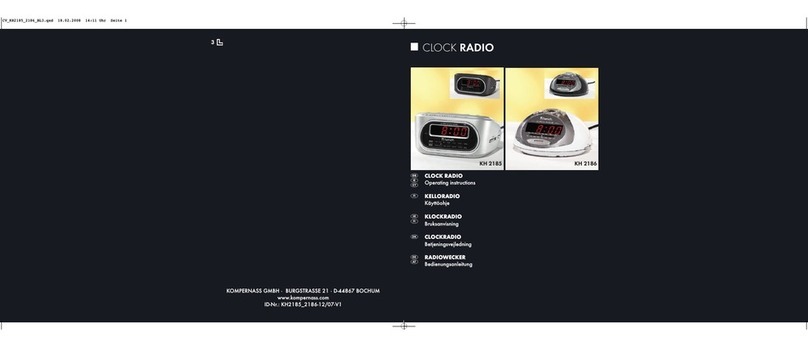
E-Bench KH 2185 User manual

E-Bench

E-Bench KH 2185 User manual

E-Bench KH 2288 User manual

E-Bench

E-Bench KH 2288 User manual

E-Bench KH 910 Instruction Manual

E-Bench

E-Bench KH 910 Instruction Manual

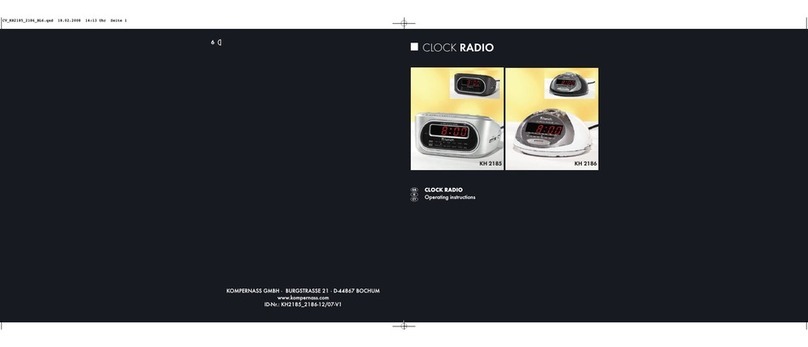
E-Bench KH 2185 User manual

E-Bench

E-Bench KH 2185 User manual

E-Bench KH 2217 User manual

E-Bench

E-Bench KH 2217 User manual

E-Bench KH 75 User manual

E-Bench

E-Bench KH 75 User manual

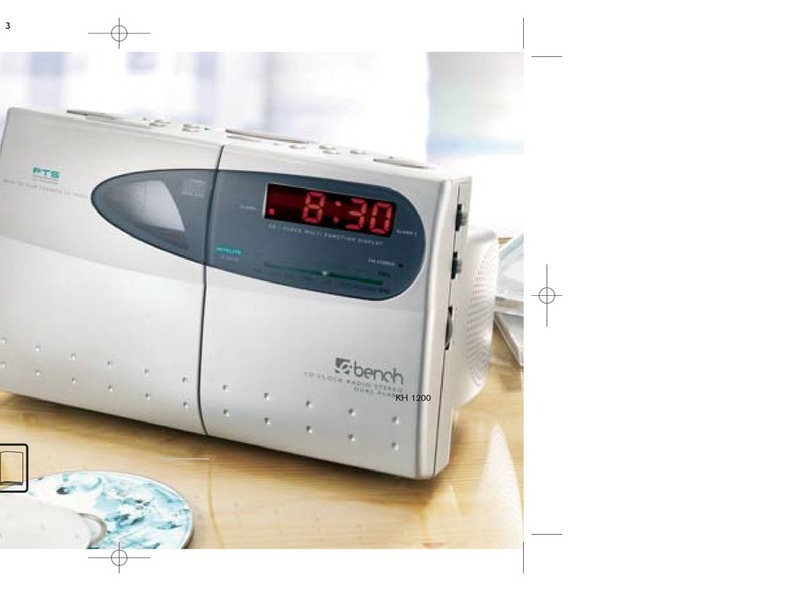
E-Bench KH 1200 User manual

E-Bench

E-Bench KH 1200 User manual

E-Bench KH 2255 User manual

E-Bench

E-Bench KH 2255 User manual

E-Bench KH 2236 User manual

E-Bench

E-Bench KH 2236 User manual

E-Bench KH 2295 User manual

E-Bench

E-Bench KH 2295 User manual

E-Bench KH 2294 User manual

E-Bench

E-Bench KH 2294 User manual

E-Bench KH 2275 User manual

E-Bench

E-Bench KH 2275 User manual

E-Bench KH 40 User manual

E-Bench

E-Bench KH 40 User manual

E-Bench KH 2271 User manual

E-Bench

E-Bench KH 2271 User manual

E-Bench KH 2212 User manual

E-Bench

E-Bench KH 2212 User manual

E-Bench KH 2237 User manual

E-Bench

E-Bench KH 2237 User manual

E-Bench KH 2255 User manual

E-Bench

E-Bench KH 2255 User manual

E-Bench KH 2254 User manual

E-Bench

E-Bench KH 2254 User manual

Popular Clock Radio manuals by other brands

AEG MRC 4143 instruction manual

AEG

AEG MRC 4143 instruction manual

Philips AJ 3240/00 user manual

Philips

Philips AJ 3240/00 user manual

Sharper Image MI603 instructions

Sharper Image

Sharper Image MI603 instructions

RCA RC127i manual

RCA

RCA RC127i manual

AudioSonic CL-480 instruction manual

AudioSonic

AudioSonic CL-480 instruction manual

Magnavox AJ 3140 FAMILY user manual

Magnavox

Magnavox AJ 3140 FAMILY user manual

Boston Acoustics Recepter user manual

Boston Acoustics

Boston Acoustics Recepter user manual

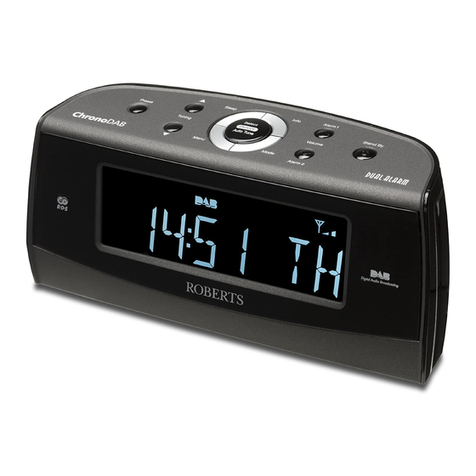
Roberts ChronoDAB user manual

Roberts

Roberts ChronoDAB user manual

Audiovox CE90 Operation instructions

Audiovox

Audiovox CE90 Operation instructions

Sony Dream Machine ICF-C763L operating instructions

Sony

Sony Dream Machine ICF-C763L operating instructions

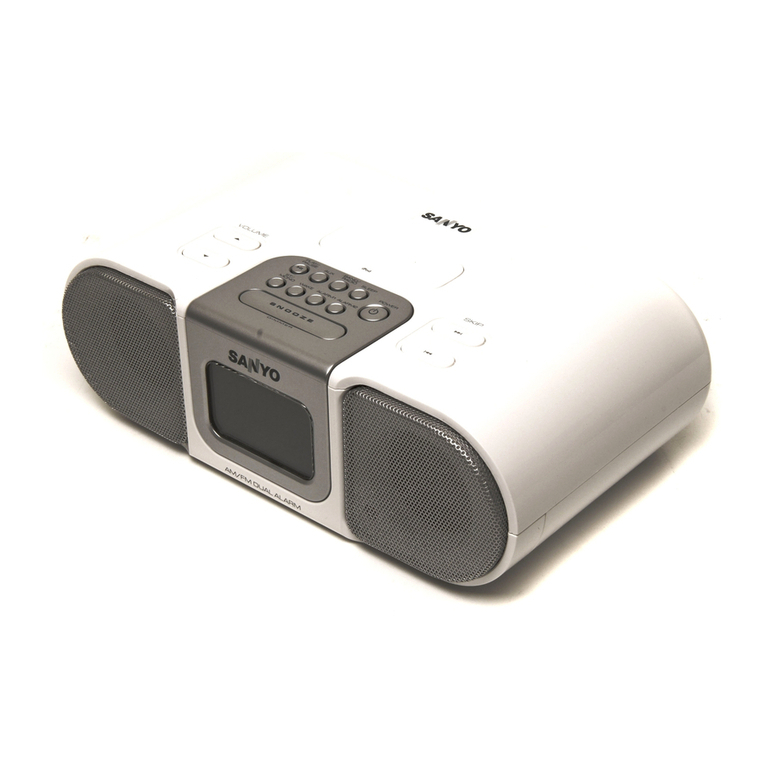
Sanyo DMP-P6 instruction manual

Sanyo

Sanyo DMP-P6 instruction manual

Yamaha ISX-80 owner's manual

Yamaha

Yamaha ISX-80 owner's manual

Pyle PLMR20W user manual

Pyle

Pyle PLMR20W user manual

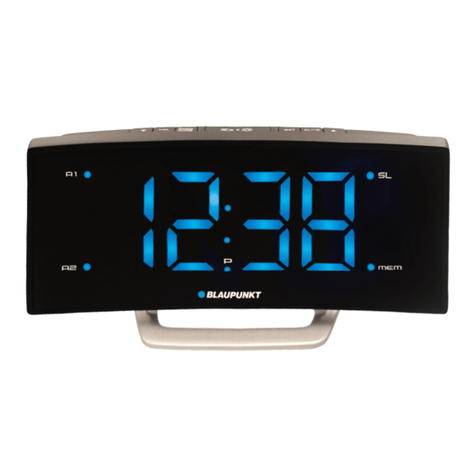
Blaupunkt CR7BK user manual

Blaupunkt

Blaupunkt CR7BK user manual

Philips AJ3180 Specifications

Philips

Philips AJ3180 Specifications

HoMedics SS-5500-2EU instruction manual

HoMedics

HoMedics SS-5500-2EU instruction manual

RCA RC66i user manual

RCA

RCA RC66i user manual

AEG MRC 4132 BT instruction manual

AEG

AEG MRC 4132 BT instruction manual

manuals.online logo
manuals.online logoBrands
  • About & Mission
  • Contact us
  • Privacy Policy
  • Terms and Conditions

Copyright 2025 Manuals.Online. All Rights Reserved.

KH 2251
KH 2252
KH 1201
GB 06.08.2003 10:36 Uhr Seite 1
GB 06.08.2003 10:36 Uhr Seite 2
( |+
#)
-
0
1
5
6
E
W
4
\
T RY
KH 1201
7
8
2
!@
& 3 *%_$ ^`
9
=
Q
KH 2251
! @ _ ) | 2 #% *
^
1
$
7
=
5
E
T
4
Q
W
\
(
`
+
3
- 8
GB 06.08.2003 10:36 Uhr Seite 3
GB 06.08.2003 10:36 Uhr Seite 4
KH
GB 06.08.2003 10:36 Uhr Seite 5
5
4
6
Q
=
E
T R
! @ $ % ^ & *( +
| 21
7
9
8
0
\
Y
W
_)
`
3
#
-
I
KH 2252
GB 06.08.2003 10:36 Uhr Seite 6
Technical specifications
Power Supply: AC 230V ~ 50 Hz
Battery back-up - 9V type 6F22 / 006P / PP3 (not included)
CD Player: Response curve (±3dB) 100 Hz to 16 kHz
Laser: Ï = 760 nm P max = 0.4 mW
Radio: FM / Frequency Modulation - 87.5 / 108 MHz
MW / Medium Wave - 530 / 1600 kHz
CAUTION! This set uses a laser beam. To prevent any accident due to this type of beam, the set should only be opened by properly
trained personnel.The unit conforms to the international safety specifications and to guide lines of the european community,
and also complies with current standards concerning electrical safety and electromagnetic compatibility EMC.
WARNING: To reduce the risk of fire or electric shock, do not expose this appliance to rain or moisture.
Ventilation holes not being impeded.
The lightening flash with arrowhead symbol within the triangle is a warning sign alerting the user of "dangerous voltage" inside
the unit.
The exclamation point within the triangle is a warning sign alerting the user of important instructions accompanying the product.
Invisible laser radiation when open and interlocks defeated. Avoid exposure to beam.
ATTENTION: To reduce the risk of electric shock, do not remove the cover. There are no user serviceable parts inside the unit. Refer
all servicing to qualified personnel.
1
5



GB 06.08.2003 10:36 Uhr Seite 5
6
IMPORTANT ! Do not throw batteries in fire!
Do not be expose to dripping or splashing, and that no object filled with liqids,
such as vases, shall be plced on the apparatus.
Location of controls
! PLAY/PAUSE : To start playing the CD or to stop momentarily the disc playera
@STOP : To stop playing the disc
#CD door open
$Skip / Fast Search (backward / forward ) - HOUR / MINUTE:
· CD track skip and fast search within the track
· All clock functions minute and hour setting
%PTS (PROGRAM) : to set programmable CD tracks
^ALARM 1: set / ALARM-Set (KH 2251)
&ALARM 2: set (KH 1201, KH 2252)
*POWER
(CD Random function LED indicator
)RANDOM : To select the desired mode of play
_REPEAT : To play the disc continuously
+CD repeat function LED indicator
|SNOOZE : Interval alarm repetition
`CD Program LED indicator
1TIME : set
2SLEEP
3Power Led Indicator
4Function selector : CD - AM - FM
5Volume control
6Phones jack (KH 1201, KH 2252)
7CD compartment
2

GB 06.08.2003 10:36 Uhr Seite 6
8Digital Display
9Alarm Selector : AL 1 - AL 1+2 - AL 2
0ALARM 2 LED Indicator

-ALARM 1 LED Indicator
=Alarm Mode : Off - Buzzer - Auto
\FM Stereo LED indicator
QTuning knob : To select your radio station
WDial scale and pointer
ESpeakers
RAC power cord
TBattery compartment
YFM wire antenna
UPM Indicator
Power Supply
This CD clock radio operates on AC230V~50Hz. It is also equipped with a clock battery back-up system, powered by an optional
9V battery type 6F22 (not provided).
1. Insert the AC power cord Rinto a convenient standard AC wall outlet.
2. Connect the 9V battery inside the compartment at the bottom of the unit T.
Note: An alkaline type battery is recommended. For optimum performance, this battery should be replaced every 6 months.
3
7
GB 06.08.2003 10:37 Uhr Seite 7
8
Battery Backup System
Ensures that the unit will continue to operate as normal during AC power disruption (in order to preserve the battery life the display will not light).
All clock settings will be kept in the memory, however, the clock time may require adjustment for exact accuracy. If this battery is not installed,
the display will blink to indicate that you have to redo the time and alarm settings.
Setting the time
1. Press and hold TIME 1and MINUTE or HOUR $to adjust to your desired time.
2. Release TIME 1to store your setting in memory.
Listening to the radio
1. Switch to FM or AM position with the function selector 4.
2. For a better reception in FM, extend the antenna Y. In AM, rotate the unit.
3. Press POWER *.
4. Adjust the volume 5to the desired level.
5. Select your desired radio station Qand W– (If the FM station is being received in stereo, the FM STEREO LED indicator \will alight).
6. To stop listening to the radio press Power *.
Listening to the CD player
1. Open the CD door #, load your disc (label up) into CD compartment 7.
2. Switch to the CD position 4.
3. Press POWER *, the Display 8will show total track numbers. It will return to the clock time after few seconds.
7
6
5
12:00
4
GB 06.08.2003 10:37 Uhr Seite 8