6
d. Tap button 1 to save and to move to the next alarm.
e. Repeat a-d until all your alarms are set.
2. Delete an Alarm: Once on the alarm you want to delete.
a. Tap button 2 or 3 to change the hour until --: -- is displayed.
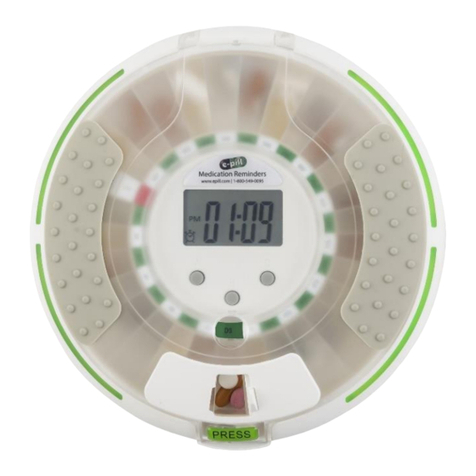
3. Tap 1 until the current time is displayed.
ALARM TONE: Tones A, B, C and None (blank) are available. The tone
selected applies to all alarms. Set tones with the current time displayed.
1. Press and hold button 1 & 3 simultaneously for a few seconds.
2. After the tone changes let go of both buttons completely.
3. Repeat 1 & 2 to rotate through the different tones.
a. After tone C, no text is shown, indicating a light only alarm.
SETUP - STEP 2
Filling the Tray
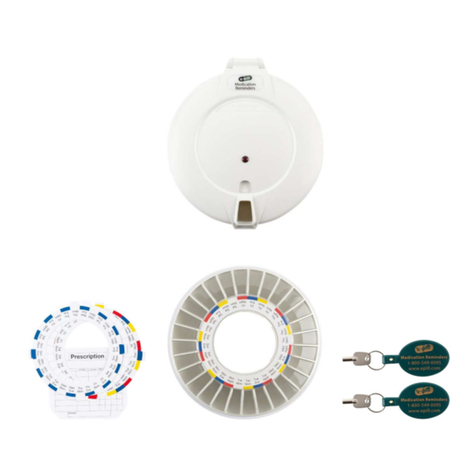
1. With the lid still open, remove the tray that is inside the
dispenser. Important: Never force the tray to rotate.
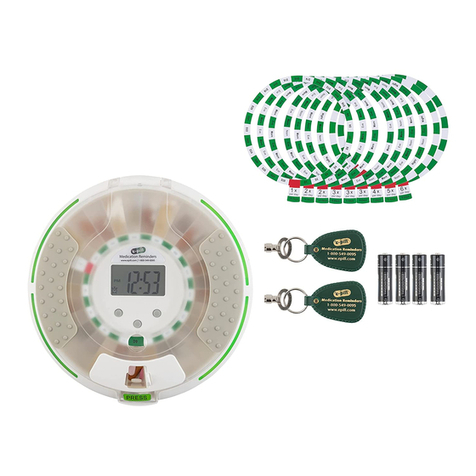
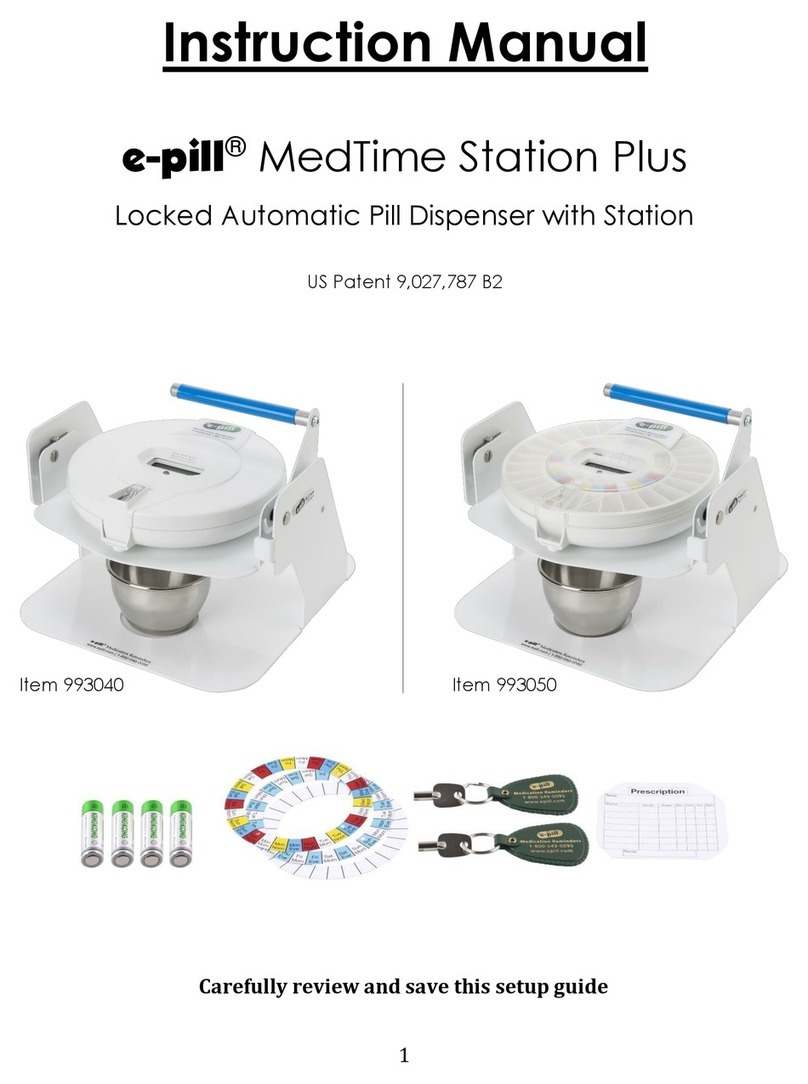
2. e-pill MedTime Station comes with six different dosing templates.
The template identifies the number of alarms per day and, very
importantly, the time of the day that you are filling the tray.
3. Fill compartments counterclockwise using the dosing template as
a guide. Note: If you take medications 3 times per day, the last
compartment will be left empty.
Begin to Use
1. Place the tray into the dispenser. The next dose will be the first
compartment to the right of the slot located directly at 6 o’clock.
At each alarm time the try will rotate clockwise 1 compartment.
Important: Never force the tray to rotate.
2. Close the lid.
3. Turn the dispenser over and lock the dispenser.
a. WARNING: The dispenser’s lock should only be turned ¼ of
a turn. Overturning the key can cause the lock to break.
Congratulations
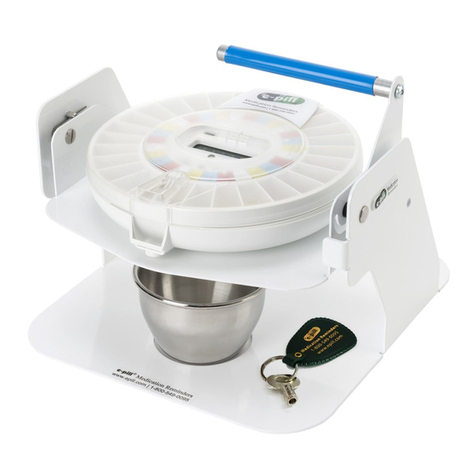
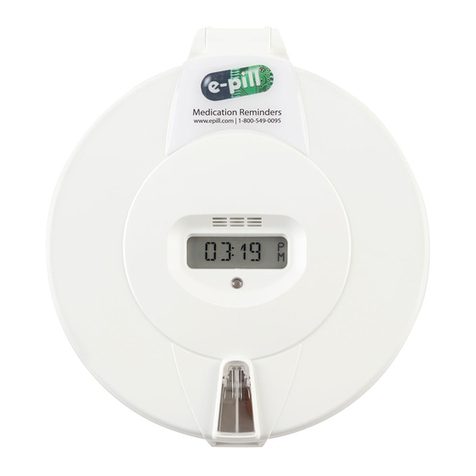
Your e-pill MedTime Station is now 100% setup.