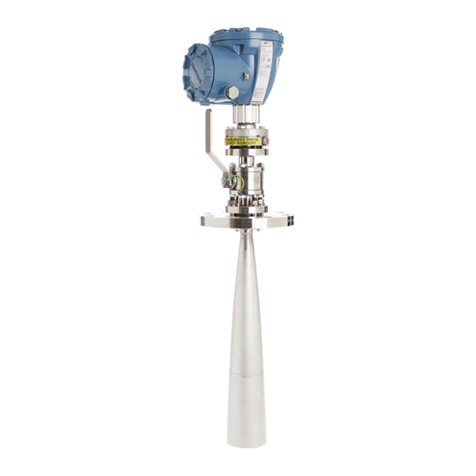
3. Loosen the T-Slot transducer assembly with a 1 1/4 inch (32 mm) wrench or socket.
Carefully remove the T-Slot transducer assembly.
4. Place a label on the transducer assembly to marks its location. Port locations are
marked on the transducer cable as well as on cast meter housings.
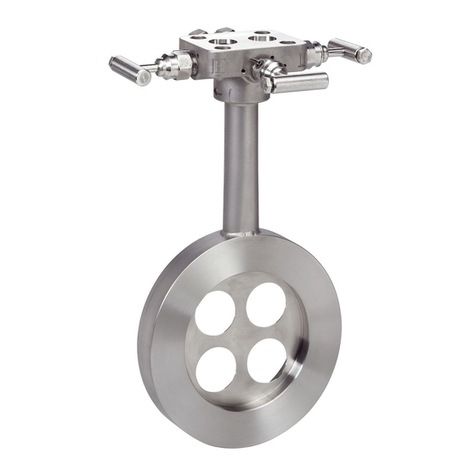
5. Apply a small amount of Nickel antiseize compound (P/N 3-9960-134) to the
threads of the Hydrotest plug from Hydrotest kit and install it into the mount.
Required kit part numbers are listed below.
Model 3418 Quantity 2 x 1-360-01-220
6. Repeat Step 3 through Step 5 for the other transducer(s) being careful to note the
location of each transducer in the meter assembly.
7. Run the field hydrostatic test.
8. Reverse the steps above to reinstall the transducers into their appropriate ports.
Before reinstalling the transducer assemblies, ensure the transducer ports, mounts,
and transducer holders are clean and free of debris. Apply a small amount of Nickel
antiseize compound to the outer threads of the transducer holders before installing
them into the mounts.
1.2.2 T-200 transducer assembly
Procedure
1. Leave T-200 transducers installed on the 3410 Series Gas Ultrasonic Meter while the
line is pressurized.
2. Run the field hydrostatic test.
1.3 Routine maintenance
Routine maintenance operations requires adherence to all applicable regulations and laws
and safety training for personnel to perform the maintenance operations. Review your
organization's best practices procedures before performing routine maintenance.
1.3.1 Maintenance logs and reports
To monitor the performance health of the meter, and ensure it is operating within
acceptable specifications, routine diagnostics should be performed. Collecting a
maintenance log gives you a snapshot of the current health of the meter and you can
compare the inspection reports from previously saved logs. Use the Logs/Reports menu
and click Maintenance Logs and Reports. Daniel MeterLink™ displays the Maintenance
Logs and Reports dialog box. Choose the time duration, log format and collection rate for
the output file and click the Start button. You can open the file immediately after it is
generated or view it at a later time. It is recommended that a Maintenance log be
collected after an upset in the system.
In establishing a baseline to be used for the trending of the meter diagnostics, it is very
helpful if a set of log files are collected immediately after the meter has been installed in
the field. Preferably, collect the log files at several velocities within the operating range of
Maintenance and Troubleshooting manual Maintenance
DAN-20057317 August 2021
Model 3418 GUSM 7