manuals.online logo
Brands
  1. Home
  2. •
  3. Brands
  4. •
  5. EnGenius
  6. •
  7. Wireless Access Point
  8. •
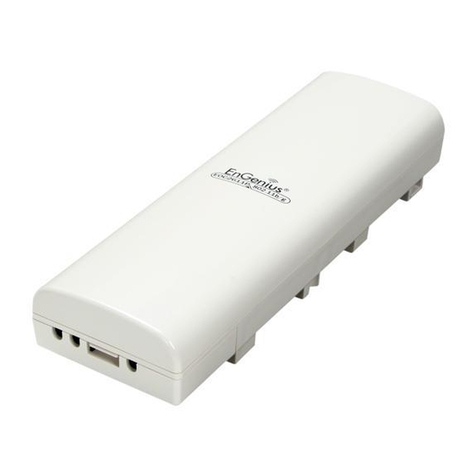
  9. EnGenius EOC-5610 User manual

EnGenius EOC-5610 User manual

Other manuals for EOC-5610

2

Other EnGenius Wireless Access Point manuals

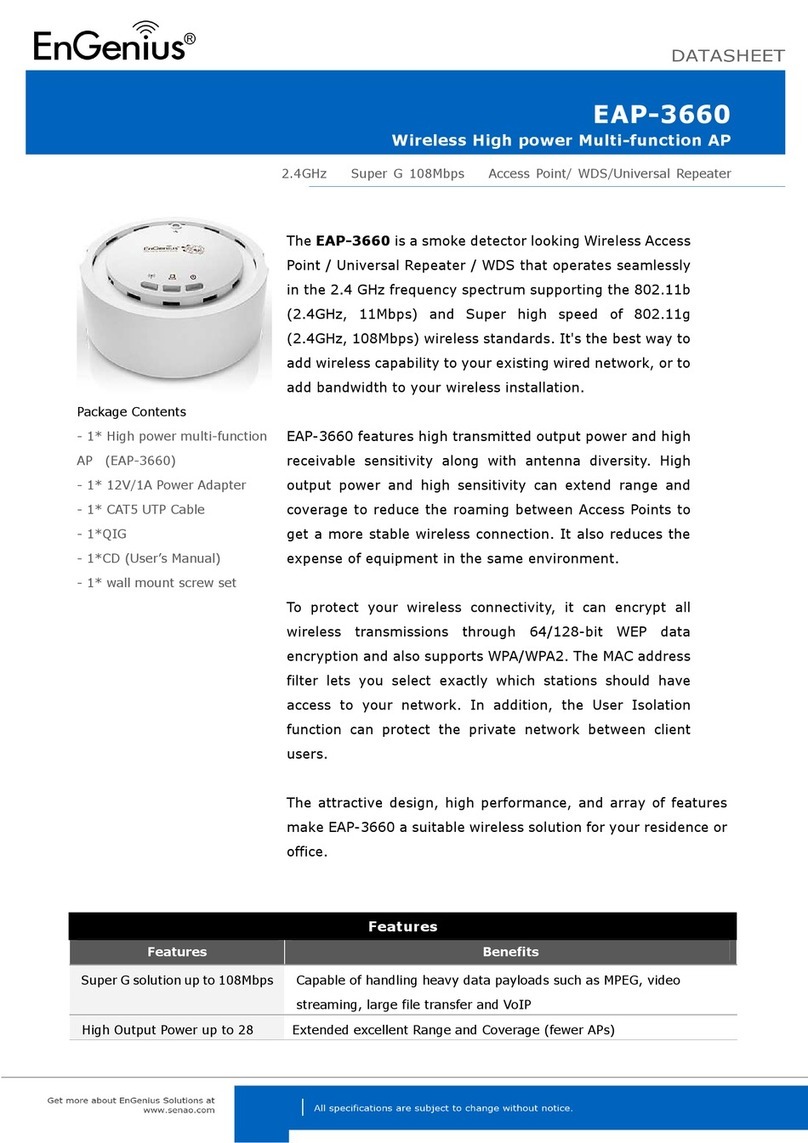
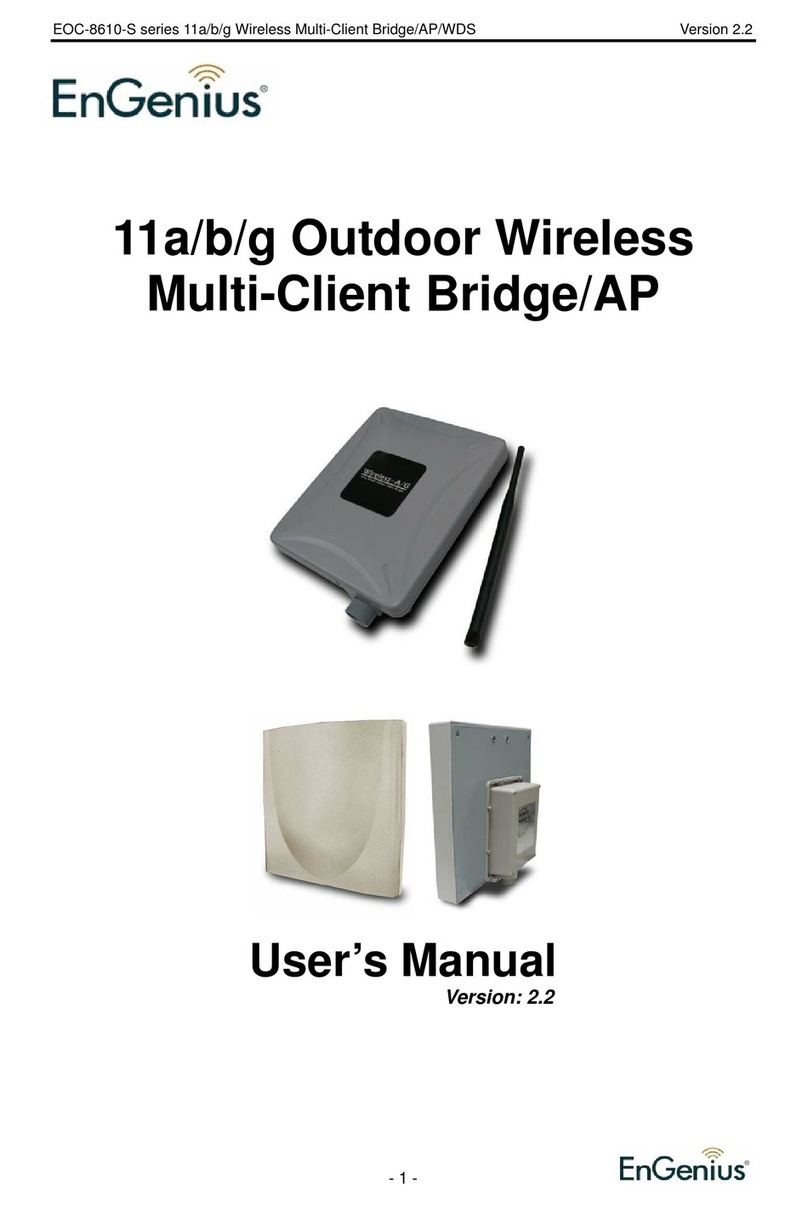
EnGenius EAP-3660 User manual

EnGenius

EnGenius EAP-3660 User manual

EnGenius EAP-3660 User manual

EnGenius

EnGenius EAP-3660 User manual

EnGenius ECB600 User manual

EnGenius

EnGenius ECB600 User manual

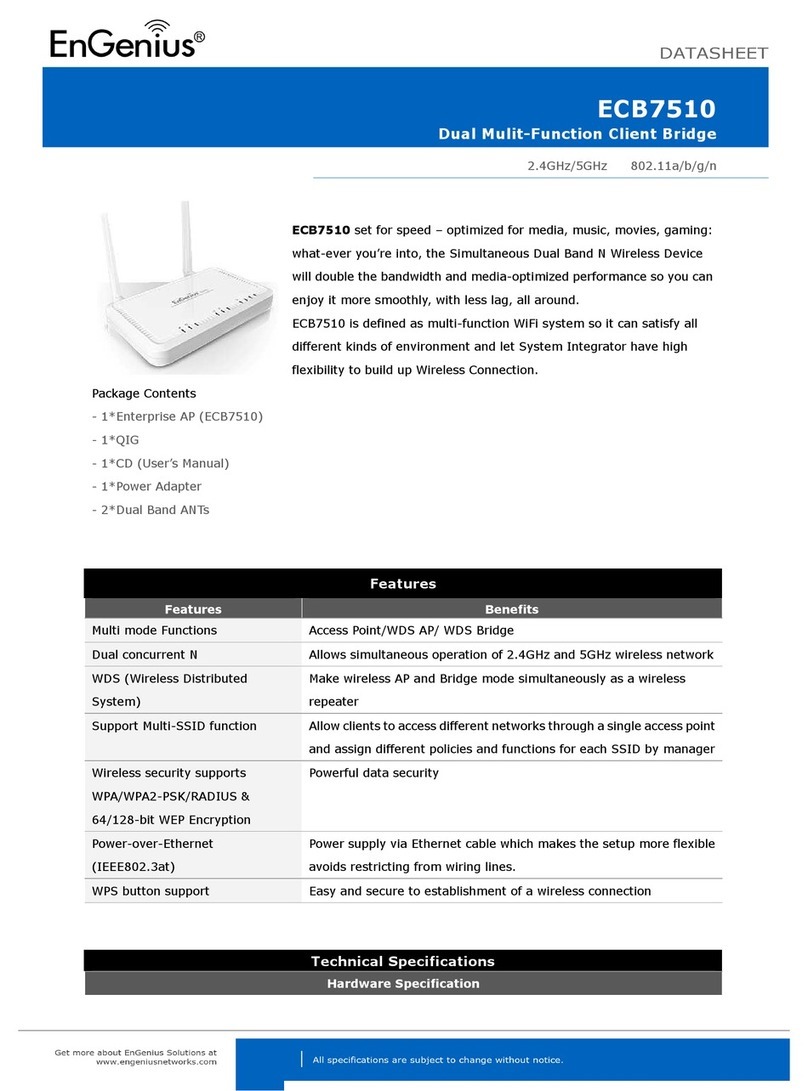
EnGenius ECB7510 User manual

EnGenius

EnGenius ECB7510 User manual

EnGenius ERA150 User manual

EnGenius

EnGenius ERA150 User manual

EnGenius EOC5611P User manual

EnGenius

EnGenius EOC5611P User manual

EnGenius ENH1350EXT User manual

EnGenius

EnGenius ENH1350EXT User manual

EnGenius EAP350 User manual

EnGenius

EnGenius EAP350 User manual

EnGenius EAP 11AC Series User manual

EnGenius

EnGenius EAP 11AC Series User manual

EnGenius ENH700EXT User manual

EnGenius

EnGenius ENH700EXT User manual

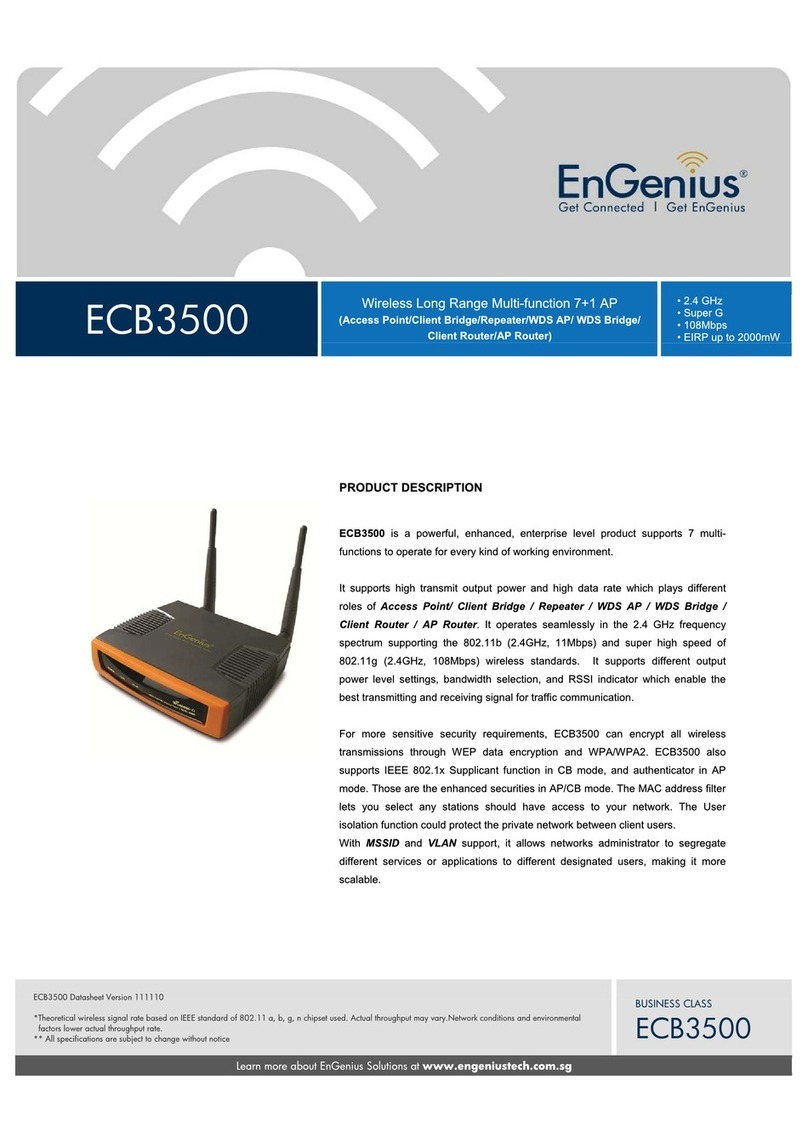
EnGenius ECB3500 User manual

EnGenius

EnGenius ECB3500 User manual

EnGenius EOC1650 User manual

EnGenius

EnGenius EOC1650 User manual

EnGenius ENH220EXT User manual

EnGenius

EnGenius ENH220EXT User manual

EnGenius EnStation5-ACv2 User manual

EnGenius

EnGenius EnStation5-ACv2 User manual

EnGenius EOC5611P User manual

EnGenius

EnGenius EOC5611P User manual

EnGenius ENH200EXT User manual

EnGenius

EnGenius ENH200EXT User manual

EnGenius EnStationACv2 User manual

EnGenius

EnGenius EnStationACv2 User manual

EnGenius ENS200 User manual

EnGenius

EnGenius ENS200 User manual

EnGenius EWS850AP User manual

EnGenius

EnGenius EWS850AP User manual

EnGenius EMD1AP User manual

EnGenius

EnGenius EMD1AP User manual

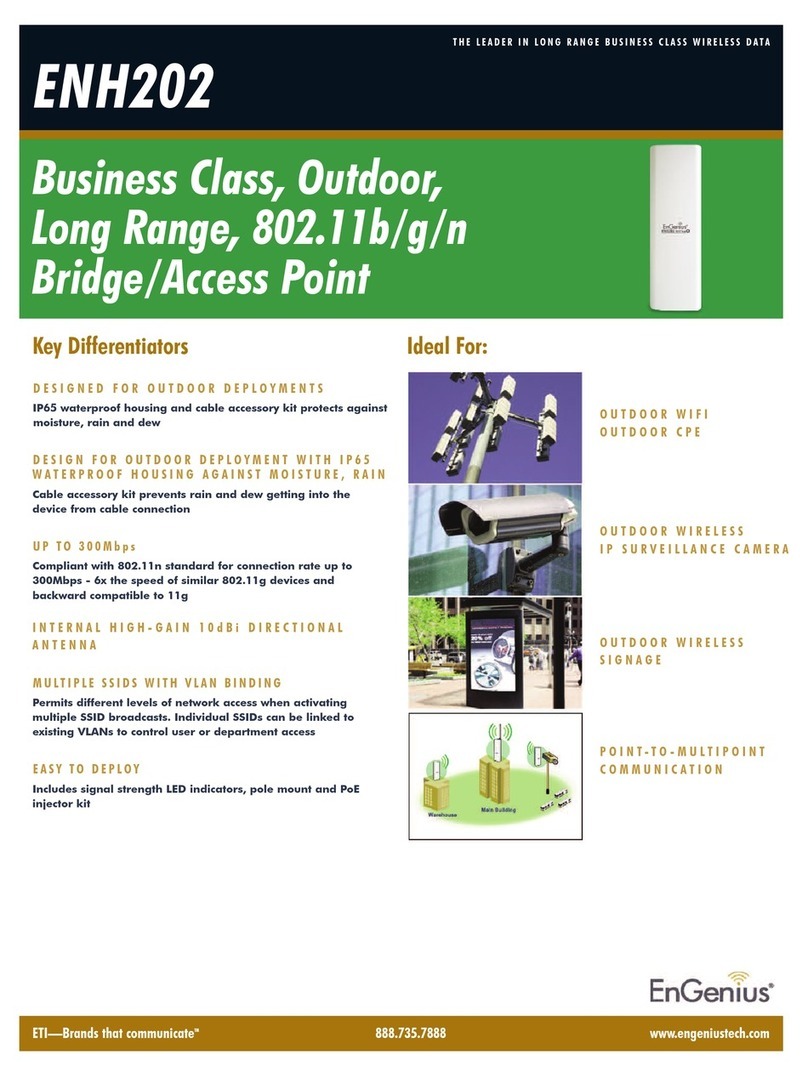
EnGenius ENH202 User manual

EnGenius

EnGenius ENH202 User manual

EnGenius EAP600 Guide

EnGenius

EnGenius EAP600 Guide

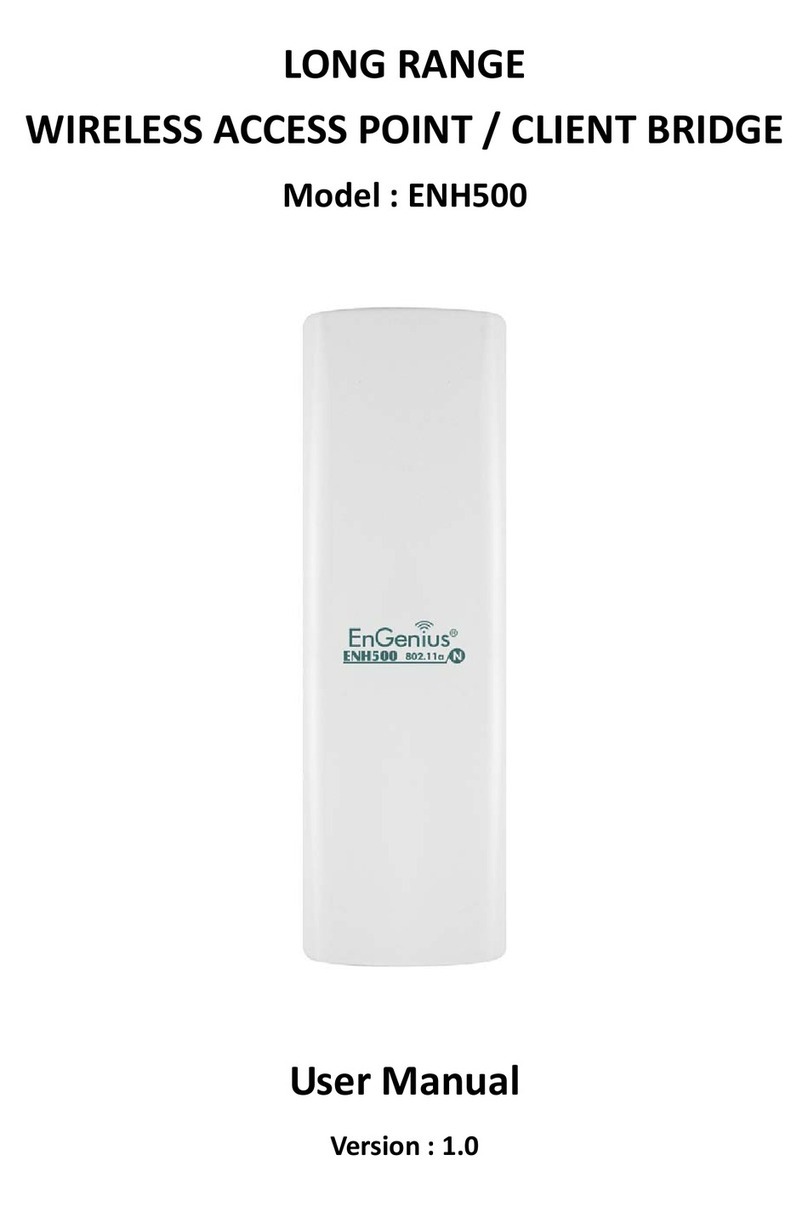
EnGenius ENH500 User manual

EnGenius

EnGenius ENH500 User manual

EnGenius EWS550AP User manual

EnGenius

EnGenius EWS550AP User manual

Popular Wireless Access Point manuals by other brands

TRENDnet TPL-410AP user guide

TRENDnet

TRENDnet TPL-410AP user guide

D-Link DWL-6700AP Quick installation guide

D-Link

D-Link DWL-6700AP Quick installation guide

Aerohive Networks Aerohive AP121 Hardware reference guide

Aerohive Networks

Aerohive Networks Aerohive AP121 Hardware reference guide

Vonets VAP11G Step-by-step guide

Vonets

Vonets VAP11G Step-by-step guide

Ubiquiti UniFi AP AC Outdoor quick start guide

Ubiquiti

Ubiquiti UniFi AP AC Outdoor quick start guide

Monoprice MW301A user guide

Monoprice

Monoprice MW301A user guide

D-Link DWL-2700AP - AirPremier Outdoor Wireless Access... user manual

D-Link

D-Link DWL-2700AP - AirPremier Outdoor Wireless Access... user manual

D-Link DWL-2100AP - AirPlus Xtreme G Quick installation guide

D-Link

D-Link DWL-2100AP - AirPlus Xtreme G Quick installation guide

TP-Link Auranet EAP225 Quick installation guide

TP-Link

TP-Link Auranet EAP225 Quick installation guide

D-Link DWL-2100AP - AirPlus Xtreme G Quick installation guide

D-Link

D-Link DWL-2100AP - AirPlus Xtreme G Quick installation guide

Ubiquiti NanoStation NSM2 quick start guide

Ubiquiti

Ubiquiti NanoStation NSM2 quick start guide

Aruba IAP-335 user guide

Aruba

Aruba IAP-335 user guide

Advantek Networks AWN-AP-54MR user manual

Advantek Networks

Advantek Networks AWN-AP-54MR user manual

IP-COM AP355 user guide

IP-COM

IP-COM AP355 user guide

Buffalo AirStation WLA-L11G user manual

Buffalo

Buffalo AirStation WLA-L11G user manual

D-Link DAP-3662 Quick installation guide

D-Link

D-Link DAP-3662 Quick installation guide

Edimax CAP1200 user manual

Edimax

Edimax CAP1200 user manual

xG Technology xMax CN1300 installation guide

xG Technology

xG Technology xMax CN1300 installation guide

manuals.online logo
manuals.online logoBrands
  • About & Mission
  • Contact us
  • Privacy Policy
  • Terms and Conditions

Copyright 2025 Manuals.Online. All Rights Reserved.

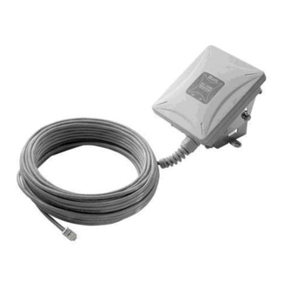
EOC-5610 Wireless 802.11 a/b/g Outdoor AP
DESCRIPTION
EOC-5610 is a long range outdoor wireless Access Point / Client Bridge that operates
in both 5G z and 2.4G z
frequency. It provides high bandwidth up to 108Mbps with Super Mode (Super A/G) and
features high transmitted output
power as well as superior sensitivity. EOC-5610 extends radio coverage, avoids unnecessary roaming between Access
Points and ensures a stable wireless connection while reduces the number of required equipments.
EOC-5610 provides user friendly interface including user friendly distance control ranges from 1KM up to 30KM and RSSI
LED indicator offering real time signal status. It comes with PoE injector for convenient outdoor installation.
EOC-5610 enforces transmission security with full support of latest encryption mecha
nism including 64/128-bit WEP, WPA
and WPA2. With 13dBi internal antenna and superior performance, EOC-5610 makes an op
timal wireless solution for both
small and large scale projects.
PACKAGE CONTENT
One Wireless 802.11a/b/g Outdoor Device(EOC-5610)
One PoE Injector (EPE-1212)
One Power Adaptor(24V/0.6A)
One CD with User's Manual
One QIG
One Metal strap
Two Special screw set
HOUSEING LOOK
FEATURES & BENEFITS
Features Benefits
Dual frequency support 11a on 5G z & 11b/g on 2.4G z
igh Output Power up to 28 dBm with 13dBi (11a)
& 5dBi (11b/g) Internal Antenna
Transmit output power programmable for different country selections
igh Speed Data Rate Up to 54Mbps igh speed transmitting rate up to 54Mbps, support large payload
such as MEPG video streaming
Long range transmitting Transmit power control and distance control (ACK timeout)
Signal Strength Display
LED indicators have the best transmit and receive signal for traffic
communication. And RF signal strength
status shown LEDs of 3 colors, making network build-up easier
Public wireless solution An AP interface that is especially useful in public areas such as
hotspots and enterprise
Multifunction Application Users can use different mode in various environment
IEEE 802.11a and IEEE 802.11b/g Compliant Fully Interoperable with IEEE 802.11b / IEEE802.11g compliant
devices
PPPoE function support (CR mode) Point-to-Point Protocol over Ethernet at Client Router mode. This
function will keep trying when failed or disconnected
WPA2/WPA/ IEEE 802.1x support Powerful data security
MAC address filtering in AP mode Ensures secure network connection
SNMP Remote Configuration Management elp administrators to remotely configure or manage the Access Point
easily.
Reset & Backup Reset to factory default. User can export all setting into a file via WEB
QoS (WMM) Enhance user performance and density
ANTENNA SPECIFICATIONS
Internal Antenna Gain 5dBi 13dBi
Radiati n Directional Directional
Frequency Band Range 2.4 - 2.5G z 5.1 - 5.8G z
H riz ntal -3dB Bandwidth 40° 42°
Vertical -3dB Bandwidth 40° 21°
External Antenna 2 x SMA connector (for 2.4G z and 5G z individually
Antenna Radiati n Patterns
*Theoretical wireless signal rate based on IEEE standard of 802.11 a, b, g chipset used. Actual throughput may vary.Network conditions
and environmental factors lower actual throughput rate
** All specifications are subject to change without notice
EOC-5610
Learn more about EnGenius Solutions at www.engeniustech.com.au 1300 725 323
Datasheet
EOC-5610
TECHNICAL SPECIFICATION
Hardware Specificati n S ftware Feature
MCU/RF: Atheros AR2313 + AR5112
Memory 32MB SDRAM; Flash: 8MB
Physical Interface:
One 10/100 Fast Ethernet RJ-45
One Reset Button
One Antenna Swith (Internal & External Switch)
Two SMA Connector (One is for 2.4G z and another is for
5G z)
LED indicators
Power/ Status
LAN (10/100Mbps)
WLAN (Wireless is up)
3 x Link Quality (Client Bridge mode)
- Green: Good Quality; Yellow: Marginally Acceptable
Quality; Red: Bad Quality
Power Requirements: Active Ethernet (Power over Ethernet)
Proprietary design
Power Adapter 24V / 1A DC
Regulation Certifications: FCC Part 15C/15B/15E, EN 301
893, EN 300 328, EN 301 489-1/-17, EN60950, IC
Certification
RF Specificati n
Frequency Band
802.11a: 5.150~5.350G z, 5.470~5.725G z,
5.725~5.825G z
802.11b/g: 2.412~2.472G z
Modulation Technology
OFDM = BPSK, QPSK,
16-QAM,64-QAM
DSSS = DBPSK, DQPSK, CCK
Operating Channels
802.11a: >See the Table1
802.11b/g: 11 for North America, 14 for Japan, 13 for
Europe
Receive Sensitivity (Typical)
802.11a: -92dBm @ 6Mbps, -73dBm @ 54Mbps
802.11g: -92 dBm @ 6Mbps, -75 dBm @ 54Mbp
802.11b: -97 dBm @ 1Mbps,-91 dBm @ 11Mbps
Topology: Infrastructure
Protocol / Standard
IEEE 802.3 (Ethernet), IEEE 802.3u (Fast Ethernet), IEEE
802.11b/g (2.4G z WLAN)
Operation Mode: Access Point/Client Bridge/Client Router
LAN: D CP Client, D CP Server
VPN Pass through
Wireless Channel Selection (Setting varies by countries)
Transmission Rate:11a/b/g: 54, 48, 36, 24, 18, 12, 11, 9, 6,
5.5, 2, 1 Mbps
Long distance transmission : 1km to 30km (Ack timeout)
Transmit power table
Signal Strength indication using LEDs
PPPoE (CR mode)
Multiple SSID/VLAN
Security
WEP Encryption-64/128/152 bit
WPA/WPA2 Personal (WPA-PSK using TKIP or AES)
WPA/WPA2 Enterprise (WPA-EAP using TKIP)
802.1x Authenticator
ide SSID in beacons
MAC address filtering, up to 50 field
Wireless STA (Client) connected list
QoS: WMM
Management
Configuration: Web-based configuration ( TTP)/Telnet
Administrator Setting: Administrator password change
Reboot (press 1sec) / Reset to Factory Default (press
5sec)
System monitoring: Status and Event Log
SNMP V1, V2c
MIB: MIB I, MIB II(RFC1213)
Backup & Restore Settings through Web
Time setting: NTP(Auto-setting of time), Time setting
Manually
Envir nment & Mechanical
Temperature Range:
Operating -20°C~70°C, Storage -30°C ~ 80°C
umidity (non-condensing): 0%
~
95% typical
Dimensions: 260mm (L) x 84mm (W) x 55mm ( )
Weight: 300g

Available transmit power (Average power)
Antenna:
-Internal: 2.4~2.5G zGain: 5dBi; Radiation: Directional
(-3dB) orizontal Bandwidth: 40°, Vertical Bandwidth: 40°
-Internal: 5.1~5.8G z
Gain: 13dBi; Radiation: Directional
(-3dB) orizontal Bandwidth: 42°, Vertical Bandwidth: 21°
-External: Two SMA connector (for 2.4G z & 5G z
individually)
Package C ntent
One Wireless 802.11a/b/g Outdoor Device(EOC-5610)

One PoE Injector (EPE-1212)
One Power Adaptor(24V/0.6A)
One CD with User's Manual
One QIG
One Metal strap
Two Special screw set
> Table 1
(Americas (FCC)):
2.412 to 2.462 G z; 11channels
5.180 to 5.320 G z; 8channels
5.500 to 5.700 G z, 8channels
(excludes 5.600 to 5.640 G z)
5.745 to 5.825 G z; 5channels
(China):
2.412 to 2.472 G z; 13channels
5.745 to 5.825 G z; 5channels
(ETSI):
2.412 to 2.472 G z; 13channels
5.180 to 5.320 G z; 8channels
5.500 to 5.700 G z, 11channels
(Israel):
2.412 to 2.472 G z, 13channels
5.180 to 5.320 G z; 8channels
(K rea):
2.412 to 2.472 G z; 13channels
5.180 to 5.320 G z; 8channels
5.500 to 5.620 G z, 7channels
5.745 to 5.805 G z, 4channels
(Japan2):
2.412 to 2.472 G z; 13channels
5.180 to 5.320 G z; 8channels
(Singap re):
2.412 to 2.472 G z; 13channels
5.180 to 5.320 G z; 8channels
5.745 to 5.825 G z; 5channels
(Taiwan):
2.412 to 2.462 G z; 11channels
5.280 to 5.320 G z; 3channels
5.500 to 5.700 G z, 11channels
5.745 to 5.825 G z; 5channels
Contact
service@engeniustech.com.au
1300 725 323
1/14 Wellington Street, ACACIA RIDGE QLD 4110 Australia
Check www.engeniustech.com.au for your contact information
Learn more about EnGenius Solutions at www.engeniustech.com.au 1300 725 323