manuals.online logo
Brands
  1. Home
  2. •
  3. Brands
  4. •
  5. Epson
  6. •
  7. Touch Terminal
  8. •
  9. Epson U675 - TM Color Dot-matrix Printer User manual

Epson U675 - TM Color Dot-matrix Printer User manual

Other manuals for U675 - TM Color Dot-matrix Printer

9

This manual suits for next models

3

Other Epson Touch Terminal manuals

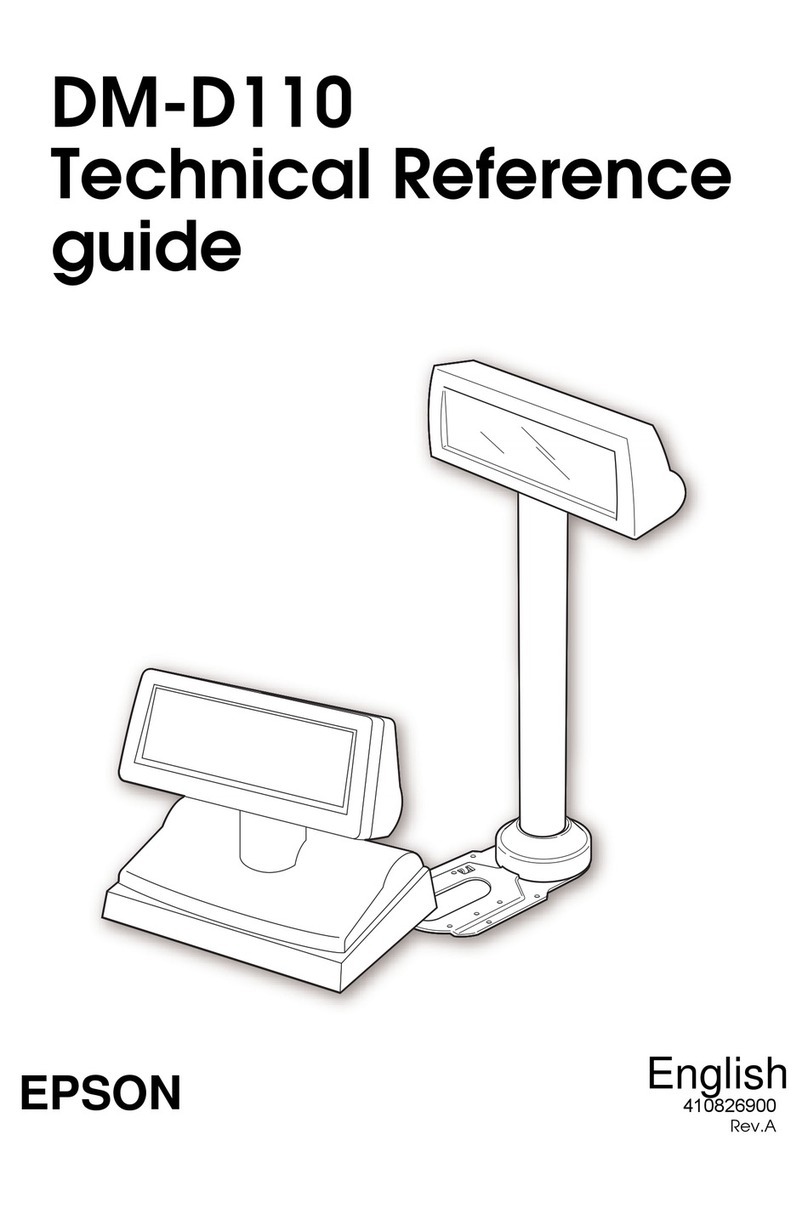
Epson DM-D110 Series Use and care manual

Epson

Epson DM-D110 Series Use and care manual

Epson DM-D500 Series User manual

Epson

Epson DM-D500 Series User manual

Epson IM-800 User manual

Epson

Epson IM-800 User manual

Epson B113111 - DM D500 - Vacuum Fluorescent Display... User manual

Epson

Epson B113111 - DM D500 - Vacuum Fluorescent Display... User manual

Epson TM-U590 Series Installation and operation manual

Epson

Epson TM-U590 Series Installation and operation manual

Epson IR-320 User manual

Epson

Epson IR-320 User manual

Epson Mobilink TM-P60 User manual

Epson

Epson Mobilink TM-P60 User manual

Epson DM D110 User manual

Epson

Epson DM D110 User manual

Epson IM-800 User manual

Epson

Epson IM-800 User manual

Epson B134101 - DM D210 - Vacuum Fluorescent Display... User manual

Epson

Epson B134101 - DM D210 - Vacuum Fluorescent Display... User manual

Epson DM-D110 Series User manual

Epson

Epson DM-D110 Series User manual

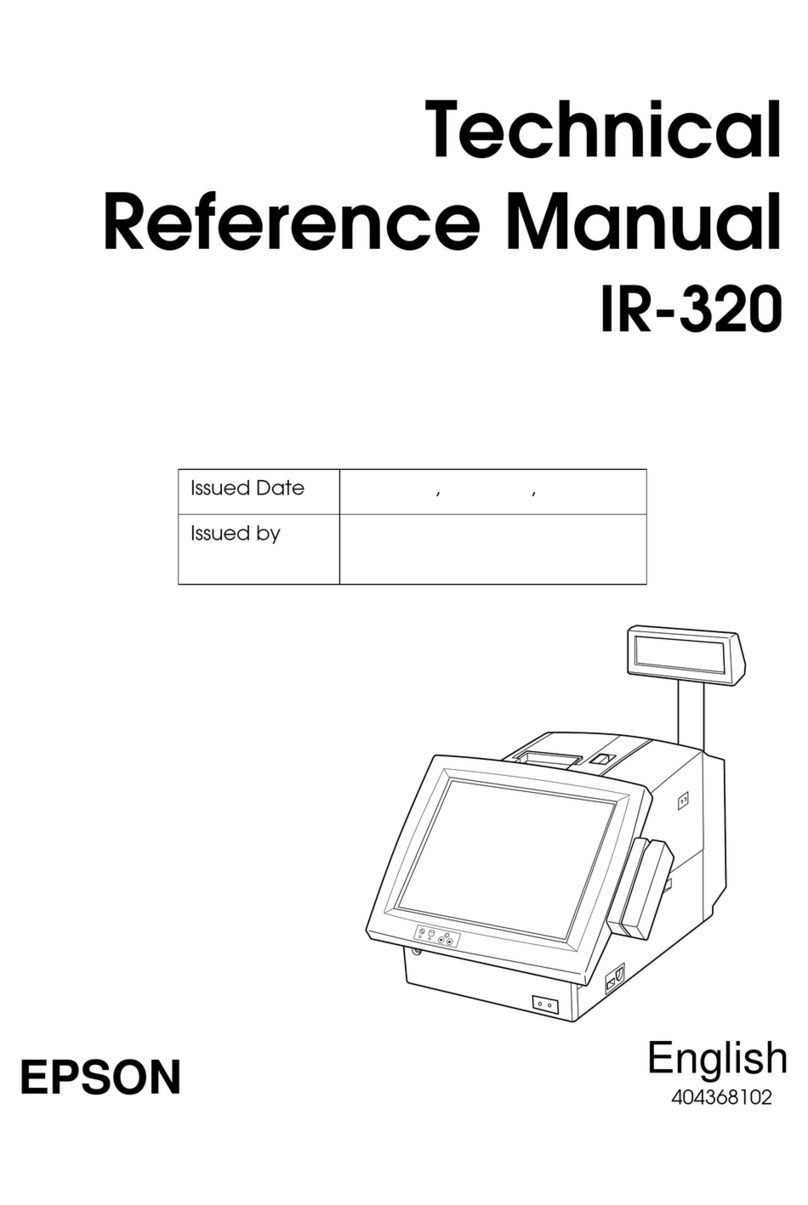
Epson IR-320 Product manual

Epson

Epson IR-320 Product manual

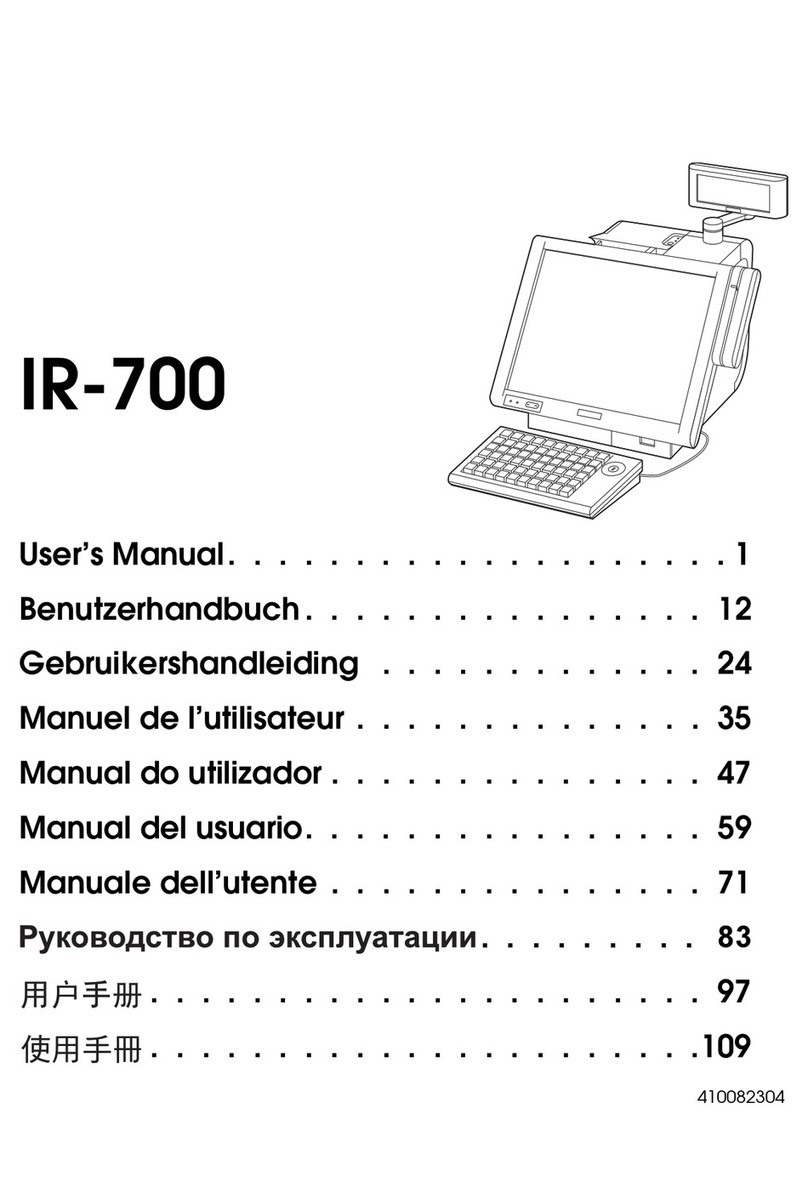
Epson IR-700 User manual

Epson

Epson IR-700 User manual

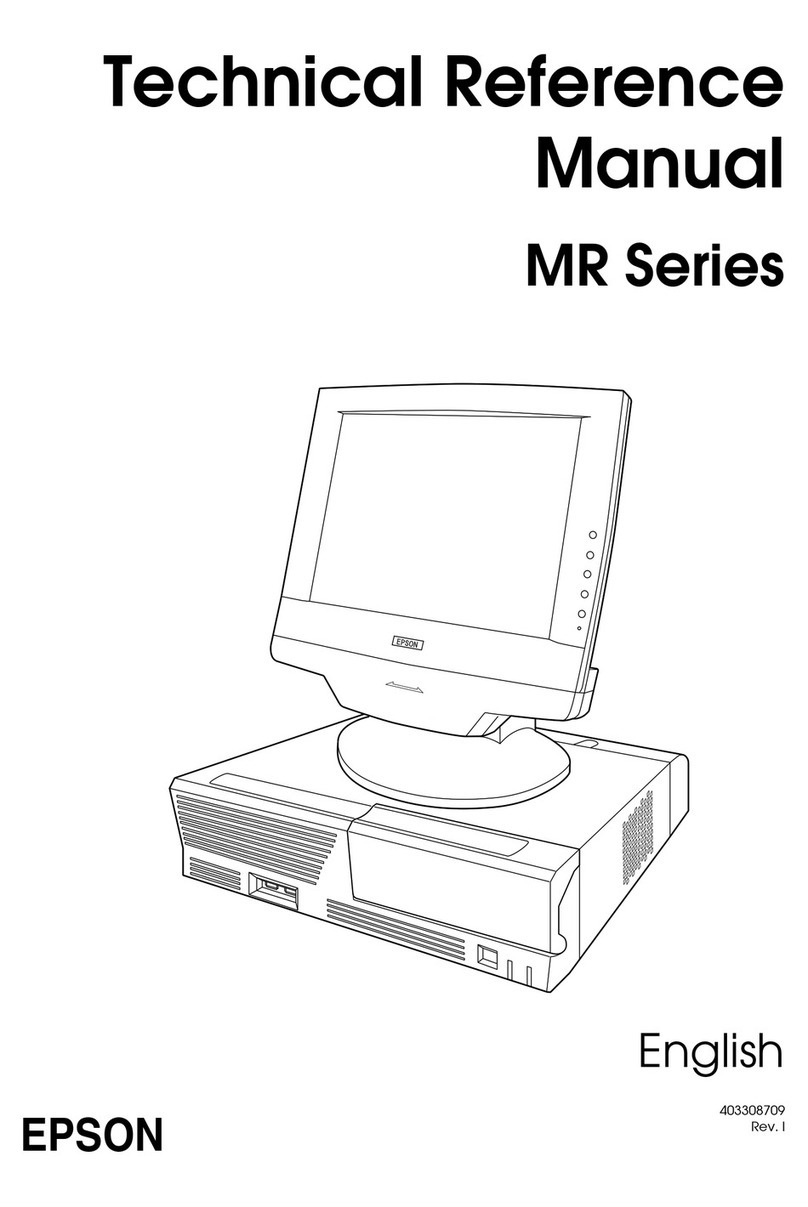
Epson MR Series Product manual

Epson

Epson MR Series Product manual

Epson U230 - TM Two-color Dot-matrix Printer User manual

Epson

Epson U230 - TM Two-color Dot-matrix Printer User manual

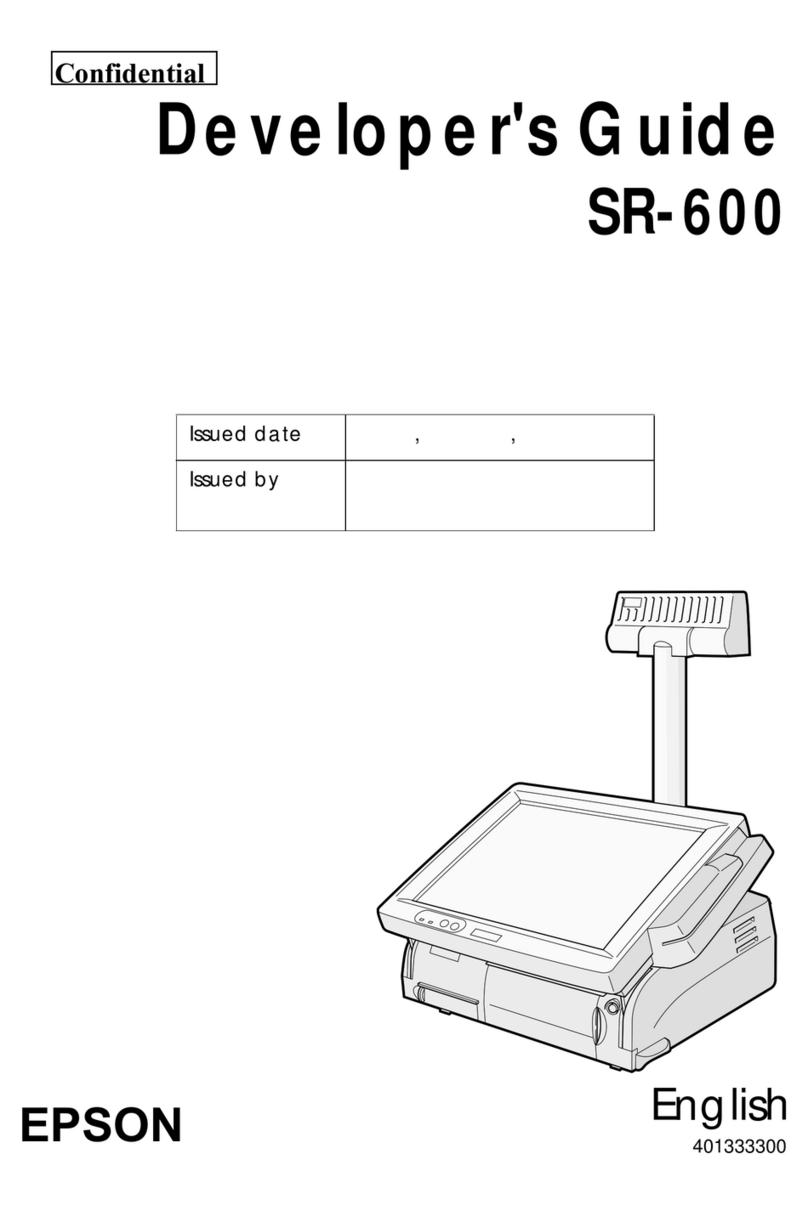
Epson SR-600 Instruction Manual

Epson

Epson SR-600 Instruction Manual

Popular Touch Terminal manuals by other brands

Omron NT11S Operation manual

Omron

Omron NT11S Operation manual

Partner SP-820 user manual

Partner

Partner SP-820 user manual

BBPOS WisePad 2 instruction manual

BBPOS

BBPOS WisePad 2 instruction manual

Anywire ASLINKAMP L-A1AW Series Product guide

Anywire

Anywire ASLINKAMP L-A1AW Series Product guide

Festo VIFB4 Series Brief description

Festo

Festo VIFB4 Series Brief description

Linksz CMDA FWT-8828 user manual

Linksz

Linksz CMDA FWT-8828 user manual

Heisei Electronics Q-POS 815 user guide

Heisei Electronics

Heisei Electronics Q-POS 815 user guide

ANUBIS POS50 Series quick guide

ANUBIS

ANUBIS POS50 Series quick guide

Amano MTX-15 installation guide

Amano

Amano MTX-15 installation guide

FLOWBIRD CWT Compact Touch manual

FLOWBIRD

FLOWBIRD CWT Compact Touch manual

Demco SP7 installation guide

Demco

Demco SP7 installation guide

Lathem PC600 Series user guide

Lathem

Lathem PC600 Series user guide

Partner MF-2352 user manual

Partner

Partner MF-2352 user manual

NCR RealPOS 7460-2 supplementary guide

NCR

NCR RealPOS 7460-2 supplementary guide

Simrad MS50 Manual guide

Simrad

Simrad MS50 Manual guide

Unitech MR350 MKII Software guide

Unitech

Unitech MR350 MKII Software guide

Jungheinrich WMT 210 Service manual

Jungheinrich

Jungheinrich WMT 210 Service manual

Motorola MTP850 user guide

Motorola

Motorola MTP850 user guide

manuals.online logo
manuals.online logoBrands
  • About & Mission
  • Contact us
  • Privacy Policy
  • Terms and Conditions

Copyright 2025 Manuals.Online. All Rights Reserved.

Epson
Epson America, Inc. • 3840 Kilroy Airport Way • Long Beach, CA 90806 • (562) 290-5304 • http://pos.epson.com
©2008 Epson America, Inc. Epson is a registered trademark and Epson Exceed Your Vision is a registered logomark of Seiko
Epson Corporation. All other trademarks are property of their respective owners.
SD-DSPT6KB
Platform Manager for
IBM POS Systems
PT-6000
Platform Manager
A place for everything
When you want the most from your
IBM POS system, you partner it with
an Epson printer. And when you
want the perfect place to put it, you
choose Epson’s durable PT-6000 plat-
form manager. This easy-to-install
system not only offers a secure place
for your Epson printer, it maximizes
the use of space atop your system’s
CPU. The convenient center tray
can be used to store small items,
receipts and notes in plain sight at
the point-of-sale, to be easily remem-
bered and retrieved.
The right printer, the right fit
The PT-6000 platform manager is
designed to securely accommodate
an Epson TM-U675 and TM-H6000
series and a pole display if needed.
The two trays just snap into place,
requiring no special tools or extra
hardware. The pole display mount
attaches easily with screws. And, all
your system cables remain easily
accessible. With the PT-6000 plat-
form manager, Epson printers and
IBM POS systems are now, more
than ever, exactly the right fit.*
With the PT-6000 platform manager, it’s easier
than ever to drop an Epson printer into your IBM®
POS system. And, while an Epson printer improves
your overall system performance, the PT-6000
keeps it all in place.
This simply designed tray system installs in seconds and
fits snugly atop IBM 4690 or IBM SurePos™700 series POS
systems.
PT-6000 3-piece platform manager
• Provides a “factory fit” of your Epson printer on
IBM 4690 or SurePOS 700 series POS systems
• Fits Epson TM-U675 and TM-H6000 series of POS
printers
• Convenient center tray
• Fast and easy installation
IBM system and Epson printer
mounted in the PT-6000 platform manager
*Available in Epson Cool White only.