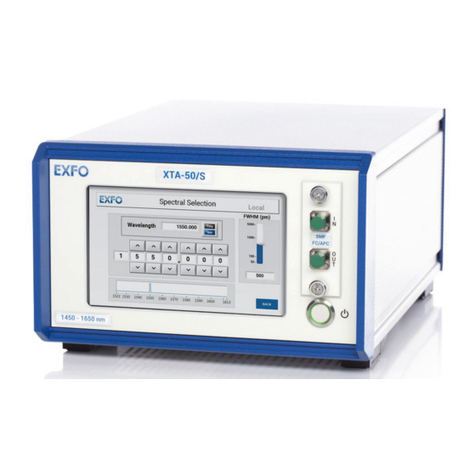
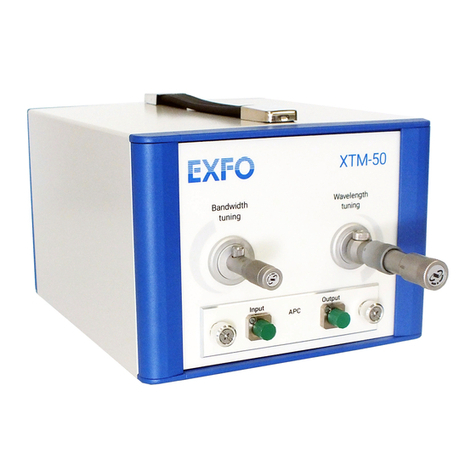
Tunable Laser Source
FLS-2800
ii
Contents
Certification Information ..................................................................... Error! Bookmark not defined.
Conventions ........................................................................................................................................ 1
1. Safety Information..................................................................................................... 2
2. Introducing the FLS-2800 Tunable Laser Source.......................................................... 4
3. Features .................................................................................................................... 6
4. Technical Specifications ............................................................................................. 8
5. Hardware Connections ............................................................................................ 10
Connecting the Ethernet (recommended)........................................................................................ 10
Connecting the USB (optional).......................................................................................................... 10
6. Connecting Optical Output....................................................................................... 12
Cleaning and Connecting Optical Fibers ...........................................................................................12
7. Operating the FLS-2800............................................................................................ 14
Output Enable/Disable...................................................................................................................... 14
Powering On/Off the FLS-2800 .........................................................................................................14
Remote Operation of the FLS-2800 ..................................................................................................14
The LCD Control Interface.................................................................................................................15
Navigating within the LCD Control Interface ....................................................................................15
Changing Numerical Values ..............................................................................................................15
Changing Numerical Units.................................................................................................................15
Changing Step Size ............................................................................................................................15
Viewing Network Settings.................................................................................................................15
Changing Network Settings...............................................................................................................16
8. Installing the Software............................................................................................. 17
Client System Minimum Requirements ............................................................................................17
Tunable Laser Manager Software Installation ..................................................................................17
9. Tunable Laser Manager Software............................................................................. 18
Tunable Laser Manager Interface .....................................................................................................18
Main Display......................................................................................................................................19
Unit View........................................................................................................................................... 19
Chart View.........................................................................................................................................19
Laser Selection Control .....................................................................................................................20
Laser Output Control ........................................................................................................................20
Laser Parameter Control...................................................................................................................20
Tool buttons...................................................................................................................................... 22
System Update..................................................................................................................................24