logo
Brands
  1. Home
  2. •
  3. Brands
  4. •
  5. Fisher
  6. •
  7. Control Unit
  8. •
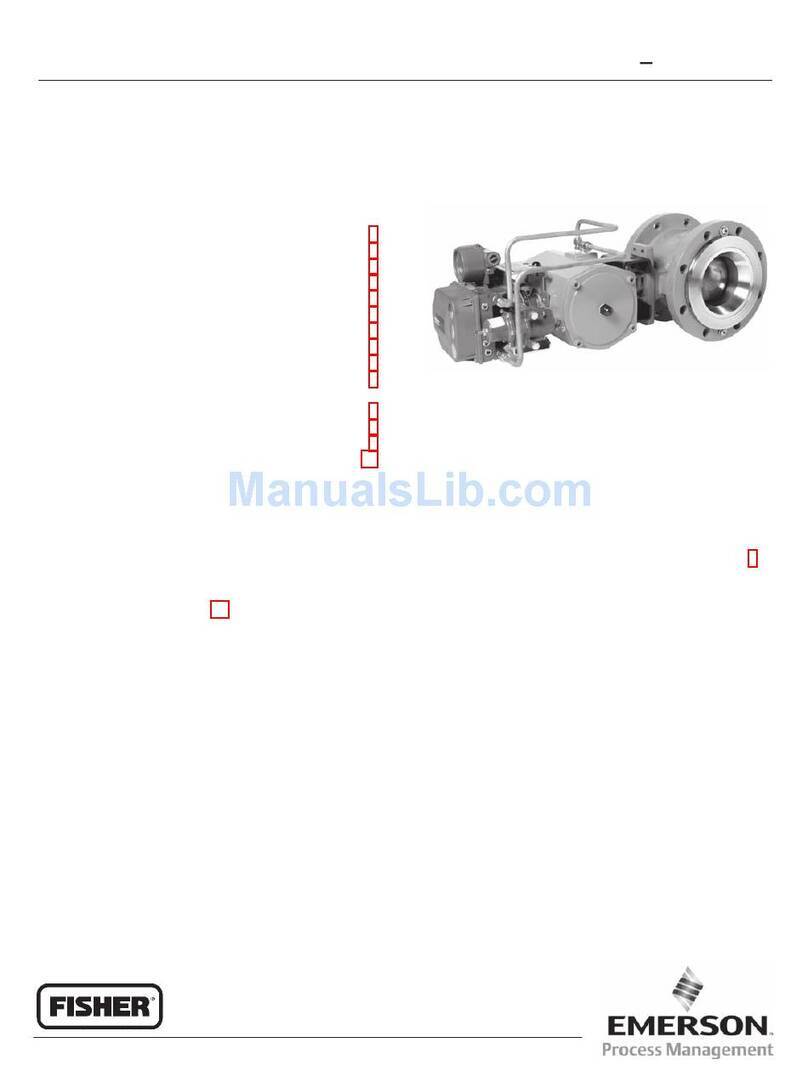
  9. Fisher EMERSON DVC6200 User manual

Fisher EMERSON DVC6200 User manual

This manual suits for next models

1

Other Fisher Control Unit manuals

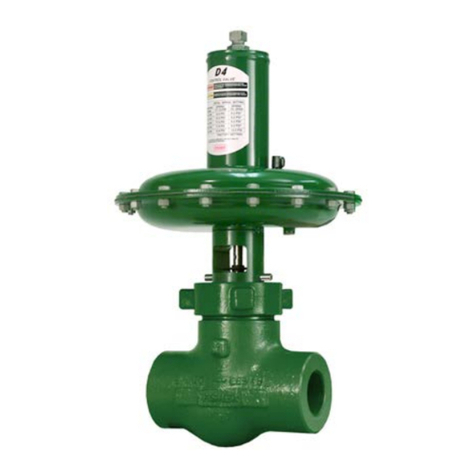
Fisher N551 User manual

Fisher

Fisher N551 User manual

Fisher GX 3-Way User manual

Fisher

Fisher GX 3-Way User manual

Fisher Z500 User manual

Fisher

Fisher Z500 User manual

Fisher Z500 User manual

Fisher

Fisher Z500 User manual

Fisher V150S User manual

Fisher

Fisher V150S User manual

Fisher ET easy-e User manual

Fisher

Fisher ET easy-e User manual

Fisher 168-1 Manual

Fisher

Fisher 168-1 Manual

Fisher D2T FloPro User manual

Fisher

Fisher D2T FloPro User manual

Fisher V260 User manual

Fisher

Fisher V260 User manual

Fisher CL600 User manual

Fisher

Fisher CL600 User manual

Fisher EHD User manual

Fisher

Fisher EHD User manual

Fisher EHD series User manual

Fisher

Fisher EHD series User manual

Fisher ET User manual

Fisher

Fisher ET User manual

Fisher FIELDVUE DVC6200 User manual

Fisher

Fisher FIELDVUE DVC6200 User manual

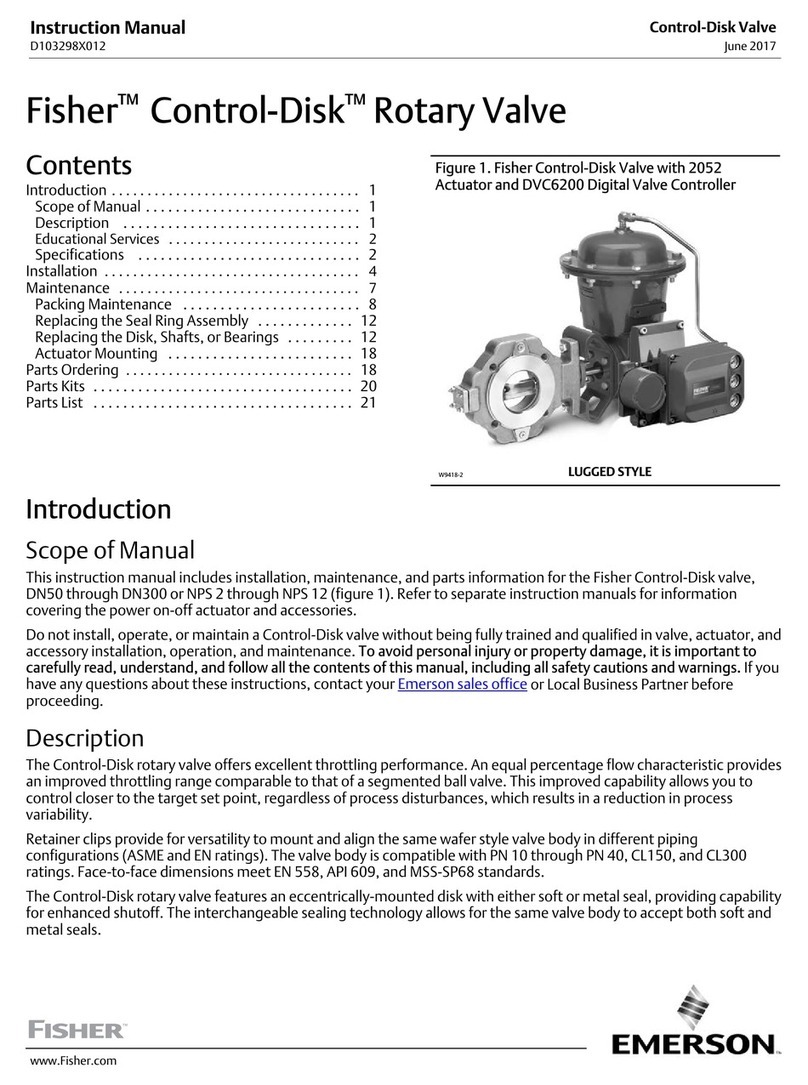
Fisher Control-Disk User manual

Fisher

Fisher Control-Disk User manual

Fisher NPS 12 User manual

Fisher

Fisher NPS 12 User manual

Fisher D Series User manual

Fisher

Fisher D Series User manual

Fisher 8580 User manual

Fisher

Fisher 8580 User manual

Fisher FIELDVUE DVC6200 User manual

Fisher

Fisher FIELDVUE DVC6200 User manual

Fisher EAS easy-e User manual

Fisher

Fisher EAS easy-e User manual

Fisher HPA User manual

Fisher

Fisher HPA User manual

Fisher TBX-T User manual

Fisher

Fisher TBX-T User manual

Fisher RSS User manual

Fisher

Fisher RSS User manual

Fisher 377 User manual

Fisher

Fisher 377 User manual

Popular Control Unit manuals by other brands

Festo Compact Performance CP-FB6-E Brief description

Festo

Festo Compact Performance CP-FB6-E Brief description

Elo TouchSystems DMS-SA19P-EXTME Quick installation guide

Elo TouchSystems

Elo TouchSystems DMS-SA19P-EXTME Quick installation guide

JS Automation MPC3034A user manual

JS Automation

JS Automation MPC3034A user manual

JAUDT SW GII 6406 Series Translation of the original operating instructions

JAUDT

JAUDT SW GII 6406 Series Translation of the original operating instructions

Spektrum Air Module System manual

Spektrum

Spektrum Air Module System manual

BOC Edwards Q Series instruction manual

BOC Edwards

BOC Edwards Q Series instruction manual

KHADAS BT Magic quick start

KHADAS

KHADAS BT Magic quick start

Etherma eNEXHO-IL Assembly and operating instructions

Etherma

Etherma eNEXHO-IL Assembly and operating instructions

PMFoundations Attenuverter Assembly guide

PMFoundations

PMFoundations Attenuverter Assembly guide

GEA VARIVENT Operating	 instruction

GEA

GEA VARIVENT Operating instruction

Walther Systemtechnik VMS-05 Assembly instructions

Walther Systemtechnik

Walther Systemtechnik VMS-05 Assembly instructions

Altronix LINQ8PD Installation and programming manual

Altronix

Altronix LINQ8PD Installation and programming manual

Eaton Powerware Series user guide

Eaton

Eaton Powerware Series user guide

WAGO 750-407/040-000 manual

WAGO

WAGO 750-407/040-000 manual

Sony CCU-590 Operation manual

Sony

Sony CCU-590 Operation manual

Graco 25D614 instructions

Graco

Graco 25D614 instructions

Task Force Tips YE-RF-900 Instructions for installation, safe operation and maintenance

Task Force Tips

Task Force Tips YE-RF-900 Instructions for installation, safe operation and maintenance

Shini SPV-U Series manual

Shini

Shini SPV-U Series manual

https://manuals.online logo
https://manuals.online logoBrands
  • About & Mission
  • Contact us
  • Privacy Policy
  • Terms and Conditions

Copyright 2025 Manuals.Online. All Rights Reserved.

www.Fisher.com
Use these instructions to mount a FisherRFIELDVUEt
DVC6200 or DVC2000 digital valve controller on Fisher
585C/585CR size 50 actutaors with or without
handjack.
WARNING
Avoid personal injury or property
damage from sudden release of process
pressure or bursting of parts. Before
performing any maintenance operations:
DAlways wear protective clothing,
gloves, and eyewear.
DDo not remove the actuator from
the valve while the valve is still
pressurized.
DDisconnect any operating lines
providing air pressure, electric power, or
a control signal to the actuator. Be sure
the actuator cannot suddenly open or
close the control valve.
DUse bypass valves or completely
shut off the process to isolate the
control valve from process pressure.
Relieve process pressure from both
sides of the control valve.
DVent the pneumatic actuator
loading pressure and relieve any
actuator spring precompression.
DUse lock-out procedures to be sure
that the above measures stay in effect
while you work on the equipment.
DCheck with your process or safety
engineer for any additional measures
that must be taken to protect against
process media.
Refer to figure 2 and the parts list for mounting parts
identification. Refer to the DVC6200 or DVC2000 digital
valve controller instruction manual for digital controller
parts identification. Refer to the appropriate actuator
instruction manual for actuator installation, operation,
maintenance, and parts identification.
1. Isolate the control valve from the process line
pressure and release pressure from both sides of the
valve body. Shut off all pressure lines to the actuator,
releasing all pressure from the actuator. Use lock-out
procedures to be sure that the above measures stay in
effect while you work on the equipment.
WARNING
To avoid personal injury due to the
sudden, uncontrolled movement of
parts, do not loosen the stem connector
cap screws when the stem connector
has spring force applied to it.
2. Remove the stem connector cap screws and use
the longer cap screws (key 9) to attach the connector
arm (key 3) to the valve stem connector. Reassemble
the valve stem connector using the spacers (key 10)
and two hex nuts (key 7). Install the connector arm (key
3) using the plain washer (key 8) and the two remaining
hex nuts (key 7) when reassembling the valve stem
connector.
3. Attach the extension arm (key 6) to the connector
arm using two pan head machine screws (key 4) but do
not tighten. See figure 2 for extension arm orientation.
4. Attach the magnet assembly (key 5) to the
extension arm with two pan head machine screws
(key 4) but do not tighten (the magnet assembly can be
inverted 180_without effect).
5. Attach the mounting bracket assembly (key 1) to the
yoke using the two socket head screws (key 2).
6. Push the cap screws and the O-ring in the mounting
bracket groove and then attach the black plastic
alignment template to the mounting bracket by inserting
the two protruding posts into the mounting holes in the
bracket and simultaneously positioning the magnet
assembly so that it can slide into the channel in the
alignment template. The magnet assembly should be
fully in the alignment template channel so that the
extension arm is contacting the back of the alignment
template but not bending it. Tighten pan head machine
screws (key 4), attaching the extension arm to the
connector arm but do not yet tighten the pan head
machine screws attaching the magnet assembly.
7. For an air-to-extend actuator, slide the magnet
assembly (key 5) so that the bottom marking aligns with
the sensor index mark on the alignment template (see
figure 1). The magnet assembly’s top marking is used
for air-to-retract. The mounting bracket may require
vertical repositioning to get the magnet assembly in the
correct location. When the magnet assembly is properly
positioned, remove the alignment template and tighten
the two pan head machine screws (key 4).
Mounting Instructions
D103440X012
May 2010
DVC6200 or DVC2000 Digital
Valve Controller on 585C/585CR
Size 50 Actuators with or without Handjack

DVC6200 or DVC2000 Digital
Valve Controller on 585C/585CR
Size 50 Actuators with or without Handjack Mounting Instructions
D103440X012
May 2010
2
8. Attach the digital valve controller to the mounting
bracket and tighten the three hex head cap screws
(key 1b).
9. Check the position of the magnet assembly (key 5)

in the channel of the digital valve controller housing and
ensure that it is visually centered between the channel
walls and has adequate clearance with the backside of
the channel (approximately 3 mm).
10. Connect and calibrate the digital valve controller as
described in the instruction manual or quick start guide.

For additional information concerning mounting, setup,
calibration, or maintenance of the DVC6200 or
DVC2000 digital valve controller, refer to the
appropriate instruction manual.
Note
Neither Emerson, Emerson Process
Management, nor any of their affiliated
entities assumes responsibility for the
selection, use or maintenance of any
product. Responsibility for the selection,
use and maintenance of any product
remains with the purchaser and end
user.
2
3
4
5
6
1b
Figure 1. Alignment Template
1a
9
GG03935 Figure 2. Mounting Parts Identification
FIGURE SHOWS MAGNET
ASSEMBLY MARKING ALIGNED
WITH SENSOR INDEX MARK
FOR AIR-TO-EXTEND ACTUATOR
ASSEMBLY MARKING
GE43826
NOTE:
DURING THE COMPLETE STROKE OF THE
ACTUATOR, AT ANY PARTICULAR POSITION, THE
DIGITAL VALVE CONTROLLER HALL SENSOR MUST
REMAIN WITHIN THE MARKING SHOWN ON THE
MAGNET ASSEMBLY.
1c
78
10
MAGNET ASSEMBLY
Emerson Process Management
Marshalltown, Iowa 50158 USA
Sorocaba, 18087 Brazil
Chatham, Kent ME4 4QZ UK
Dubai, United Arab Emirates
Singapore 128461 Singapore
EFisher Controls International LLC 2010; All Rights Reserved
www.Fisher.com
The contents of this publication are presented for informational purposes only, and while every effort has been made to ensure their accuracy, they
are not to be construed as warranties or guarantees, express or implied, regarding the products or services described herein or their use or
applicability. All sales are governed by our terms and conditions, which are available upon request. We reserve the right to modify or improve the
designs or specifications of such products at any time without notice. Neither Emerson, Emerson Process Management, nor any of their affiliated
entities assumes responsibility for the selection, use or maintenance of any product. Responsibility for proper selection, use, and maintenance of
any product remains solely with the purchaser and end user.
Fisher and FIELDVUE are marks owned by one of the companies in the Emerson Process Management business division of Emerson Electric Co.
Emerson Process Management, Emerson, and the Emerson logo are trademarks and service marks of Emerson Electric Co. All other marks are
the property of their respective owners.