Fluke 87V MAX User manual

October 2019
© 2019 Fluke Corporation. All rights reserved. Specifications are subject to change without notice.
All product names are trademarks of their respective companies.
87V MAX
Digital Multimeter
Users Manual
1.800.561.8187info@Fluke-Direct.ca Fluke-Direct.ca

Lifetime Limited Warranty
Each Fluke 20, 70, 80, 170, 180 and 280 Series DMM will be free from defects in material and workmanship for its lifetime. As used herein,
“lifetime” is defined as seven years after Fluke discontinues manufacturing the product, but the warranty period shall be at least ten years from
the date of purchase. This warranty does not cover fuses, disposable batteries, damage from neglect, misuse, contamination, alteration,
accident or abnormal conditions of operation or handling, including failures caused by use outside of the product’s specifications, or normal
wear and tear of mechanical components. This warranty covers the original purchaser only and is not transferable.
For ten years from the date of purchase, this warranty also covers the LCD. Thereafter, for the lifetime of the DMM, Fluke will replace the LCD
for a fee based on then current component acquisition costs.
To establish original ownership and prove date of purchase, please complete and return the registration card accompanying the product, or
register your product on . Fluke will, at its option, repair at no charge, replace or refund the purchase price of a
defective product purchased through a Fluke authorized sales outlet and at the applicable international price. Fluke reserves the right to
charge for importation costs of repair/replacement parts if the product purchased in one country is sent for repair elsewhere.
If the product is defective, contact your nearest Fluke authorized service center to obtain return authorization information, then send the
product to that service center, with a description of the difficulty, postage and insurance prepaid (FOB Destination). Fluke assumes no risk
for damage in transit. Fluke will pay return transportation for product repaired or replaced in-warranty. Before making any non-warranty
repair, Fluke will estimate cost and obtain authorization, then invoice you for repair and return transportation.
THIS WARRANTY IS YOUR ONLY REMEDY. NO OTHER WARRANTIES, SUCH AS FITNESS FOR A PARTICULAR PURPOSE, ARE
EXPRESSED OR IMPLIED. FLUKE SHALL NOT BE LIABLE FOR ANY SPECIAL, INDIRECT, INCIDENTAL OR CONSEQUENTIAL
DAMAGES OR LOSSES, INCLUDING LOSS OF DATA, ARISING FROM ANY CAUSE OR THEORY. AUTHORIZED RESELLERS ARE
NOT AUTHORIZED TO EXTEND ANY DIFFERENT WARRANTY ON FLUKE’S BEHALF. Since some states do not allow the exclusion or
limitation of an implied warranty or of incidental or consequential damages, this limitation of liability may not apply to you. If any provision of
this warranty is held invalid or unenforceable by a court or other decision-maker of competent jurisdiction, such holding will not affect the
validity or enforceability of any other provision.
5/07
1.800.561.8187info@Fluke-Direct.ca Fluke-Direct.ca

i
Table of Contents
Title Page
Introduction .................................................................................................................... 1
How to Contact Fluke..................................................................................................... 1
Safety Information .......................................................................................................... 1
Features......................................................................................................................... 2
Automatic Power-Off ................................................................................................. 9
Input Alert™ Feature ................................................................................................. 9
Power-Up Options ..................................................................................................... 9
How to Make Measurements.......................................................................................... 11
AC and DC Voltage Measurements........................................................................... 11
Zero Input Behavior of True-rms Meter ..................................................................... 12
Low-Pass Filter.......................................................................................................... 12
Temperature Measurements ..................................................................................... 13
Continuity Tests......................................................................................................... 14
Resistance Measurements........................................................................................ 16
How to Use Conductance for High Resistance or Leakage Tests............................. 18
1.800.561.8187info@Fluke-Direct.ca Fluke-Direct.ca

87V MAX
Users Manual
ii
Capacitance Measurements ..................................................................................... 19
Diode Tests............................................................................................................... 20
AC or DC Current Measurements............................................................................. 22
Frequency Measurements ........................................................................................ 25
Duty Cycle Measurements........................................................................................ 27
How to Determine Pulse Width ................................................................................. 28
Bargraph........................................................................................................................ 28
Zoom Mode (Power Up Option Only)........................................................................ 29
Uses for the Zoom Mode .......................................................................................... 29
HiRes Mode................................................................................................................... 29
MIN MAX Recording Mode............................................................................................ 30
Smooth Feature (Power Up Option Only)...................................................................... 30
AutoHOLD Mode ........................................................................................................... 32
Relative Mode................................................................................................................ 32
Maintenance.................................................................................................................. 33
General Maintenance................................................................................................ 33
Fuse Test.................................................................................................................. 33
How to Replace the Batteries.................................................................................... 34
How to Replace the Fuses........................................................................................ 35
Service and Parts .......................................................................................................... 35
General Specifications................................................................................................... 39
Detailed Specifications .................................................................................................. 41
AC Voltage................................................................................................................ 41
DC Voltage, Conductance, and Resistance.............................................................. 42
Temperature ............................................................................................................. 43
AC Current................................................................................................................ 43
DC Current................................................................................................................ 44
Capacitance.............................................................................................................. 44
Diode ........................................................................................................................ 44
1.800.561.8187info@Fluke-Direct.ca Fluke-Direct.ca

Contents (continued)
iii
Frequency ................................................................................................................. 45
Frequency Counter Sensitivity and Trigger Levels .................................................... 45
Duty Cycle (Vdc and mVdc) ...................................................................................... 46
Input Characteristics.................................................................................................. 46
MIN MAX Recording.................................................................................................. 47
1.800.561.8187info@Fluke-Direct.ca Fluke-Direct.ca

1
Introduction
XW Warning
Read “Safety Information” before using the
Meter.
The 87V MAX (the Product or Meter) is a True-rms Digital
Multimeter. In addition, the 87V MAX measures
temperature using a type-K thermocouple.
1.800.561.8187info@Fluke-Direct.ca Fluke-Direct.ca

87V MAX
Users Manual
2
Features
Tables 1 through 4 briefly describe the features of the Meter.
Table 1. Inputs
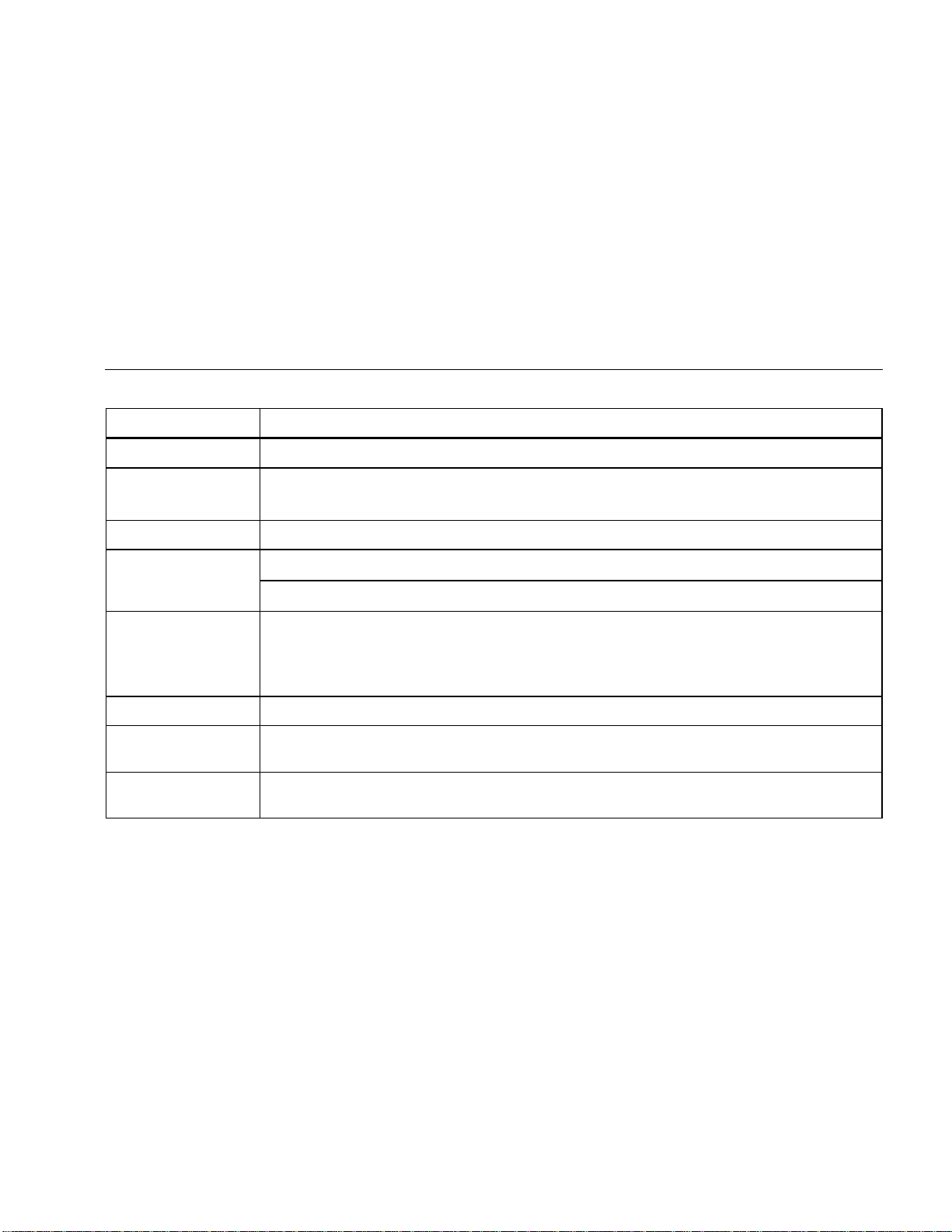
gaq112.emf
Terminal Description
A Input for 0 A to 10.00 A current (10 - 20 A overload for 30 seconds maximum), current frequency, and duty
cycle measurements.
Input for 0 μA to 400 mA current measurements (600 mA for 18 hrs) and current frequency and duty cycle.
COM Return terminal for all measurements.
Input for voltage, continuity, resistance, diode, capacitance, frequency, temperature, and duty cycle
measurements.
1.800.561.8187info@Fluke-Direct.ca Fluke-Direct.ca
Digital Multimeter
Features
3
Table 2. Rotary Switch Positions
Switch Position Function
Any Position When the Meter is turned on, the Meter model number briefly appears on the display.
AC voltage measurement
Press (yellow) for low-pass filter ()
DC voltage measurement
600 mV dc voltage range
Press (yellow) for temperature ()
Press for continuity test.
eResistance measurement
Press (yellow) for capacitance measurement.
Diode test
AC current measurements from 0 mA to 10.00 A
Press (yellow) for dc current measurements, from 0 mA to 10.00 A.
AC current measurements from 0 μA to 6000 μA
Press (yellow) for dc current measurements from 0 μA to 6000 μA.
1.800.561.8187info@Fluke-Direct.ca Fluke-Direct.ca

87V MAX
Users Manual
4
Table 3. Pushbuttons
Button Switch
Position Function
(Yellow)
Selects capacitance
Selects temperature
Selects ac low-pass filter function
Switches between dc and ac current
Switches between dc and ac current
Any switch
position Switches between the ranges available for the selected function. To return to autoranging, hold
the button down for 1 second.
Switches between °C and °F.
Any switch
position
MIN MAX
recording
Frequency
counter
AutoHOLD (formerly TouchHold) captures the present reading on the display. When a new,
stable reading is detected, the Meter beeps and displays the new reading.
Stops and starts recording without erasing recorded values.
Stops and starts the frequency counter.
1.800.561.8187info@Fluke-Direct.ca Fluke-Direct.ca

Digital Multimeter
Features
5
Table 3. Pushbuttons (cont.)
Button Switch
Position Function
Continuity
MIN MAX
recording
Hz, Duty
Cycle
Turns the continuity beeper on and off
Switches between Peak (250 μs) and Normal (100 ms) response times.
Toggles the meter to trigger on positive or negative slope.
Any switch
position Turns the button backlight and display backlight on, makes them brighter, and turns them off.
Hold down for one second to enter the HiRes digit mode. The “HiRes” icon appears on the
display. To return to the 3-1/2 digit mode, hold down for one second. HiRes=19,999
Any switch
position Starts recording of minimum and maximum values. Steps the display through MAX, MIN, AVG
(average), and present readings. Cancels MIN MAX (hold for 1 second)
1.800.561.8187info@Fluke-Direct.ca Fluke-Direct.ca
Other manuals for 87V MAX
1
Table of contents
Other Fluke Multimeter manuals


Fluke
Fluke J 39200 User manual
Fluke
Fluke 116C User manual
Fluke
Fluke 110 PLUS User manual
Fluke
Fluke 8010A User manual
Fluke
Fluke 8860A User manual
Fluke
Fluke 113 User manual
Fluke
Fluke 187 Use and care manual
Fluke
Fluke 8808A User manual
Fluke
Fluke Digital Multimeter Use and care manual
Fluke
Fluke 8508A User manual

Popular Multimeter manuals by other brands







PeakTech
PeakTech 4000 Procedure of calibration

YOKOGAWA
YOKOGAWA 90050B user manual
Gossen MetraWatt
Gossen MetraWatt METRALINE DMM16 operating instructions

Tempo Communications
Tempo Communications MM200 instruction manual

Elenco Electronics
Elenco Electronics CM-1555 operating instructions

Mastech
Mastech MS8238C user manual