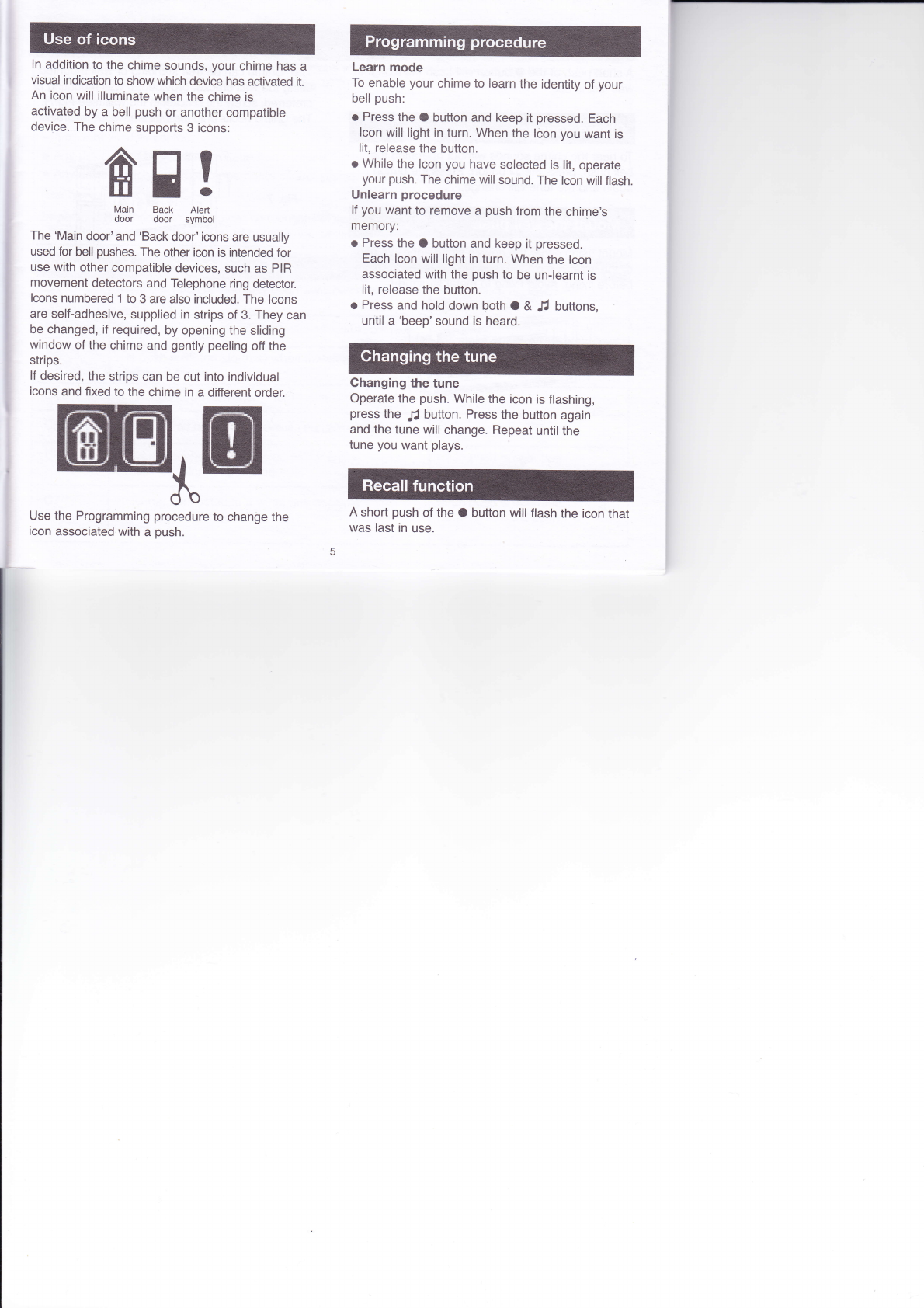
ln addition to the chime sounds, your chime has a
visual indication to show which device has activated it.
An icon will illuminate when the chime is
activated by a bell push or another compatible
device. The chime supports 3 icons:
The 'Main door'and 'Back door' icons are usually
used for bell pushes. The other icon is intended for
use with other compatible devices, such as PIR
movement detectors and Telephone ring detector.
lcons numbered 1 to 3 are also included. The lcons
are self-adhesive, supplied in strips of 3. They can
be changed, if required, by opening the sliding
window of the chime and gently peeling off the
strips.
lf desired, the strips can be cut into individual
icons and fixed to the chime in a different order.
Use the Programming procedure to change the
icon associated with a push.
Learn mode
To enable your chime to learn the identity of your
bell push:
o Press the O button and keep it pressed. Each
lcon will light in turn. When the lcon you want is
lit, release the button.
o While the lcon you have selected is lit, operate
your push. The chime will sound. The lcon will flash.
Unlearn procedure
lf you want to remove a push from the chime's
memory:
o Press the O button and keep it pressed.
Each lcon will light in turn. When the lcon
associated with the push to be un-learnt is
lit, release the button.
o Press and hold down both O & JJ buttons,
until a 'beep'sound is heard.
Ghanging the tune
Operate the push. While the icon is flashing,
press the .[ button. Press the button again
and the tune will change. Repeat until the
tune you want plays.
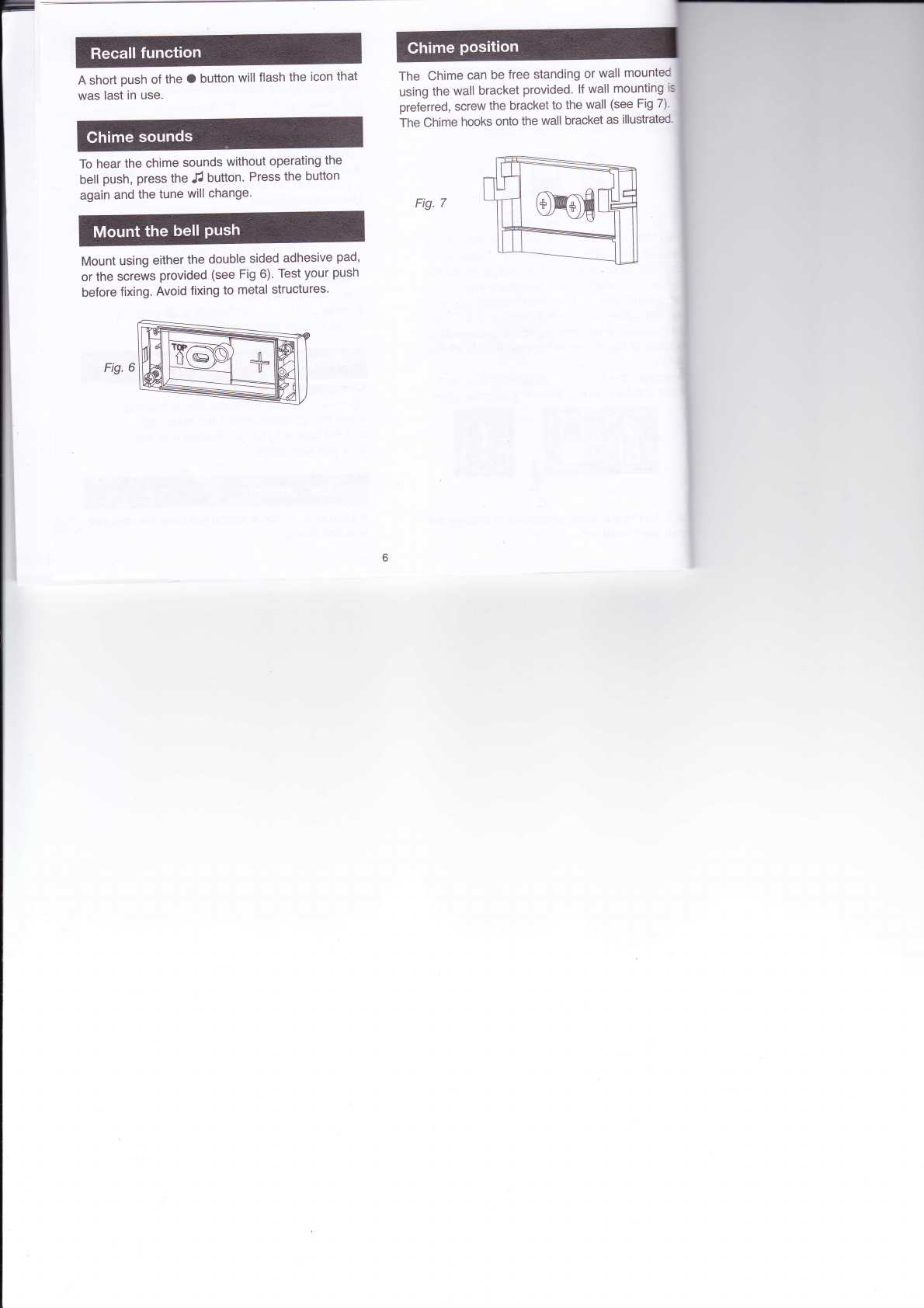
A short push of the O button will flash the icon that
was last in use.
6'E !
Main Back Alert
door door symbol