manuals.online logo
Brands
  1. Home
  2. •
  3. Brands
  4. •
  5. Gama Sonic
  6. •
  7. Lantern
  8. •
  9. Gama Sonic TOPAZ User manual

Gama Sonic TOPAZ User manual

This manual suits for next models

1

Other Gama Sonic Lantern manuals

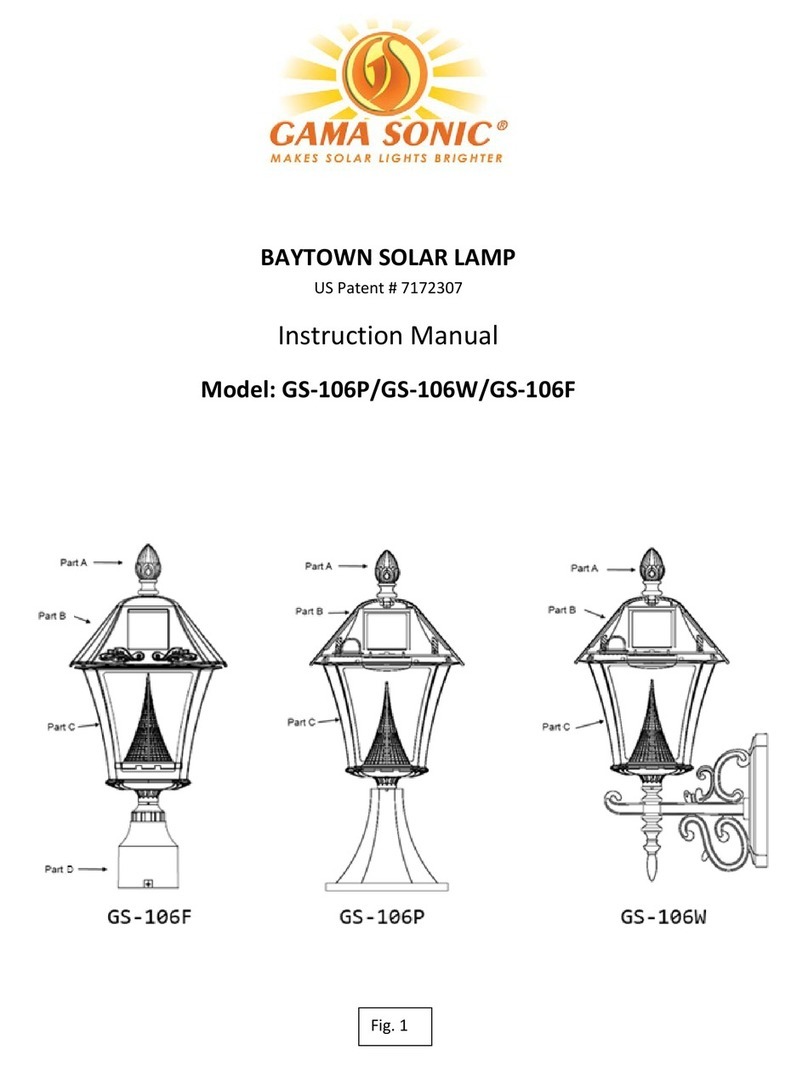
Gama Sonic GS-111PL User manual

Gama Sonic

Gama Sonic GS-111PL User manual

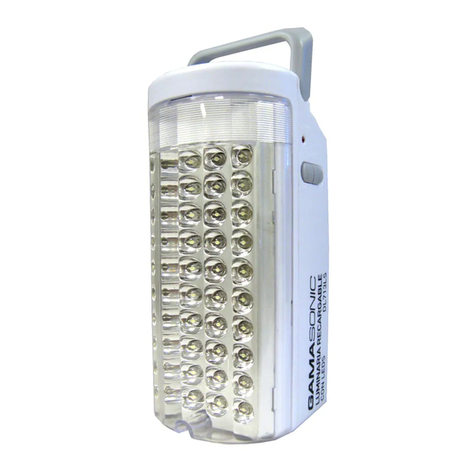
Gama Sonic DLG2-713LS User manual

Gama Sonic

Gama Sonic DLG2-713LS User manual

Gama Sonic BAYTOWN II User manual

Gama Sonic

Gama Sonic BAYTOWN II User manual

Gama Sonic GS-5 User manual

Gama Sonic

Gama Sonic GS-5 User manual

Gama Sonic GS-99B-S User manual

Gama Sonic

Gama Sonic GS-99B-S User manual

Gama Sonic IMPERIAL II User manual

Gama Sonic

Gama Sonic IMPERIAL II User manual

Gama Sonic GS-97ATS User manual

Gama Sonic

Gama Sonic GS-97ATS User manual

Gama Sonic 105BP250240 User manual

Gama Sonic

Gama Sonic 105BP250240 User manual

Gama Sonic BAYTOWN II 105BSG01 User manual

Gama Sonic

Gama Sonic BAYTOWN II 105BSG01 User manual

Gama Sonic IMPERIAL III GS-97K Series User manual

Gama Sonic

Gama Sonic IMPERIAL III GS-97K Series User manual

Gama Sonic GS-114F User manual

Gama Sonic

Gama Sonic GS-114F User manual

Gama Sonic 214001 User manual

Gama Sonic

Gama Sonic 214001 User manual

Gama Sonic GS-179 User manual

Gama Sonic

Gama Sonic GS-179 User manual

Gama Sonic Amphora 12B50023 User manual

Gama Sonic

Gama Sonic Amphora 12B50023 User manual

Gama Sonic 10051 User manual

Gama Sonic

Gama Sonic 10051 User manual

Gama Sonic GS-114F User manual

Gama Sonic

Gama Sonic GS-114F User manual

Gama Sonic 124B50071 User manual

Gama Sonic

Gama Sonic 124B50071 User manual

Gama Sonic GS-145 User manual

Gama Sonic

Gama Sonic GS-145 User manual

Gama Sonic GS-94C-D User manual

Gama Sonic

Gama Sonic GS-94C-D User manual

Gama Sonic GS-94FPW User manual

Gama Sonic

Gama Sonic GS-94FPW User manual

Gama Sonic 105BP250040 User manual

Gama Sonic

Gama Sonic 105BP250040 User manual

Gama Sonic GS-16LD User manual

Gama Sonic

Gama Sonic GS-16LD User manual

Gama Sonic GS-8F User manual

Gama Sonic

Gama Sonic GS-8F User manual

Gama Sonic DL-713LS User manual

Gama Sonic

Gama Sonic DL-713LS User manual

Popular Lantern manuals by other brands

DS Produkte TRF18P0752-1 instructions

DS Produkte

DS Produkte TRF18P0752-1 instructions

Stahl ECOLUX 6610 Series operating instructions

Stahl

Stahl ECOLUX 6610 Series operating instructions

SNOWJOE SUNJOE 24V-LGT500-CT Operator's manual

SNOWJOE

SNOWJOE SUNJOE 24V-LGT500-CT Operator's manual

PRG VARI LITE VL5 Service manual

PRG

PRG VARI LITE VL5 Service manual

Raytec VARIO2 series installation guide

Raytec

Raytec VARIO2 series installation guide

ENSA LEDBT18WS2 installation instructions

ENSA

ENSA LEDBT18WS2 installation instructions

LUG OFFICE LB LED N/T Installation instruction

LUG

LUG OFFICE LB LED N/T Installation instruction

Draper RLEDL19/B instructions

Draper

Draper RLEDL19/B instructions

Green Lighting TRI-SENSOR GL4612LU Assembly & fitting instructions

Green Lighting

Green Lighting TRI-SENSOR GL4612LU Assembly & fitting instructions

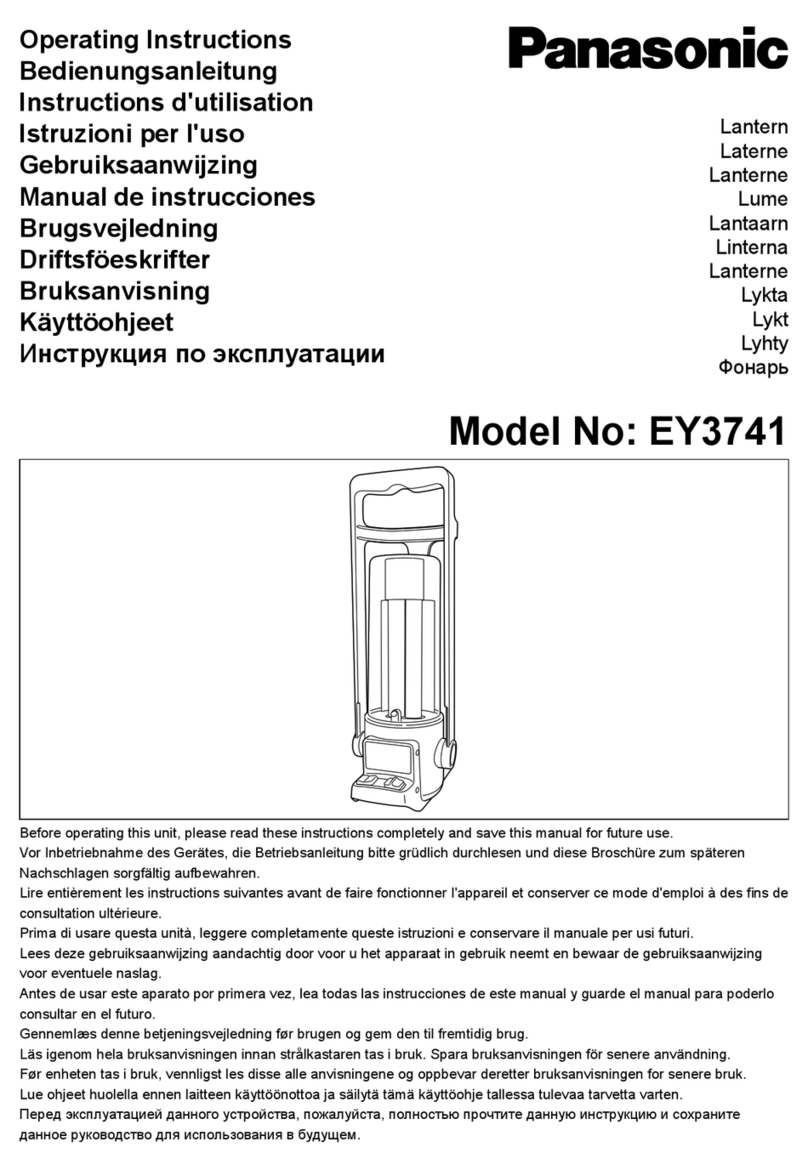
Panasonic EY3741B57 operating instructions

Panasonic

Panasonic EY3741B57 operating instructions

Clas Ohlson LCC8T instruction manual

Clas Ohlson

Clas Ohlson LCC8T instruction manual

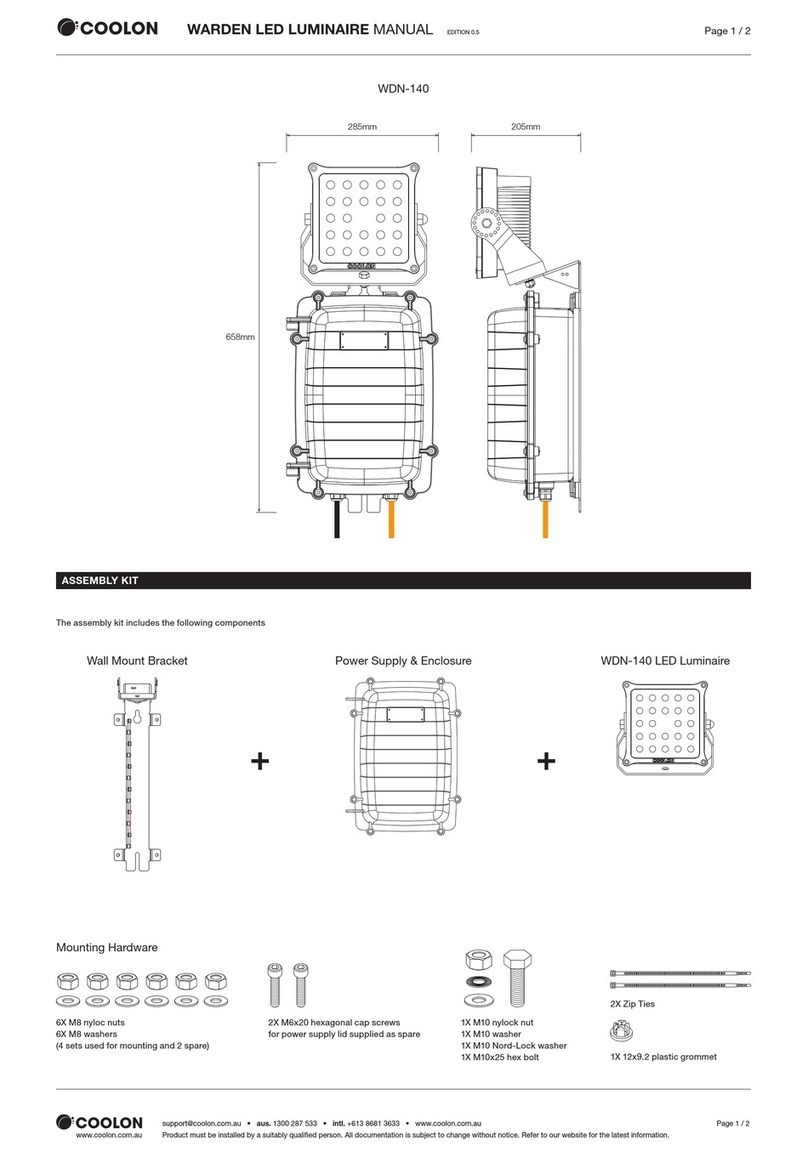
Coolon WDN-140 manual

Coolon

Coolon WDN-140 manual

shada 1000436 instruction manual

shada

shada 1000436 instruction manual

BEGA 84 036 Instructions for use

BEGA

BEGA 84 036 Instructions for use

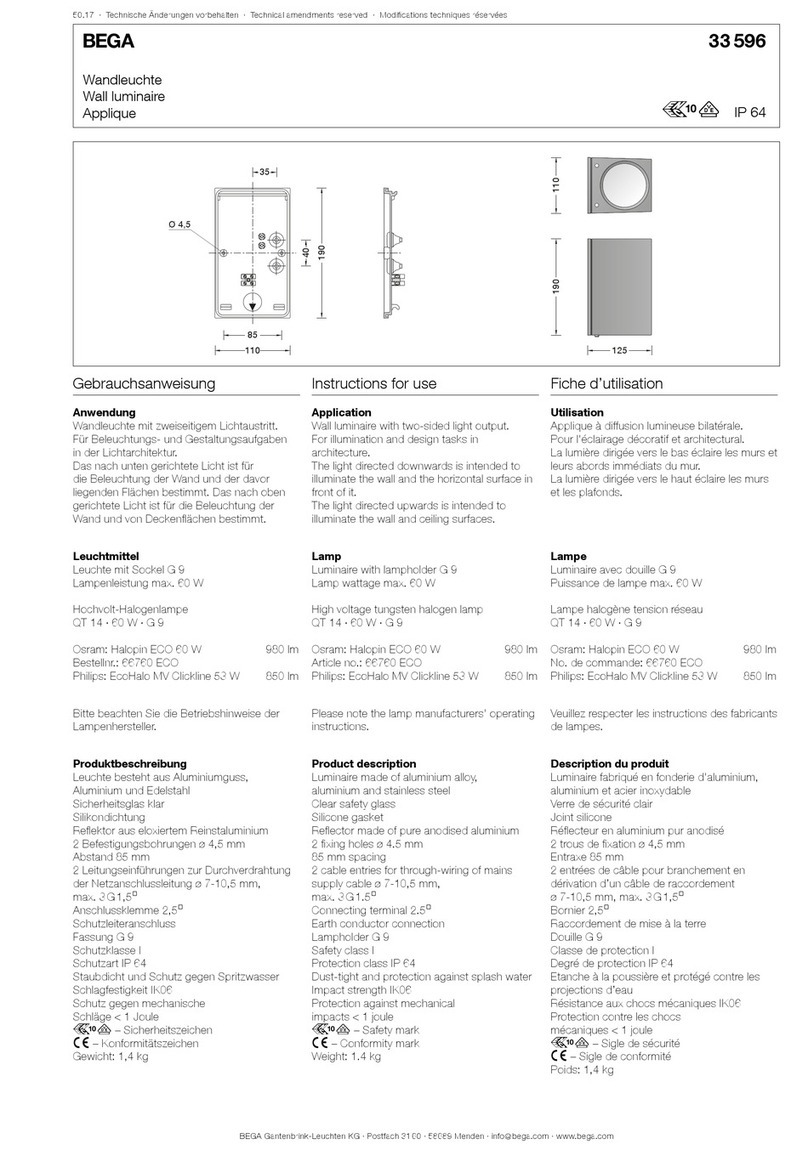
BEGA 33 596 Instructions for use

BEGA

BEGA 33 596 Instructions for use

Dale Tiffany GT701162 Assembly instructions

Dale Tiffany

Dale Tiffany GT701162 Assembly instructions

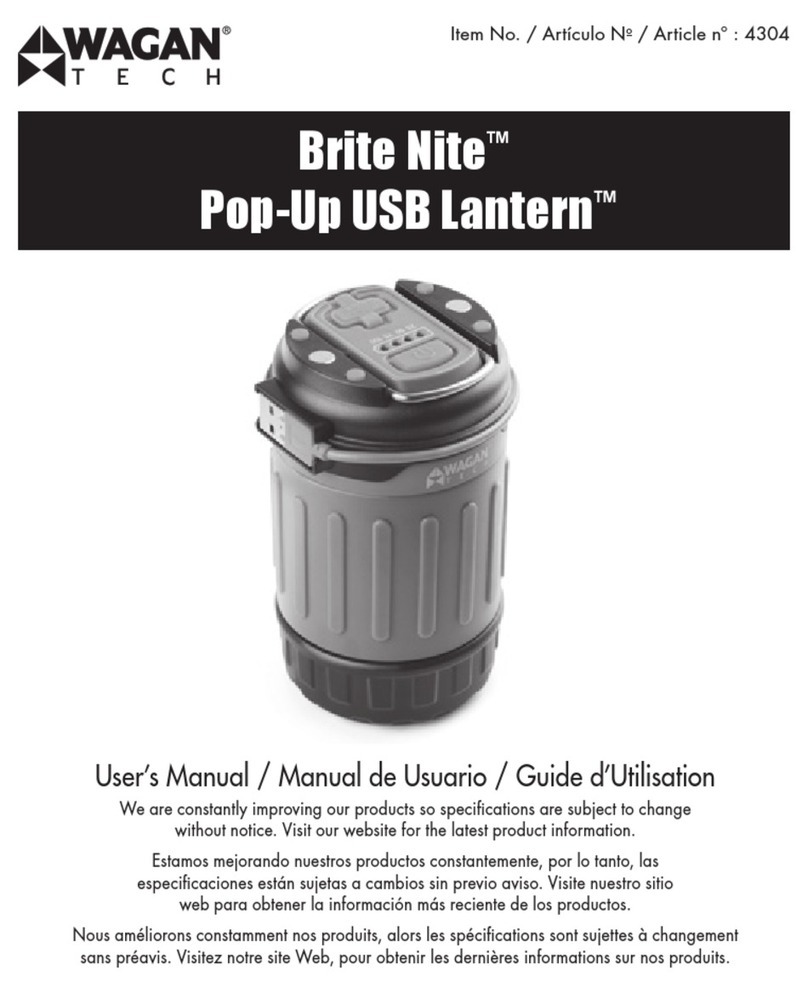
Wagan Brite Nite Pop-Up USB Lantern user manual

Wagan

Wagan Brite Nite Pop-Up USB Lantern user manual

Eaton Crouse-Hinds Pauluhn DLLA M2 Series Installation & maintenance information

Eaton

Eaton Crouse-Hinds Pauluhn DLLA M2 Series Installation & maintenance information

manuals.online logo
manuals.online logoBrands
  • About & Mission
  • Contact us
  • Privacy Policy
  • Terms and Conditions

Copyright 2025 Manuals.Online. All Rights Reserved.

US patent # 7172307, 9458970 / Version 1.1
TOPAZ SOLAR LAMP
Model: 149033
3MOUNTING OPTIONS
Instruction Manual
With GS Solar LED Light Bulb
Thank you for your purchase! GAMA SONIC® solar charged lights are brighter and last
all night with a typical solar charge. Unique design, superior light output and numerous
installation options confirm the outstanding value of our product. GAMA SONIC® has been
recognized as a worldwide leader in the lighting industry for over 20 years.
Please read the instruction manual carefully to obtain the best results from your purchase.
Visit our website or download the latest version of your instruction manual:
www.gamasonic.com or www.gamasonic.com/user-guides
Technical Assistance / Warranty Claims / Replacement Parts
Toll-Free number: +1-800-835-4113 (only within the US) or www.gamasonic.com
For optimum light duration throughout
the night, it is very important to mount
your solar lamp in a spot where it will
receive the maximum amount
of direct sunlight throughout
the day.
NOTE: For best results,
the solar light must be
charged in the “ON”
position for at least
2 days of full direct
sunlight.
Gama Sonic’s NEW Morph Solar Panel
Technology is a groundbreaking process
in the way we capture more power from
the sun. Our Morph technology still uses
monocrystalline solar panels. However,
instead of the standard limited sized
solar panels, our new technology allows
the solar panels to MORPH into the light
fixture.
New Morph Technology What’s In The Box
Solar Lamp Location
E
A B
C D
page 2
NOTE:
The following steps are for reference only. Consult
your local hardware store for the best installation method
for your surface.
1. Install the GS Solar LED Bulb into the top (A) by
twisting it clockwise. Be sure to hold the bulb by its
base.
2. Turn the lamp on using the operation switch located
on the underside of the top (A)
3. Attach the top (A) to the fixture (B) and secure with
the two screws.
a. 3” Fitter Mount
Note: If you are replacing an existing gas/electric post light,
you must consult a certified technician to disconnect them
before installation.
> Begin by attaching the Fitter (C) to the fixture (B).
Secure the fitter (C) using the included lock washer
and nut.
> Place part (C) on your existing 3” pole and secure
with the provided set screws.
> Be sure to not overtighten the screws.
b. Pier (Flat) Mount
> Using the pier mount (D) as a template, drill two
holes in the desired mounting location.
> Place the anchors in the holes and secure the mount
(D) to the surface using the provided screws.
> Attach the fixture (B) to the mount (D) by twisting
the fixture clockwise.
c. Wall Mount
Note: Installing the light on a wall may limit the solar panel
for sun exposure. Make sure the lamp is mounted so direct
sun exposure is available.
> Using the wall mount (E) as a template, drill two
holes in the desired mounting location.
> Place the anchors in the holes and secure the mount
(E) to the wall using the provided screws.
> Attach the fixture (B) to the mount (E) by twisting the
fixture clockwise.
1. Install the GS Solar LED Bulb in the top (A).
2. Locate the operation switch on the underside of the
top (A).
3. Turn the operation switch to the Low or High position
according to your preferences:
Low = Softer light and longer duration
High = Brighter light output
4. The solar lamp will automatically operate at dusk.
Replacement Batteries and Bulbs are available at
www.gamasonic.com or via
our Toll Free number: +1-800-835-4113
Your Lamp can use the following bulbs:
C37WW10W – included bulb with Warm White LEDs (2700K)
C37BW10W – bulb with Bright White LEDs (6000K)
F30WW05W – Flame bulb with simulated flame LEDs
Your lamp uses the following battery:
GS32V15 – Li-Ion 3.2V/1500mAh
Assembly Instructions Operation Instructions
Replacement Parts
page 3
Operation Switch

After several years of use, the battery may need replacing.
This model features two (2) battery compartments. This light comes with one (1) pre-installed battery (included),
and you have the OPTION to add a second battery. This is a unique feature designed to give you more choices to
prolong the duration of your solar light.
Use this option if your light is exposed to the sun for more than 4 hours a day. Shorter exposure will NOT charge the
second battery and therefore it is not necessary.
Replacing/Adding Secondary Battery:
1. Unscrew the two screw caps and detach the top (A). Make sure the ON/OFF switch is in the OFF
position.
2. Unscrew the battery compartment screw located on the silver reflector and remove the
compartment door.
3. Unclip the connector and remove the old battery. Make sure the new battery is a Gama Sonic -
3.2V/1,500mAh, Li-ion Rechargeable Battery with a connector.
4. Clip in the new battery and re-assemble the lamp by reversing steps 1-2.
Replacing the battery
page 4
Maintenance
Batteries are available for purchase at www.gamasonic.com
Troubleshooting
Clean the solar panels regularly with a damp towel to guarantee optimum performance. Do not use any type of
solvent for cleaning and be careful not to put too much pressure on the solar panels while cleaning.
WARNING: Do not dispose of Li-Ion batteries in the regular trash, municipal waste stream or by re as batteries may
leak or explode. Do not open, short circuit, or mutilate batteries as injury may occur. Preserve our environment by
recycling Li-Ion batteries or disposing of them in accordance with local, State, and federal regulations. Do not mix old
and new batteries.
If your solar light does not come on as expected despite observance of all the instructions, please try the
following steps:
1. Make sure that the solar lamp is not being aected by any other light source.
2. Ensure the solar lamp is not positioned in the shade during the day.
3. Check that the batteries are installed correctly.
NOTE: The performance of the solar lamp will vary with the time of year. It will last longer when it has had a full
day in the sun rather than a day in overcast weather.
WARNING: Please keep out of reach of children. Do not dispose of the Li-Ion battery in the regular trash,
municipal waste stream or by fire as batteries may leak or explode. Do not open, short circuit, or mutilate
batteries as injury may occur. Preserve our environment by recycling Li-Ion batteries or disposing of them in
accordance with local, State and federal regulations. Do not mix old and new batteries.
WINTERTIME TIPS: For optimal performance, be sure to remove any snow or debris accumulation from solar
panel(s). A solar panel free of debris will charge the batteries much more eciently.