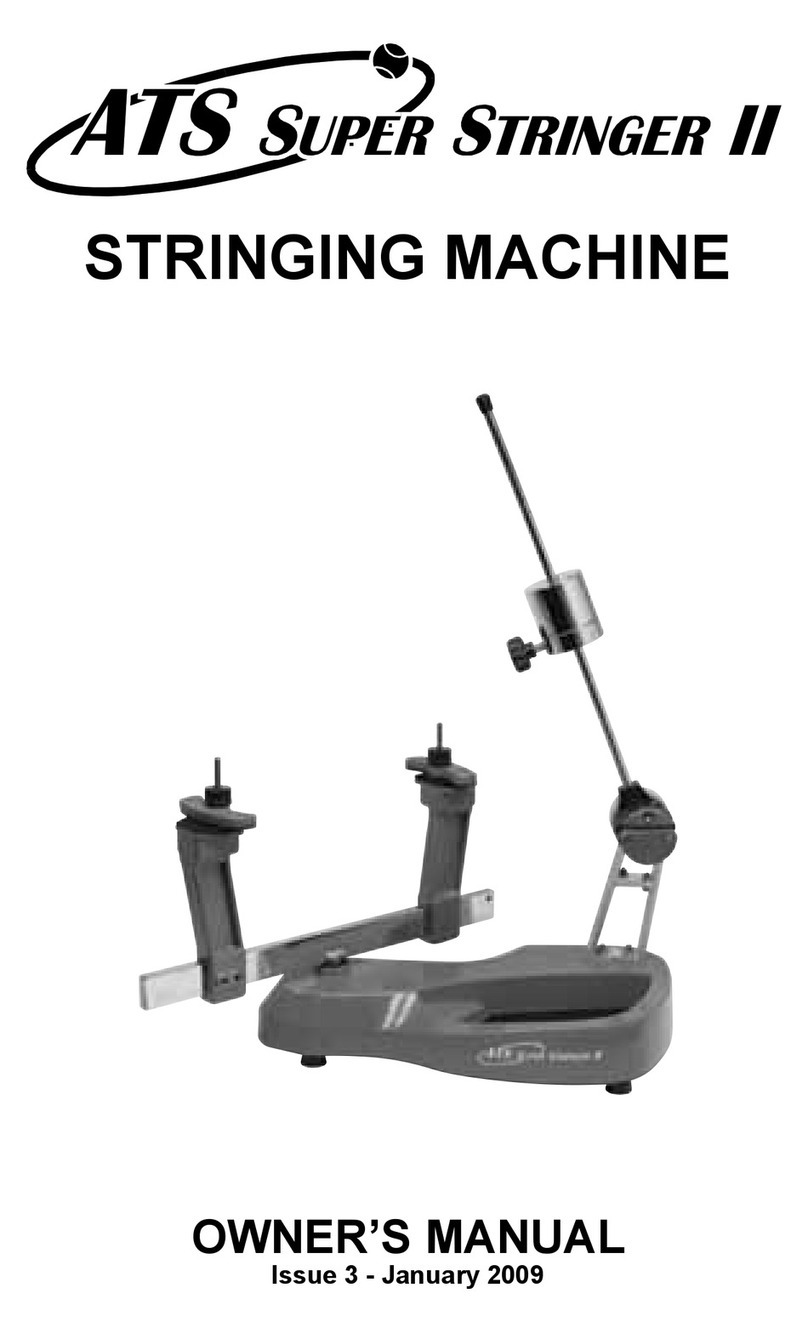
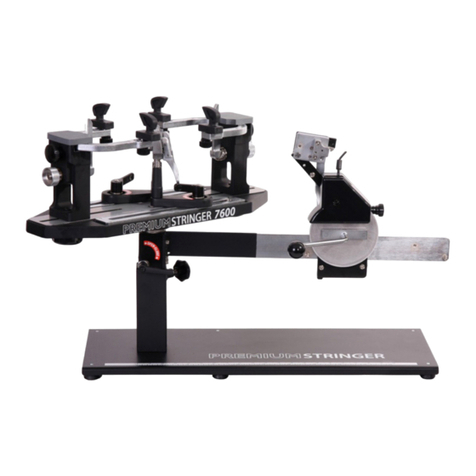
Gamma+ X-ES User manual

OWNER'S MANUAL
Issue 1 - May 2004
Copyright 2004 GAMMA Sports - All Rights Reserved
X-ES
STRINGING MACHINE

1
LIMITED WARRANTY
GAMMA Sports (GAMMA) warrants to the original purchaser that the X-STRINGER stringing machine ("EQUIPMENT")
purchased is free from defects in materials and workmanship for a period of five (5) years from the date of original purchase
for mechanical parts (excluding electrical parts and string clamps), and for a period of one (1) year from the date of purchase
for all electrical parts and string clamps. Should any defects develop under normal use within the specified time periods,
GAMMA will at its option, repair or replace the defective EQUIPMENT provided it is returned to GAMMA prepaid at the
purchaser's expense. This warranty does not apply to any damage or defect caused by negligence, abuse, misuse,
unauthorized alteration, shipping, handling, or part wear and tear as a result of normal use.
Routine maintenance, adjustment, and cleaning required to ensure proper operation are the responsibility of the purchaser
and are not covered under the terms of this warranty. These include, but are not limited to: String Clamp adjustment, as
described on page 11, Quick Action Clamp Base adjustment, as described on page 11, and the cleaning procedures listed
on page 13.
GAMMA's obligation under this warranty is limited to repair or replacement of defective EQUIPMENT, and no one is authorized
to promise any other liability. GAMMA shall in no event be liable for any incidental or consequential damages.
To return defective EQUIPMENT, a return authorization (RA#) must be obtained from a GAMMA customer service
representative. The RA# must be marked on the outside of the shipping carton being returned. All returns must be shipped
prepaid by the customer to GAMMA. Please retain the original shipping carton and packing materials for any future shipments.
GAMMA will not be responsible for machines which are not sent in the original undamaged packaging.
TABLE OF CONTENTS
PAGE 1 ................................................................................................ WARRANTY
PAGE 2 ................................................................................................. FEATURES
PAGE 3 ..................................................................... ASSEMBLY INSTRUCTIONS
PAGE 5 .................................................... POWER CONNECTION & CONTROLS
PAGE 6 ........................................................................... MOUNTING THE FRAME
PAGE 8 .......................................................................... STRINGING THE FRAME
PAGE 11 ........................................................................ ADDITIONAL FEATURES
PAGE 12 .................................................................................. PATHFINDER AWL
PAGE 13 ................................................... MAINTENANCE AND ADJUSTMENTS
PAGE 15 ..................................................................... TROUBLESHOOTING TIPS
PAGE 17 ............................................................................................. PARTS LIST
PAGE 18 .................................................................................... PARTS DRAWING
OWNER'S MANUAL
GAMMA X-ESGAMMA X-ES
GAMMA X-ESGAMMA X-ES
GAMMA X-ES

2
MACHINE FEATURES
Electric Constant Pull Tensioner w/ 11 lb. to 89 lb. Tension
Range
Digital Tension Setting Display
Professional Six Point “Quick Mount” Racquet Mounting
System - Accomodates All Racquets Without Adapters
Parallel Jaw Rotating Gripper w/ Diamond Dust Coated
Gripping Surfaces
Professional Dual Action, Rotating, Diamond Dust Coated,
Fixed String Clamps
High Strength Extruded Aluminum Frame with Durable
Anodized Finish and Convenient Padded Tool Tray
Unique Internal Drawer System for Storing Tools and Adap-
tors.
Convenient Foot Actuated Tensioner Switch
MACHINE FEATURES
GAMMA X-ESGAMMA X-ES
GAMMA X-ESGAMMA X-ES
GAMMA X-ES

Support Post Installation (con’t)
After removing the mounting bolt, remove
and discard the plastic washers that are
installed for shipping purposes.
3
ASSEMBLY INSTRUCTIONS
Turntable Installation
Insert the turntable pin into the bushing of
the machine base.
Support Post Installation
To install the support posts you must first
remove the mounting bolt from the mounting
plate that sets inside the central cavity of the
turntable. There are large holes stamped on
the underside of the turntable that allow you
to support the mounting plate with your
fingers while removing the mounting bolt.
Remove and Discard Plastic W ashers

ASSEMBLY INSTRUCTIONS
Support Post Installation (cont’d)
Place the support post onto the central slot
of the turntable. With your fingers placed
through the large hole in the underside of the
turntable, press the mounting plate against
the inside top surface of the turntable while
aligning the hole in the support post with the
hole in the mounting plate and fix them with
the mounting bolt. Repeat procedure on to
attach the support post on the opposite side
of the turntable.
String Clamp Installation
The post of the string clamp and tube of the
string clamp base are treated with grease to
provide protection against corrosion during
shipping. Remove any excessive grease
with a clean cloth prior to use. The post and
tube may also be cleaned with isopropyl
alcohol. After this type of thorough cleaning,
the post and tube should be treated with a
light coating of machine oil to protect the
surfaces against corrosion and to ensure
smooth operation.
4

5
POWER CONNECTION & CONTROLS
Front Panel Features
A - String Gripper
B - Tension Switch
C - L.E.D. Tension Display
D - Tension Adjustment Knob
E - Calibration Screw Cover Plate
F - Gripper Reversing Switch
Side Panel Features
A - Lighted Power Switch
To turn the power on, press the left
side of the switch.
B - 5 Amp Fuse Holder (w/ spare fuse)
C - A/C Power Cord Socket
D - 2 Pin Foot Pedal Switch Receptacle
B
C
D
A
E
F
C
B
A
Instructions for Power Connection and Controls
CAUTION ! Before connecting to the power supply, check the voltage supply switch
located on the back side of the tensioner. To change from 110 to 220 volt service
slide the switch fully to the left or to the right until “115V” or “230V” appears on the
switch plate.
The acceptable range of input voltages for the “115 V” setting is between 110 V and 120 V
@ 60 Hz and for the “230 V” setting, between 220 V and 240 V @ 50 to 60 Hz. If you have
any question regarding the input voltage supply for your area, please ask your electric
utility company. When using extension cords, use grounded heavy duty extension cords
rated for 15 AMP service.
To install the power cord, insert the female end of the power cord into the Power Cord
Socket located on the rear panel (letter C). T o connect the foot pedal switch, insert the 2
pin male connector located at the end of the foot pedal switch cord into the two pin
receptacle located on the back panel. Tighten the connector with the sleeve nut located on
the foot pedal switch connector.
After checking to be certain that the machine is set for the correct input volt age, switch on
the machine by pressing the Lighted On-Off Power Switch on the rear p anel.
WARNING! FOR INDOORUSE ONLY. TO BEUSED
BYADULTSORUNDERADULTSUPERVISIONONLY.
NEVEROPEN UNITWITHPOWERCONNECTED
D

6
MOUNTING THE FRAME
Adjusting the Frame Support Posts
Loosen the lock bolts of the frame support
posts and space them apart with the frame
support slides separated by the approxi-
mate length of the racquet head. Although it
is not required, it is good practice to center
the support posts on the turntable. Lock one
of the posts in position by tightening the lock
bolt and position the other post until the
frame support slide is positioned near the
inside surface of the racquet frame. Se-
curely tighten the lock bolt of the second
support post.
Caution: To avoid racquet damage, the center posts should not contact the racquet prior to
locking down the support posts.
Tightening the Frame Supports
Tighten the Frame Support Slides by turning
the adjustment knob clockwise until snug
against the racquet frame and slight resis-
tance is felt.
Caution: Overtightening the Center Sup-
ports will stretch the head of the racquet and
could cause racquet damage.
POWER CONNECTION & CONTROLS
Setting Tension
The stringing machine utilizes an adjust-
ment knob along with a digital L.E.D. dis-
play to indicate the tension setting. To set
the tension, rotate the adjustment knob
clockwise to decrease the displayed ten-
sion and counter-clockwise to increase the
displayed tension, until the desired tension
is displayed. Aramid fiber and metallic
strings will generally string up tighter on the
X-ES machine compared to synthetic or
natural gut strings. Therefore, when string-
ing with Aramid (Kevlar, Technora) hybrid strings or metallic strings, we recommend setting
tension 4-5 lbs. lower than you would normally use for synthetic or natural gut strings.

7
MOUNTING THE FRAME
SecuringtheFrameShoulderClamps
Lock the shoulder supports in position by
turning the knob at the base clockwise.
Repeat the adjustment procedure for the
remaining support post.
Re-tighten all of the frame supports in the
same order as before.
Do not overtighten any of the supports as
racquet damage may occur.
The supports should be tightened to the
point where the racquet frame will not move
in the mounting system when the handle is grasped and attempts are made to move it. Should
any supports lose contact with the frame while stringing, they should be re-tightened.
FrameShoulderSupportAdjustment
Being sure the shoulder supports are free to
swivel in their mountings, simultaneously
rotate the shoulder support adjustment knobs
clockwise until both shoulder supports gen-
tly and squarely contact the frame.

8
STRINGING THE FRAME
Clamp Base Operation
To lock the string clamp base to the turn-
table, rotate the clamp base locking lever
clockwise. To release the string clamp base
from the turntable, rotate the clamp base
locking lever counter-clockwise.
The Locking Lever should be tightened
enough to prevent clamp base slippage on
the turntable, when the desired tension is
placed on the string. To go from the loose
position to the clamped position and back,
generally requires the rotation permitted by
the slot in th clamp base.
String Clamp Operation
The string clamps are a dual action design
where the string clamp and clamp base
operate independently of one another.
To clamp a string, lift the clamp head and
place the string between the jaws and de-
press the string clamp lever to secure the
string. The clamping pressure applied to the
string should be adjusted to provide suffi-
cient pressure to secure the string when
subjected to the desired pulling tension. The
diamond coated gripper plates provide for
increased friction between the clamps and
the string to allow for reduced clamping pressure while securing and holding the string under
tension.

9
Pulling Tension
To pull tension, wrap the free string clock-
wise around the gripper drum and position
the string between the gripper jaws.
The string must pass over the top half of the
gripper before being placed between the
gripper jaws, as the tension on the string
provides the clamping force to the gripper
jaws.
Gently pull the string until all slack is re-
moved.
STRINGING THE FRAME
Getting Started
To begin stringing the main strings, thread
the two ends of the string through the two
center holes at the appropriate end of the
frame and continue through the opposite
center holes. Thread one end of the string
through the adjacent grommet hole and pull
excess by hand.
Secure one of the strings using a string
clamp.
To tension a string, push the tension switch
or the foot pedal. The string gripper will
rotate and slowly apply tension to the
string. When the set tension has been
attained, the gripper will stop rotating. As
the tensioned string stretches, the gripper
may rotate intermittently, maintaining the
set tension.
To release the string after clamping, push
the tension switch or foot pedal. If the string
gripper does not release the string, de-
press and hold the Gripper Reversing Switch
once to release the string.
WARNING: KEEP FINGERS AWAY FROM GRIPPER
DRUM WHILE TENSIONING STRING. PUSH GRIPPER
REVERSING SWITCH IN CASE OF EMERGENCY.
Table of contents
Other Gamma+ Stringing Machine manuals
Gamma+
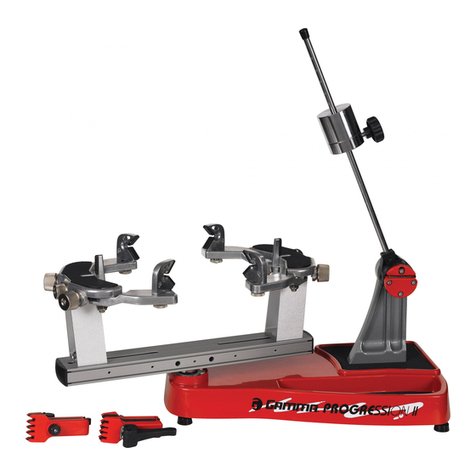
Gamma+ Progression Els User manual
Gamma+
Gamma+ 5003 User manual
Gamma+
Gamma+ X-ST User manual

Gamma+
Gamma+ 5003 User manual
Gamma+
Gamma+ 6900 Els User manual
Gamma+
Gamma+ X-6FC User manual
Gamma+
Gamma+ Progression 600 User manual
Gamma+
Gamma+ 6900 Els User manual
Gamma+
Gamma+ 5003 User manual
Gamma+
Gamma+ 8500 Els User manual
Gamma+
Gamma+ 7900 Els User manual
Gamma+
Gamma+ Progression 602 FC User manual
Gamma+
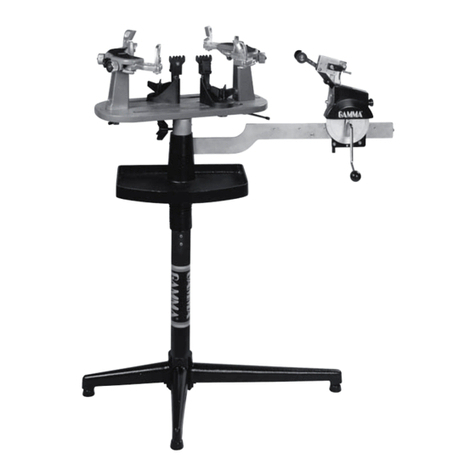
Gamma+ 5002 User manual
Gamma+
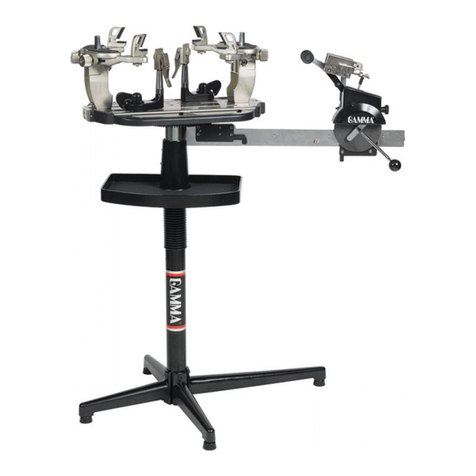
Gamma+ 5003 User manual
Gamma+
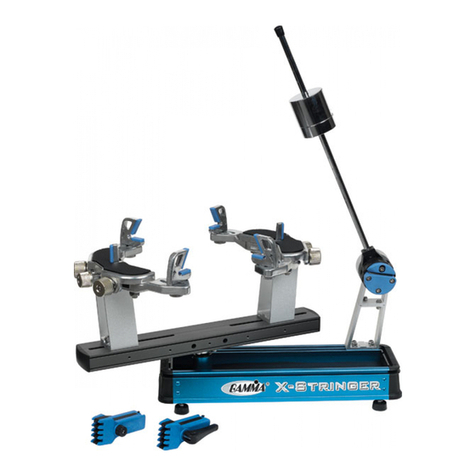
Gamma+ X-6 User manual
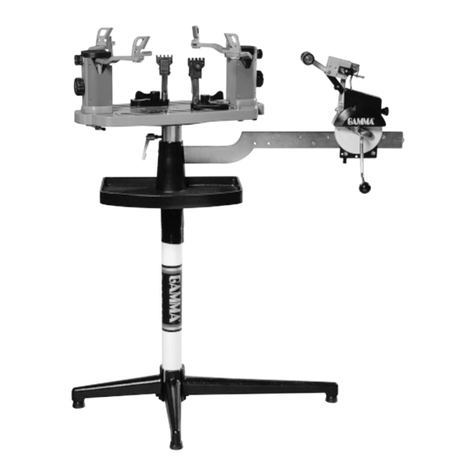
Gamma+
Gamma+ 6004 User manual
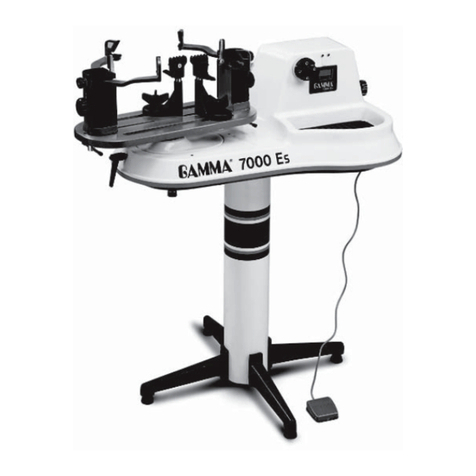
Gamma+
Gamma+ 7000 Es User manual
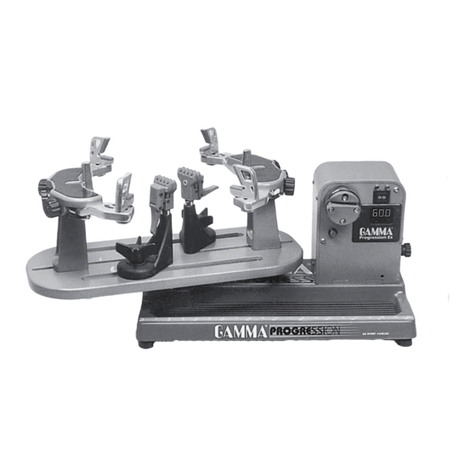
Gamma+
Gamma+ PROGRESSION 600ES-LED User manual
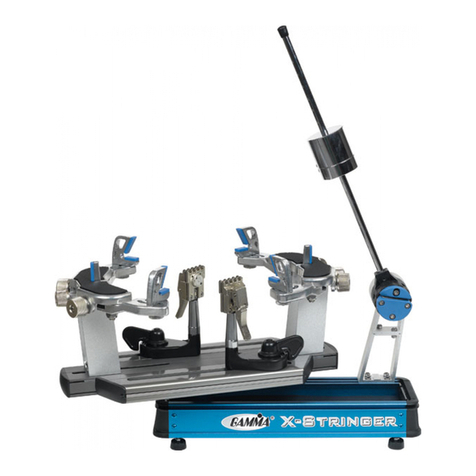
Gamma+
Gamma+ X-6FC User manual
Gamma+
Gamma+ X-2 User manual