HD2305.0 - 7 - V1.6
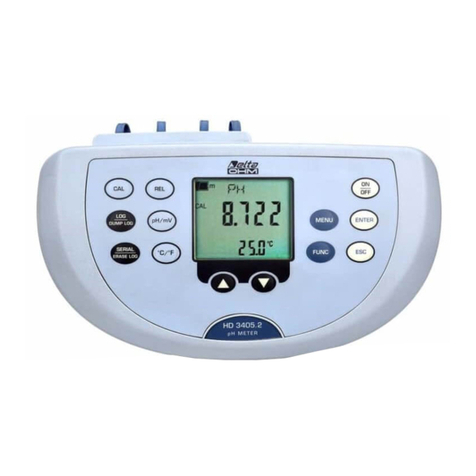
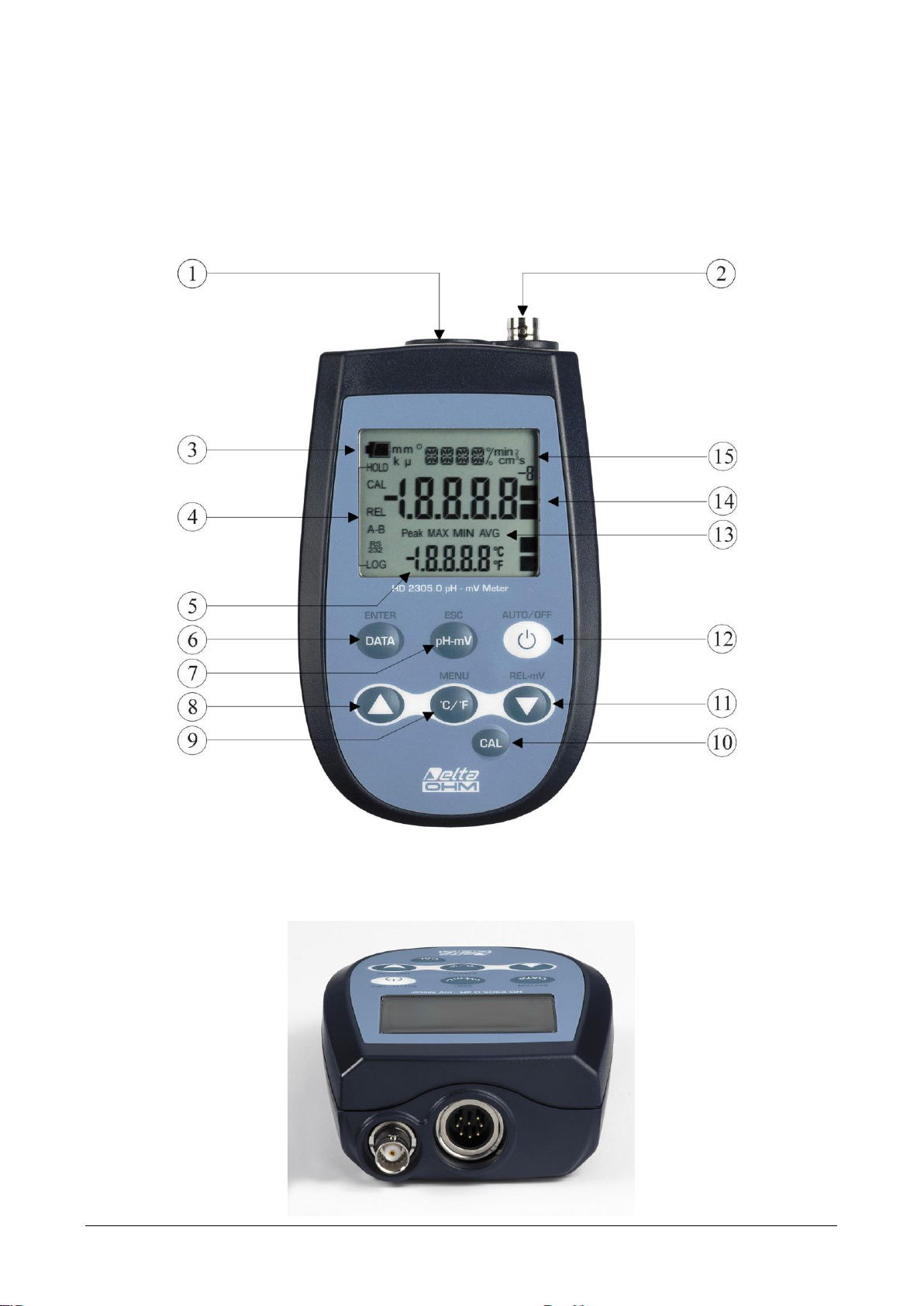
The "pH-mV" key has three functions:
pH-mV: pressing this key once switches the display between pH and mV;
ESC: once the MENU has been opened with the DATA+°C/°F keys, the "pH-mV" key will al-
low to cancel the parameters set using the and arrows.
In calibration mode, it allows to exit calibration.
The "DATA" key is used for the following functions:
DATA: during normal measurement, by pressing this key once the maximum (MAX) value of
the measurements captured by the probe connected to the instrument is displayed, updating it
with the acquisition of new samples;
-by pressing this key again the minimum (MIN) value is displayed;
-by pressing this key, a third time the average(AVG) value is displayed.
The acquisition frequency is once a second.
The MAX, MIN and AVG values remain in the memory until the instrument is on, even after
exiting the DATA display function. When the instrument is off, the previously memorized data
are cleared. Upon turning on, the instrument automatically starts memorizing the MAX, MIN
and AVG values.
To reset the previous values and start with a new measurement session:
press DATA until the FUNC_CLRD message appears;
use the and arrows to select YES;
confirm by pressing ENTER.
ENTER: once the MENU has been opened with the DATA+°C/°F keys, the DATA key will
perform the ENTER function and the MENU can be browsed and the displayed parameter con-
firmed. In calibration mode, acquires the nominal buffer value.
Una volta entrati nel MENU, tramite i tasti DATA e °C/°F, il tasto permetterà di incrementare il
valore del parametro selezionato nel MENU. In calibrazione permette di incrementare il valore del
buffer nominale.
Il tasto °C/°F viene utilizzato per le seguenti funzioni:
°C/°F: when the temperature probe is connected, the key changes the unit of measurement from
degrees Celsius to Fahrenheit. If the probe is not present, the compensation temperature must be
entered manually: to manually change the value shown in the display lower line, press °C/°F
once. The temperature indicated starts blinking. While the display is blinking, it is possible to