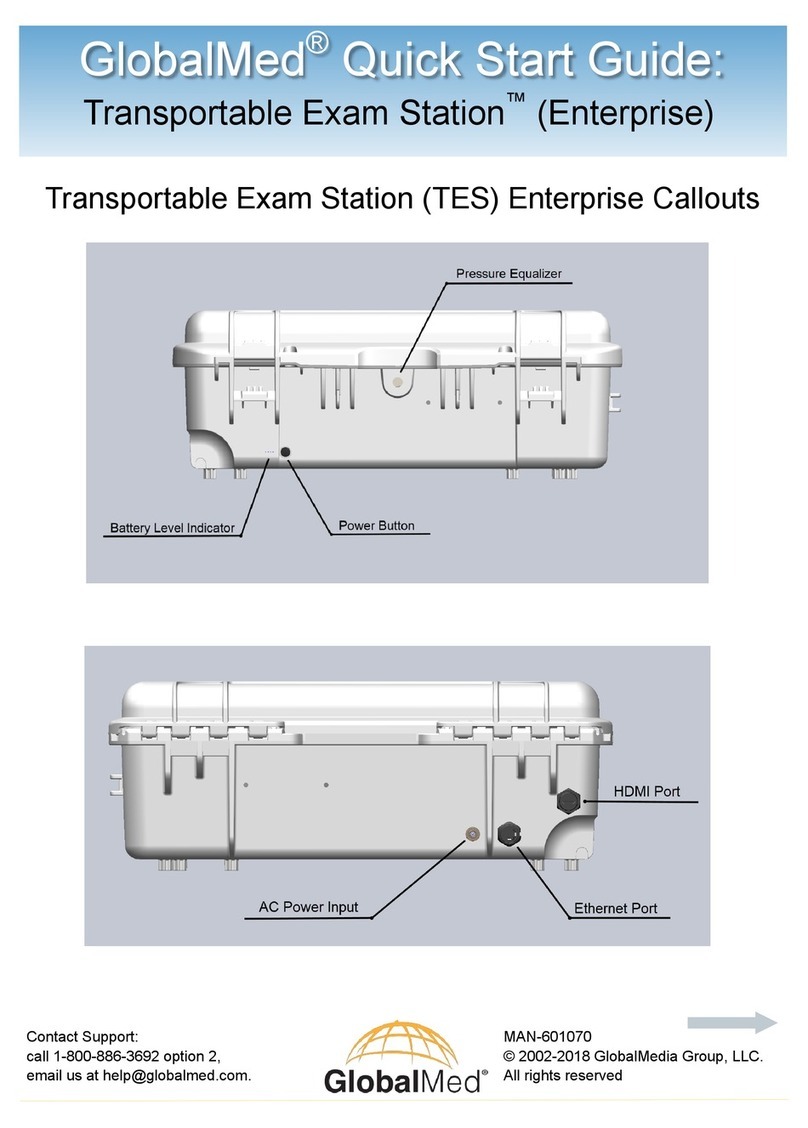
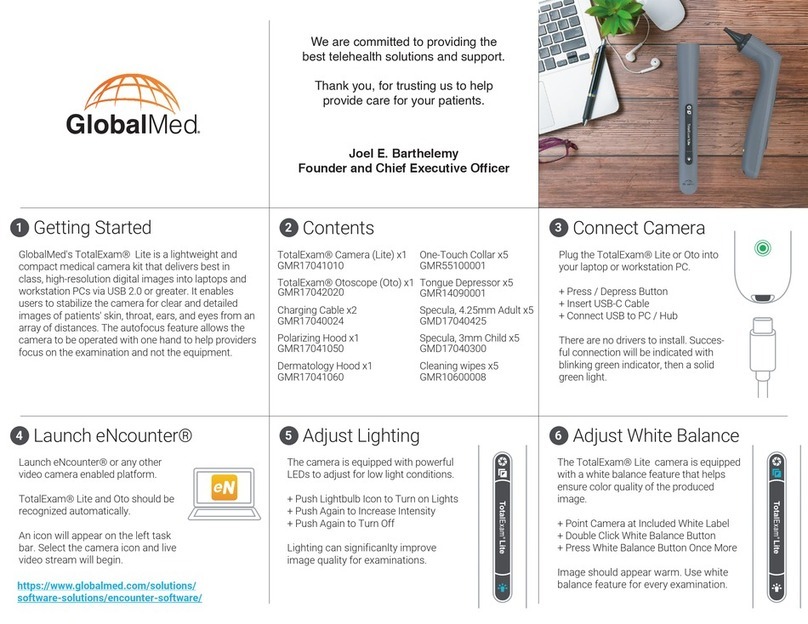
GlobalMed® Quick Start Guide:
Contact Support:
call 1-800-886-3692 option 2,
email us at help@globalmed.com.
MAN-600016 Rev. B
© 2002-2018 GlobalMedia Group, LLC.
All rights reserved
ClinicalAccess® Station
A: Table Top Actuator*
B: Monitor Actuator*
C: ON/OFF Button
Bin Security Software
All compartments within the CAS
automatically lock when not in use and can
be unlocked via a software trigger.
TIP: When the computer is not in use, press the power button three times
consecutively to unlock all compartments.
*These icon indicates locked or unlocked status of
the bins.
Click the padlock icon on the home screen to
lock or unlock the bins.
2
1Power
TIP: Charge the CAS for 8 hours before first use.
ON:
Press and hold the power button for ap-
proximately one second until the LED light
illuminates to power on.
OFF:
Initiate a soft power down of the PC via the
Windows start menu. The system follows
the proper procedure to shut down the cart
fully.
NOTE: If configured without a computer,
press the power button to power on, and
press and hold the power button for about
six seconds to power off.
*The actuator switches raise and
lower the table top and monitor.