Contact Support:
call 1-800-886-3692 option 2,
email us at help@globalmed.com.
MAN-601070
© 2002-2018 GlobalMedia Group, LLC.
All rights reserved
GlobalMed® Quick Start Guide:
Power
The TES Enterprise must be plugged into a wall outlet overnight before
first use. The adapter is located in the bottom tray.
Tip: When charging the TES Enterprise make sure to fully insert the
charging adapter into the AC power input. The battery level gauge
flashes during charging.
Battery
It takes 6-8 hours to fully charge the TES Enterprise. The Surface Pro 4 charges
while the TES Enterprise is charging. The TES Enterprise operates on its
internal batteries for up to 8 hours, depending on device usage.
Tip: The TES Enterprise may be used while charging the battery, AFTER
the initial overnight charge has been completed, as long as one light is lit on
the battery level gauge.
One LED Light = 0-25% charge
Two LED lights = 25 - 50% charge
Three LED lights = 50 - 75% charge
Four LED lights = 75 - 100% charge
Flashing: TES is about to shut down,
which shuts all devices down
NOTE: The Surface Pro 4 must be powered on for speaker, LED light, and
USB hub to work.
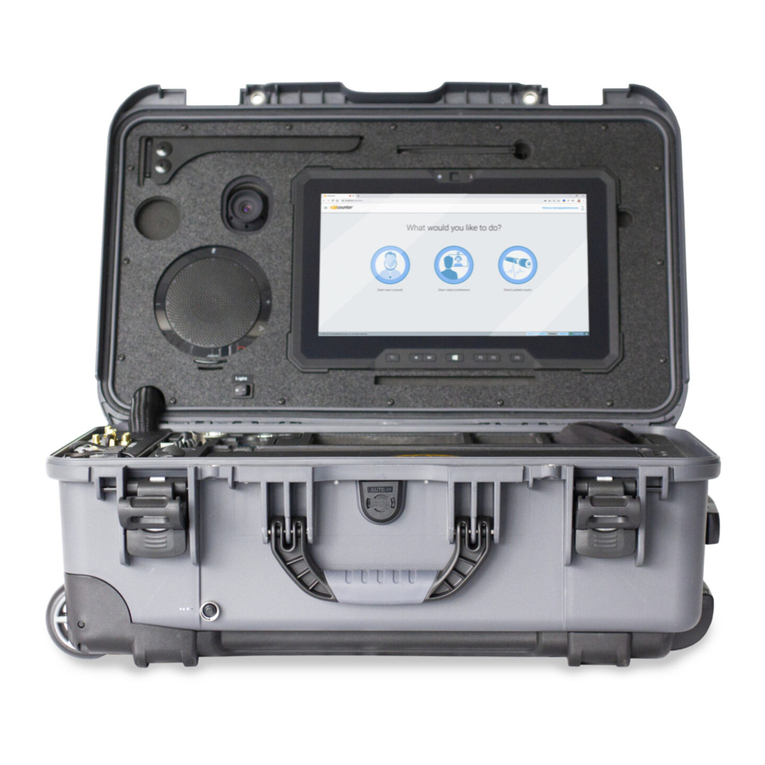
Transportable Exam Station™ (Enterprise)