www.goldenseauv.com
1. Operation (Remote Control only)
1) Close all the doors and windows.
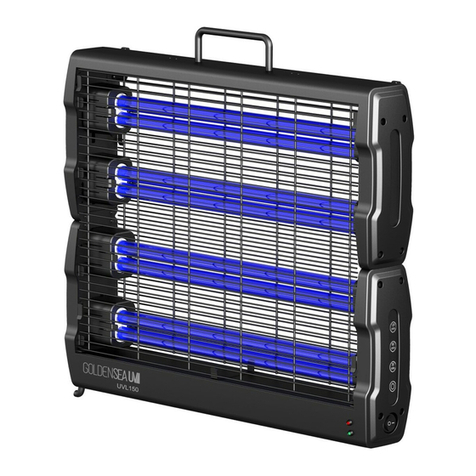
2) Plug-in and power on: press the power switch <I/O> to <I>, the power indicator turns on
green.
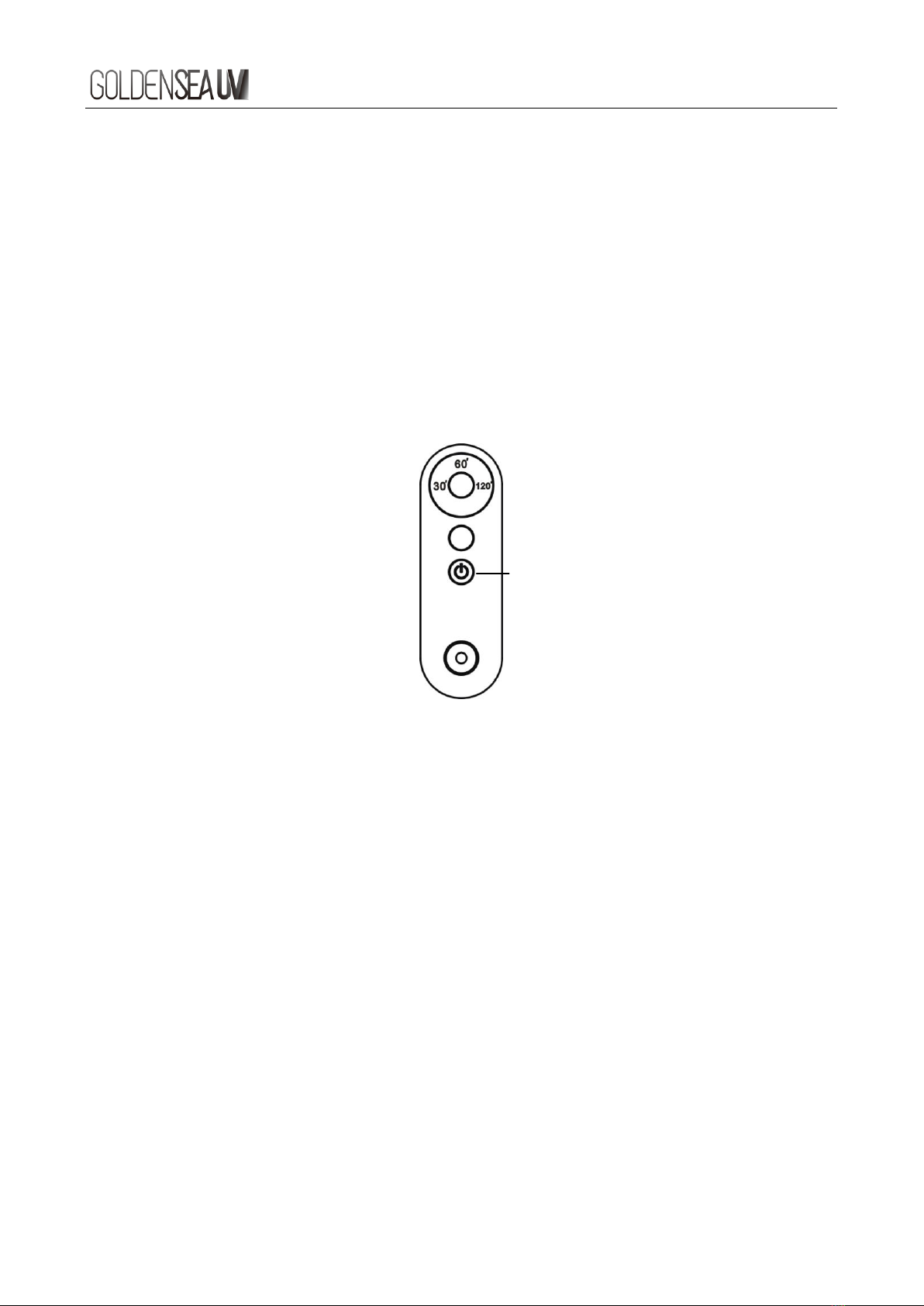
3) Select time setting <30 mins>, <60 mins> or <120 mins> by the Time Setting button on
the remote control.
4) Press the Start button on the remote control, audible alarm starts beeping and red
power indicator on the device will flash regularly for 2 minutes. The UV lamp will turn on
after the 2 minutes delay when disinfection time is set, the power indicator stays on red.
5) Once the disinfection process ends, the power indicator switches to green, an audible
alarm sounds. Open the doors and windows to ventilate the disinfected area.
Note: if the remote control loses pairing with the device, re-do the pairing by pressing the
Start button on the remote control and switch on the device for 5 seconds. One remote
control can be matched with multiple units of the same model.
2. Motion Sensor Operation (if the lamp with Motion Sensor)
1. Turn on the UV lamp, select the disinfection time and start, leave the room, after 2
minutes alarming (Di….Di…Di….), the UV lamps will switch on automatically, the
motion sensor will be activated.
2. The Motion sensor can ‘see’ through non-metal materials, such as wood board, plastic,
fabrics, etc. But the concrete will influence the motion sensor, and the metal board even
can stop the detecting ability. So, when the UV Lamps is working, it will turn off when it
detects that someone or something moving around within its detecting range even
outside the rooms, and it will turn on again when someone or something left.
(detecting range: 3m in an open area without any of the above influence factors)
Note: for safety reason, the UV lamp does not work if the motion sensor is defective.