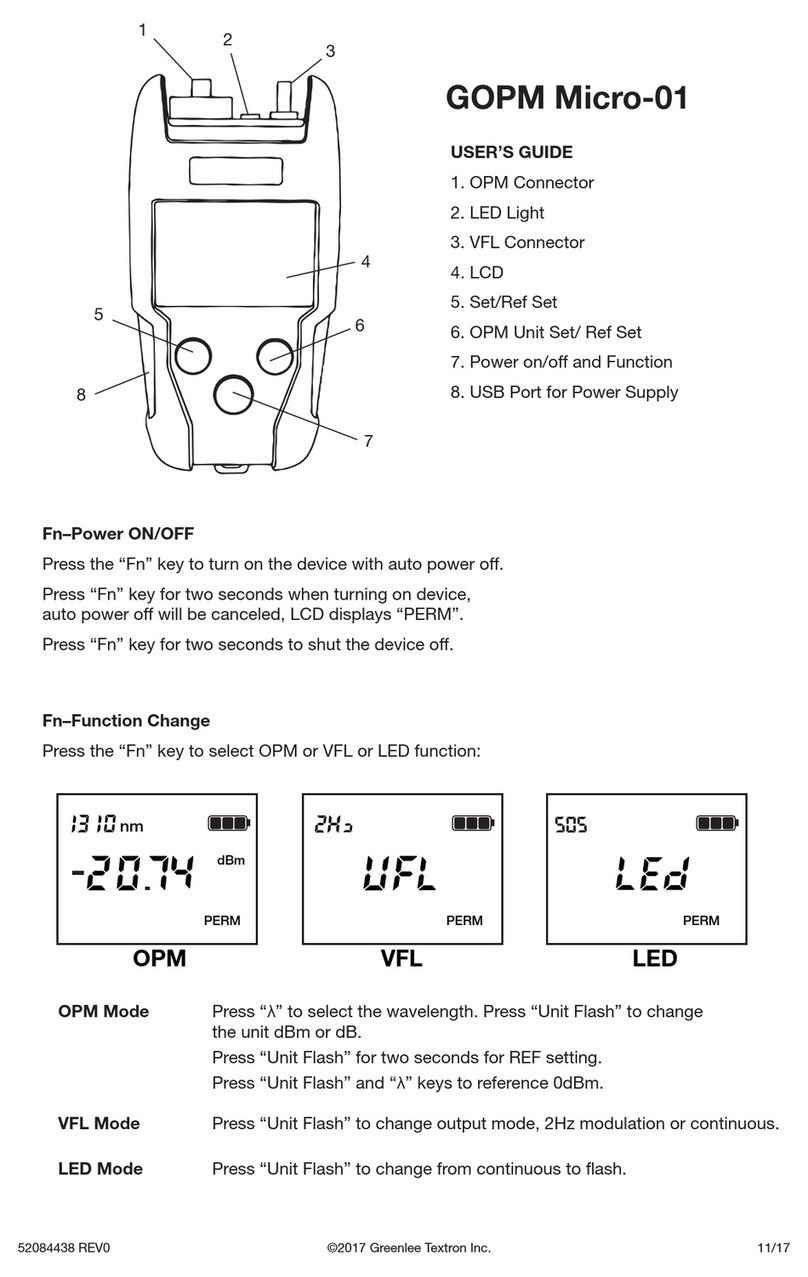
Operation
1. Slide the switch to first position (MOD) to place
the 180XL in modulation mode. The green LED will
flash indicating modulation mode.
2. Slide the switch to the next position (ON) to set the
VFL to CW mode. The green LED will indicate CW
mode by remaining on all of the time.
3. When the LED flashes red, the batteries are low
and must be replaced.
Applications
Continuity check
Break in ber
Macrobend loss
Dirty connectors
The 180XL Visual Fault Locator is designed to quickly
locate breaks in optical fibers. Any interruption in
continuity will be indicated by red light escaping from
the fiber. Light can also escape from the fiber if it is
stressed or bent too tightly. In either case, escaping
light is a sure sign of a problem.
Cleaning the Output Port
Cleaning all connectors before coupling them to
the 180XL Visual Fault Finder will ensure proper
maintenance of the output port and laser lens. Users
should always cover the output port with the dust cap
when the instrument is not in use.
If binding or stickiness is felt when inserting
connectors into the output port, the ceramic sleeve
should be cleaned. To clean the sleeve, insert a
Greenlee 946 cleaning wand into the output port until
it stops. Twist the wand, remove it, and discard. Do not
reuse the cleaning wand.
Note: Do not blow air into the output port to remove
dirt particles. Doing so will only pack the dirt and make
it harder to remove.
Specifications
Wavelength 650 nm ±10 nm
Emitter Type Fabry Perot
Output Power 0 dBm (1 mW)
Range 7 km
Laser Classification Class 2
Modes of Operation CW and 2 Hz modulation
Method of Display
Operation
Green/Red LED
Fiber Type Singlemode, multimode
Connector Interface 2.5 mm universal,
optional 1.25 mm adapter
Battery AA (2)
Battery Life 80 hours with 3.9 Wh
batteries
Weight (without
batteries)
70 g (0.15 lb)
Dimensions 180 mm x 23 mm
(7.08" x 0.91") dia.
Operating
Temperature
-10 °C to +45 °C
(14 °F to 113 °F)
Storage
Temperature
-40 °C to +70 °C
(-40 °F to 158 °F)
Certifications CE, FCC, CDRH, WEEE