HVS-ID-QS-MAKD-130, Issue 01
HVS-ID-QS-MAKD-130, Issue 01 Page 1 of 4
Makito™Decoder Quick Start Guide
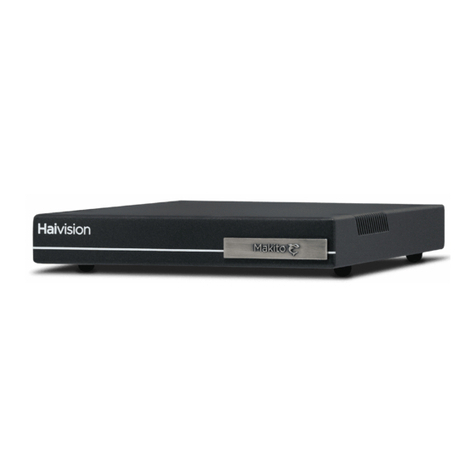
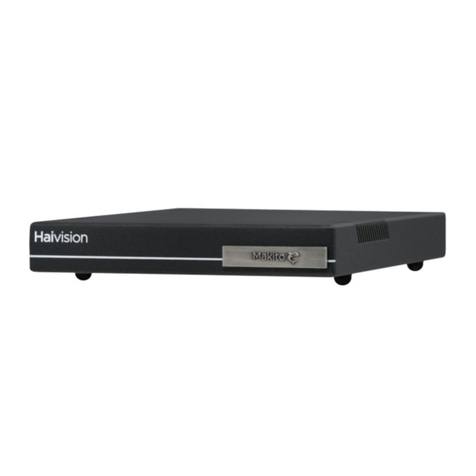
This Quick Start Guide summarizes the basic steps required to install the Makito Compact HD H.264 Video Decoder
(single chassis, as shown below) and set up video decoding from a Makito Encoder or a Hai1000 Mako Encoder.
Please refer to the User’s Guide or the online help (available from the Web Interface) for detailed information.
To Install the Makito Decoder
1. Unpack the box and visually inspect the package contents for any evidence of shipping damage. [See Impor-
tant Notice for list of contents.]
2. Install the Makito as a desktop unit.
3. Connect the power cable.
CAUTION Connect the power supply to the chassis first and then to the AC source. Always use the AC
power cord and power supply provided with the unit.
Make sure the connector is properly inserted and locked to avoid intermittent power problems.
To Connect the Makito Decoder to the Network and A/V Sources
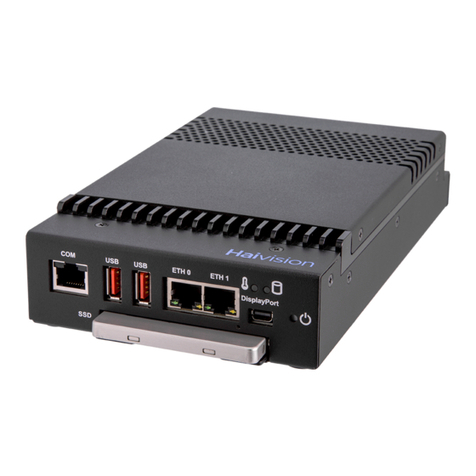
1. Connect the Makito’s Ethernet port to the IP network using an Ethernet UTP cable (Type Cat 5 or higher).
NOTE: To connect the serial interface (on the Makito Decoder Dual Height Blade), please refer to the User’s
Guide or the online help.
Connect power supply here