6
• The Bluetooth®remote trigger remains connected to the Bluetooth®device it was
last used with.
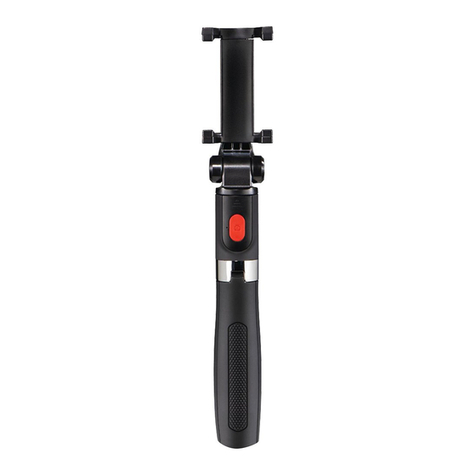
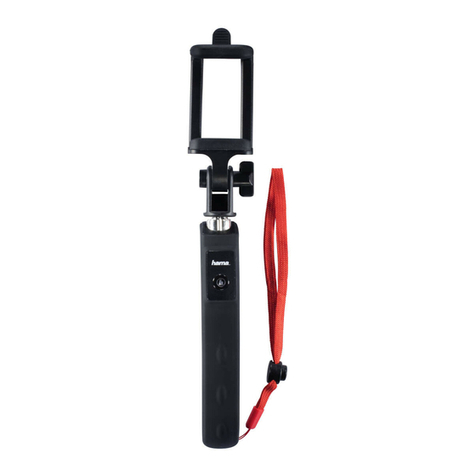
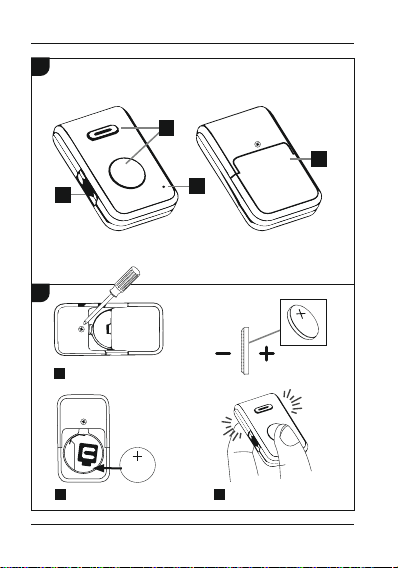
• Slide the On/Off switch (2) from the OFF position to ON. The pilot light (1) starts
to ash blue.
• After 3-5 seconds, the Bluetooth®remote trigger automatically pairs with the
device.
• You can now use the Bluetooth®remote trigger.
Note - connection impaired
After a successful initial pairing, the connection is established automatically.
If the Bluetooth®connection is not established automatically, check the following:
• In your device's Bluetooth®settings, check that hama BRS4 is connected.
If not, repeat the steps described in 6.1. Bluetooth pairing.
• Check whether obstacles are impairing the range. If so, move the devices closer
together.
• The performance may also be impaired if the battery is low. Change the battery
if necessary.
• Only one Bluetooth®device can be connected at a time. If it is still actively paired
to another device, disconnect this pairing and try again.
6.3. Changing the battery
The battery was designed for a use of up to 2,000 triggers, however this lifespan
depends on the conditions of use. If the Bluetooth®remote trigger does not respond
when the trigger button (2) is pressed, does not connect to the Bluetooth®device, etc.,
then change the battery as follows: See (B).
7. Care and maintenance
Only clean this product using a lint-free, slightly damp cloth and do not use any harsh
cleaners. Ensure that no water is able to enter the product.
8. Warranty disclaimer
Hama GmbH & Co KG assumes no liability and provides no warranty for damage
resulting from improper installation/ mounting, improper use of the product or from
failure to observe the operating instructions and / or safety notes.