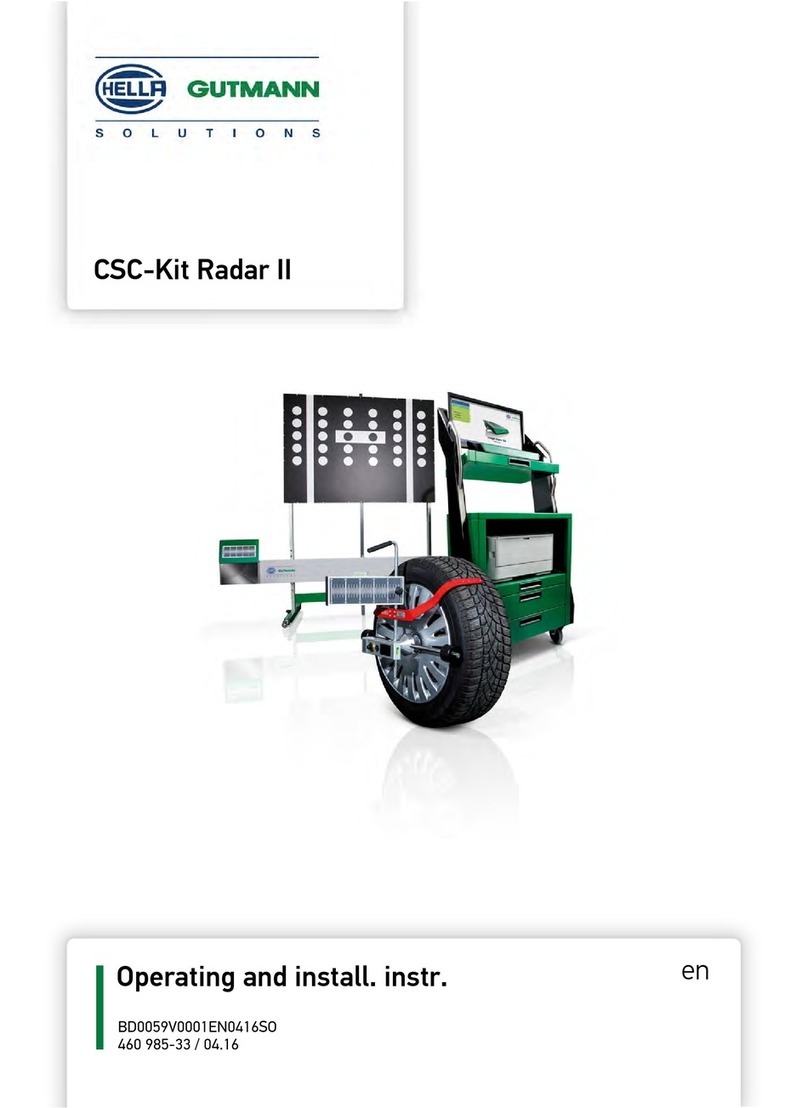
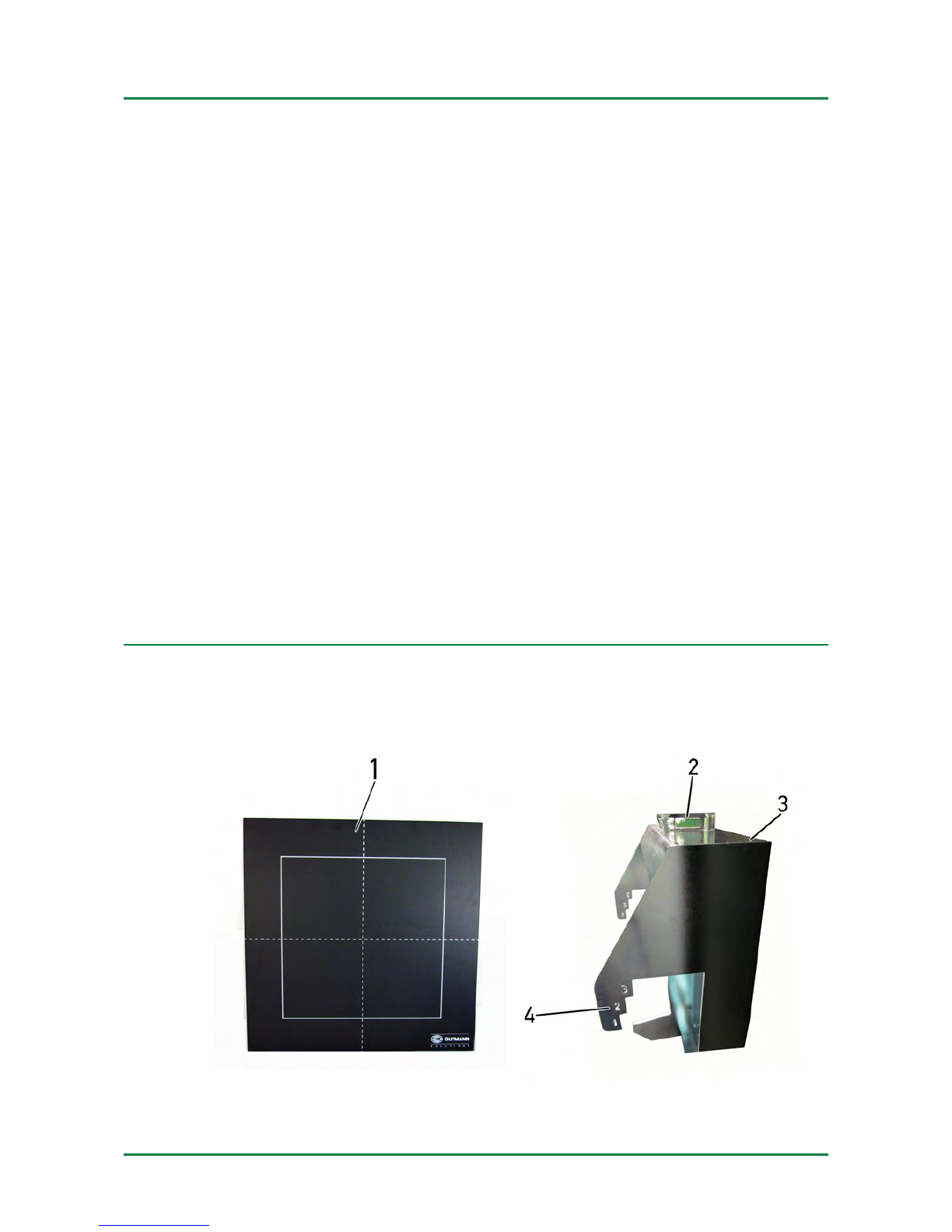
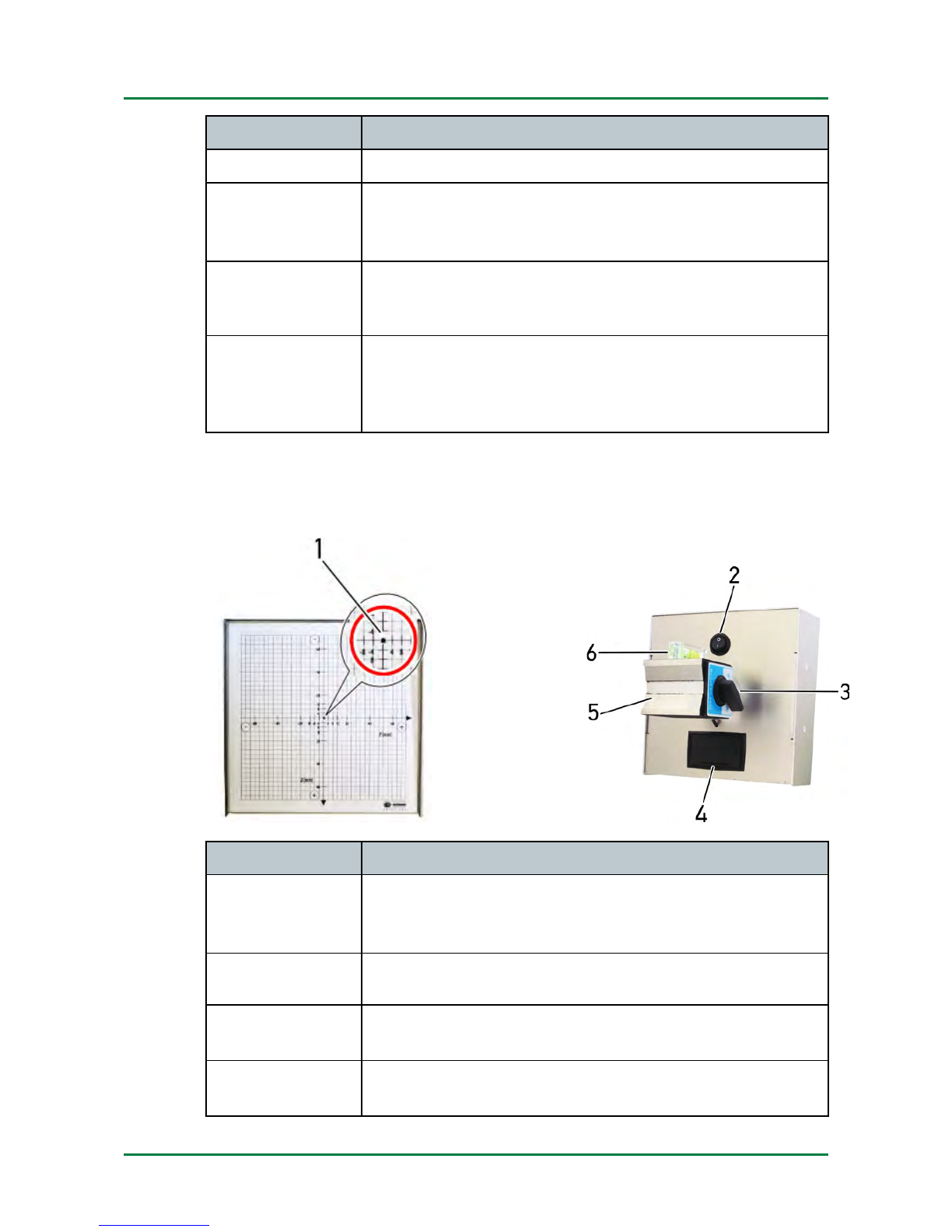
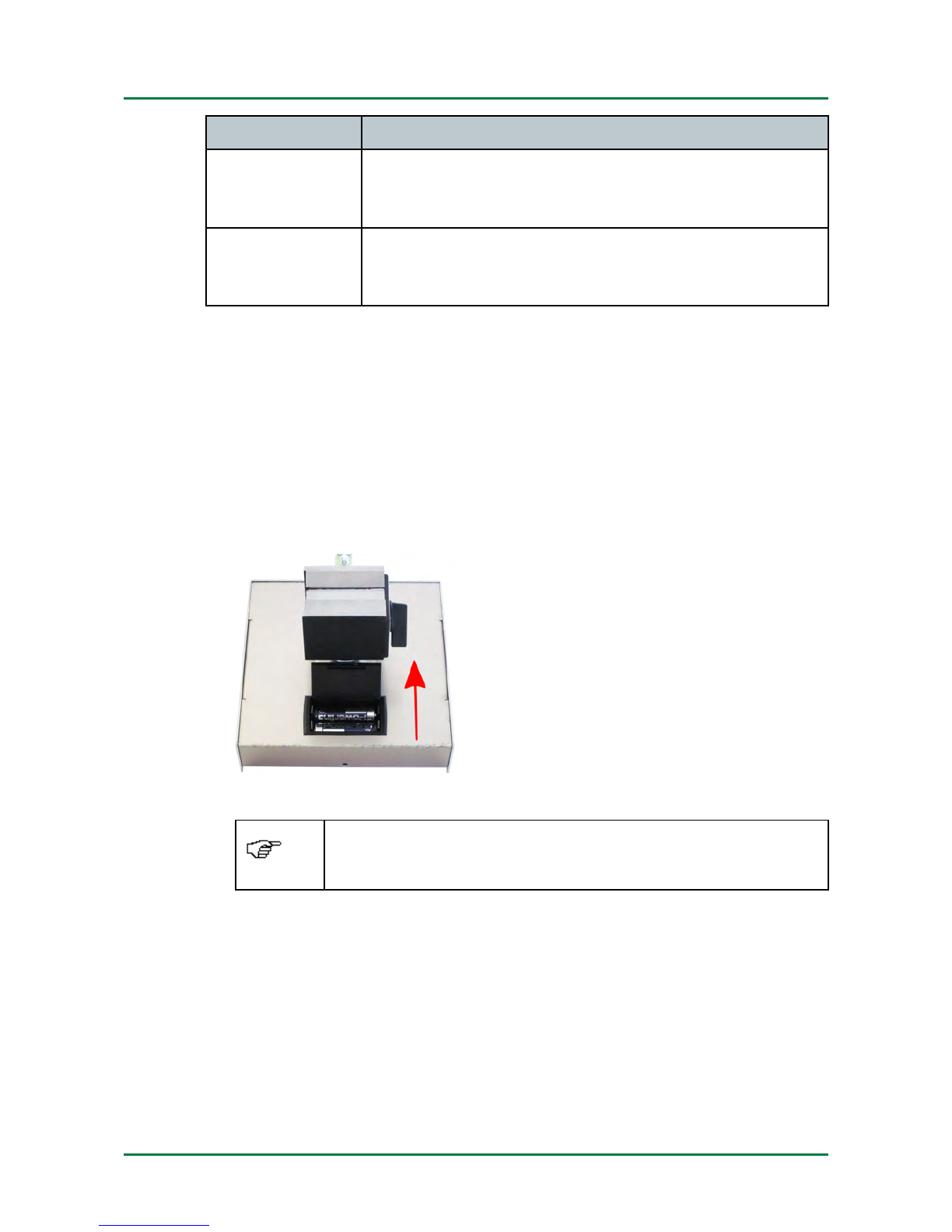
Working with the CSC-Kit Radar I CSC-Kit Radar I
Pre ondition for the Use of the CSC-Kit Radar I
3 Working with the CSC-Kit Radar I
The following steps are ne essary to work with the CSC-Kit Radar I:
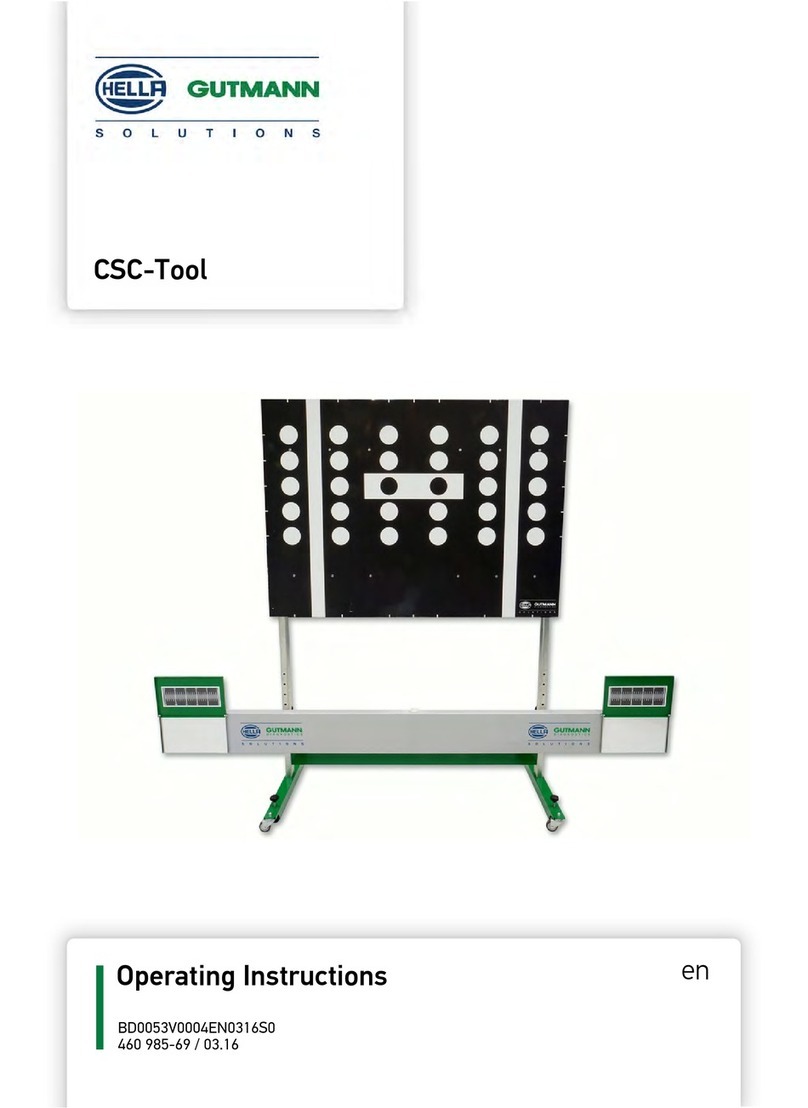
1. Pla e the CSC Panel in front of the vehi le (see operating instru tions
of CSC-Tool).
2. Atta h the angular adjustment plate to the ross member.
3. Fix the magneti laser onto the angular adjustment plate where
ne essary.
4. Fix the CSC-Kit Radar II to the radar sensor where ne essary.
The steps are des ribed below.
3.1 Precondition for the Use of the CSC-Kit Radar I
Regard the following in order to use the CSC-Kit Radar I:
• Vehi le system is working properly
• No trouble odes stored in the ECU
• Possible vehi le-spe ifi preparations done
• Rear axle tra k adjusted properly
• Horizontal position of the vehi le on even surfa e ensured
• Vehi le front removed where ne essary
• CSC-Tool with CSC-Kit Radar I orre tly pla ed in front of the vehi le
• Level gauge bubble of angular adjustment plate entered
3. Calibrating the Radar Sensor without Magnetic Laser
Depending on manufa turer, model and year of manufa ture, the radar
sensor an be alibrated without the magneti laser. The tool indi ates a
orresponding note.
Pro eed as follows to alibrate the radar sensor without the magneti
laser:
1. Conne t the diagnosti tool to the vehi le (see user manual).
2. Sele t >Diagnostics< in the main menu.
3. Sele t the system to be alibrated under >Basic settings<.
10