8
Control Button operation
Manual gain control (MGC)
There are 4 operation modes: Long press on "Query"
key, short press on "Query" key, short press on "UP"
and short press on "DOWN" key.
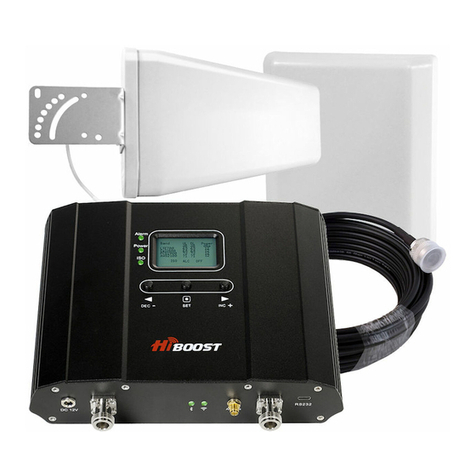
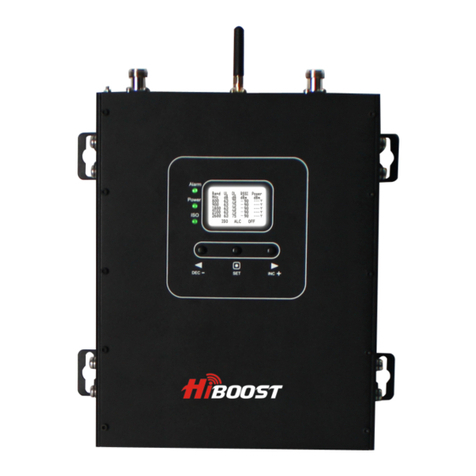
When LCD is in the alarm display mode, press "Query" key and LCD screen will
display alarm indication under the current band. Press "UP" (or "DOWN") key, LCD
will switch to help tips. If you don't operate LCD key within 30 seconds, LCD will
return to the xed display mode.
If you don't operate LCD key within 5 minutes, LCD screen will go to the "OFF"
state. Press any key and LCD will go back to the xed display mode.
Since the booster has intelligent software system, MGC attenuation is not
needed, except for the cases when you don't feel comfortable about ISO or ALC
ashing, or in some extreme cases you might need to attenuate gain value.
When LCD is in the xed display mode, press "Query" key for 3 seconds. It will
start up the Setting Mode and make the screen stay in the current status.
When LCD is in the xed display mode, press
"Query" key for 3s and it will start up Setting Mode.
Press "Query" key shortly, LCD will switch to the
next value (uplink or downlink gain for a
dierent band).
Press "Query" key for 3s, LCD will return to the
xed display mode (For more details refer to
"Manual gain control - MGC)."
Press "UP" (or "Down") key, the value of the current
item will change to the higher (or lower) one.
Press "Query" key shortly, LCD will switch to the next value (uplink or downlink
gain for a dierent band).
Press "UP" key once shortly, the gain will increase by 1 dB, press "DOWN" once
shortly, the gain will be reduced by 1dB.
Press "Query" key for 3 seconds, LCD will return to the xed display mode.
Press "Query" key for 3 seconds, LCD will return to the xed display mode.