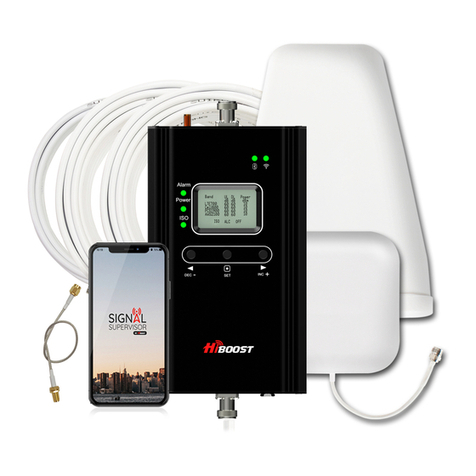
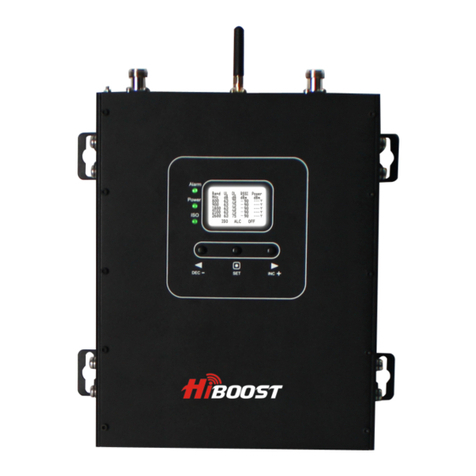
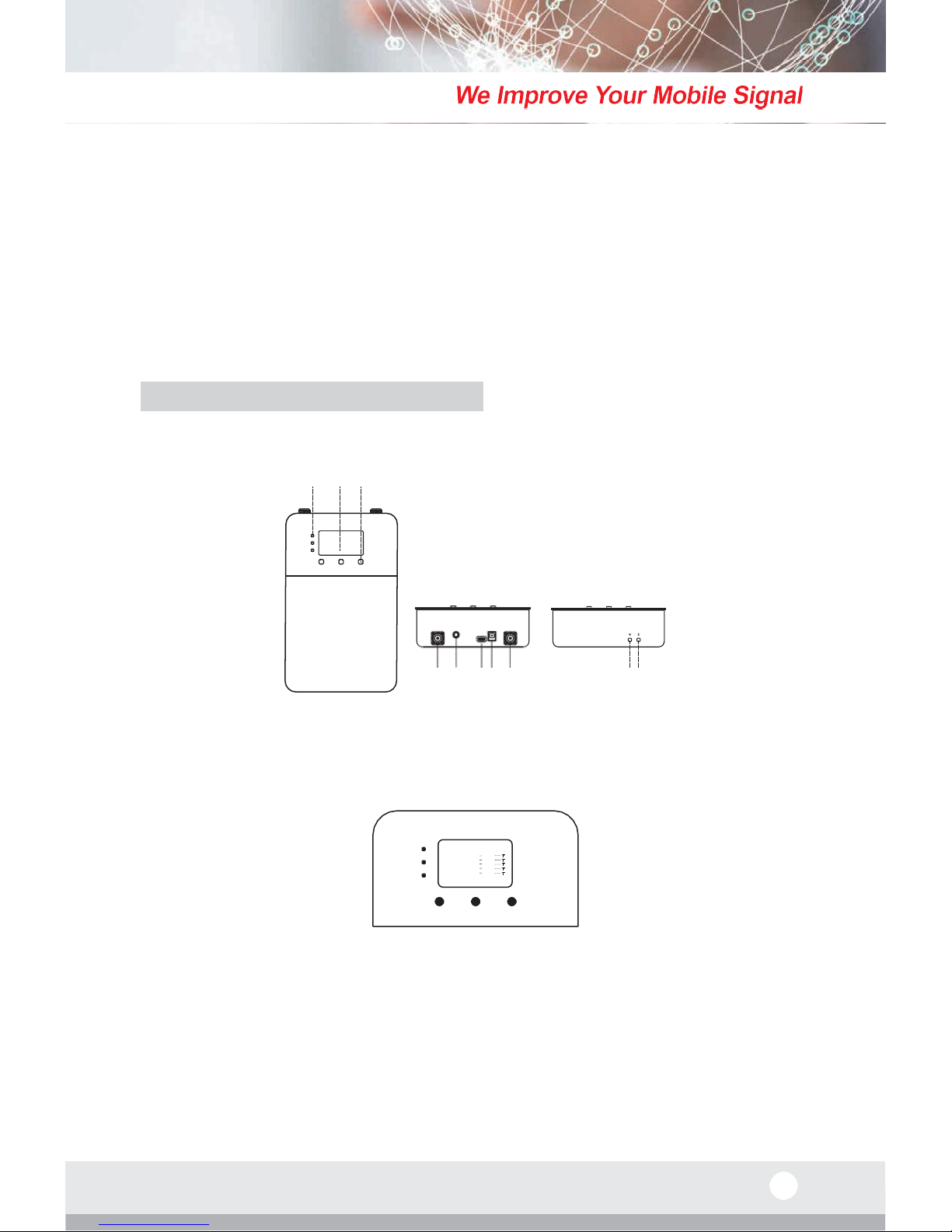
Since the booster has a self-adaptive smart automatic level control (ALC) and
isolation gain processing (ISO), most of the time manual adjustments are not
required to achieve good coverage. However, in some cases where the ALC or
ISO is working at a very high rate to adjust the gain and the Alarm or ISO LED is
flashing more than once a second, a manual adjustment might be required.
When LCD is in the fixed display mode, press the “SET” key for more than 3
seconds. It will go into the “Gain Setting Mode” and make one of the gain
values start to blink.
•Press the “SET” key briefly, and the LCD will switch to the next gain value and it
will start to blink. (Uplink or downlink gain for a different band).
•
Press the “INC+” key once briefly and the gain will increase by 1dB, Press
“DEC-”once briefly and the gain value will be reduced by 1dB.
•
Press the “SET” key for more than 3 seconds, and the LCD will return to the
fixed display mode.
Actual Gain display MGC Setting Gain
G a i n S e t
Band UL DL UL DL PWR
Actual Power display
800 60 65 60 63 11
900 60 65 60 64 12
1800 60 65 60 65 13
2100 60 65 60 65 13
2600 60 65 60 65 13
Note: When adjusting the gain manually, please ensure that the uplink gain is
equal to or not 5 dB less than the downlink gain setting. This avoids interference
with the local cell tower network.
When the LCD is in the fixed display mode, press the “DEC-”and “INC+” key
simultaneously for more than 3 seconds, the booster will reset the gain to the
default manufacturer settings.
When the LCD is in the alarm display mode, press the “SET” key and the LCD
screen will turn on to help with troubleshooting and display the alarm indication
showing the affected band or bands, press the “INC+” (or “DEC-“) key to switch
to different pages.
If none of the keys are pushed within 30 seconds, the display will return to the
fixed display mode. If none of the control keys are touched within 5 minutes, the
LCD screen will turn off. Pressing any key will return the display to the fixed
mode.
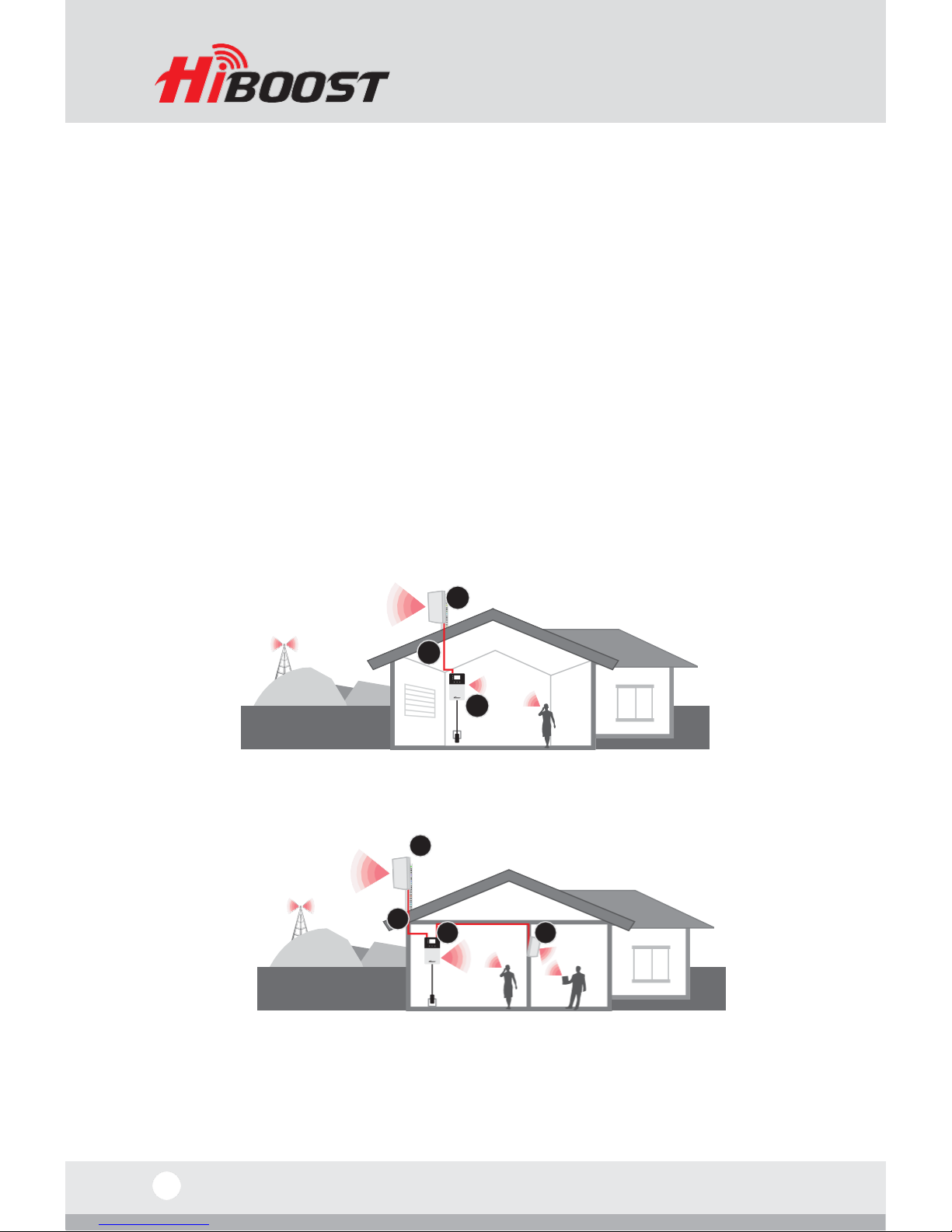
Installing Hiboost Booster System
Before You Install
•
Make sure you have sufficient cable length between the outdoor,indoor