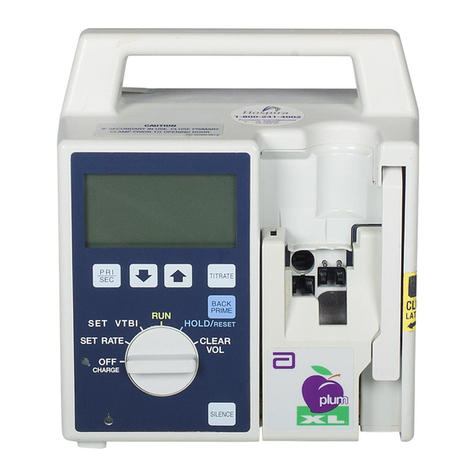
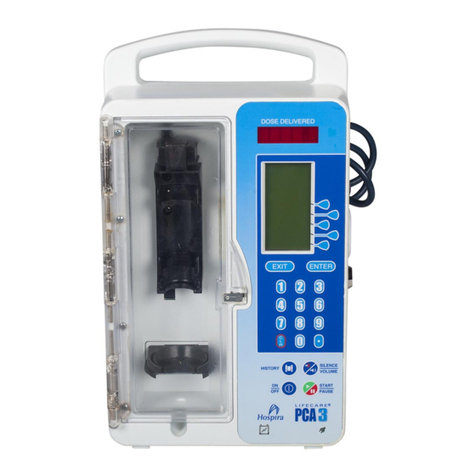
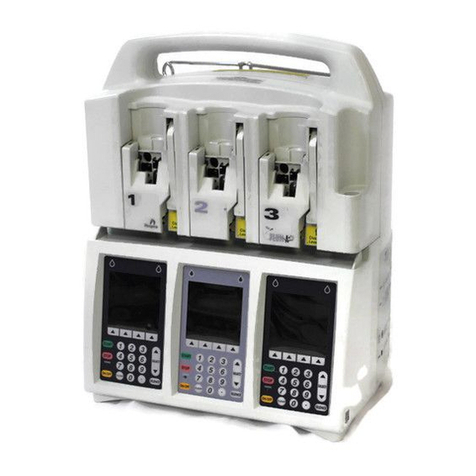
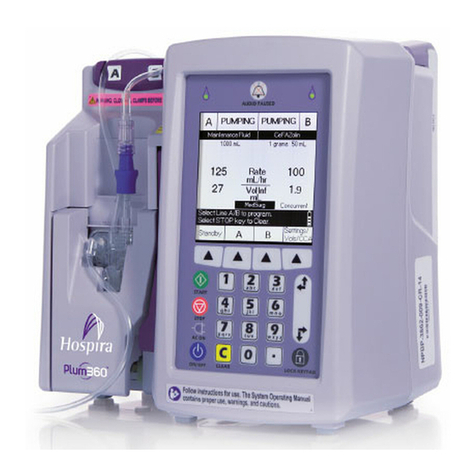
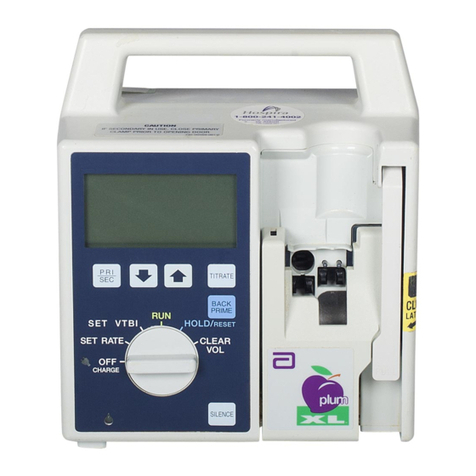
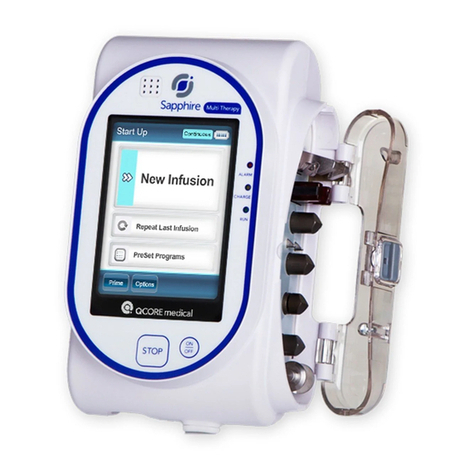
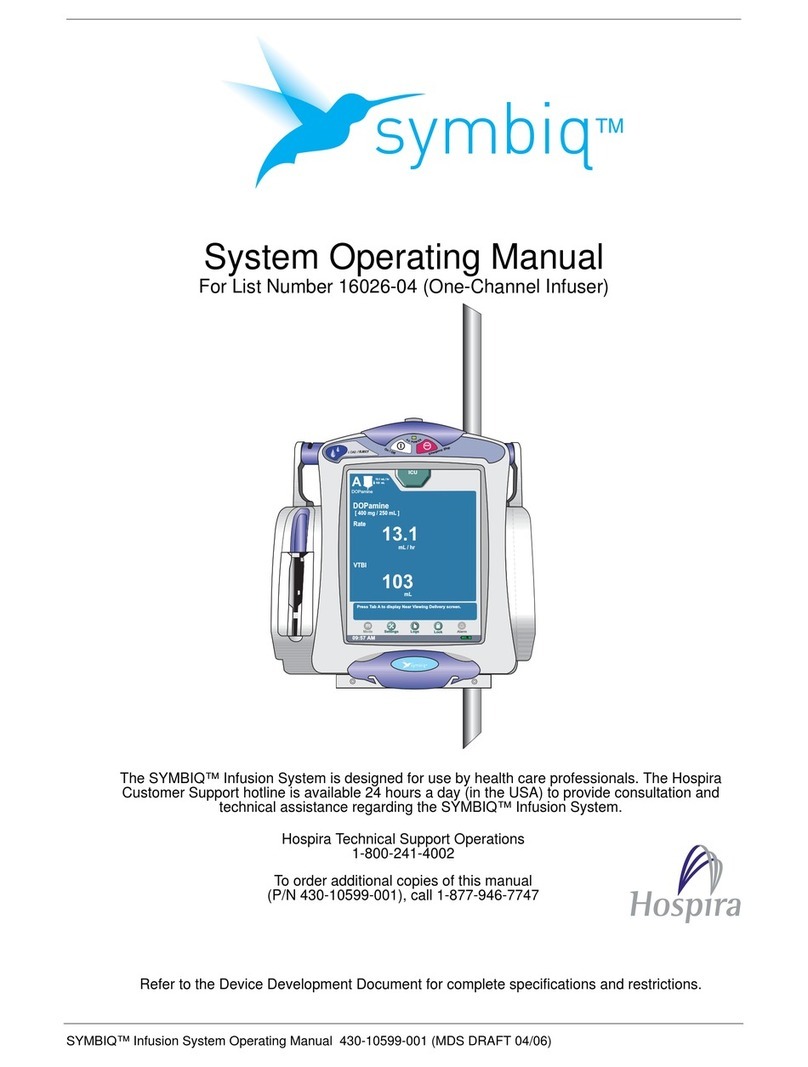
Includes Systems Compatible with Hospira MedNet
vi System Operating Manual
Taiwan NCC Warning Statement . . . . . . . . . . . . . . . . . .1-27
Suspected Cybersecurity Event or Threat . . . . . . . . . . . . . . .1-28
Section 2, Equipment Description. . . . . . . . . . . . .2-1
Keypad and Display. . . . . . . . . . . . . . . . . . . . . . . . . . . . . . . . . .2-2
Alphanumeric Keypad . . . . . . . . . . . . . . . . . . . . . . . . . . . .2-2
Numeric Keypad. . . . . . . . . . . . . . . . . . . . . . . . . . . . . . . . .2-3
Operating Keys . . . . . . . . . . . . . . . . . . . . . . . . . . . . . . . . . . . . .2-4
Indicators. . . . . . . . . . . . . . . . . . . . . . . . . . . . . . . . . . . . . . . . . .2-7
Display Symbols . . . . . . . . . . . . . . . . . . . . . . . . . . . . . . . . . . . .2-7
CE Module . . . . . . . . . . . . . . . . . . . . . . . . . . . . . . . . . . . . . . . .2-10
Pole Clamp, Potential Equalization Terminal, and
Power Cord. . . . . . . . . . . . . . . . . . . . . . . . . . . . . . . . . . . .2-12
Plum Administration Sets . . . . . . . . . . . . . . . . . . . . . . . . . . .2-14
The Plum Cassette . . . . . . . . . . . . . . . . . . . . . . . . . . . . . .2-15
Other Administration Set Features. . . . . . . . . . . . . . . . .2-18
Section 3, Basic Operations . . . . . . . . . . . . . . . . .3-1
Mounting the Infuser on an I.V. Pole . . . . . . . . . . . . . . . . . . .3-2
Mounting Multiple Infusers to an I.V. Pole . . . . . . . . . . .3-4
Attaching a Nurse Call Interface Cable . . . . . . . . . . . . . . . . .3-6
Opening the Cassette Door . . . . . . . . . . . . . . . . . . . . . . . . . . .3-6
Opening the Cassette Door Completely . . . . . . . . . . . . . . . . .3-8
Closing the Cassette Door . . . . . . . . . . . . . . . . . . . . . . . . . . .3-10
Turning Power On . . . . . . . . . . . . . . . . . . . . . . . . . . . . . . . . . .3-11
Turning Power Off. . . . . . . . . . . . . . . . . . . . . . . . . . . . . . . . . .3-12
Viewing the Display . . . . . . . . . . . . . . . . . . . . . . . . . . . . . . . .3-12
Using the Keypad and Controls . . . . . . . . . . . . . . . . . . . . . . .3-13
Using the Keypad to Enter Program Information . . . . .3-13
Silencing the Keypad. . . . . . . . . . . . . . . . . . . . . . . . . . . .3-13
Locking and Unlocking the Keypad . . . . . . . . . . . . . . . .3-14
Using the Keypad to Search the Drug List. . . . . . . . . . .3-17
Working with Alarms . . . . . . . . . . . . . . . . . . . . . . . . . . . . . . .3-18
Test the Alarm System. . . . . . . . . . . . . . . . . . . . . . . . . . .3-19
Responding to an Alarm . . . . . . . . . . . . . . . . . . . . . . . . .3-19
Adjusting the Audio Alarm Volume . . . . . . . . . . . . . . . .3-20