
manuals.online logo
Brands
  1. Home
  2. •
  3. Brands
  4. •
  5. Howard Miller
  6. •
  7. Indoor Furnishing
  8. •
  9. Howard Miller FT46G User manual

Howard Miller FT46G User manual

This manual suits for next models

18

Other Howard Miller Indoor Furnishing manuals

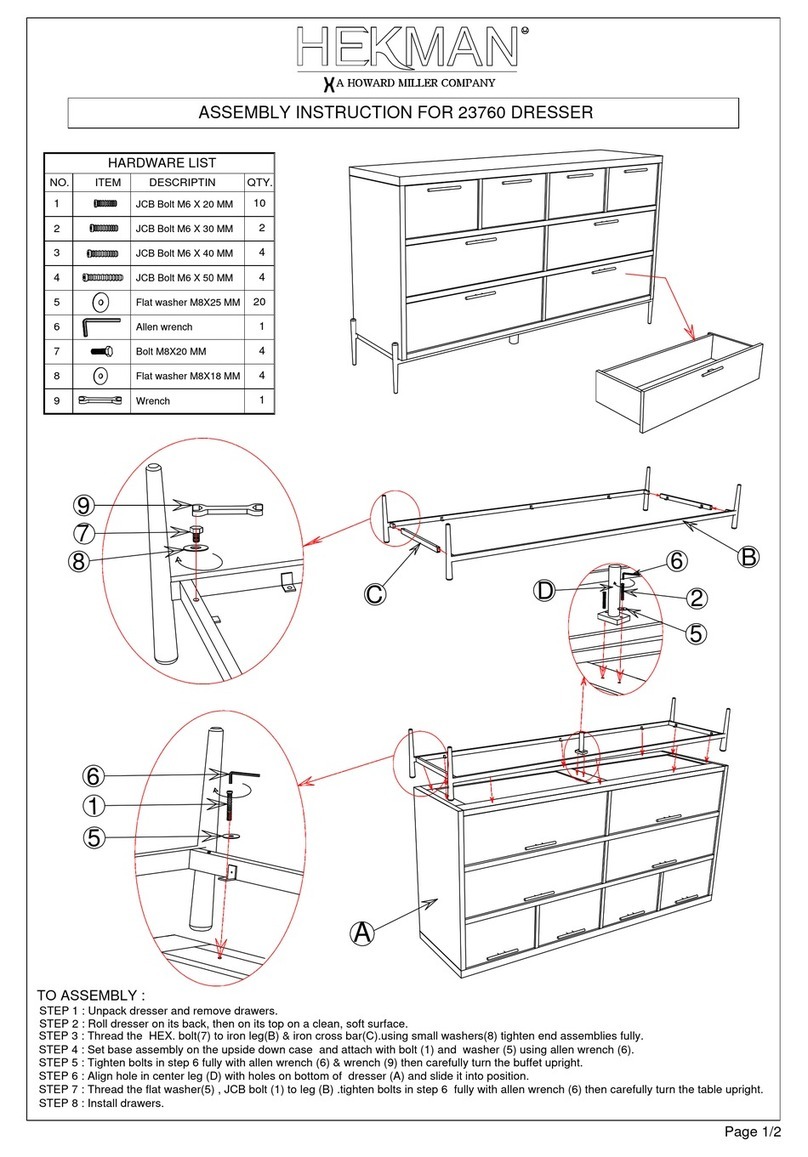
Howard Miller HEKMAN 24865 User manual
Howard Miller

Howard Miller HEKMAN 24865 User manual

Howard Miller HEKMAN 23760 User manual

Howard Miller

Howard Miller HEKMAN 23760 User manual

Howard Miller HEKMAN 8-1250 User manual

Howard Miller

Howard Miller HEKMAN 8-1250 User manual

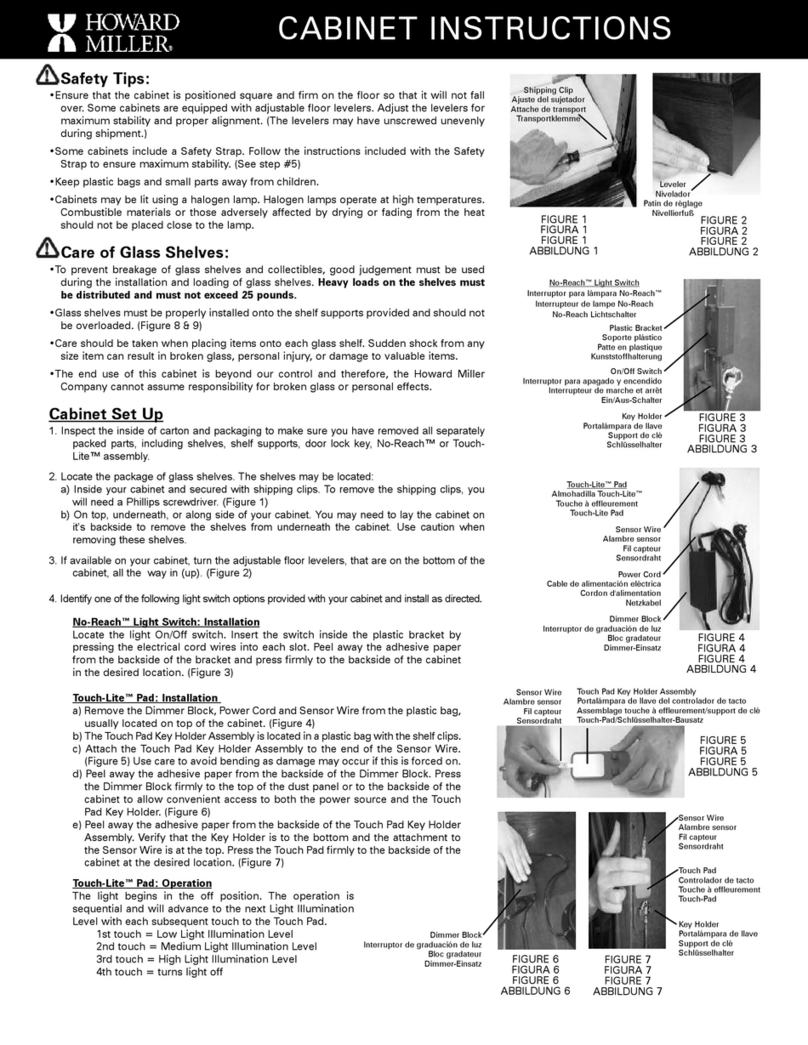
Howard Miller HEKMAN 24820 User manual
Howard Miller

Howard Miller HEKMAN 24820 User manual

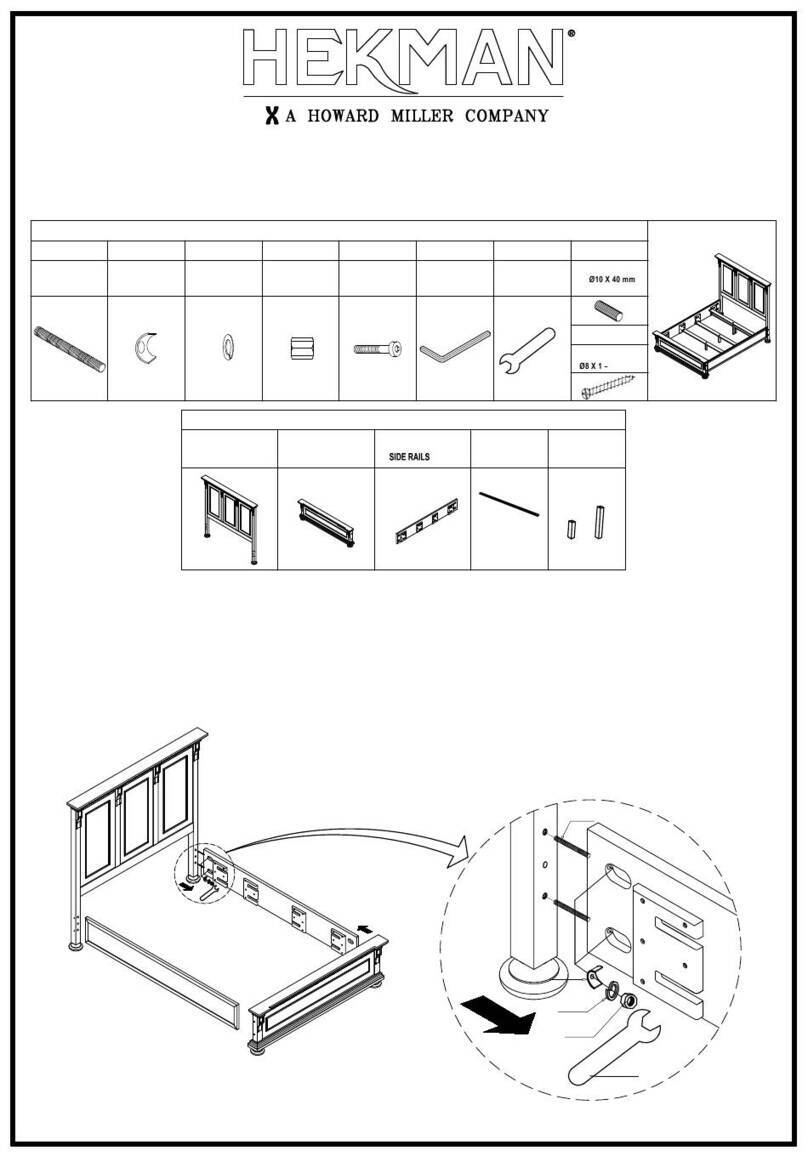
Howard Miller Curio Cabinet User manual
Howard Miller

Howard Miller Curio Cabinet User manual

Howard Miller HEKMAN 23365 User manual

Howard Miller

Howard Miller HEKMAN 23365 User manual

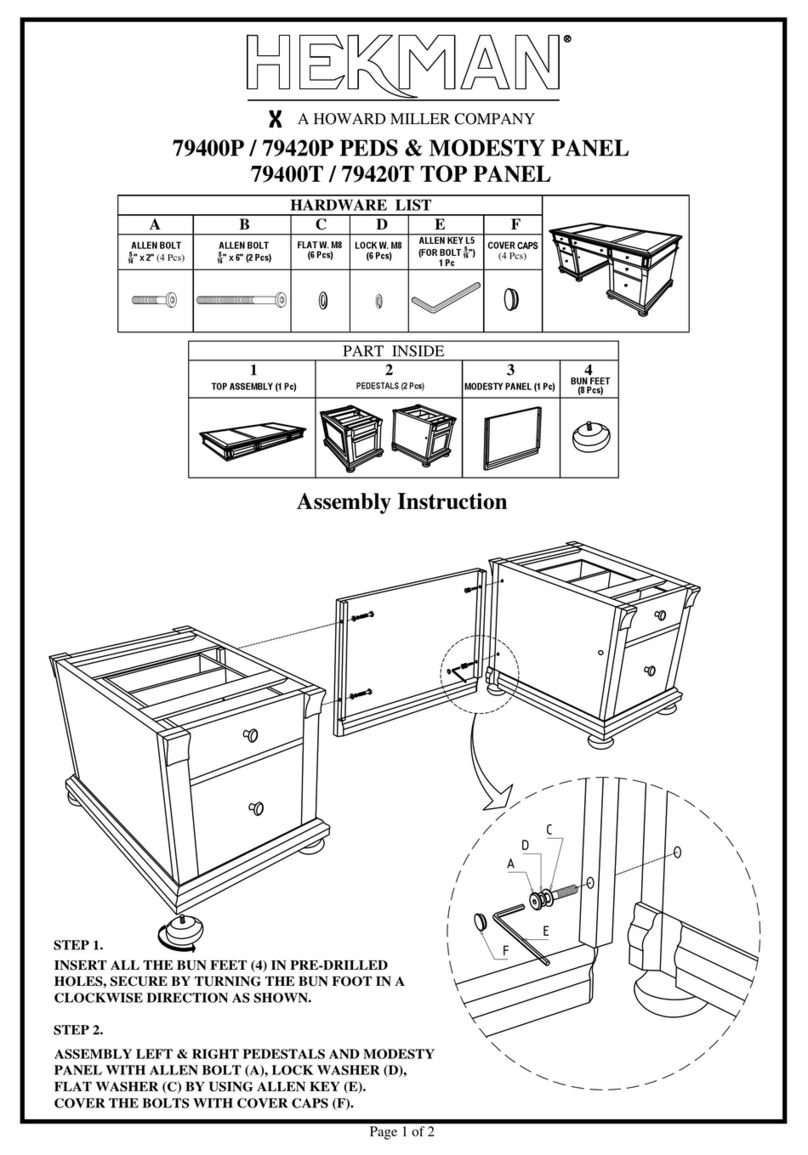
Howard Miller HEKMAN 79167P User manual
Howard Miller

Howard Miller HEKMAN 79167P User manual

Howard Miller HEKMAN 79400P User manual

Howard Miller

Howard Miller HEKMAN 79400P User manual

Howard Miller HEKMAN 24819 User manual
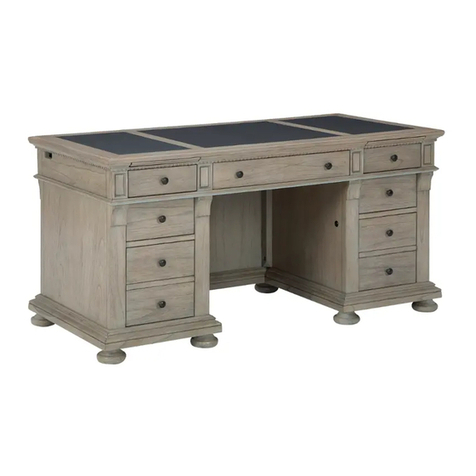
Howard Miller

Howard Miller HEKMAN 24819 User manual

Howard Miller HEKMAN 79410P User manual
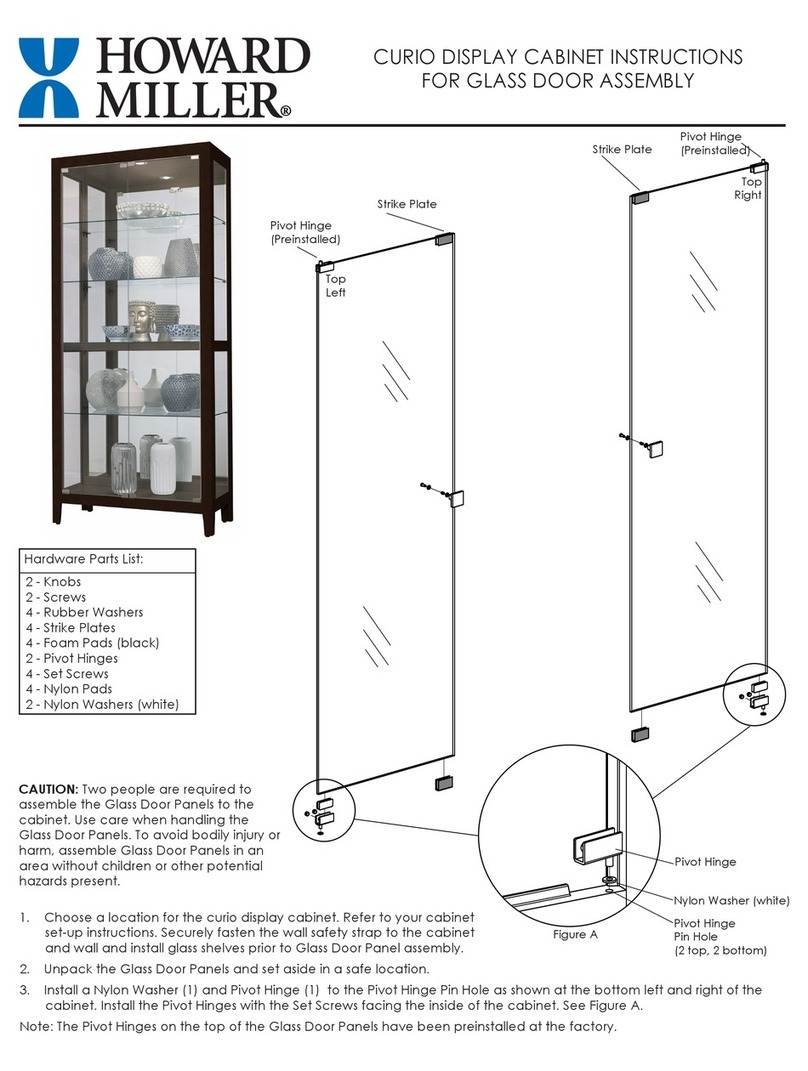
Howard Miller

Howard Miller HEKMAN 79410P User manual

Howard Miller DANICA CURIO 680730 User manual

Howard Miller

Howard Miller DANICA CURIO 680730 User manual

Howard Miller HEKMAN WELLINGTON 28493 User manual
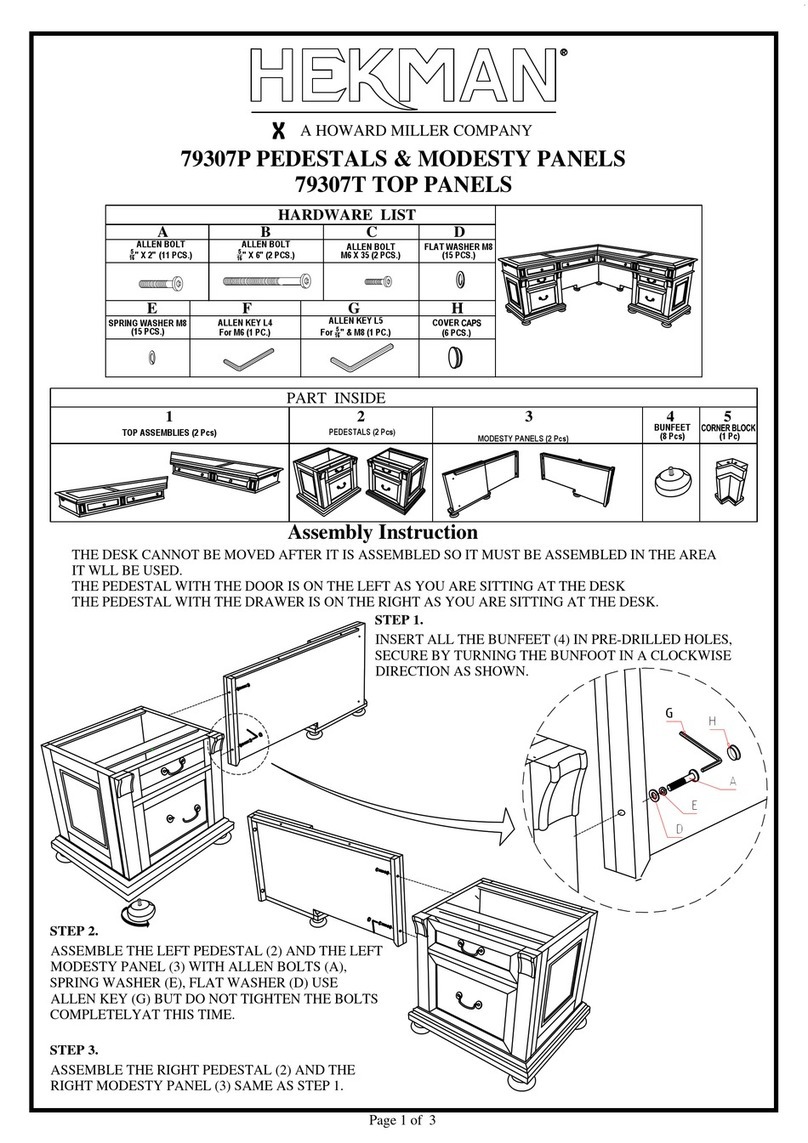
Howard Miller

Howard Miller HEKMAN WELLINGTON 28493 User manual

Howard Miller HEKMAN 79307P User manual

Howard Miller

Howard Miller HEKMAN 79307P User manual

Howard Miller HEKMAN 26120 User manual
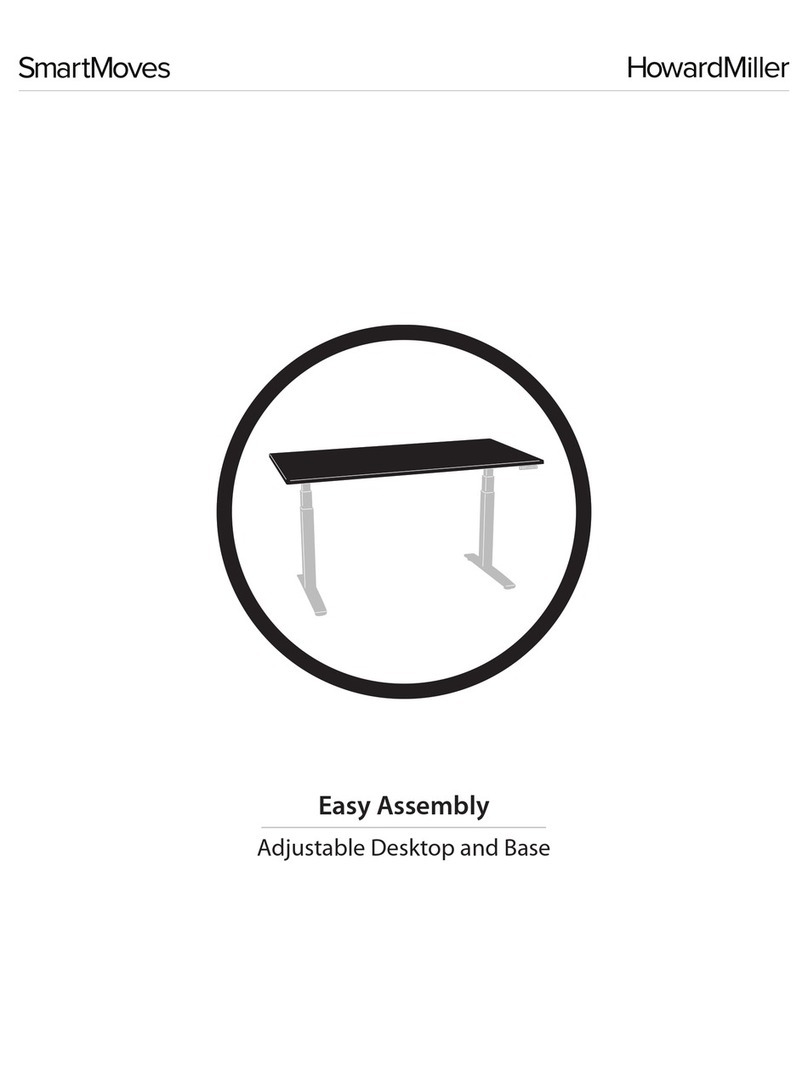
Howard Miller

Howard Miller HEKMAN 26120 User manual

Howard Miller SmartMoves Product information sheet

Howard Miller

Howard Miller SmartMoves Product information sheet

Howard Miller Hekman 28486 Installation instructions
Howard Miller

Howard Miller Hekman 28486 Installation instructions

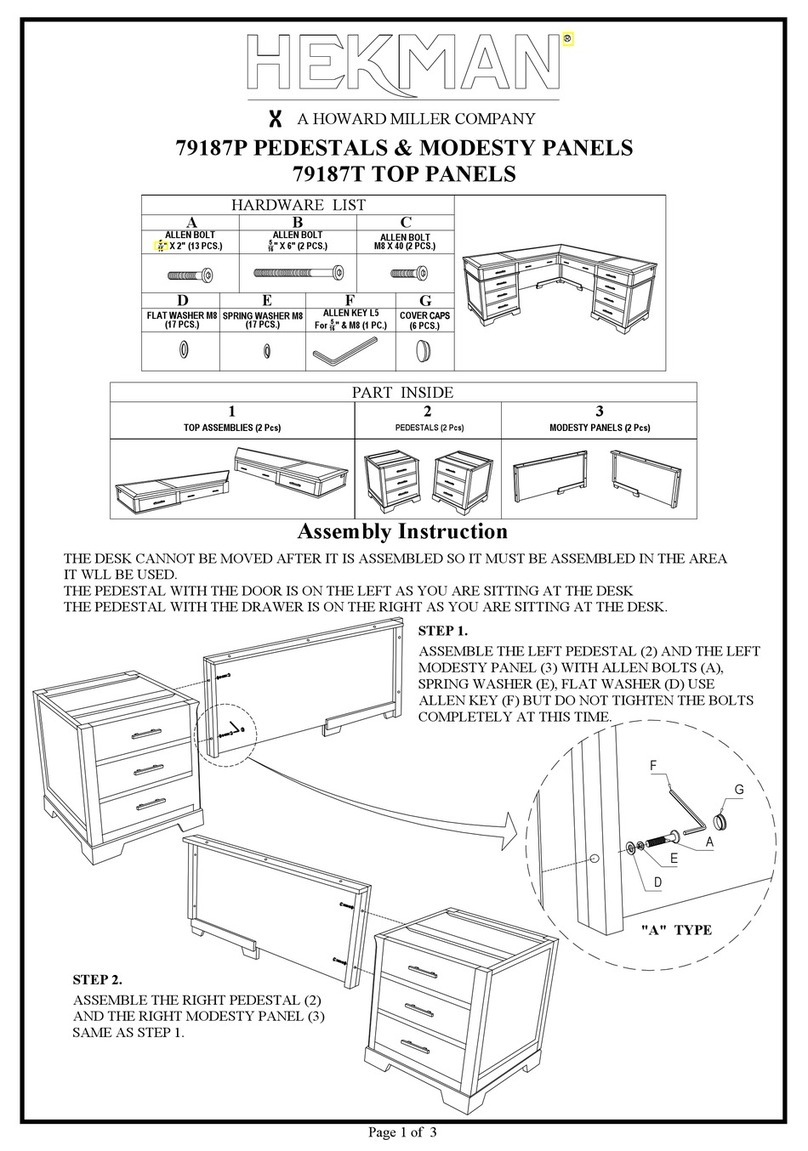
Howard Miller HEKMAN 79187P User manual

Howard Miller

Howard Miller HEKMAN 79187P User manual

Howard Miller HEKMAN 24808 User manual

Howard Miller

Howard Miller HEKMAN 24808 User manual

Howard Miller HEKMAN 79407P User manual
Howard Miller

Howard Miller HEKMAN 79407P User manual

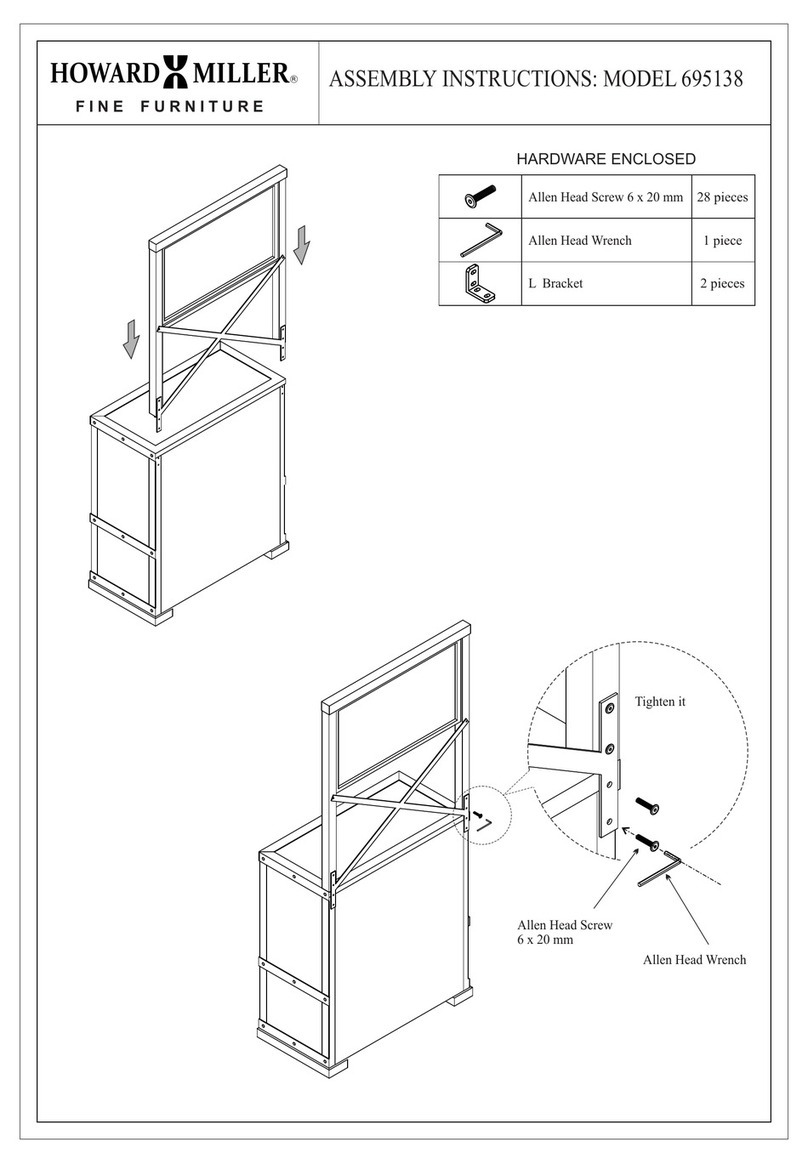
Howard Miller 695138 User manual

Howard Miller

Howard Miller 695138 User manual

Popular Indoor Furnishing manuals by other brands

Regency LWMS3015 Assembly instructions

Regency

Regency LWMS3015 Assembly instructions

Furniture of America CM7751C Assembly instructions

Furniture of America

Furniture of America CM7751C Assembly instructions

Safavieh Furniture Estella CNS5731 manual

Safavieh Furniture

Safavieh Furniture Estella CNS5731 manual

PLACES OF STYLE Ovalfuss Assembly instruction

PLACES OF STYLE

PLACES OF STYLE Ovalfuss Assembly instruction

Trasman 1138 Bo1 Assembly manual

Trasman

Trasman 1138 Bo1 Assembly manual

Costway JV10856 manual

Costway

Costway JV10856 manual

moss DESIGN Caisson Credenza Assembly instructions

moss DESIGN

moss DESIGN Caisson Credenza Assembly instructions

Aquaglide FULL DECK 15.0 owner's manual

Aquaglide

Aquaglide FULL DECK 15.0 owner's manual

AREBOS AR-HE-SW30 user manual

AREBOS

AREBOS AR-HE-SW30 user manual

Till-Hilft Fulda 87005.330 Assembly instructions

Till-Hilft

Till-Hilft Fulda 87005.330 Assembly instructions

Twoey Outside 2010 quick start guide

Twoey Outside

Twoey Outside 2010 quick start guide

Hettich Easys 200 operating instructions

Hettich

Hettich Easys 200 operating instructions

The bedboss RELAX 404 Series owner's manual

The bedboss

The bedboss RELAX 404 Series owner's manual

Oeseder Möbelindustrie Bern 991 720 Assembly instructions

Oeseder Möbelindustrie

Oeseder Möbelindustrie Bern 991 720 Assembly instructions

Costway HW68469 user manual

Costway

Costway HW68469 user manual

Next ALIX A27743 Assembly instructions

Next

Next ALIX A27743 Assembly instructions

BROSA Hans Assembly guide

BROSA

BROSA Hans Assembly guide

Prodigg MINIKA PBA015T-FUR installation manual

Prodigg

Prodigg MINIKA PBA015T-FUR installation manual

manuals.online logo
manuals.online logoBrands
  • About & Mission
  • Contact us
  • Privacy Policy
  • Terms and Conditions

Copyright 2025 Manuals.Online. All Rights Reserved.

Child Lock
Child Lock function is only available by using the control panel.
Activate Child Lock
• When the replace is ON, hold the POWER button for 10
seconds to activate the Child Lock function. “E3” will be
displayed to indicate the Child Lock function has been
activated.
Deactivate Child Lock
• To deactivate the Child Lock function, hold the POWER
button for 10 seconds.
Other Features
• Each time the replace is plugged in or main power is
interrupted, the fan and heater will turn on for 5 seconds.
• The replace has a memory function with last settings for
heating level and ame brightness eect, unless the main
power to the unit has been interrupted.
• The replace includes an automatic protection system that
will shut o the replace to prevent overheating. If the
replace is at risk of overheating, the front panel will display
“E1” and the heater will shut o.
Operating Instructions
Fireplace Instructions
Power Button
• Press the POWER button to turn ON or OFF.
• When the replace is ON, the power icon indicator light will
be green.
• When the replace is OFF, the power icon indicator light will
be red.
• If heater is working before power OFF the fan will have a 20
second shuto delay.
Mode Button
Press the MODE button to cycle through the dierent functions.
Temperature Mode
• Press UP arrow or DOWN arrow to set the heater’s
temperature: 59ºF - 86ºF (15ºC - 30ºC), ON, OF (o ).
• Hold the MODE button for 3 seconds to change between ºC
or ºF. This function is only available if using the control panel.
• When the ambient room temperature is higher than the set
temperature, the heater will shut o automatically.
Timer Mode
• Press UP arrow or DOWN arrow to adjust the timer setting to
automatically shut o from 0 hour (OFF) to 9 hours with 0.5
hour intervals. Never leave the replace unattended.
Flame Brightness Mode
• Press UP arrow or DOWN arrow to adjust the ame
brightness: F0 (no ame) to F5 (brightest).
Care and Maintenance
CLEANING INFORMATION:
• Make sure the replace is o, unplugged, and the heating element is cool whenever you are cleaning the replace.
• Clean the outside surfaces using a water-dampened, soft, and clean cloth. DO NOT use brass polish or household cleaners.
• Periodic cleaning/vacuuming of the air intake and exhaust vents is recommended.
• Keep clear of dust and debris that could block airow.
REPLACING THE REMOTE CONTROL BATTERY:
• The battery should be removed if the product is to be left unused for an extended period of time.
• When the remote control stops operating or its range seems reduced, it is time to repave the battery.
• To replace the battery, insert a new CR2025 lithium battery ensuring the polarities of the battery match the inside of the battery
compartment.
Safety Information
Use this replace only as described. Any other use may cause re or injury.
WARNINGS
• The heater operation can cause the heat exhaust vent and metal frame on the front of the replace to get hot. Never leave the
replace unattended while in operation.
• To avoid contact-type burns, always keep children away from the replace. Do not allow anyone to bump into or otherwise touch
the front of the replace while in operation or immediately after the heat operation has been shut o. Ensure that the area around
the exhaust vent and metal frame are cool to the touch.
• Keep decorations and other ammables away from the replace.
• Do not store or use gasoline or other ammable liquids or vapors in the vicinity of the replace.
CAUTION:
• For indoor use only.
• DO NOT operate the replace with a damaged cord or plug or after the heater malfunctions.
• To disconnect, turn all controls to the OFF position, then remove plug from outlet.
• If possible, ALWAYS unplug the replace when not in use.
• The replace must be connected to an electrical outlet that is grounded in accordance with local codes.
• To prevent a possible re, DO NOT block any air intakes or exhaust in any manner.
• ALWAYS plug the replace directly into a wall outlet. NEVER use an extension cord or power strip.
• Discontinue use if the cord or plug gets hot.
• DO NOT place any objects on top of air intake vents as this will cause the unit to overheat and can cause a re.
• The replace is not to be used for an actual re.
Reference the label attached to the replace cord and the back of the replace unit for additional important safety information.
Troubleshooting
Problems Possible Causes Solutions
1. No power, logs do not
glow.
1. The fireplace does not
have power.
2. “E1” is displayed on
control panel.
2. The overheat protection
device has been
engaged.
3. “E2” is displaced on
control panel.
3. The ambient room
temperature has been
reached.
4. “E3” is displayed on
control panel.
4. Child lock function is
activated.
5. Fan motor continues to
blow after fireplace is
powered off.
5. Normal operation.
1. Check that the fireplace is plugged into a
standard 120 volt outlet. Then make sure
power is at “ON” position.
2. Unplug fireplace, wait 10 minutes, then the
sensor will reset. Plug the fireplace back in.
3. Unplug fireplace, wait 10 minutes, then the
sensor will reset. Plug the fireplace back in.
4. To inactivate the Child Lock function, see the
Child Lock instructions.
5. This is a standard feature; the blower runs
for an additional 20 seconds.
497227-r1
11/19
www.howardmiller.com










