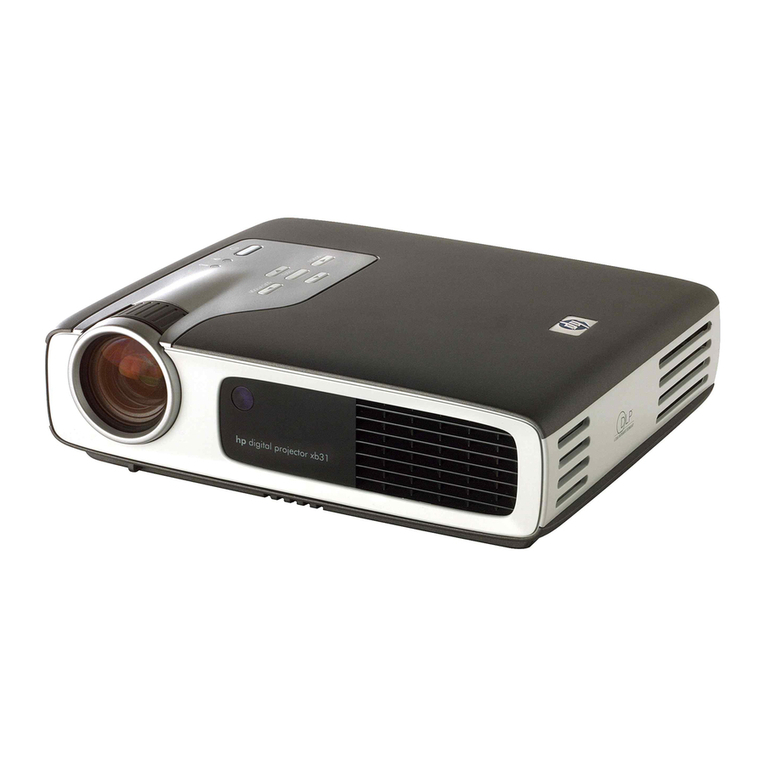
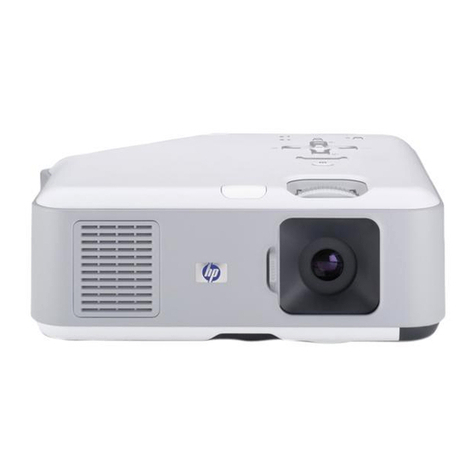
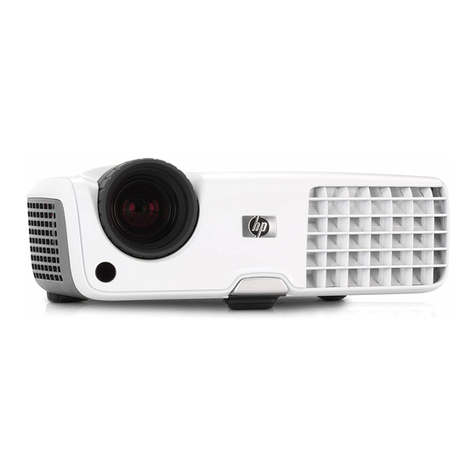
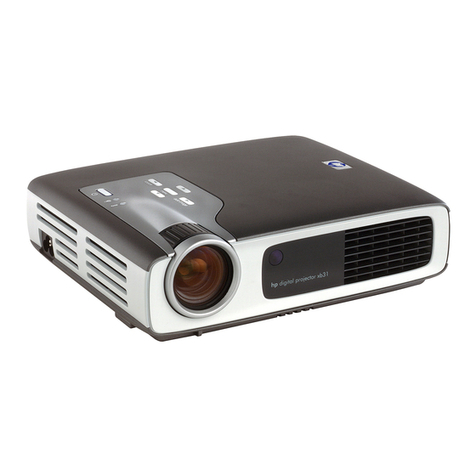
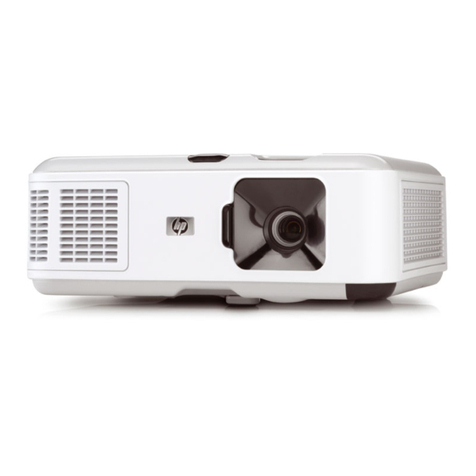
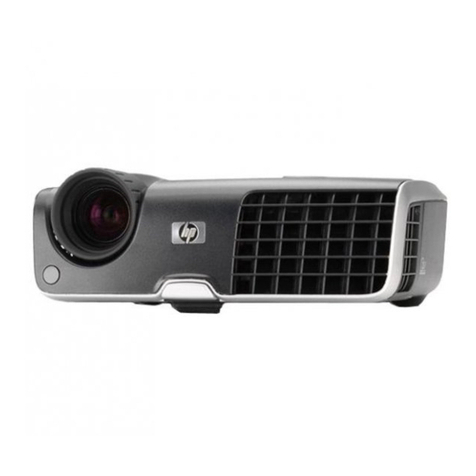
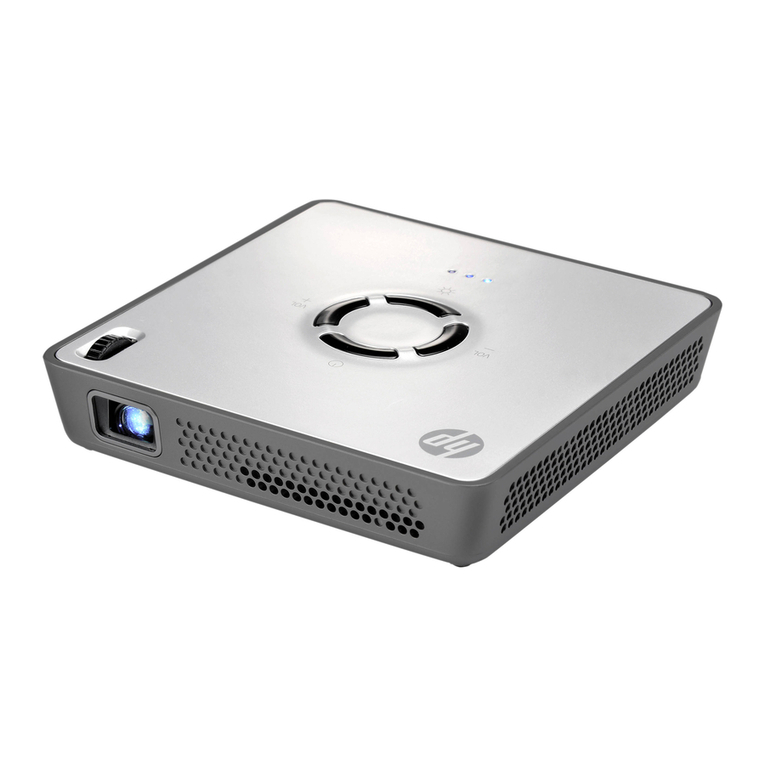
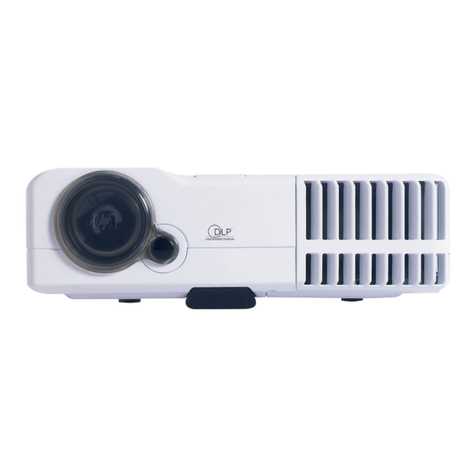
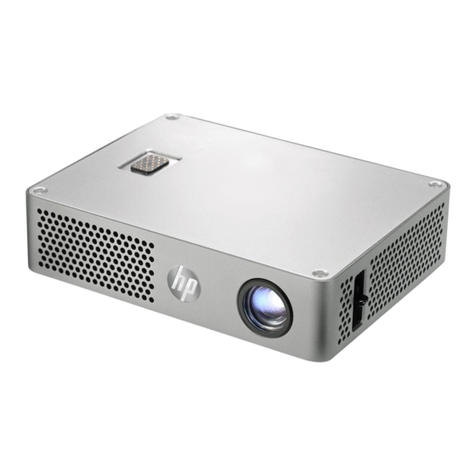
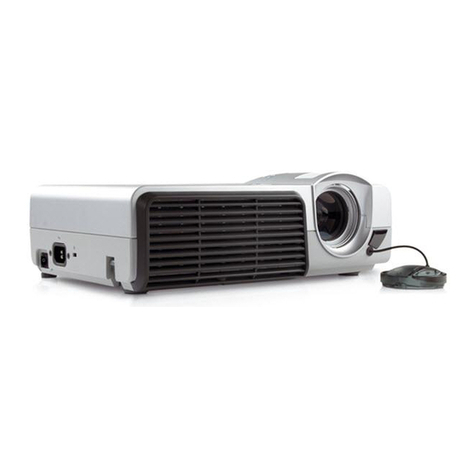
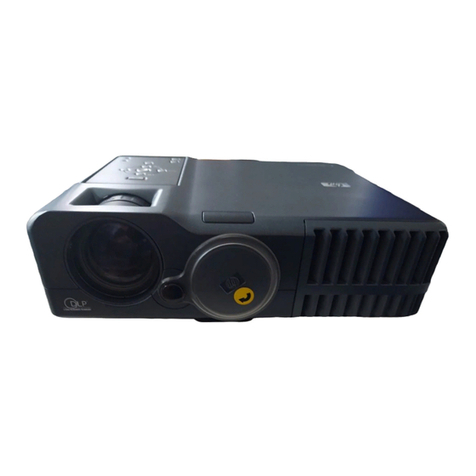
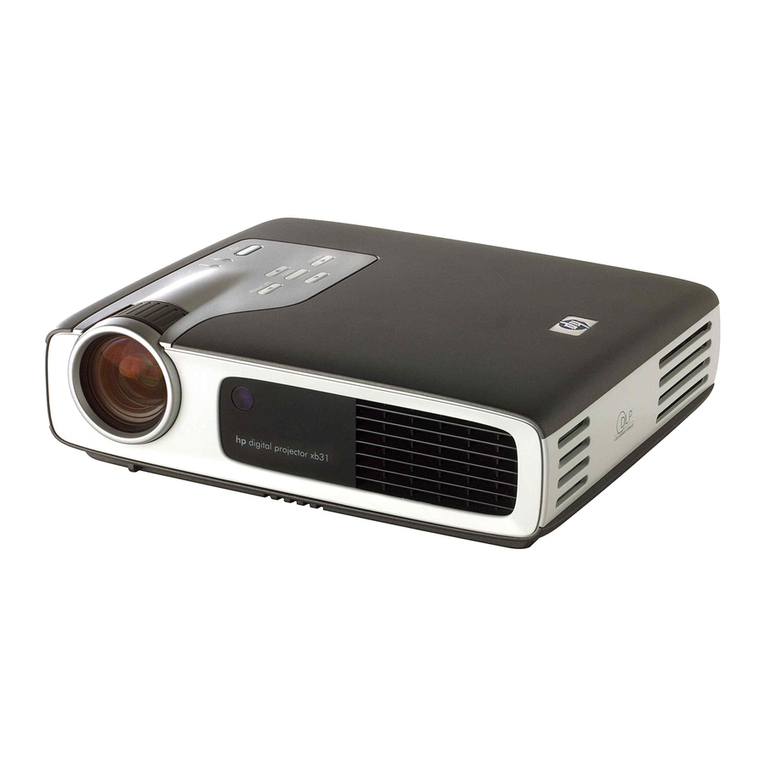
HP sb21 User manual

English • version 07.11.02
owner’s manual
hp digital projectors
xb31 & sb21

owner’s manual for the
hp digital projector xb31 and sb21

3
safety
Personal Safety.............................................4
Protecting Your Projector ...............................4
introduction
Projector Features .........................................5
Package Contents.........................................6
Projector Overview ......................................7
Control Panel ..........................................8
Back Panel Features.................................8
Remote Control With Mouse &
Laser Pointer ...........................................9
installation
Connecting the hp digital
projector xb31 to a computer.......................10
Connecting the hp digital
projector xb31 to other signal sources ..........11
Connecting the hp digital
projector sb21 to a computer.......................12
Connecting the hp digital
projector sb21 to other signal sources...........13
operation
Turning the projector ON and OFF...............14
Turning the projector ON .......................14
Turning the projector OFF.......................14
Adjusting the projected image......................16
Adjusting the display angle ....................16
Adjusting the hp xb31 zoom and focus....18
Projection image size (diagonal) .............18
Adjusting the hp sb21 focus ...................19
Projected image size (diagonal) ..............19
user controls
Control panel & remote control ....................20
Control Panel ........................................20
On-Screen Display Menus............................21
How to operate.....................................21
“Language”Menu .................................22
“All Images”Menu ................................23
“Audio”Menu ......................................24
“Computer Image”Menu .......................25
“Management”Menu ............................26
“Video Image”Menu.............................27
Remote control ...........................................28
appendices
Troubleshooting..........................................30
Changing the lamp module..........................32
hp xb31 specifications ................................34
hp xb31 compatibility modes.......................35
hp sb21 specifications ................................36
hp sb21 compatibility modes .......................37
Regulatory information ................................38
Warranty & Support ...................................41
table of
contents

4
Personal Safety
CAUTION! PREVENT EYE INJURY. Do not look into the projector’s lens when the
lamp is on. Do not point the remote control’s laser light at your own,
or anyone else’s, eyes.
CAUTION! AVOID BURN HAZARD. The lamp gets hot during normal operation.
Allow it to cool down for 30 minutes before changing lamp!
CAUTION! CUT HAZARD. If the bulb is broken, use caution while removing the
bulb assembly to avoid injury.
CAUTION! PREVENT ELECTRICAL SHOCK. Do not expose to rain or moisture. Do
not open or disassemble projector, except as instructed by this
manual.
WARNING! MERCURY HAZARD. This projector’s bulb contains a small amount of
mercury. If the lamp breaks, adequately ventilate the area where the
breakage occurred. The projector bulb may require special handling
and disposal at end-of-life.
Protecting Your Projector
Do:
•Connect projector’s cables before turning the projector ON.
•Allow the projector to complete its cooling cycle after turning the Power OFF (refer
to page 14).
CAUTION: Unplugging the projector while the fan is running reduces lamp life.
•Turn off and unplug the projector before cleaning.
•Use a soft, dry cloth to clean the projector’s housing.
•Use camera-lens cleaning materials and procedures to clean the lens.
•Disconnect the power plug from AC outlet if the projector isn’t being used for an
extended period of time.
•Allow the projector to cool-down for at least 30 minutes before changing the lamp.
Follow instructions provided with replacement lamp or in this manual.
•Lamp failure may produce a loud popping sound. This is normal and should not
cause concern. The projector will not turn back on until the lamp module has been
replaced.
•Reset the “Lamp Hour”monitor from the On Screen Display “Management”menu
tab after replacing the lamp module (refer to page 26).
•Refer to page 41 for warranty and support information.
Don’t:
•Unplug the projector while the fan is running.
•Block the projector’s ventilation openings.
•Use abrasive cleaners, waxes, or solvents for your cleaning.
•Clean the lens with detergent.
•Use in very hot, cold, or humid environments.
•Use or store in dusty or dirty conditions.
•Use in a strong magnetic field.
•Place the projector in direct sunlight.
safety
x
b31 sb21

5
Projector Features
The hp digital projector xb31 is an XGA single chip 0.7”DLPTM projector with
these outstanding features:
•True XGA, 1024 x 768 addressable pixels
•1500 comparable lumens
•Approximately 3.5 lbs (1.6 kg) compact design
•Single chip DLPTM technology
•SXGA compression and VGA, SVGA re-sizing
•156 watts (W) user-replaceable P-VIP lamp module
•NTSC 3.58/NTSC 4.43/PAL/PAL-M/PAL-N/SECAM and HDTV compatible
•Full function remote with mouse control and laser pointer
•High-tech VESA M1-DA connection for digital and analog video connectivity
•High definition TV (HDTV) compatibility
•User-friendly multilingual On Screen Display (OSD) menu
•Advanced electronic keystone correction
•User-friendly control panel
•Built-in 2 watt audio speaker
•Carrying case and cables included (refer to page 6)
The hp digital projector sb21 is an SVGA single chip 0.55”DLPTM projector with
these outstanding features:
•True SVGA, 800 x 600 addressable pixels
•1000 comparable lumens
•Approximately 2.2 lbs (1 kg) compact design
•Single chip DLPTM technology
•XGA compression and VGA re-sizing
•132 watts (W) user-replaceable P-VIP lamp module
•NTSC 3.58/NTSC 4.43/PAL/PAL-M/PAL-N/SECAM and HDTV compatible
•Full function remote with mouse control and laser pointer
•High-tech VESA M1-DA connection for digital and analog video connectivity
•High definition TV (HDTV) compatibility
•User-friendly multilingual On Screen Display (OSD) menu
•Advanced electronic keystone correction
•User-friendly control panel
•Carrying case and cables included (refer to page 6)
introduction
x
b31 sb21

6
Package Contents
The hp digital projectors come with the following items. Please check to make
sure your unit is complete. If anything is missing contact your dealer
immediately.
Projector with lens cap Projector with lens cap Carrying Case
Composite Video Cable 2.5 mm Mini Phone Jack for
Composite Video Cable
Power Cord
S-video Cable USB Mini-B 5-pin to
S-video Input Cable
Mi-A to VGA
and USB Cable
Battery x2
Audio Cable Remote Control with Mouse
Function and Laser Pointer
Owner’s Manual on
Compact Disc (CD ROM)
Quick Start Card
Warranty/Support
Information Data Sheet
introduction
x
b31 sb21
x
b31 sb21

7
Projector Overview
1. Control Panel 6. Remote Control Receivers (front & back)
2. Power Connector 7. Elevation Button
3. I/O Connection Ports 8. Elevation Foot
4. Zoom Ring 9. Lens Cap
5. Focus Ring
1. Control Panel 5. Remote Control Receivers (front & back)
2. Power Connector 6. Elevation Button
3. I/O Connection Ports 7. Elevation Foot
4. Focus Ring 8. Lens Cap
sb21
9
6
5
78
x
b31
1
45
7
2
3
6
5
8
introduction
2
3
6
14

8
Control Panel
1. Power (ON/OFF) Button
2. Lamp Warning Indicator Light
3. Temperature Warning
Indicator Light
4. Source Button
5. Menu (ON/OFF) Button
6. Auto Image Button
7. Four Directional Select Buttons
Back Panel Features
1. KensingtonTM Lock Hole 4. S-Video Input
2. Composite Video Input
3. Audio Input
5. VESA M1-DA Analog RGB / Digital / HDTV /
Component Video / USB Mouse Input
1. KensingtonTM Lock Hole 4. Power Connector
2. Composite Video Input
3. S-Video Input
5. VESA M1-DA Analog RGB / Digital / HDTV /
Component Video / USB Mouse Input
x
b31 sb21
14
2
6
35
7
introduction
12 3 4 5
x
b31
sb21
1
23
4
5

9
Remote Control With Mouse & Laser Pointer
x
b31 sb21
introduction
Multi-Directional Selector
Right Mouse Button
Hide Image
Page Down
Keystone Correction
Zoom In / Zoom Out
Menu
Transmit
Indicator Li
g
ht
Projector Power
Page Up
Laser Pointer
Volume ( + / - )
Source
Freeze
Left Mouse Button
CAUTION!
PREVENT EYE INJURY.
Do not point the remote
control’s laserlight at
anyone’s eyes.
NOTE: Connect the USB
cable when using
the remote control
mouse features.

10
Connecting the hp digital projector xb31 to a
computer
Connect the power cord to the
projector and a power outlet.
Connect the black end of the
video cable to the projector.
Connect the blue end of the video
cable to the PC; optionally, to
have the remote control function
as a mouse, connect the USB
connector to the PC.
Start the projector; after a 30-
second warm-up it will search for
a video signal.
If no video signal is found, you
may need to set up the PC to
send a video signal out the video
port.
installation
x
b31
CAUTION!
Unplugging the projector while
the fan is running may reduce
lamp life.
NOTE: For best performance,
configure the display
mode of your computer’s
graphic card to
1024×768 resolution.
Ensure the timing of the
display mode is
compatible with the
projector. Refer to the
“hp xb31 compatibility
modes”section on
page 35.
Other manuals for sb21
3
This manual suits for next models
1
Table of contents
Other HP Projector manuals