- 6 -
In test status,press enter to the menu. Then press “up”or“down”to select
“save record”,“enter”and input serial number for the equipment which is being
Serial number is up to six-digit,you can change numerical value by “up”or
“down”,or change digit by “left”or“right”.
“Enter”when serial number complete inputting,or press “cancel”to give
up the record and return to menu.
In test status,press enter to the menu. Then press “up”or“down”to select
LCD display from the latest saved record,press“up”or“down”to view the other
In test status,press enter to the menu. Then press “up”or“down”to select
“delete record”,press “enter”will delete all records.
In test status,press enter to the menu. Then press “up”or“down”to select
“change date”,press “enter”to time page.
Press“up”or“down”to adjust time value,press“left”or“right”to select hour,
Press “enter” ,goes to date setting.
5. Matters need attention
The meter should place at a safe position,avoid fall and strenuous vibration.
Do not meter corrosive gas.
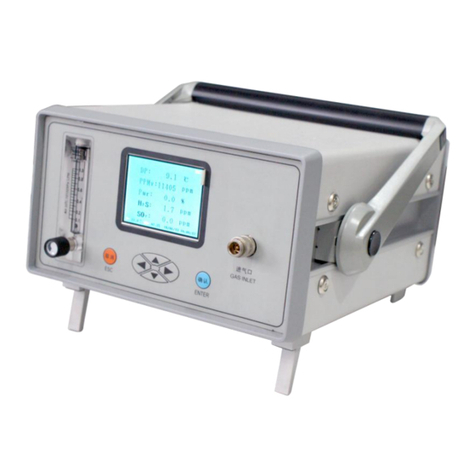
When adjust flow,turn the flow valve slowly, make the flow meter at about
Charge battery before use the meter ,connect the power line to a 220V
socket,you needn’t power on the meter,it will charge automatically,and
needs more than 20 hours.