manuals.online logo
Brands
  1. Home
  2. •
  3. Brands
  4. •
  5. HUBBELL LIGHTING
  6. •
  7. Lighting Equipment
  8. •
  9. HUBBELL LIGHTING Dual-Lite EVE Series Manual

HUBBELL LIGHTING Dual-Lite EVE Series Manual

This manual suits for next models

2

Other HUBBELL LIGHTING Lighting Equipment manuals

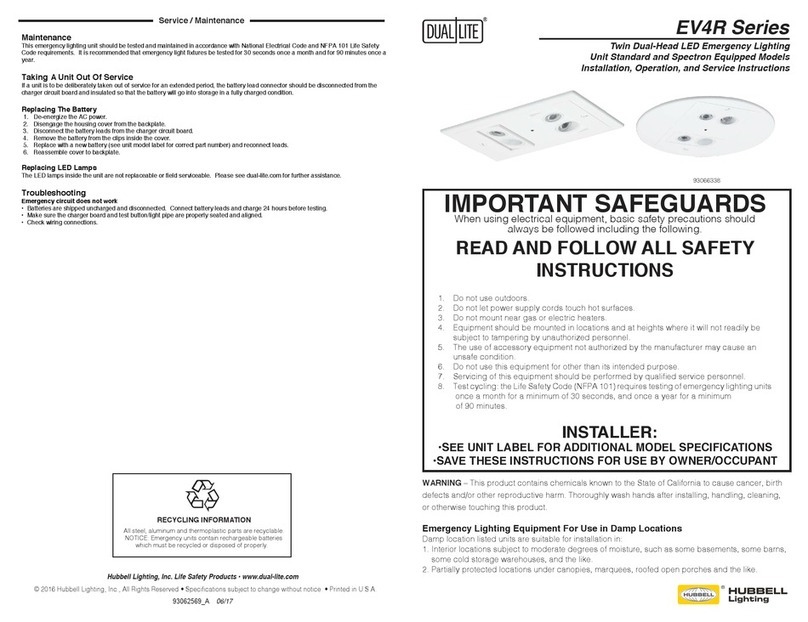
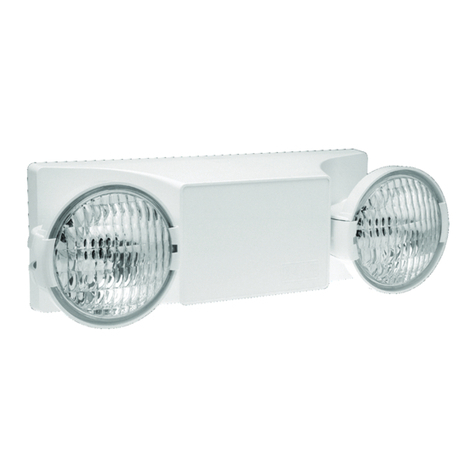
HUBBELL LIGHTING DUAL LITE EV4R Series Manual

HUBBELL LIGHTING

HUBBELL LIGHTING DUAL LITE EV4R Series Manual

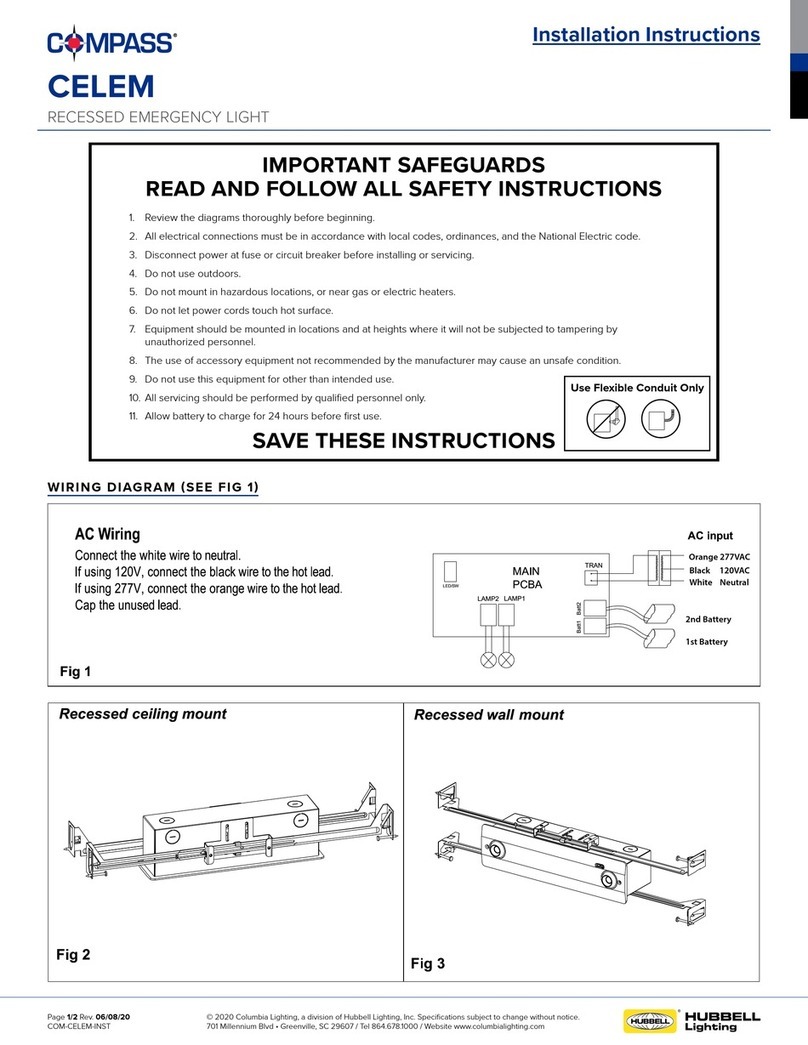
HUBBELL LIGHTING Compass CELEM User manual

HUBBELL LIGHTING

HUBBELL LIGHTING Compass CELEM User manual

HUBBELL LIGHTING LXTB User manual

HUBBELL LIGHTING

HUBBELL LIGHTING LXTB User manual

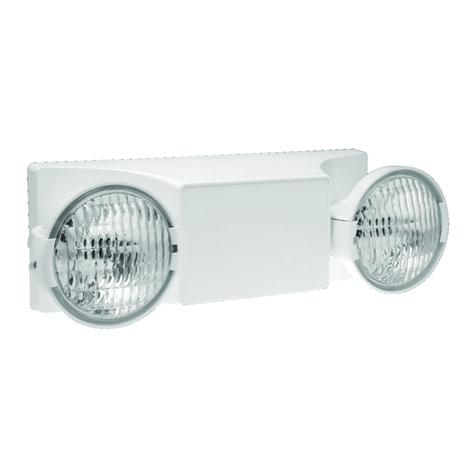
HUBBELL LIGHTING Dual-Lite EV Series User manual

HUBBELL LIGHTING

HUBBELL LIGHTING Dual-Lite EV Series User manual

HUBBELL LIGHTING HCX Series User manual

HUBBELL LIGHTING

HUBBELL LIGHTING HCX Series User manual

HUBBELL LIGHTING Compass tradeSELECT CJB User manual

HUBBELL LIGHTING

HUBBELL LIGHTING Compass tradeSELECT CJB User manual

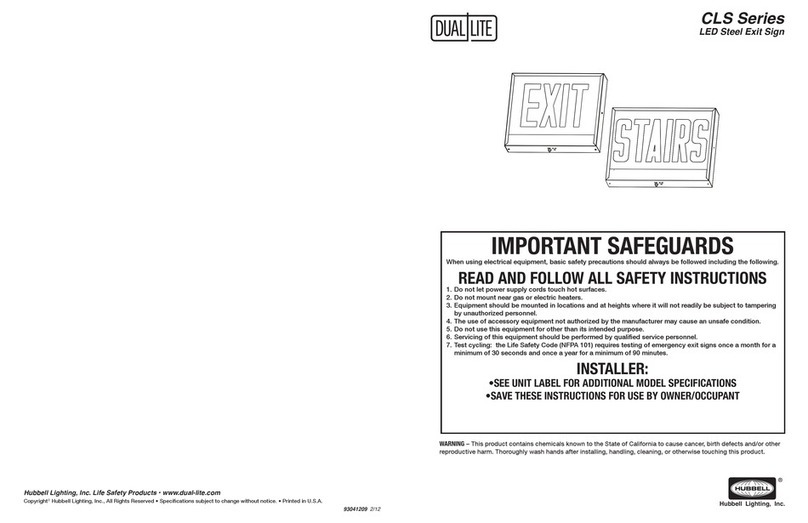
HUBBELL LIGHTING DUAL LITE CLS Series User manual

HUBBELL LIGHTING

HUBBELL LIGHTING DUAL LITE CLS Series User manual

HUBBELL LIGHTING DUAL LITE LiteScape User manual

HUBBELL LIGHTING

HUBBELL LIGHTING DUAL LITE LiteScape User manual

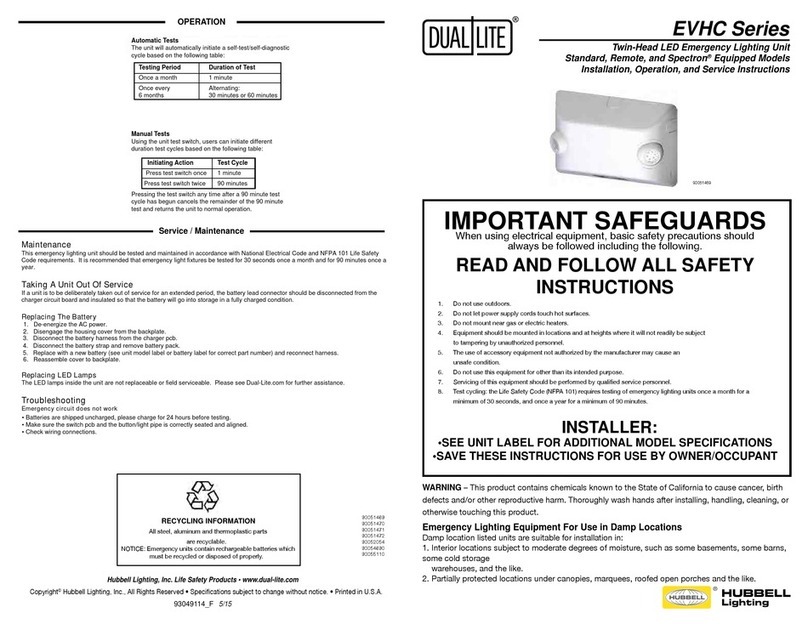
HUBBELL LIGHTING DUAL LITE EVHC Series User manual

HUBBELL LIGHTING

HUBBELL LIGHTING DUAL LITE EVHC Series User manual

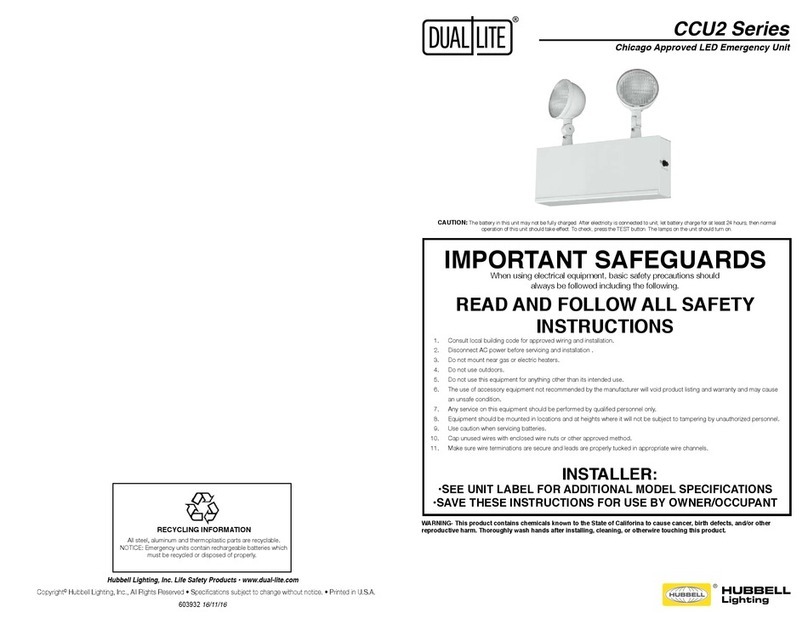
HUBBELL LIGHTING Dual Lite CCU2 Series User manual

HUBBELL LIGHTING

HUBBELL LIGHTING Dual Lite CCU2 Series User manual

HUBBELL LIGHTING DUAL LITE EZ-2 Series Manual

HUBBELL LIGHTING

HUBBELL LIGHTING DUAL LITE EZ-2 Series Manual

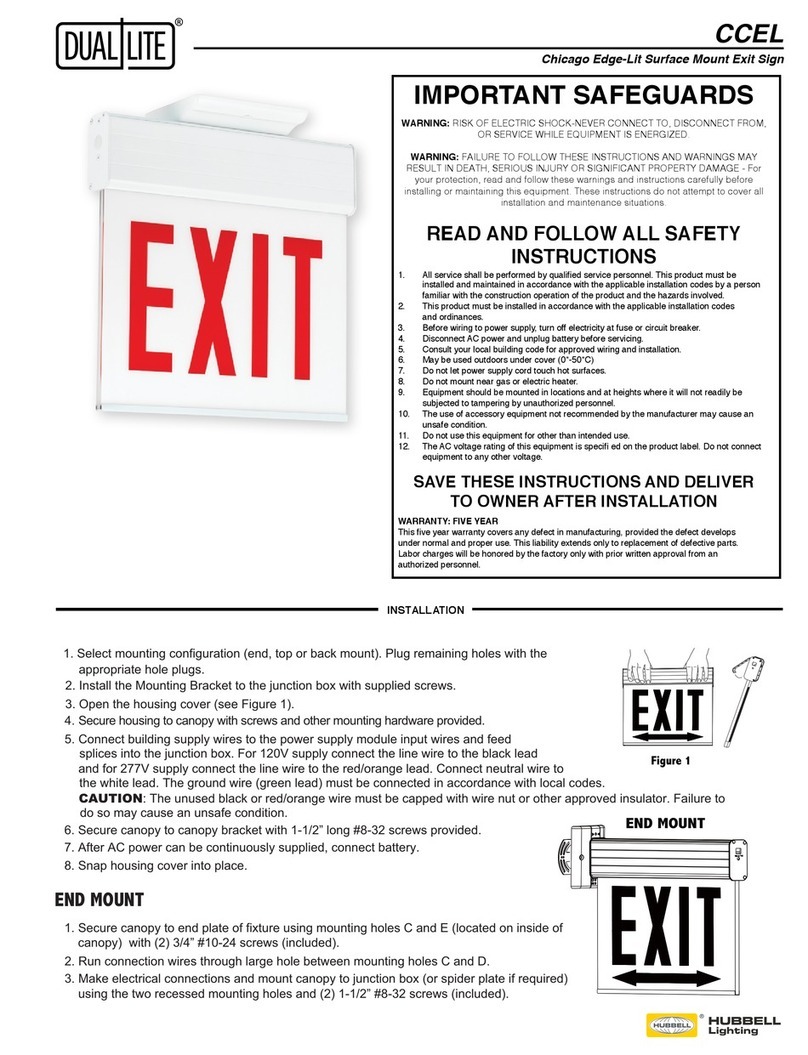
HUBBELL LIGHTING DualLite CCEL Series User manual

HUBBELL LIGHTING

HUBBELL LIGHTING DualLite CCEL Series User manual

HUBBELL LIGHTING Dual Lite EZ-2 Series Manual

HUBBELL LIGHTING

HUBBELL LIGHTING Dual Lite EZ-2 Series Manual

HUBBELL LIGHTING DUAL-LITE CRU Series Owner's manual

HUBBELL LIGHTING

HUBBELL LIGHTING DUAL-LITE CRU Series Owner's manual

HUBBELL LIGHTING Dual Lite EVE4X Series Manual

HUBBELL LIGHTING

HUBBELL LIGHTING Dual Lite EVE4X Series Manual

Popular Lighting Equipment manuals by other brands

Life 39.9F70020C quick start guide

Life

Life 39.9F70020C quick start guide

EuroLite LED ML-20 user manual

EuroLite

EuroLite LED ML-20 user manual

LIGMAN OD-50141 installation manual

LIGMAN

LIGMAN OD-50141 installation manual

Home Accents Holiday 1002461144 instructions

Home Accents Holiday

Home Accents Holiday 1002461144 instructions

Experia IRiS Ripple Light instruction manual

Experia

Experia IRiS Ripple Light instruction manual

Erco Gecko Mounting instructions

Erco

Erco Gecko Mounting instructions

Inter-lux ZTA.100.Surface Installation and maintenance instructions

Inter-lux

Inter-lux ZTA.100.Surface Installation and maintenance instructions

Whelen Engineering Company TN Series installation guide

Whelen Engineering Company

Whelen Engineering Company TN Series installation guide

IKEA BJÖRKSPIREA manual

IKEA

IKEA BJÖRKSPIREA manual

Toolland PM 6640 instruction manual

Toolland

Toolland PM 6640 instruction manual

GTD GTD-LP200 user manual

GTD

GTD GTD-LP200 user manual

LIVARNO home 1105-W-UK manual

LIVARNO home

LIVARNO home 1105-W-UK manual

ProLights EclPar IPMFC user manual

ProLights

ProLights EclPar IPMFC user manual

Velvet EVO Series user manual

Velvet

Velvet EVO Series user manual

IDTOLIGHT GENT installation instructions

IDTOLIGHT

IDTOLIGHT GENT installation instructions

MAYTONI S35 installation manual

MAYTONI

MAYTONI S35 installation manual

MaxLite MLFP14DP4535 user manual

MaxLite

MaxLite MLFP14DP4535 user manual

SLV Elektronik 550621 instruction manual

SLV Elektronik

SLV Elektronik 550621 instruction manual

manuals.online logo
manuals.online logoBrands
  • About & Mission
  • Contact us
  • Privacy Policy
  • Terms and Conditions

Copyright 2025 Manuals.Online. All Rights Reserved.

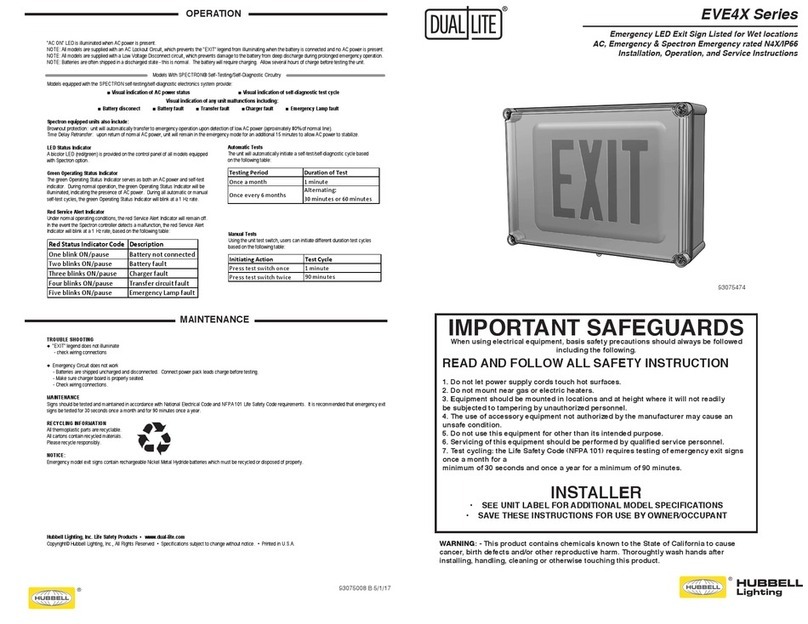
"AC ON" LED is illuminated when AC power is present.
NOTE: All models are supplied with an AC Lockout Circuit, which prevents the "EXIT" legend from illuminating when the battery is connected and no AC power is present.
NOTE: All models are supplied with a Low Voltage Disconnect circuit, which prevents damage to the battery from deep discharge during prolonged emergency operation.
NOTE: Batteries are often shipped in a discharged state - this is normal. The battery will require charging. Allow several hours of charge before testing the unit.
Models With SPECTRON® Self-Testing/Self-Diagnostic Circuitry
Models equipped with the SPECTRON self-testing/self-diagnostic electronics system provide:
■ Visual indication of AC power status ■ Visual indication of self-diagnostic test cycle
Visual indication of any unit malfunctions including:
■ Battery disconect
■
Battery fault ■ Transfer fault ■Charger fault ■ Emergency Lamp fault
Spectron equipped units also include:
Brownout protection: unit will automatically transfer to emergency operation upon detection of low AC power (aproximately 80% of normal line).
Time Delay Retransfer: upon return of normal AC power, unit will remain in the emergency mode for an additional 15 minutes to allow AC power to stabilize.
LED Status Indicator
A bicolor LED (red/green) is provided on the control panel of all models equipped
with Spectron option.
Green Operating Status Indicator
The green Operating Status Indicator serves as both an AC power and self-test
indicator. During normal operation, the green Operating Status Indicator will be
illuminated, indicating the presence of AC power. During all automatic or manual
self-test cycles, the green Operating Status Indicator will blink at a 1 Hz rate.
Red Service Alert Indicator
Under normal operating conditions, the red Service Alert Indicator will remain off.
In the event the Spectron controller detects a malfunction, the red Service Alert
Indicator will blink at a 1 Hz rate, based on the following table:
Red Status Indicator Code Description
One blink ON/pause Battery not connected
Two blinks ON/pause Battery fault
Three blinks ON/pause Charger fault
Four blinks ON/pause Transfer circuit fault
Five blinks ON/pause Emergency Lamp fault
Manual Tests
Using the unit test switch, users can initiate different duration test cycles
based on the following table:
Automatic Tests
The unit will automatically initiate a self-test/self-diagnostic cycle based
on the following table:
Initiating Action Test Cycle
Press test switch once 1 minute
Press test switch twice 90 minutes
Testing Period Duration of Test
Once a month 1 minute
Once every 6 months Alternating:
30 minutes or 60 mi nutes
MAINTENANCE
TROUBLE SHOOTING
● "EXIT" legend does not illuminate
- check wiring connections
● Emergency Circuit does not work
- Batteries are shipped uncharged and disconnected. Connect power pack leads charge before testing.
- Make sure charger board is properly seated.
- Check wiring connections.
MAINTENANCE
Signs should be tested and maintained in accordance with National Electrical Code and NFPA 101 Life Safety Code requirements. It is recommended that emergency exit
signs be tested for 30 seconds once a month and for 90 minutes once a year.
RECYCLING INFORMATION
All thermoplastic parts are recyclable.
All cartons contain recycled materials.
Please recycle responsibly.
NOTICE:
Emergency model exit signs contain rechargeable Nickel Metal Hydride batteries which must be recycled or disposed of properly.
Hubbell Lighting, Inc. Life Safety Products • www.dual-lite.com
Copyright© Hubbell Lighting, Inc., All Rights Reserved • Specifications subject to change without notice. • Printed in U.S.A.
■ ■
■
■
■ ■ ■
Red Status Indicator Code Description
One blink ON/pause Battery not connected
Two blinks ON/pause Battery fault
Three blinks ON/pause Charger fault
Four blinks ON/pause Transfer circuit fault
Five blinks ON/pause Emergency Lamp fault
Initiating Action Test Cycle
Press test switch once 1 minute
Press test switch twice 90 minutes
Testing Period Duration of Test
Once a month 1 minute
Once every 6 months Alternating:
30 minutes or 60 minutes
●
●
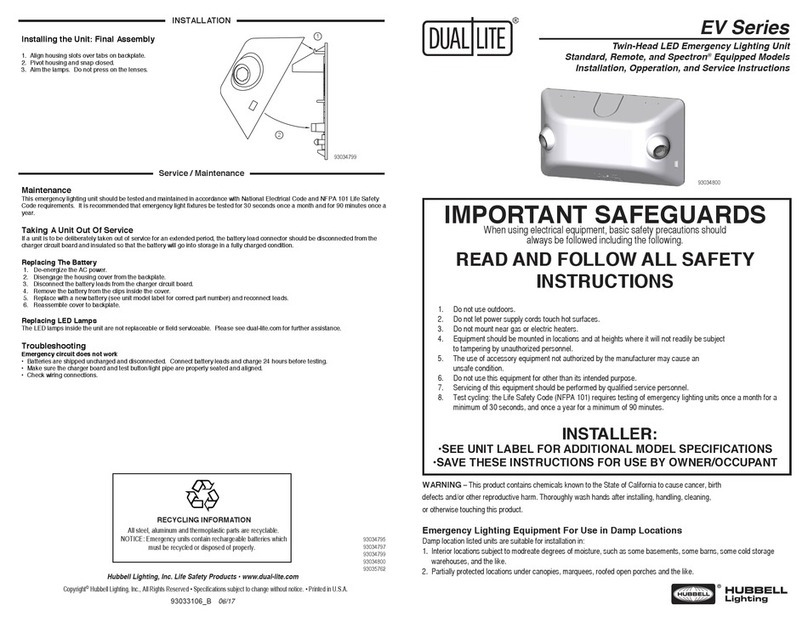
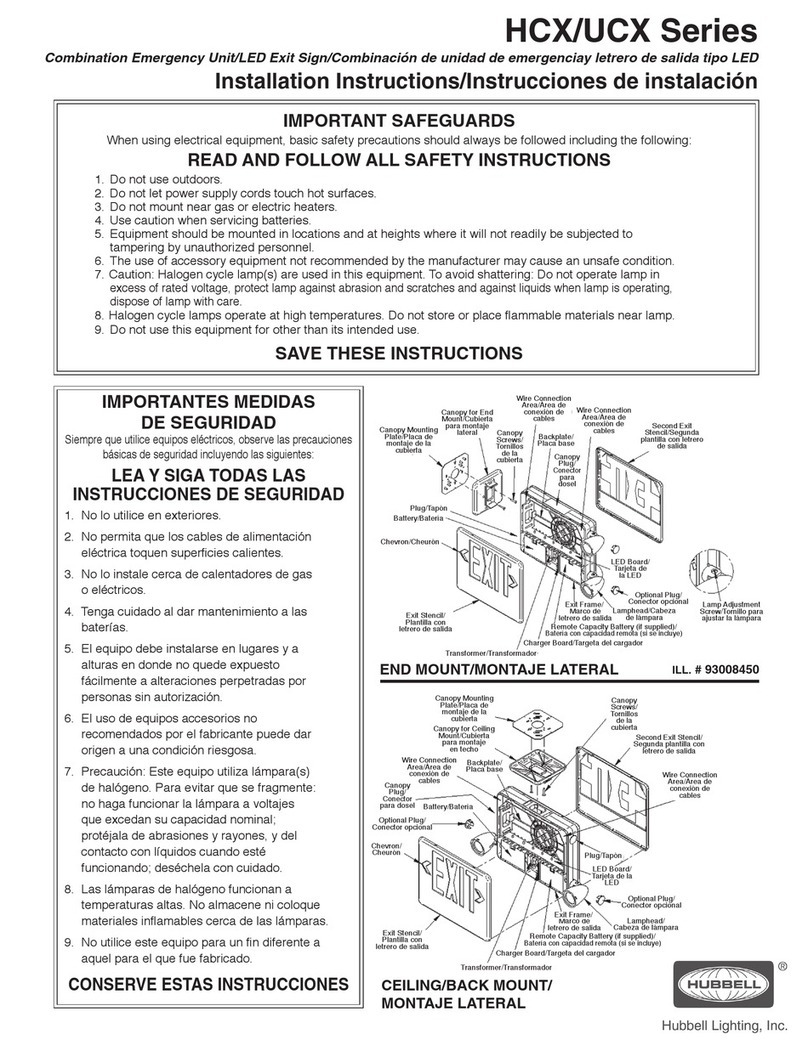
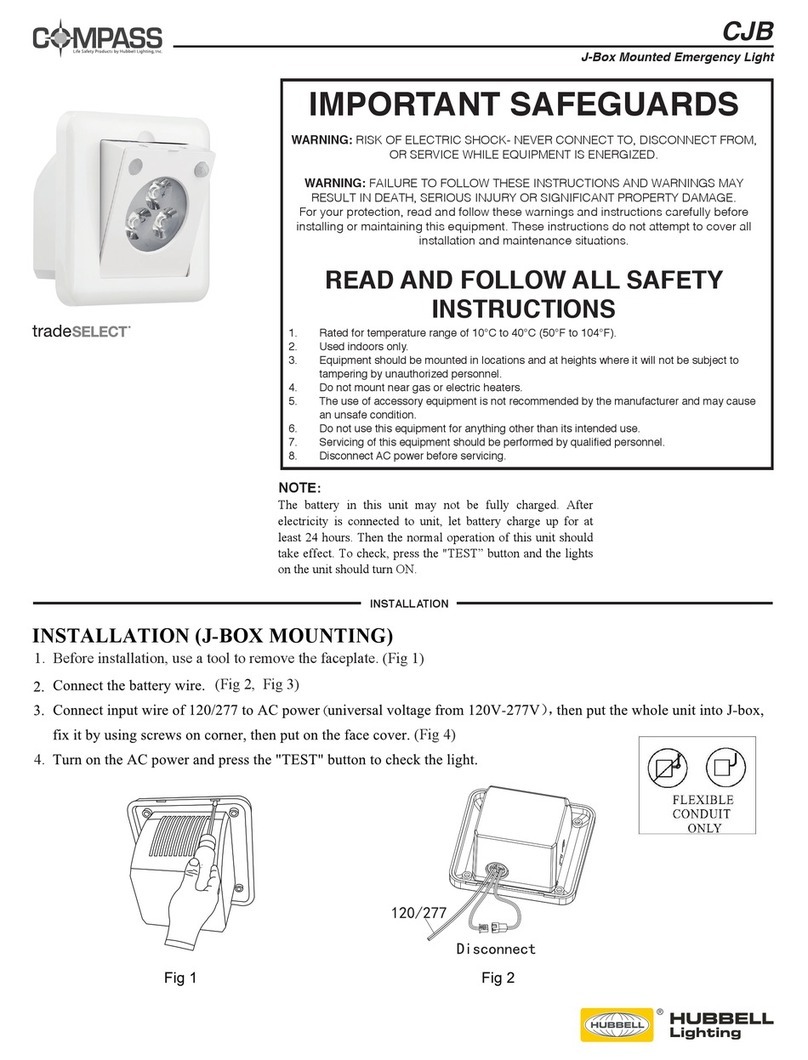
IMPORTANT SAFEGUARDS
When using electrical equipment, basic safety precautions should always be followed including the following:
READ AND FOLLOW ALL SAFETY INSTRUCTIONS
1. Do not use outdoors.
2. Do not let power supply cords touch hot surfaces.
3. Do not mount near gas or electric heaters.
4. Equipment should be mounted in locations and at heights where it will not readily be subject to tampering by
unauthorized personnel.
5. The use of accessory equipment not authorized by the manufacturer may cause an unsafe condition.
6. Do not use this equipment for other than its intended purpose.
7. Servicing of this equipment should be performed by qualified service personnel.
8. Test cycling: the Life Safety Code (NFPA 101) requires testing of emergency exit signs once a month for a
minimum of 30 seconds and once a year for a minimum of 90 minutes
.
INSTALLER:
• SEE UNIT LABLE FOR ADDITIONAL MODEL SPECIFICATIONS
• SAVE THESE INSTRUCTIONS FOR USE BY OWNER/OCCUPANT
WARNING - This product contains chemicals known to the State of California to cause cancer, birth defects, and/or other reproductive harm.
Thoroughly wash hands after installing, handling, cleaning, or otherwise touching this product.
Thermoplastic LED Exit Sign
Installation, Operation , and Maintenance Instructions
EVE Series
OPERATION
93048330_3
MAINTENANCE
LABEL

END MOUNT
WALL MOUNT
I
N
S
T
A
LL
A
TI
O
N
I
N
END MOUNT
DETAIL -A-
Make connections using quick connectors provided
and insert connectors in capture slots. See Detail A.
Secure wires with fingers
in frame as shown.
Select appropriate
knockouts for junction box.
Store unused lead in
transformer compartment
AC transformer:
120VAC - connect to black and
white leads.
277VAC - connect to red and
white leads.
*For emergency models, plug 2-pin
battery connector into PC board here.
Charger board and battery
pack. (Emergency models only)
Use pre-tinned
pigtail leads
provided for AC
input to sign.
Make connections using quick connectors provided
and insert connectors in capture slots. See Detail A.
Secure wires
with fingers in
frame as shown.
AC transformer:
120VAC - connect to black and
white leads.
277VAC - connect to red and
black leads.
*For emergency models, plug 2-pin
battery connector into PC board here.
Store unused lead
in transformer
compartment
Charger board
and battery pack.
(Emergency
models only)
Use pre-tinned
pigtail leads
provided for AC
input to sign.
Make sure the canopy parts
click together when
assembling fixture.
Use the fingers in the frame to
secure the wiring. Typical all signs. Insert connectors in capture slots once the connections have
been made with the provided connectors. Typical all signs.
93050018
93050016
93050016
CEILING MOUNT
INSTALLATION
I
N
S
T
R
U
C
TI
O
N
S
OPTIONS
Use pre-tinned pigtail leads
provided for AC input to sign.
Store unused lead in
transformer compartment
Charger board and battery
pack. (Emergency models only)
*For emergency models, plug 2-pin
battery connector into PC board here.
AC transformer:
120VAC - connect to black and
white leads.
277VAC - connect to red and
whiteleads.
Secure wires with fingers
in frame as shown.
Make connections using quick connectors
provided and insert connectors in capture
slots. See Detail A.
Make sure the canopy parts
click together when
assembling fixture.
93050017
IMPORTANT
: Option connection wires must
be run before sign housing is attached to
canopy.
FIRE ALARM PANEL (-FAP) OPTION
FAP option connects to 24 volt AC or DC
(purple wires). Flash Rate: .5 seconds on, .5
seconds off.
DC REMOTE (-DC) OPTION
DC Remote option connects to 6-24 volt DC
[yellow(-), blue(+)].
FLASHER MODULE (-FM) OPTION
Emergency Mode Flash Rate: .5 seconds on,
.5 seconds off.
AUDIBLE/FLASHER MODULE (-AF) OPTION
Emergency Mode Beep/Flash Rate: .5
seconds on, .5 seconds off.
Dual circuit transformer secondary wires
connect to option board input connector here.
Connect dual-circuit
transformer primary
wires to utility source.
120VAC - connect to
black and white leads.
277VAC - connect to red
and white leads.
Connect option wires (-FAP
or -DC) to grey conncetor on
options board.
Secure wires with
fingers in frame similar
to incoming power wires.
yellow
(DC)
blue
(DC)
93050019
INSTALLATION INSTRUCTIONS INSTALLATION INSTRUCTIONS
Optional