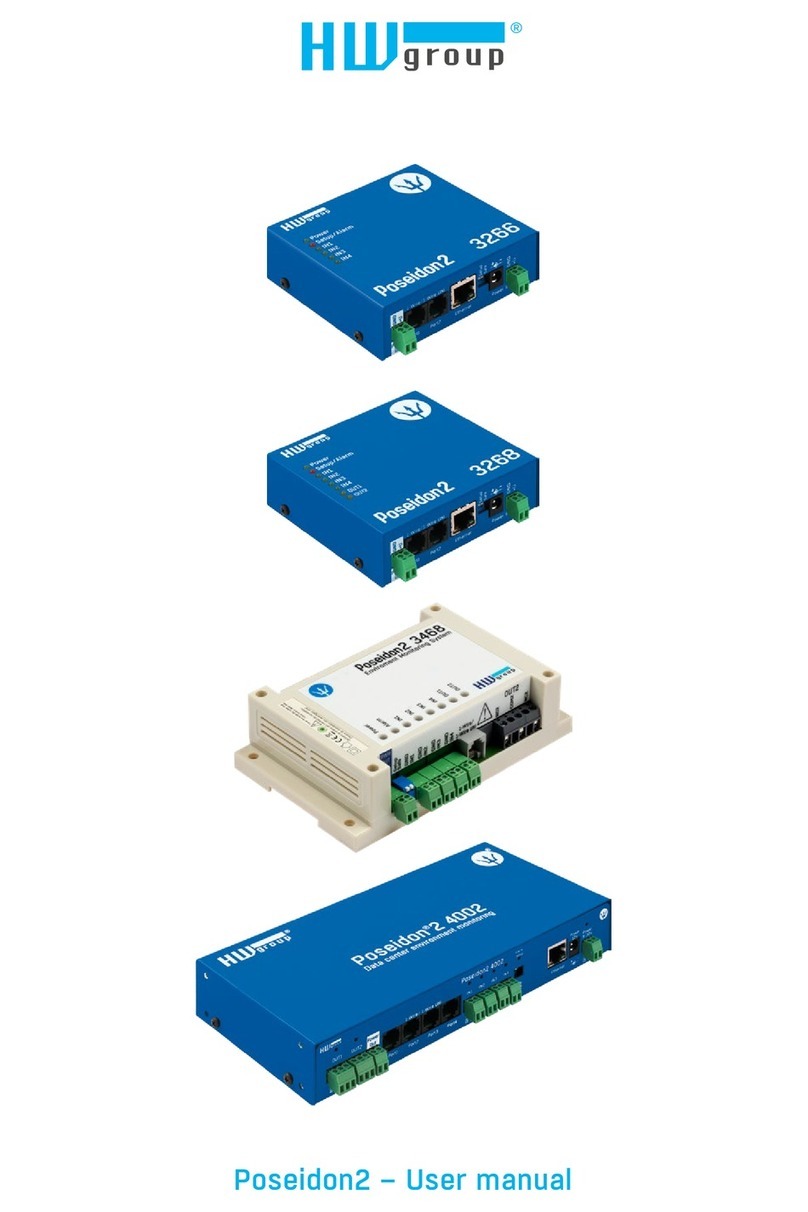
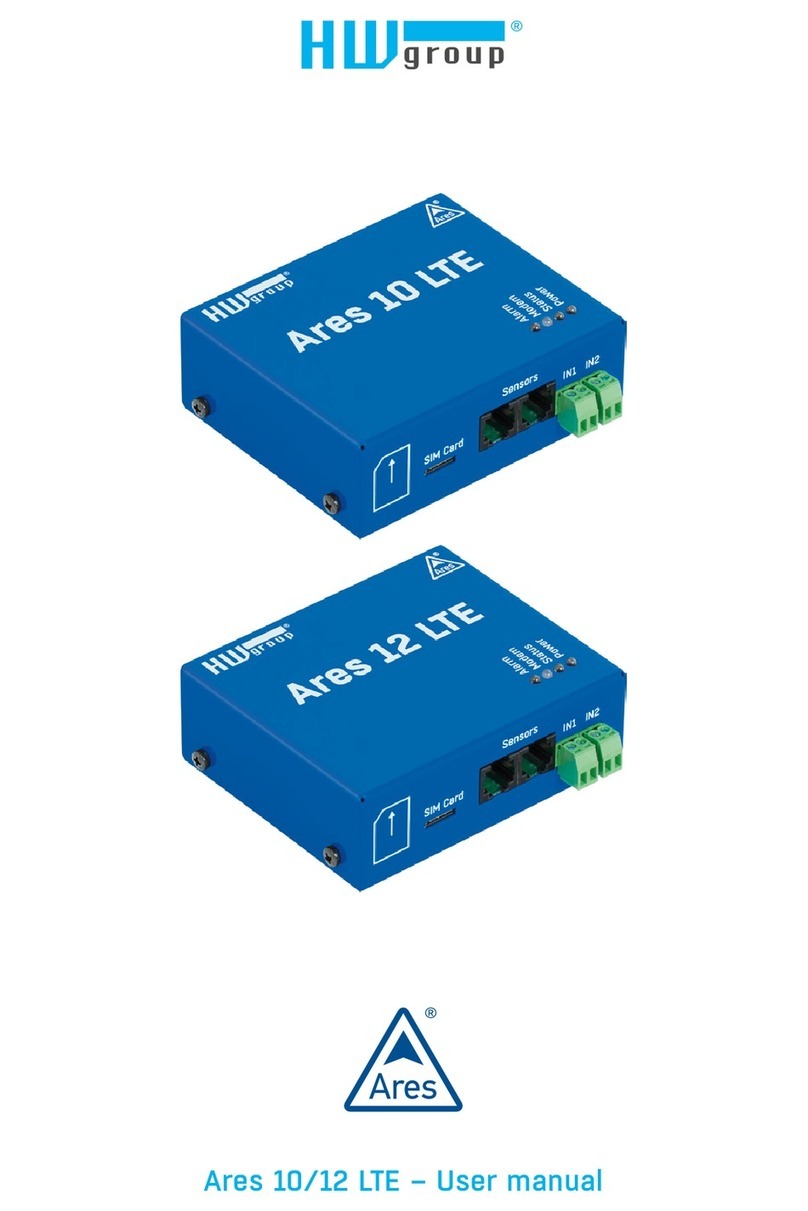
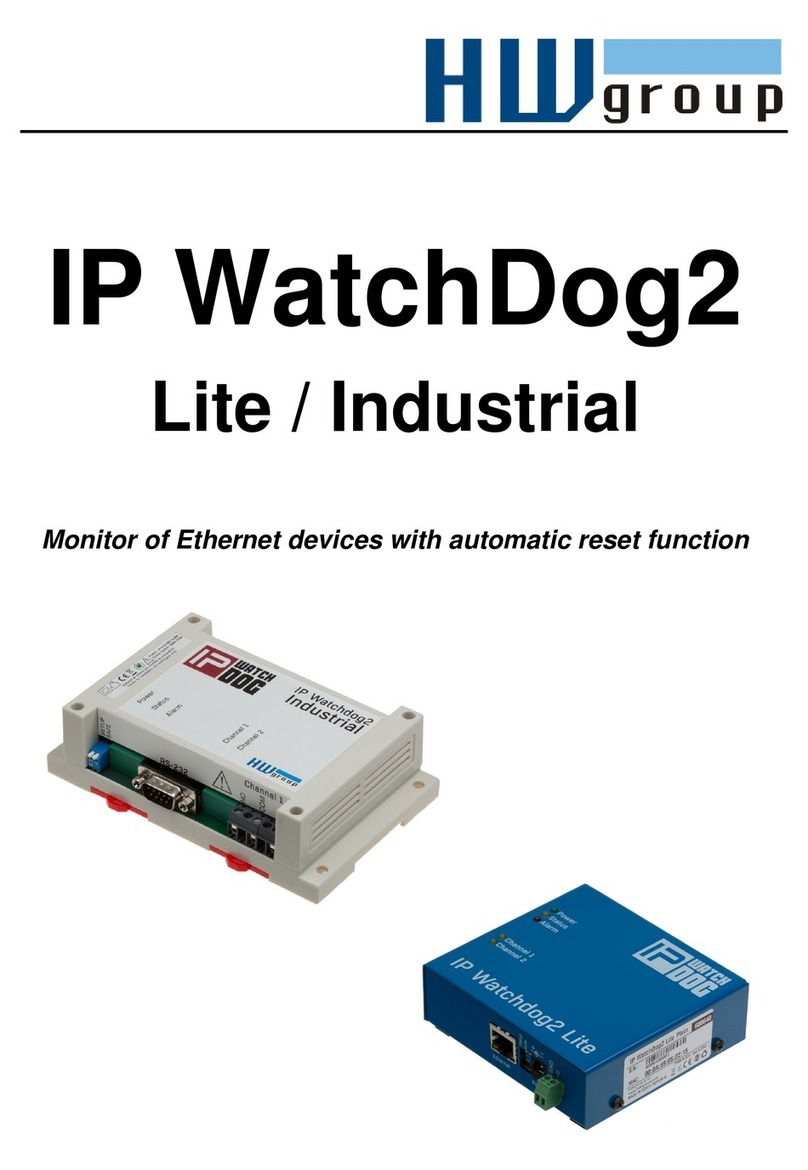
Industrial Bus sensors (RS-485)
Industrial bus for connecting sensors over longer distances
Connect the sensors before powering up the unit.
Sensors can be daisy-chained, or connected to a virtual star using
the “S-Hub” unit.
Terminate the RS485 line with a 120 Ω to 470 Ω terminator. Some
sensors contain a built-in, jumper- or DIP-controlled terminator. See
the sensor manual.
Check or set the sensor address. Each sensor on the RS-485 bus must have an unique
address. The address (ID) is expressed as a letter (A..Z / a..z) or a number (65..122). The
numbers correspond to the ASCII codes of the letters, A=65, Z=90, a=97, z=122.
For details about address configuration, see the sensor manual.
If you change the sensor topology, the sensors must be auto-detected again.
(Web interface > Flash Setup > Sensor Setup > Autodetect Sensors)
Sensors are shipped with non-conflicting addresses whenever possible. The preconfigured address
is written on the label.
Note: A particular sensor is identified by its RS-485 address. Sensors with the same
address can be swapped without the need for a new detection.
•For details about connecting sensors, see the description of the interfaces.
•For more information about connecting sensors and wiring lengths, see the
detailed manual for the Poseidon line of products.
TIP