2 3
Product information
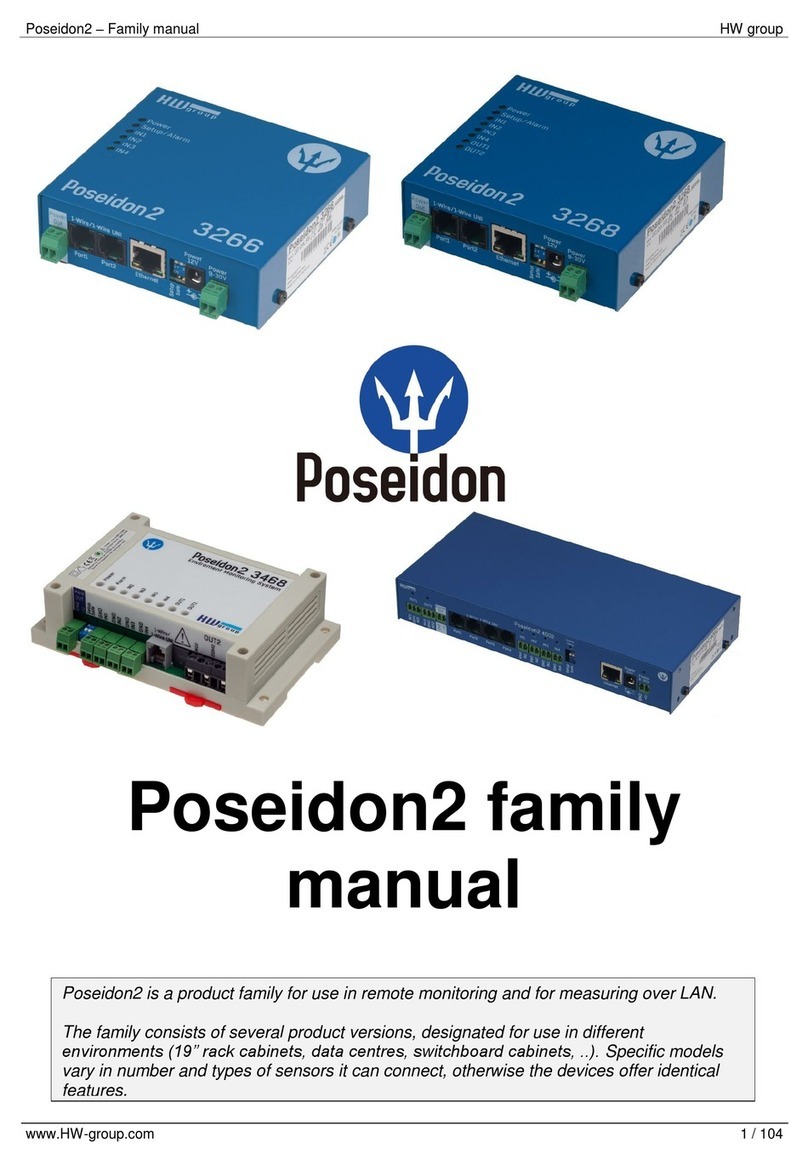
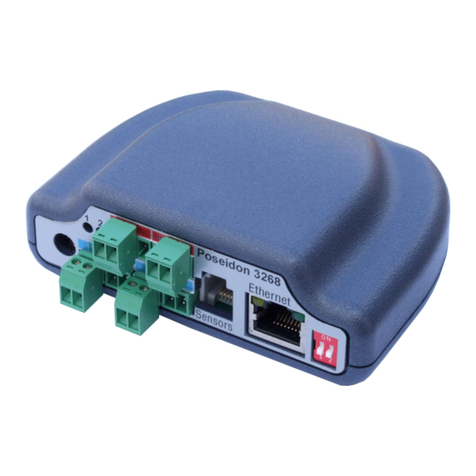
Poseidon2 family
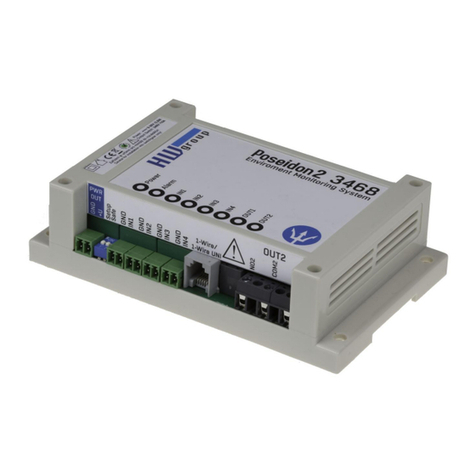
Poseidon2 is a family of products for remote monitoring and control over a LAN.
The family consists of several versions designed for different uses (19" cabinets, data centers,
electric cabinets, ...). Individual Poseidon2 models differ by the number and types of supported
sensors; other features are identical.
Contents
Contents
Safety information 2
Poseidon2 models 4
Poseidon2 3266 4
Poseidon2 3268 4
Poseidon2 3468 5
Poseidon2 4002 5
Feature comparison 6
Connectors 7
Setting up 8
Connecting the cables 8
Configuring the IP address – HWg Config 8
Configuring network parameters 9
WWW interface of the device 10
Web interface 11
Connecting the sensors 26
1-Wire Bus (RJ11) sensors 26
RS-485 (RJ45) sensors 26
Common features of the Poseidon2 family 27
Displayed readings 27
Input / sensor in alarm state 27
Calibration 28
Sensor hysteresis 28
Supported interfaces (in detail) 29
Connectors and connections 29
Dry Contact inputs 30
RJ11 – 1-Wire bus 31
1-Wire UNI (RJ11) 31
1-Wire (UNI) bus 32
RJ45 – RS-485 33
User interface 39
HWg Config 39
WEB interface 40
General 40
General Setup 42
Security 44
SNMP 47
Email 50
GSM 52
Log & Time 54
Portal 56
MQTT 58
Sensors 60
Inputs 62
Outputs 63
Virtual Outputs (VDO) 65
System 66
Update Firmware 67
Software applications 67
HWg-PDMS 67
HWg-Trigger 68
PosDamIO 68
SensDesk.com 69
Connecting Poseidon2 to SensDesk 70
PosDamIO and SDK 74
Formats and interfaces 74
Safety information
The device complies with regulations and industrial standards in force in the Czech Republic and
the European Union. The device has been tested and is supplied in working order. To keep the de-
vice in this condition, it is necessary to adhere to the following safety and maintenance instructions.
Never remove the device cover if the relay terminals are connected to the electrical network!
Using the device in a manner other than prescribed by the manufacturer may cause its safeguards
to fail!
The power supply outlet or disconnection point must be freely accessible.
The device must not be used in particular under any of the following conditions:
• The device is noticeably damaged
• The device does not function properly
• Unfastened parts can move inside
the device
• The device has been exposed to
moisture or rain
• The device has been serviced by
unauthorized personnel
• The power adapter or power supply cable
are noticeably damaged
• If the device is used in a manner other than
designed for, the protection provided by the
device may fail.
• The local electrical system must include
a power switch or a circuit breaker and
overcurrent protection.
The manufacturer warrants the device only if it is powered by the supplied power adapter or an
approved power supply.
If you have any problems with installing or operating the device, please contact technical support:
HW group s. r. o.
http://www.hw-group.com
E-mail: support@HWg.cz
Phone: +420 222 511 918
Formanská 296
Praha 4, 149 00
Czech Republic
When contacting technical support, please keep at hand the exact type of your device (at the type plate)
and, if possible, the firmware version (see later in this manual).