1
©2021 Icom America Inc. The Icom log o is a reg istered tr ademark of Icom Inc.
V10MR User Programming Guide
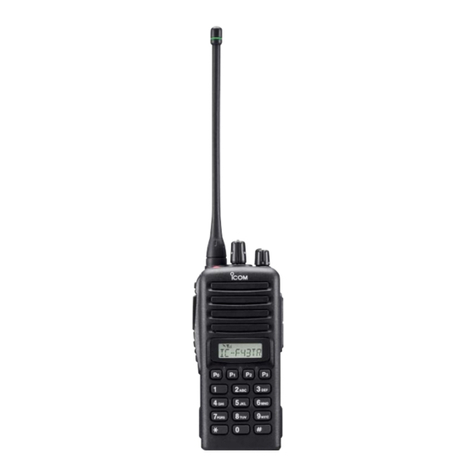
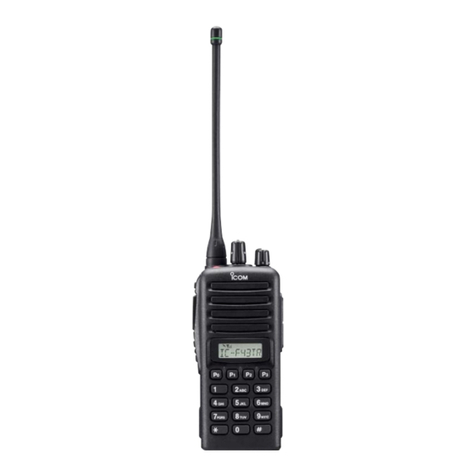
Your new V10MR, in its default state, works correctly with other new (no programming changes) V10MR
radios. Please refer to your instruction manual for basic steps to operate the radio with no
programming changes.
Should you want to change channel assignments, tones, or special features, your V10MR radio has a
number of advanced radio features that can be enabled through its software (CS-V10MR).
To program the radios, you will need the following:
•CS-V10MR Cloning Software. Available for free download on the Icom America website
(Products >Landmobile >V10MR).
•OPC 478UC Cloning Cable (“B” version only). Available from an Icom America Landmobile Dealer
in your area.
•PC running Windows 10 operating system. Note: Apple and Android software is not available.
Default Channels/Frequencies andTone
CS-V10MR Software Modes
The CS-V10MR software has two modes, Simple and Full.
Simple Programming Mode: Allows adding duplicates of the 5 MURS frequencies for the purpose of
using different CTCSS or DTCS tones.
Full Programming Mode: Allows adding duplicates of the 5 MURS frequencies and the addition of a
larger suite of features.
Note: Incorrect Settings in the Full Programming Mode can cause incorrect operation of the radio. Icom
suggests these features be programmed by an Icom dealer only.